
Second release. Builds on v2.0.0 (theme toggle + multi-format export) with two high-frequency workflow upgrades.
Highlights
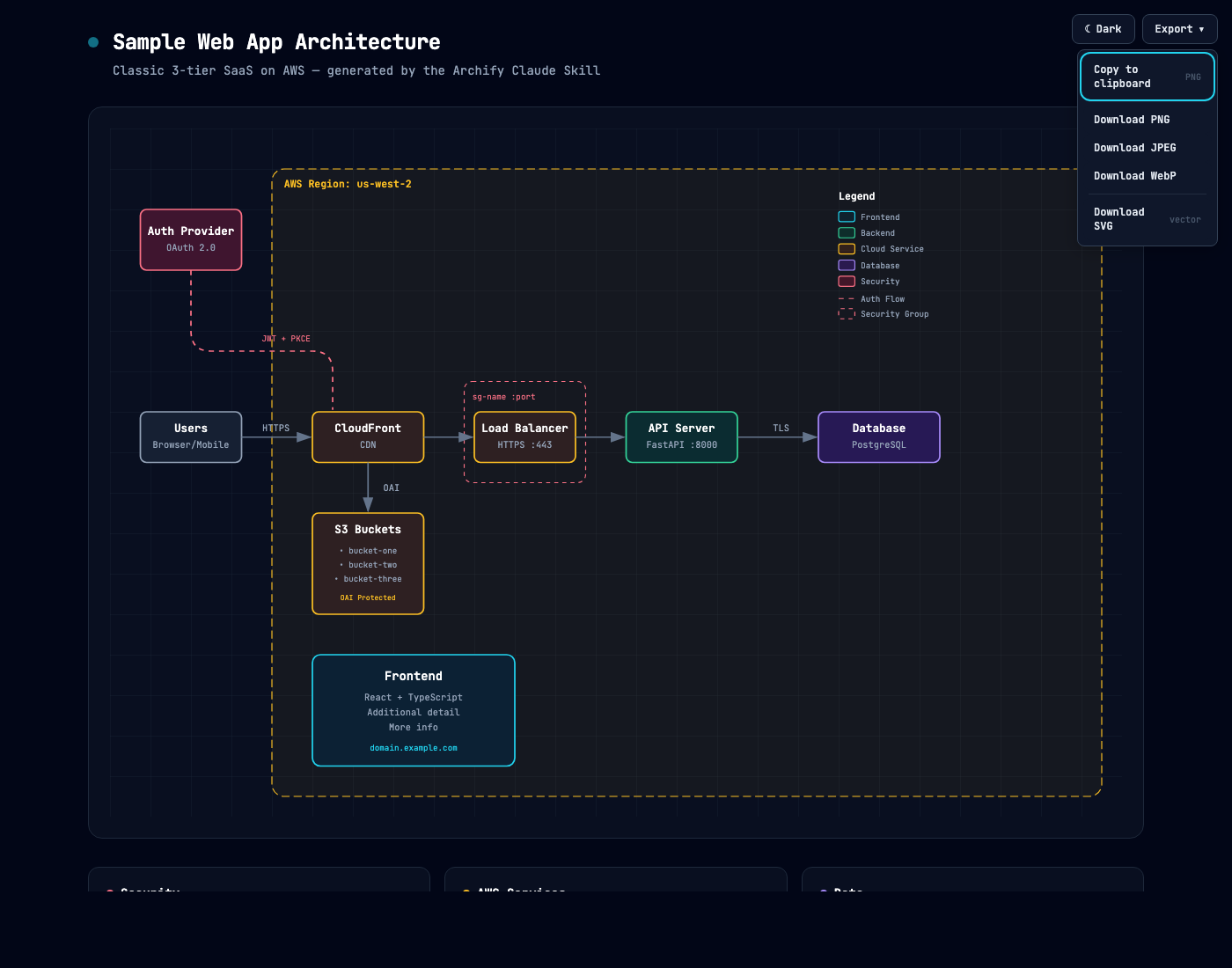
- Copy PNG to clipboard — one click writes the diagram straight to your system clipboard via `ClipboardItem`. Paste into Slack, Notion, GitHub, Figma, Keynote, anywhere. No download + drag dance.
- Export scale selector (1× / 2× / 4×) at the top of the Export menu. 1× for chat embeds, 2× retina default, 4× for conference slides and print. Selection persists per browser. Keyboard: `←` / `→` on the selector to switch.
- Toast feedback after copy so you know it landed.
- URL param `?openExport=1` auto-opens the menu on load — useful for screenshots and embedded demos.
Install
Claude.ai: Settings → Capabilities → Skills → + Add → upload `archify.zip`.
Claude Code CLI:
```bash
If you have v2.0 already installed, replace it
rm -rf ~/.claude/skills/archify
unzip archify.zip -d ~/.claude/skills/
```
Preview
The new Export menu with scale selector and Copy PNG:
See CHANGELOG.md for the full list.