
SquachWatch^2. Squachy has spent his whole life on screens you leave on a desk. He has watched you leave. He has watched you come back. He has never once been invited along. This release is the one where he stops asking and just climbs onto your arm: SquachWatch now runs on the LilyGo T-Watch S3, a real wristwatch, in beta. He had to squeeze into a square screen a bit over an inch across, learn what a battery is, and find out that wrists move. He is thrilled. He is also slightly smaller.
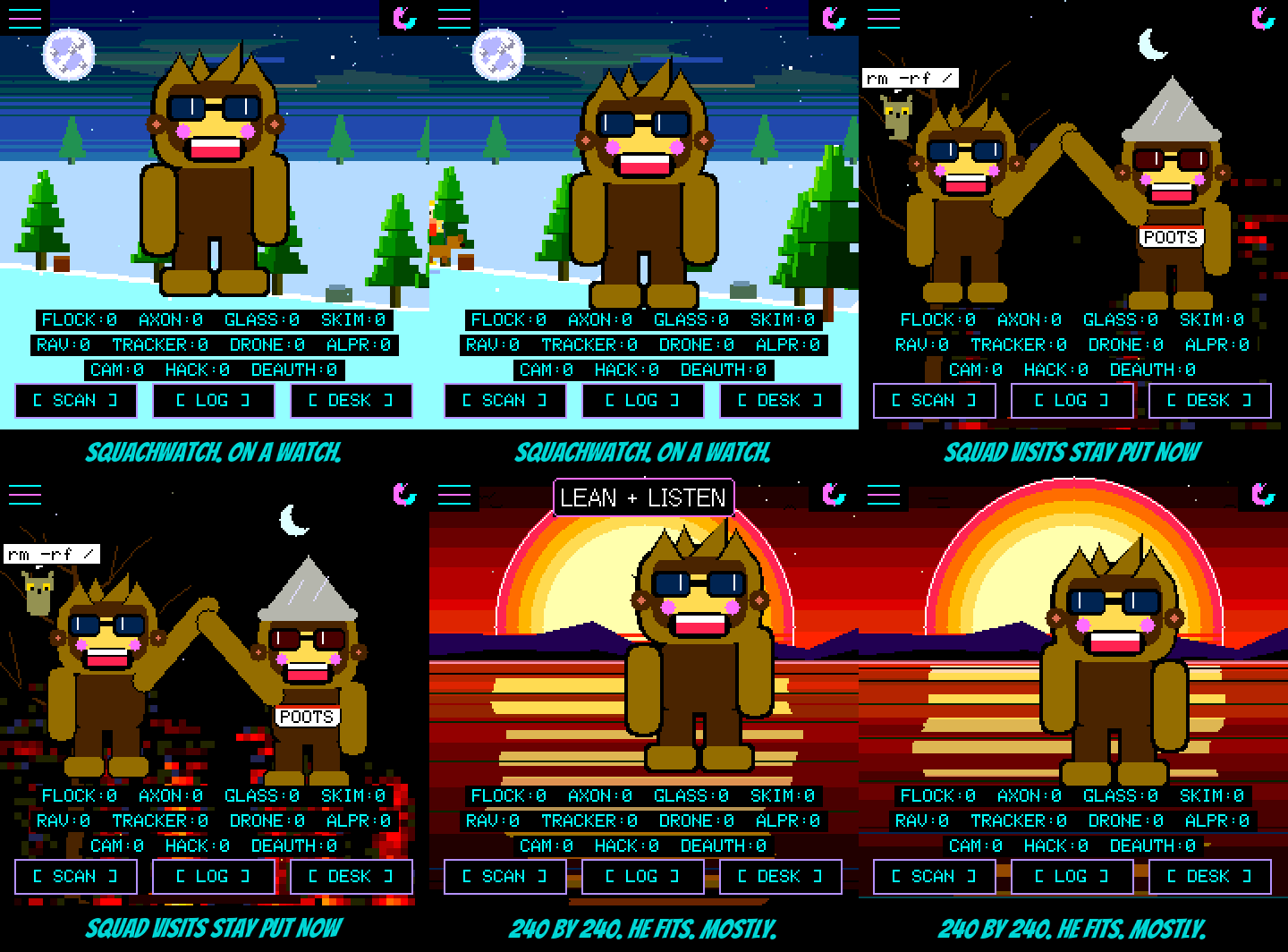
Pick it on the flasher. It's in the board list as LilyGo T-Watch S3 (BETA). Plug the watch in, install, and do the touch targets and the colour check on the watch. The flasher then sets the watch's clock for you on its own. You don't need to press anything, just leave the page open until it says it's done.
He keeps time now, even dead. The watch has a little clock chip with its own backup cell, and Squachy writes the real time into it the moment he learns it. Flat battery, full power-off, a week in a drawer: he wakes up knowing what day it is. He also learned the hard way that the factory leaves China time in that chip, eight hours off, so he only believes it once he has set it himself.
The crown is the off switch. One press and the screen goes dark, on the charger or not. Another press, or a tap, brings him back. On battery the screen always goes dark on its own after the timeout, whatever POWER SAVER says, because a screen left on is not something a wrist has ever wanted. On the charger it stays lit like a desk clock. If you really want it on all the time, SCREEN TIMEOUT still has NEVER, and he'll respect your terrible decision.
He buzzes. An alert gives you a double tap on the wrist, so you feel the tracker before you look. A device you asked him to WATCH gets three long buzzes. A room full of doorbell cameras gets one buzz every ten seconds at most, because he has been in that room and it was a lot. An alert lights the screen, and if you had darkened it with the crown, it goes dark again once the alert is over.
He naps his radios. WiFi is the expensive ear. With POWER SAVER on and the watch off the charger, it listens five seconds in every thirty, while Bluetooth never stops listening, because trackers walking past are the catches that can't wait. The watch's own settings have a new WATCH group at the top, with the battery level, the radio setting, and the buzz switch. There's a small clock in the top-right corner of the main screen too, which steps aside politely for the rotate button and the padlock, and hides under anyone's speech bubble.
Squad visitors stop blinking in and out. On every board. The "how long since I heard this visitor" sum could come out a few milliseconds negative, when a beacon landed in the middle of a screen update. Read the wrong way, a few milliseconds ago was forty-nine days ago, so he waved goodbye and then hello again to the same Squachy. The watch did it constantly, the other boards now and then. Fixed. Members also get twenty seconds of silence before they count as gone, up from twelve, because an arm in the way shouldn't end a visit.
Invites land in seconds. A board usually listens to Bluetooth three quarters of the time and leaves the rest to WiFi. That rhythm could line up so badly with the squad beacon that it heard only one beacon in three, and an invite's handshake ran out of time. Now a board listens all the time while an invite is going on, and goes back to normal the moment it's done. Offer on one board, accept on the other, done before you've put the phone down.
The actually-useful part
Added
- The LilyGo T-Watch S3 as a beta board on the flasher: ESP32-S3, 240x240 touch screen, battery, and its own partition table and bootloader.
- The watch's crown turns the screen off and on. The screen times out on battery whatever POWER SAVER says, stays lit on the charger, and keeps NEVER as an override.
- Alert buzzing on the watch: a double tap per alert, at most one every 10 seconds, and three long buzzes for a WATCH target. BUZZ in the WATCH group switches it off.
- The watch's clock chip keeps the time through a flat battery. It is only trusted once SquachWatch has set it, and its backup cell is now charged.
- A WATCH group in the watch's settings: BATTERY, RADIOS and BUZZ.
- A 12-hour clock in the top-right corner of the watch's main screen, drawn under characters and speech bubbles.
- Radio duty cycling on the watch with POWER SAVER on and off the charger. It defaults to BLE+5/30: Bluetooth always on, WiFi on five seconds in every thirty.
- The flasher sets a T-Watch's clock and zone by itself after installing, once the watch reaches its main screen.
- The watch logs its battery to the black box every ten minutes and at every cable or screen change. BATT and BATTLOG print it on the console.
Changed
- A squad member counts as gone after 20 seconds unheard, up from 12.
- A board listens to Bluetooth all the time while a squad invite is in progress, then goes back to its usual share.
- On the watch, only a device you asked to WATCH keeps the radios from resting. Ordinary alerts no longer do.
- The flasher talks to a T-Watch at 115200 baud, including the manual Set Time & Zone button.
- New console tools for the bench: RADIO, RADIO SCAN, RADIO DUTY, RADIO TEST, PMU, RTC, BUZZ and INTERVAL.
Fixed
- Squad visitors dropping off the screen and straight back on. The visitor's age check was unsigned and read a beacon from a moment ago as 49 days old. The detection log's expiry had the same pattern.
- Squad invites timing out when a board caught only one beacon in three.
- A clock more than six years past the build date is treated as unset, instead of trusted and blocking every real time offer.