
Crash Override. Squachy has been trying to update himself over WiFi for a while now. He'd join the network, find the new version, get about sixteen kilobytes in, and then stand there holding the bag while the download went quiet on him. Then he'd tell you it stopped, which, credit where due, it had. This release is the one where he stops doing that. It is also the one where he admits he'd been reading the wrong label off every update he ever installed.
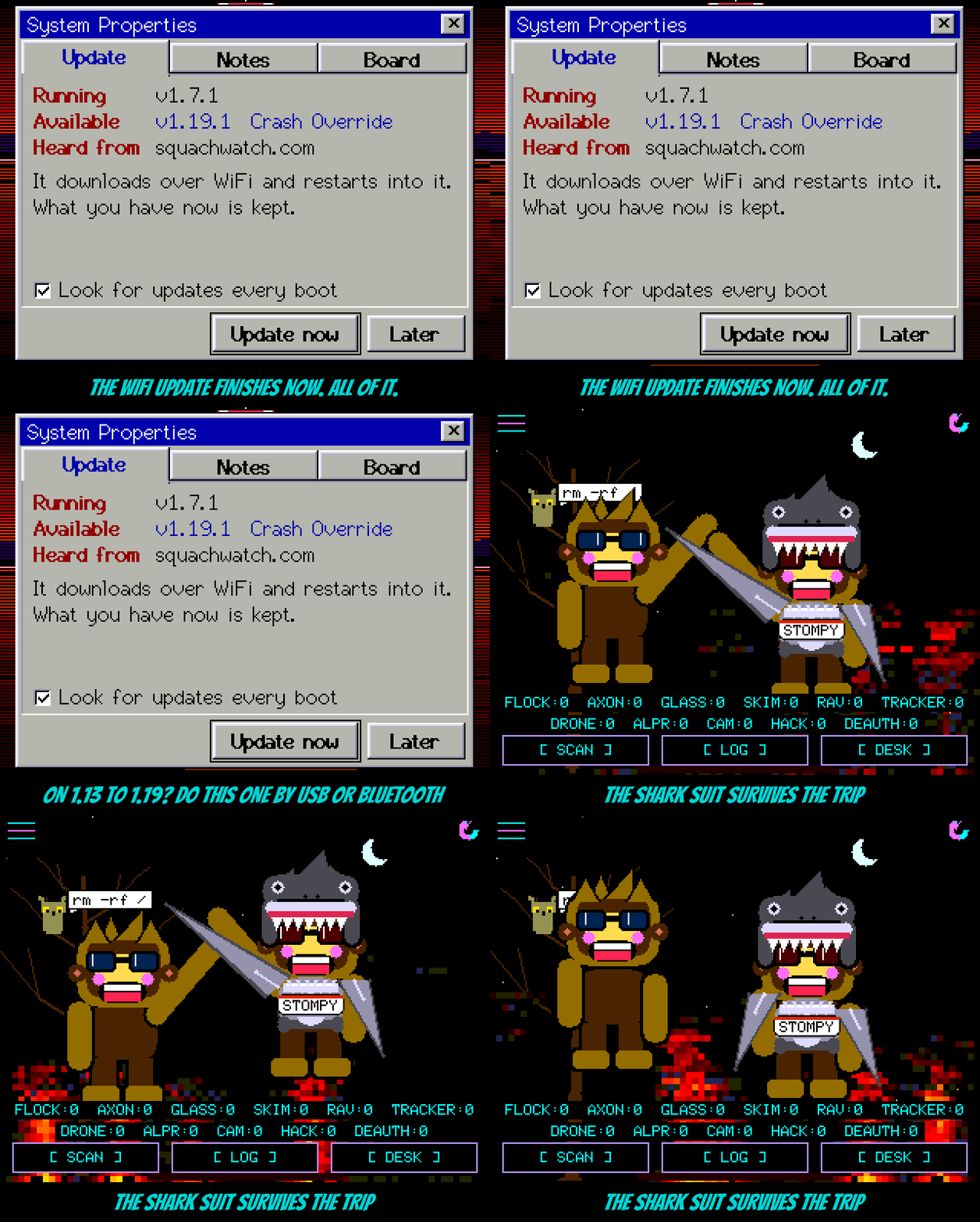
Read this bit first. The broken part was the receiving end, so a board on v1.13 through v1.19 can't fetch this fix over WiFi. It will get sixteen kilobytes in and stop, like it's been doing. Do this one update with the USB flasher at squachwatch.com, or over Bluetooth from the same page. After that, WiFi updates work again and you can go back to never plugging it in.
What was actually wrong. Memory. The download was starting with about eighteen kilobytes of free room and a six kilobyte largest block, and the WiFi radio needs somewhere to put every packet it hears. It put the first few, ran out of places, and the connection died of neglect with the network still perfectly happy. Back in v1.12 the update stopped borrowing the screen's 77 KB drawing buffer because the plain-HTTP download no longer needed one big block. Turns out it needed a lot of small ones. Every feature since then ate the margin, and the Phantom's "Not enough memory to download" was the same shortage biting a step earlier.
So he lends out the screen. The moment you tap INSTALL, the drawing buffer goes to the download and the update screen draws straight onto the glass, which it already knew how to do. When the update finishes the board restarts anyway. When it fails or you cancel, he takes the buffer back on the way out. On the bench that turned "stopped at sixteen kilobytes" into 1.7 MB at 37 to 47 KB/s, signed, installed and confirmed, on two different boards.
He also reads the label now. Every release is stamped with its version inside the signed bytes, and the installer scans for the stamp so it can refuse a step backwards. The scanner had been finding its own search string first, reading the nothing after it, and shrugging. Every update you have ever installed reported its version as blank, and the "that's older than what you're running" refusal has never once fired. It does now. A real v1.19.0 reads as v1.19.0, and a v1.2.0 gets shown the door.
The shark suit survives the trip. A squad member in the shark onesie visited you as plain Squachy, because the mesh only knew about fourteen outfits and the shark was the fifteenth. He wrapped round to no outfit at all and arrived in his fur. The count is tied to the real list now, so the next outfit can't sneak past it either.
And a little housekeeping. The update task asked for twelve kilobytes of stack because TLS once needed it; a whole plain-HTTP update uses three, so it asks for eight. The download logs how far it got and why it ended, and the heap at each step, so the next report of "it stopped" comes with numbers.
The actually-useful part
Fixed
- WiFi updates stopping after 16 to 30 KB on every board since v1.13: the frame buffer is lent to the download from INSTALL until the board is back on an ordinary screen, and rebuilt if the update didn't end in a restart. The Phantom's "Not enough memory to download" was the same shortage.
- The version marker scan read blank on every release, so the older-release refusal never fired. The scanner skips its own literal and anything that doesn't look like a version.
- A visiting squad member in the shark suit arrived with no outfit: the mesh's outfit count was one short and is now tied to the outfit list at compile time.
Changed
- The update task's stack is 8 KB, down from 12; a full update was measured using 3.2 KB.
- The download logs its progress every 256 KB, why it ended, the heap at each step, and the reason for any WiFi drop mid-update.
Note
- Boards on v1.13 through v1.19 cannot take this update over WiFi. Use the USB flasher or the Bluetooth update once; WiFi works again after that.