
A new look for Orbit, with 400 more games to explore.
- 400 new games: 200 PS5 and 200 PS4, bringing Orbit’s catalogue to 1,601 games: 1,001 PS5 and 600 PS4.
- 2,085 more download options. There are 532 links for the new games and 1,553 additional source or format choices for 700 existing games. The catalogue now offers 4,050 download options across Archive.org, Vikingfile and AkiraBox. Our promise remains the same: single-link downloads.
- Three new interfaces across all apps. Choose Crossbar, Cinema or Panorama in the native PS5 app, browser and Orbit Zero. Store remains the default, and your queue, favourites and settings stay with you when you switch.
Orbit Store · PS5 browser and native app
- Browse without page breaks. Keep scrolling through Discover’s All games, Browse and Library. More items appear as you move through the list.
- Controller navigation throughout. Move between sections, games and their actions, with menus and confirmation panels keeping the selection while they’re open.
Orbit Zero · Mac, Windows and Linux
- A refreshed desktop experience. The new interfaces also cover Console, Downloads, Library and Settings.
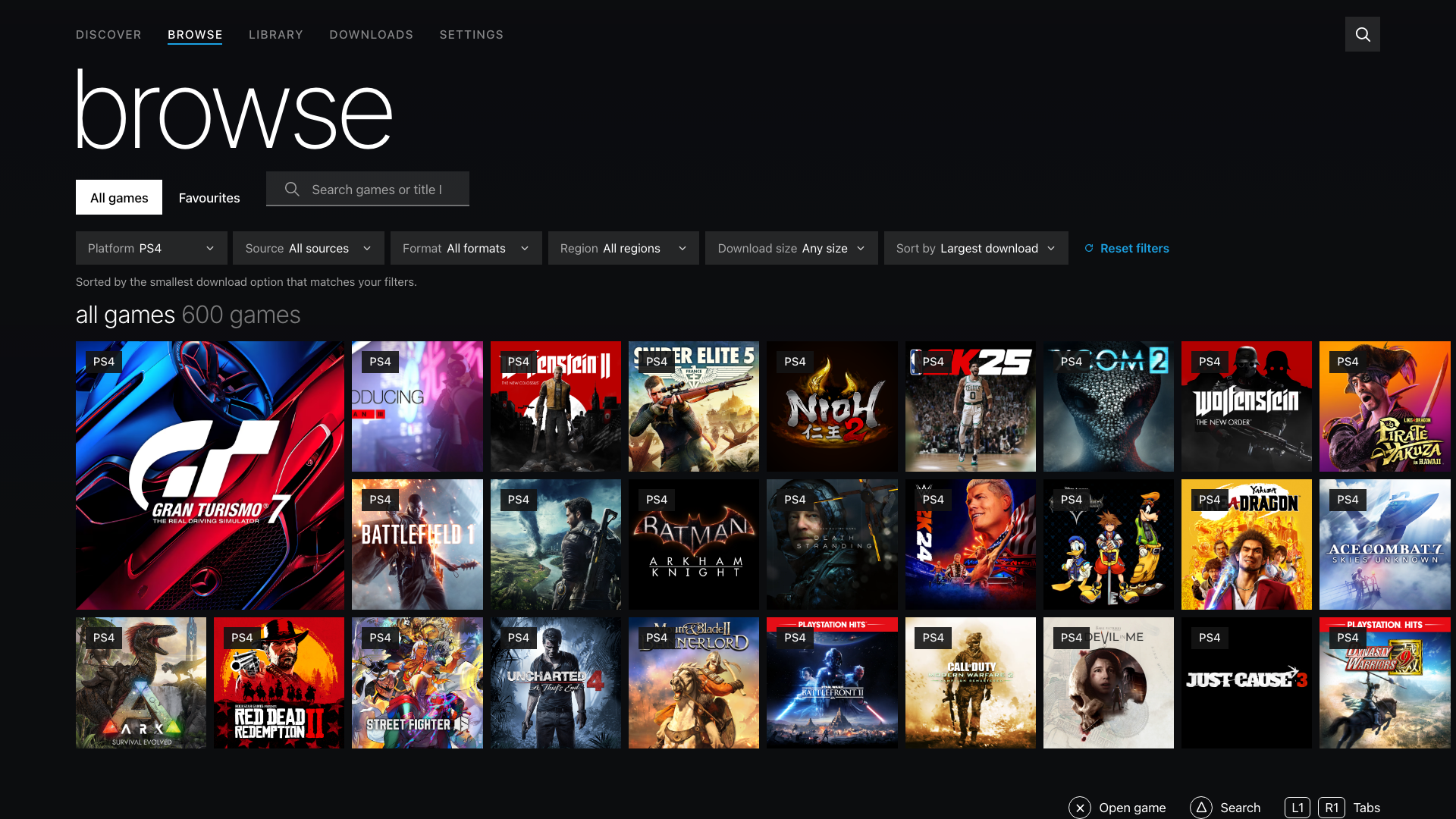
- More Browse controls. Show favourites, filter by download size, change the sort order and reset your filters across every interface.
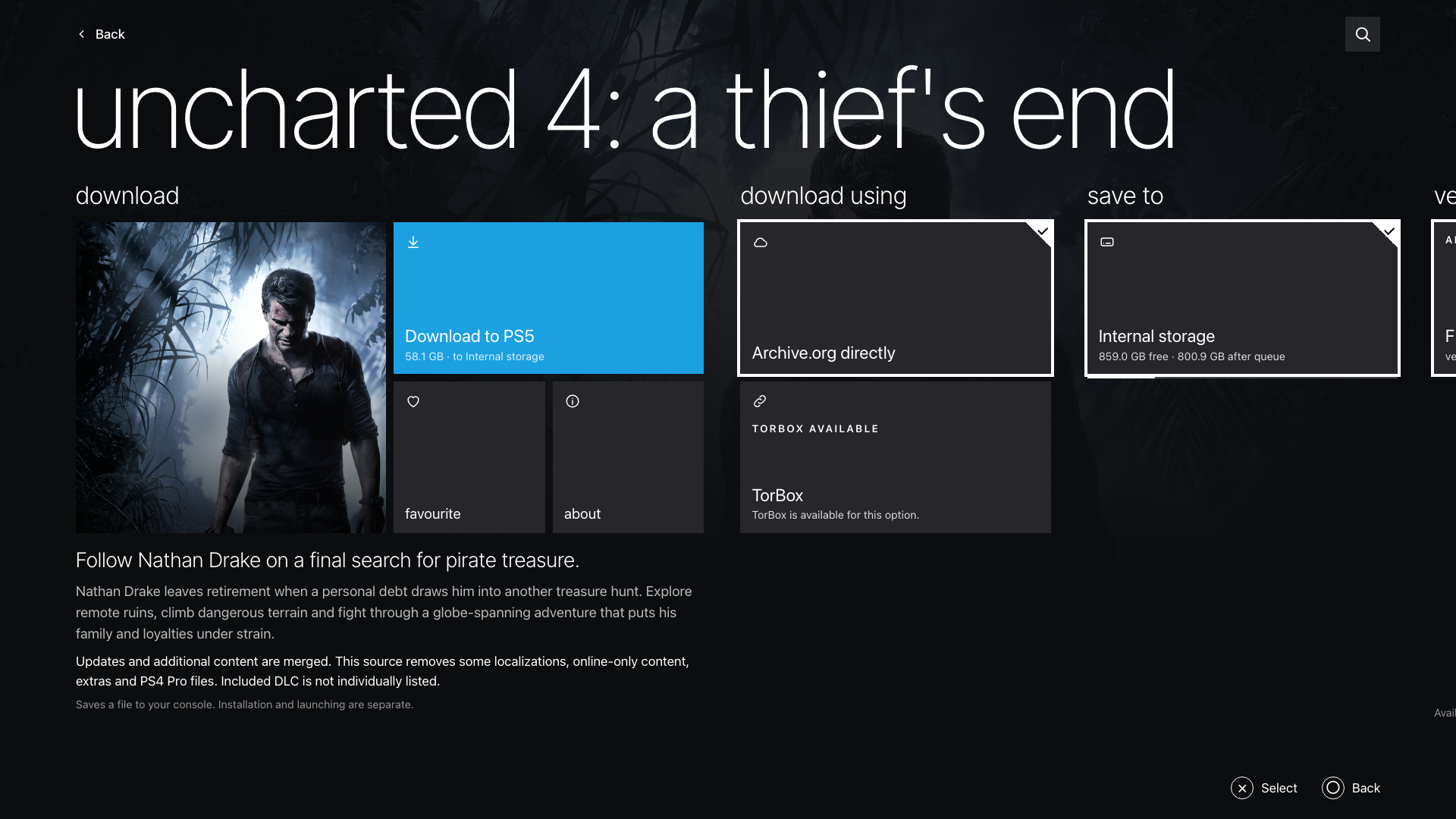
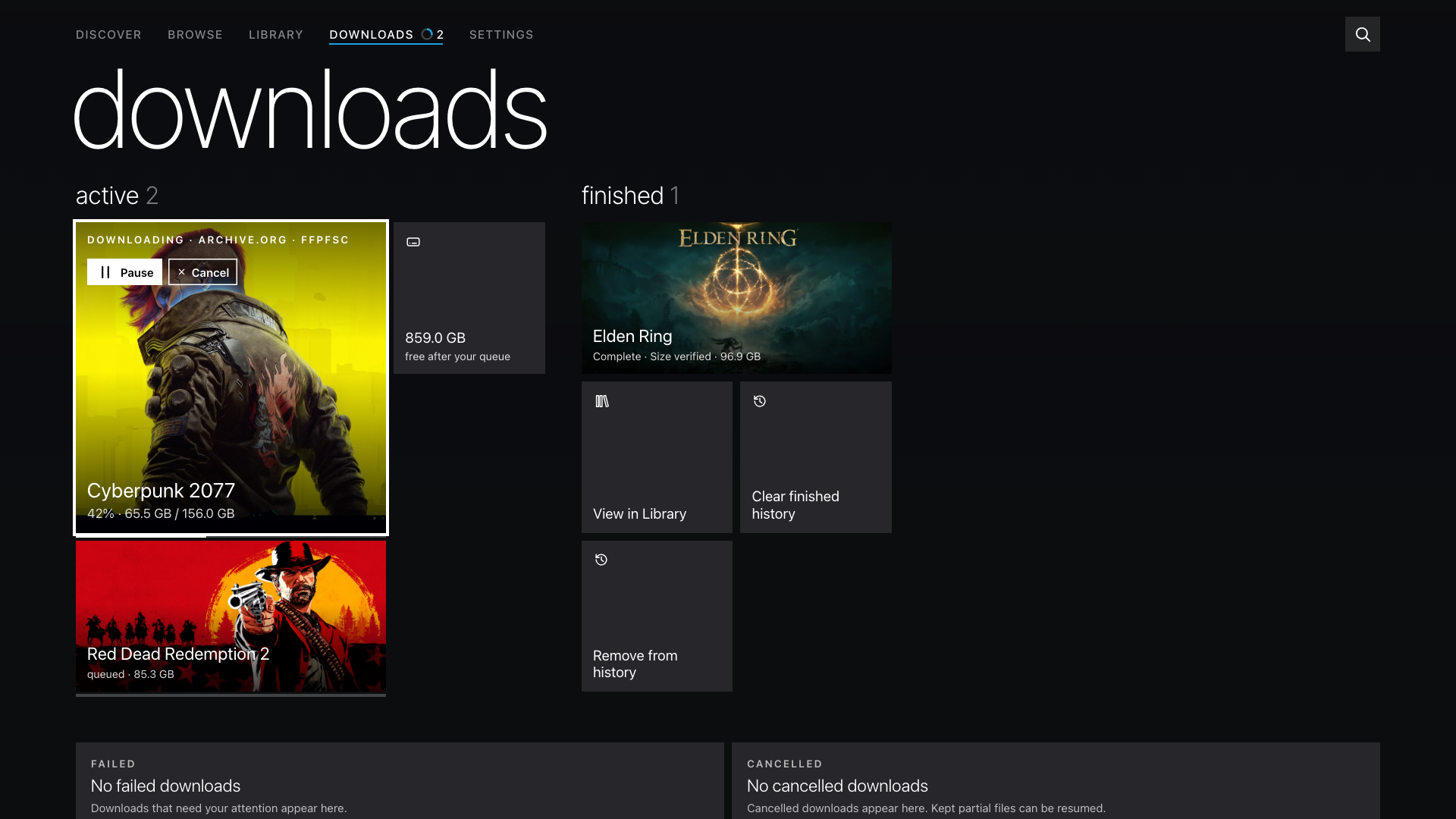
- Find your downloaded files. Download details show the full PS5 destination and the computer location while a cached copy remains.
Install Orbit Zero on Mac, Windows or Linux · Set up a PS5 without internet · Update Orbit Store on PS5
Crossbar
Browse
Game details
Downloads
Native app previews rendered locally. Download progress and storage are illustrative.
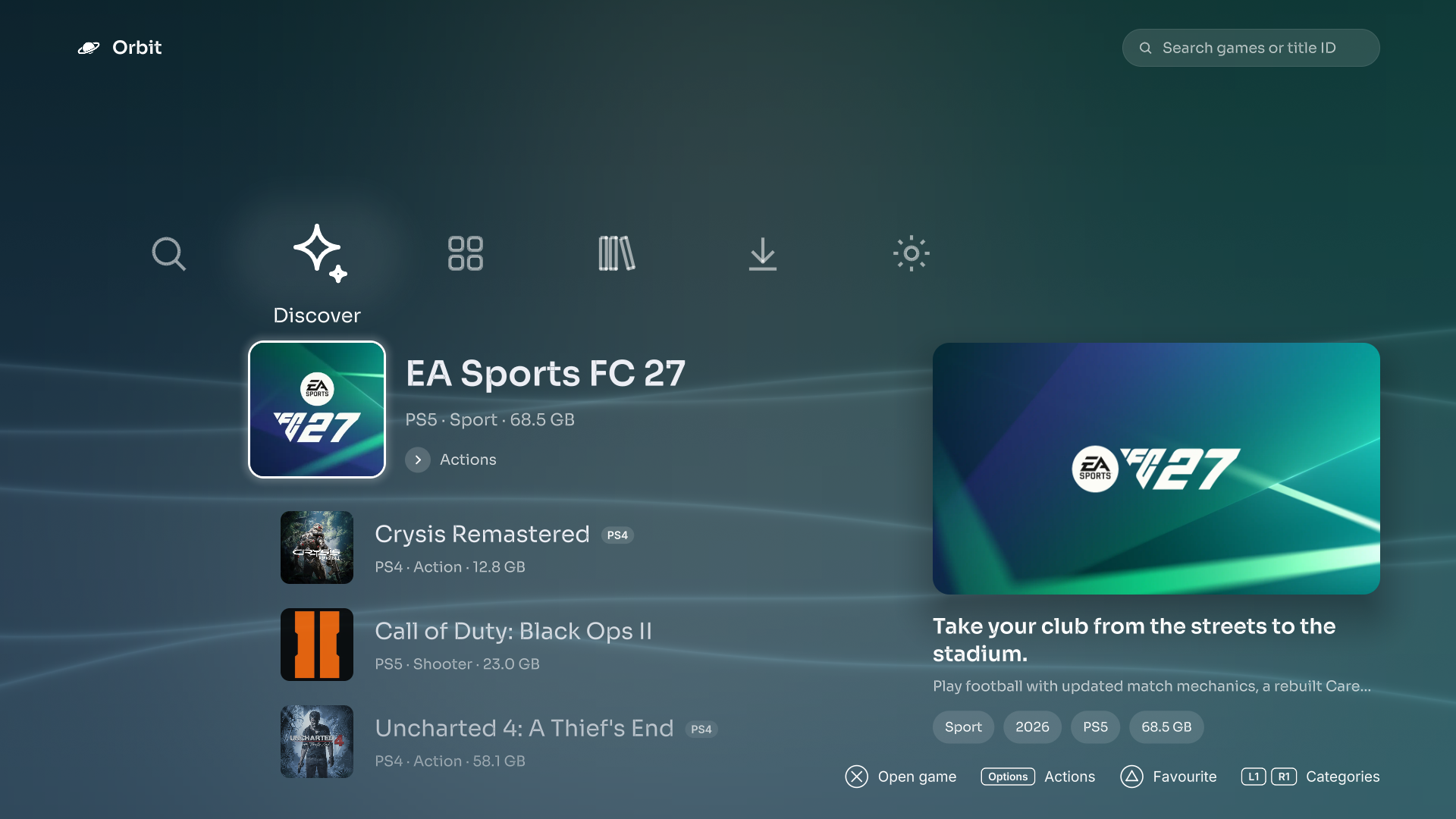
See more: Browse, game details and Downloads in Crossbar
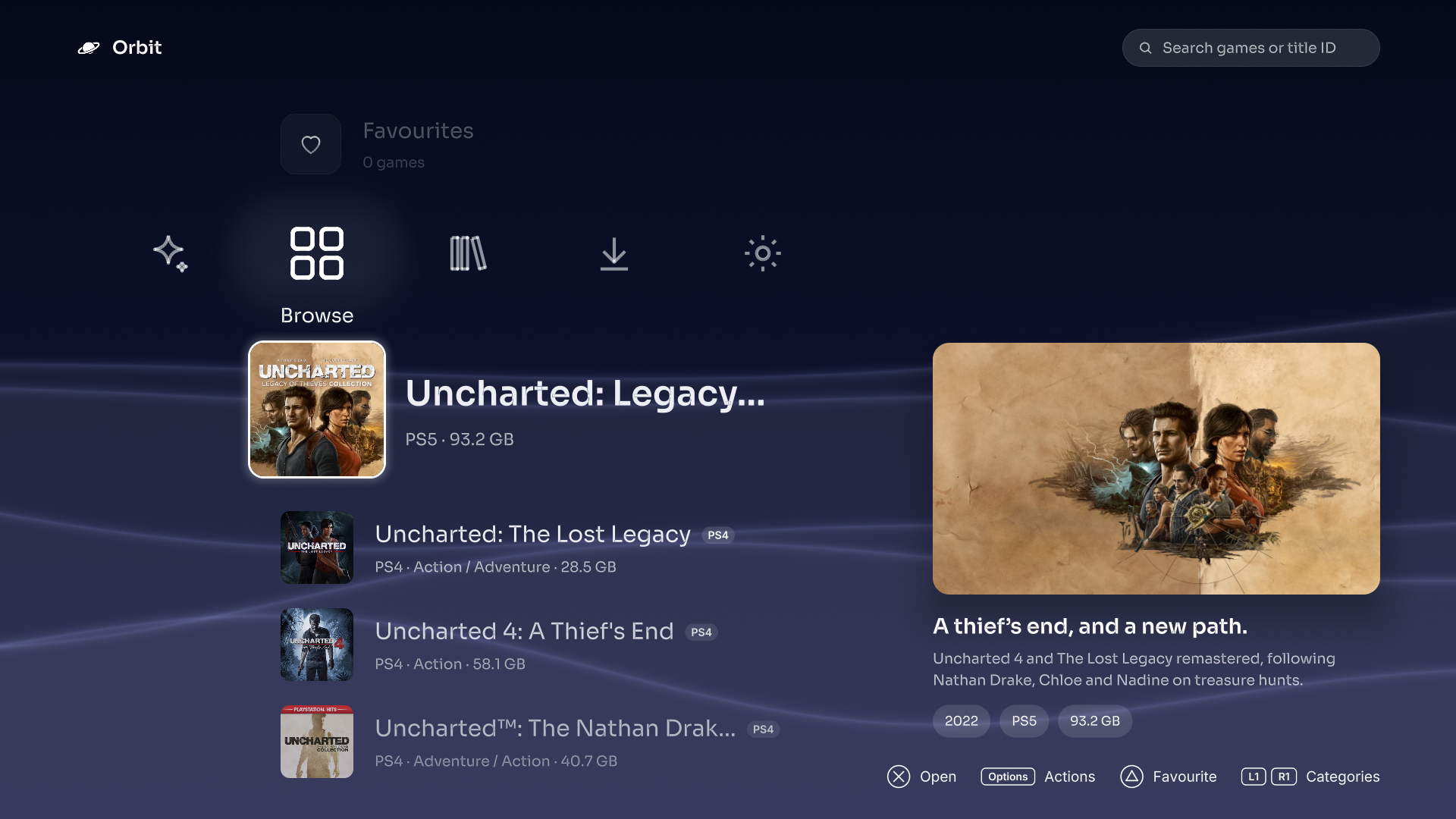
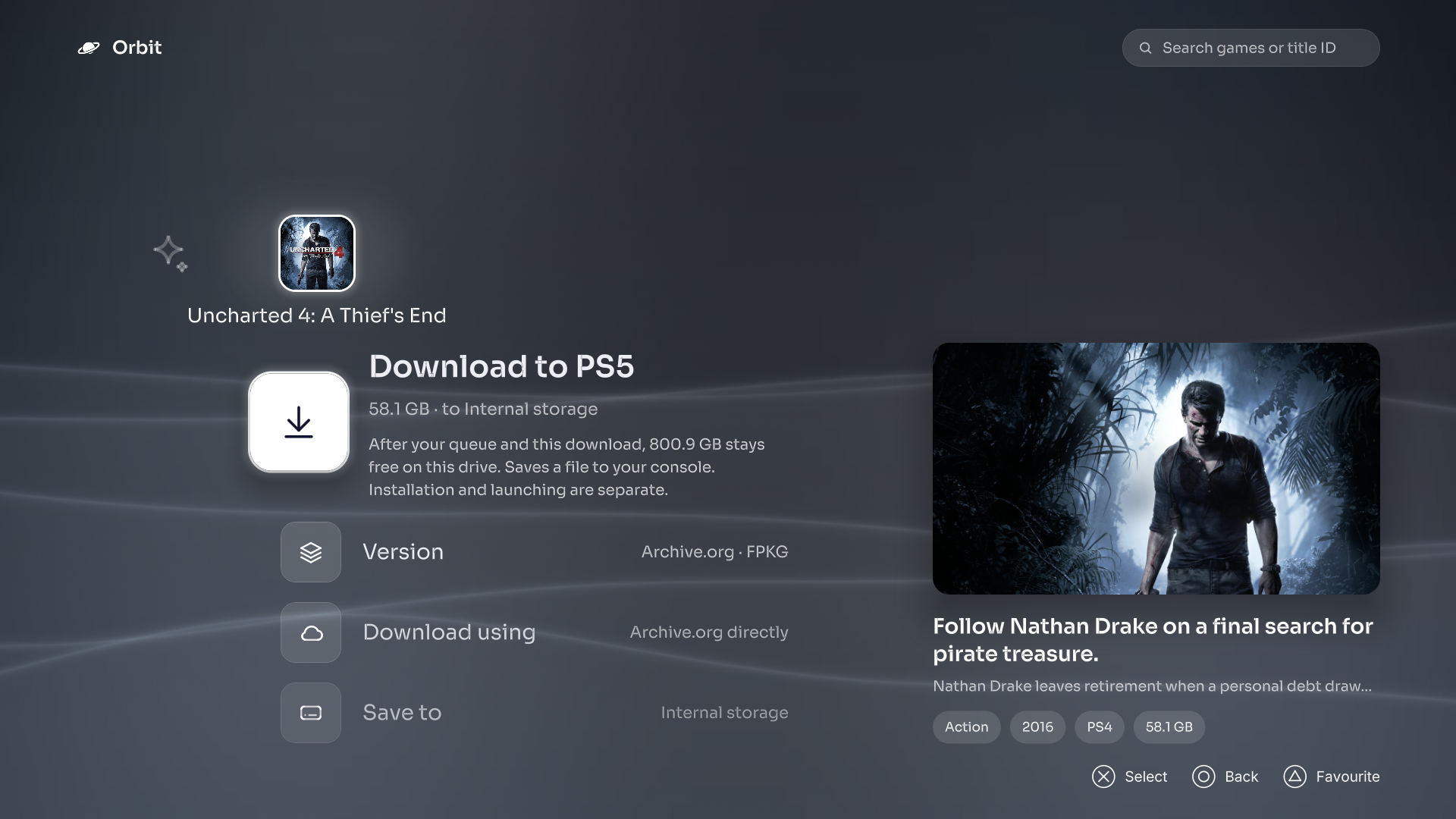
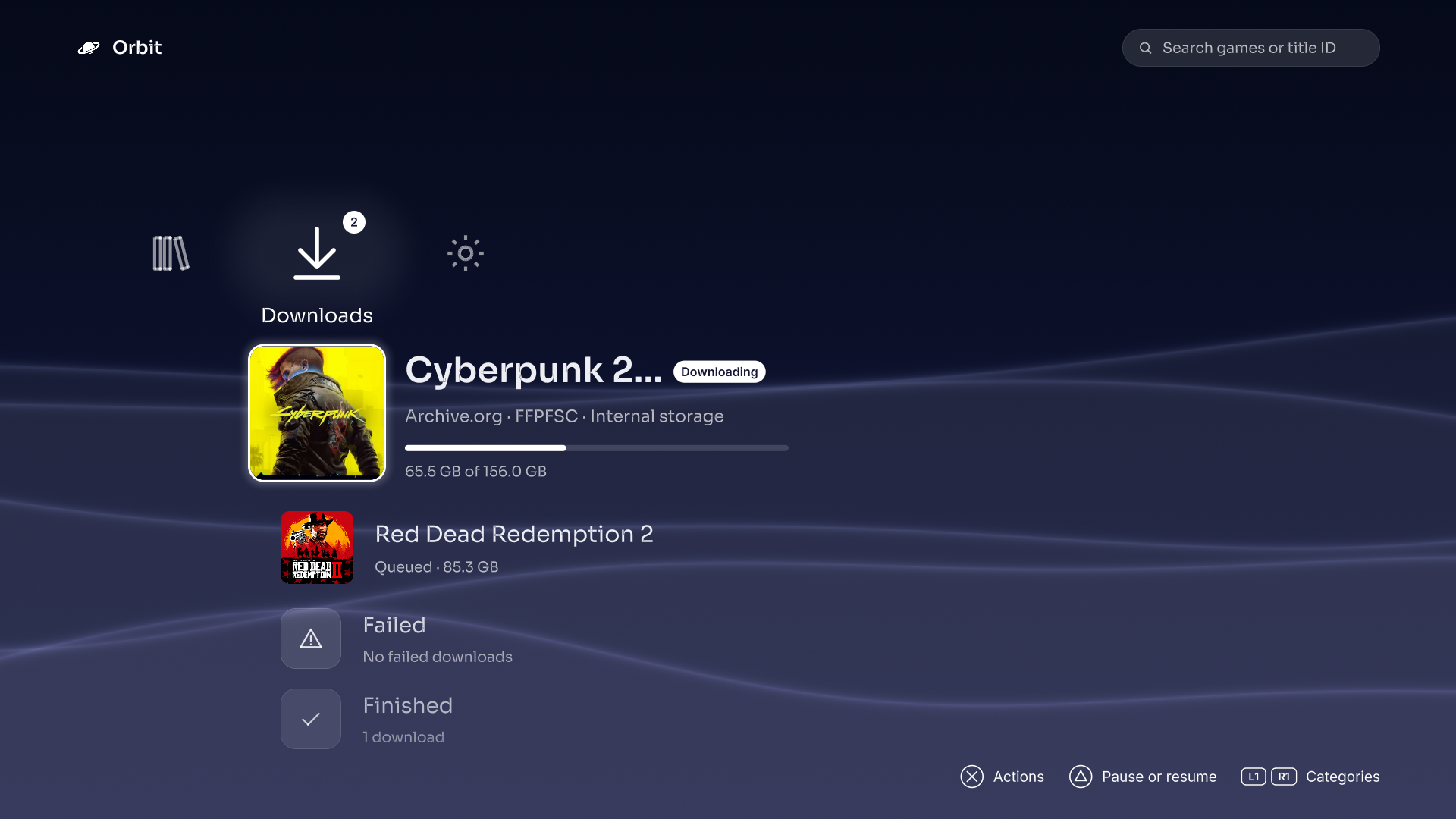
Cinema
Browse
Game details
Downloads
Browser app previews rendered locally. Download progress and storage are illustrative.
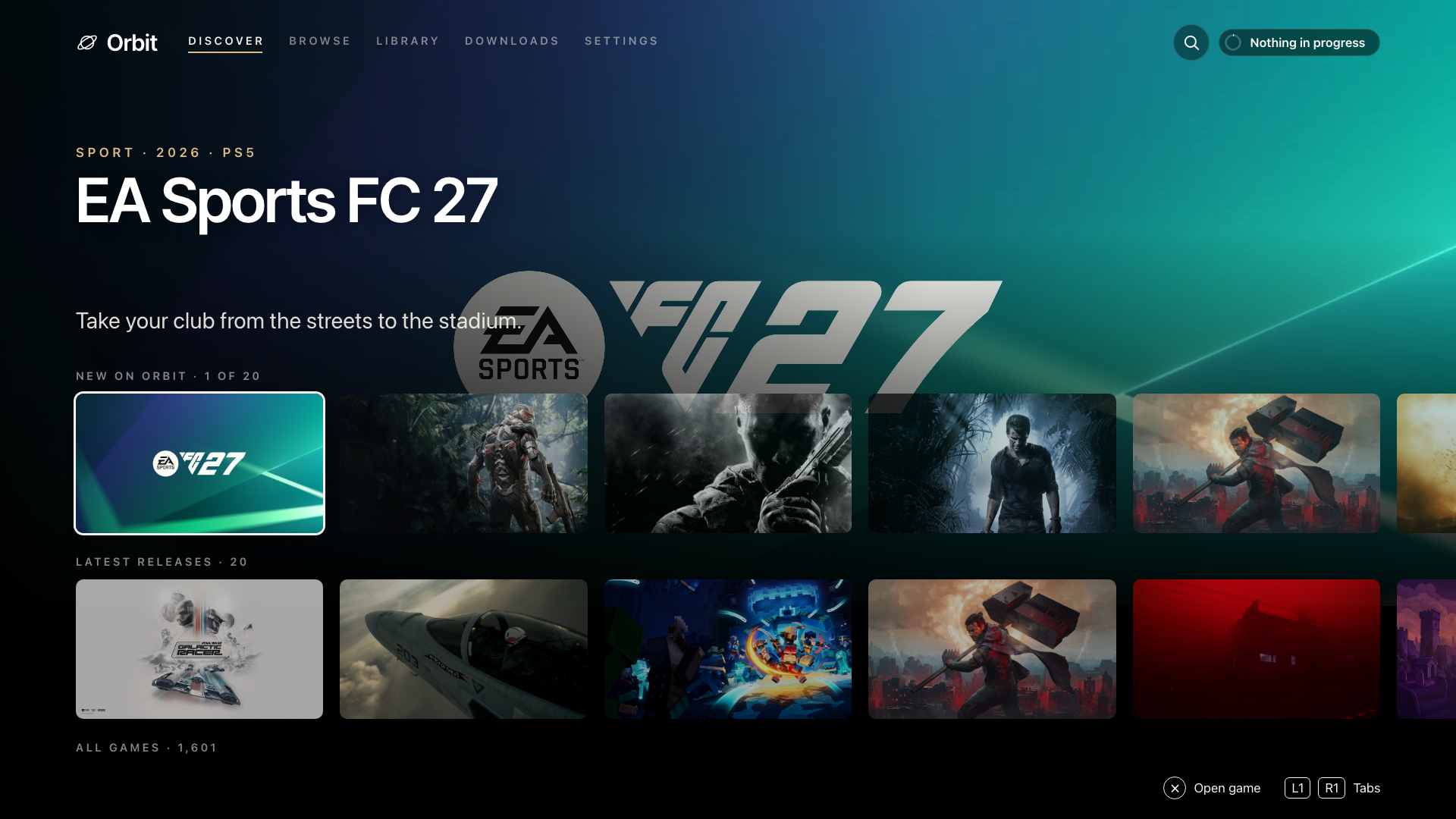
See more: Browse, game details and Downloads in Cinema
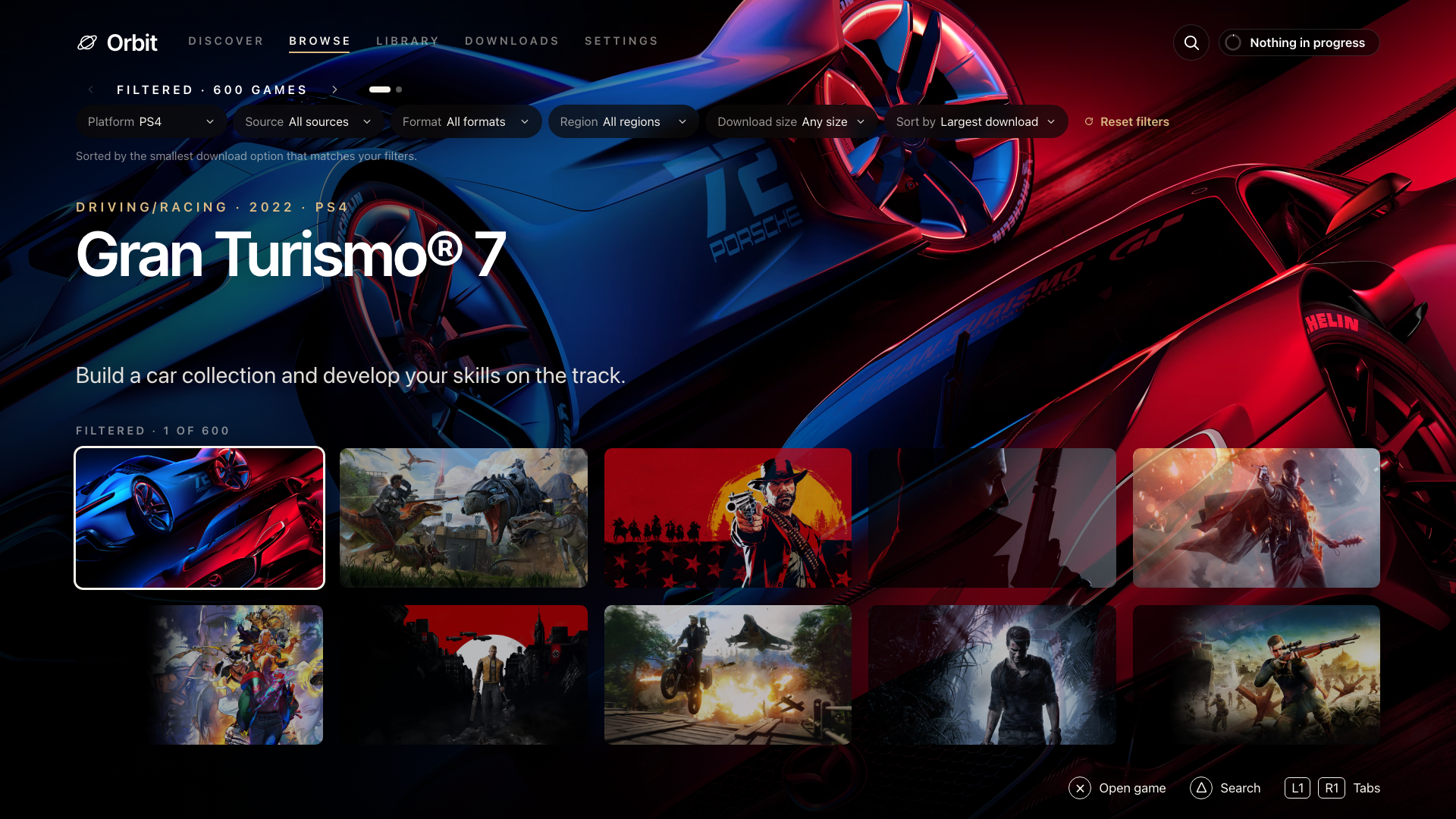
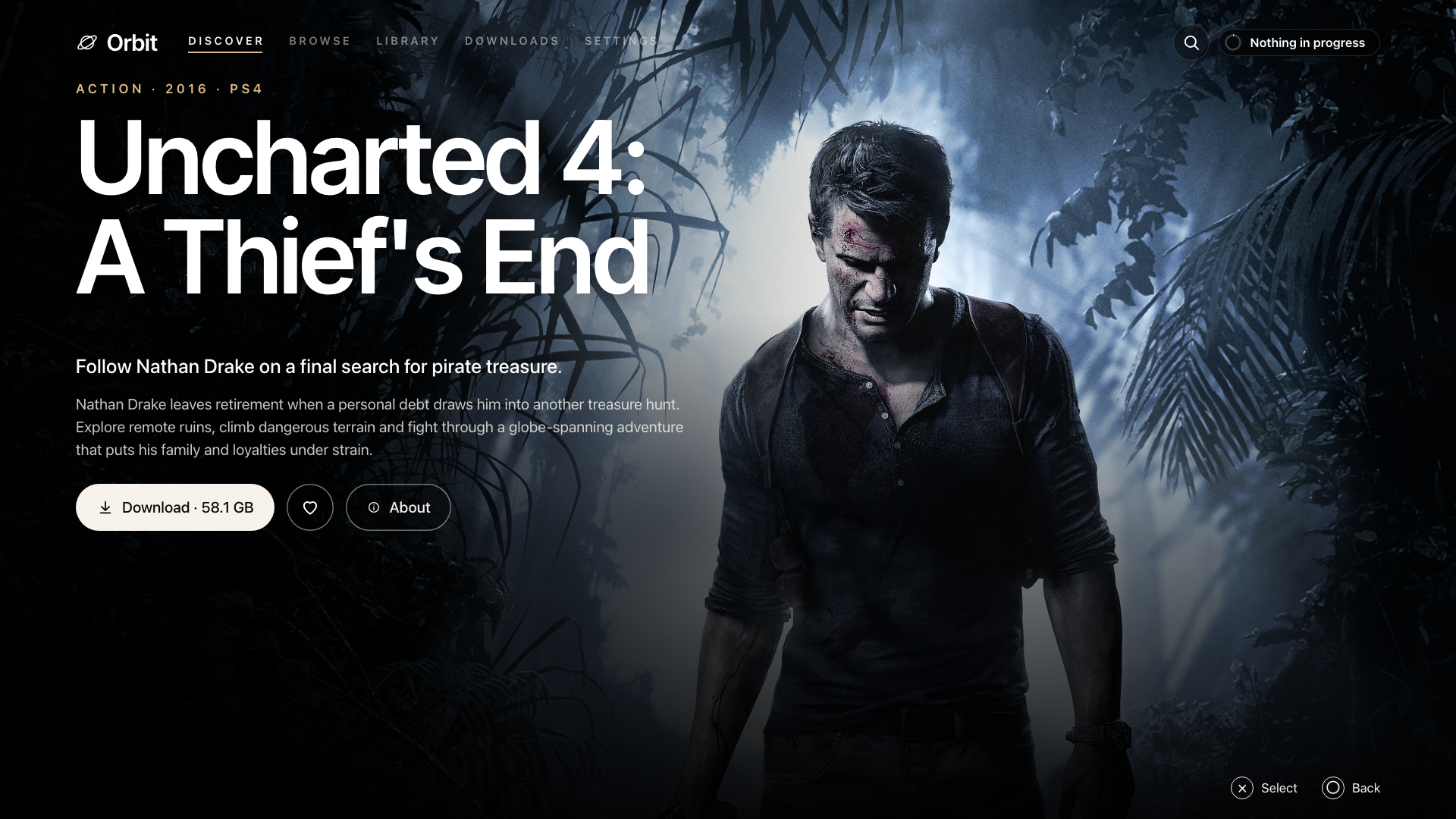

Panorama
Browse
Game details
Downloads
Browser app previews rendered locally. Download progress and storage are illustrative.
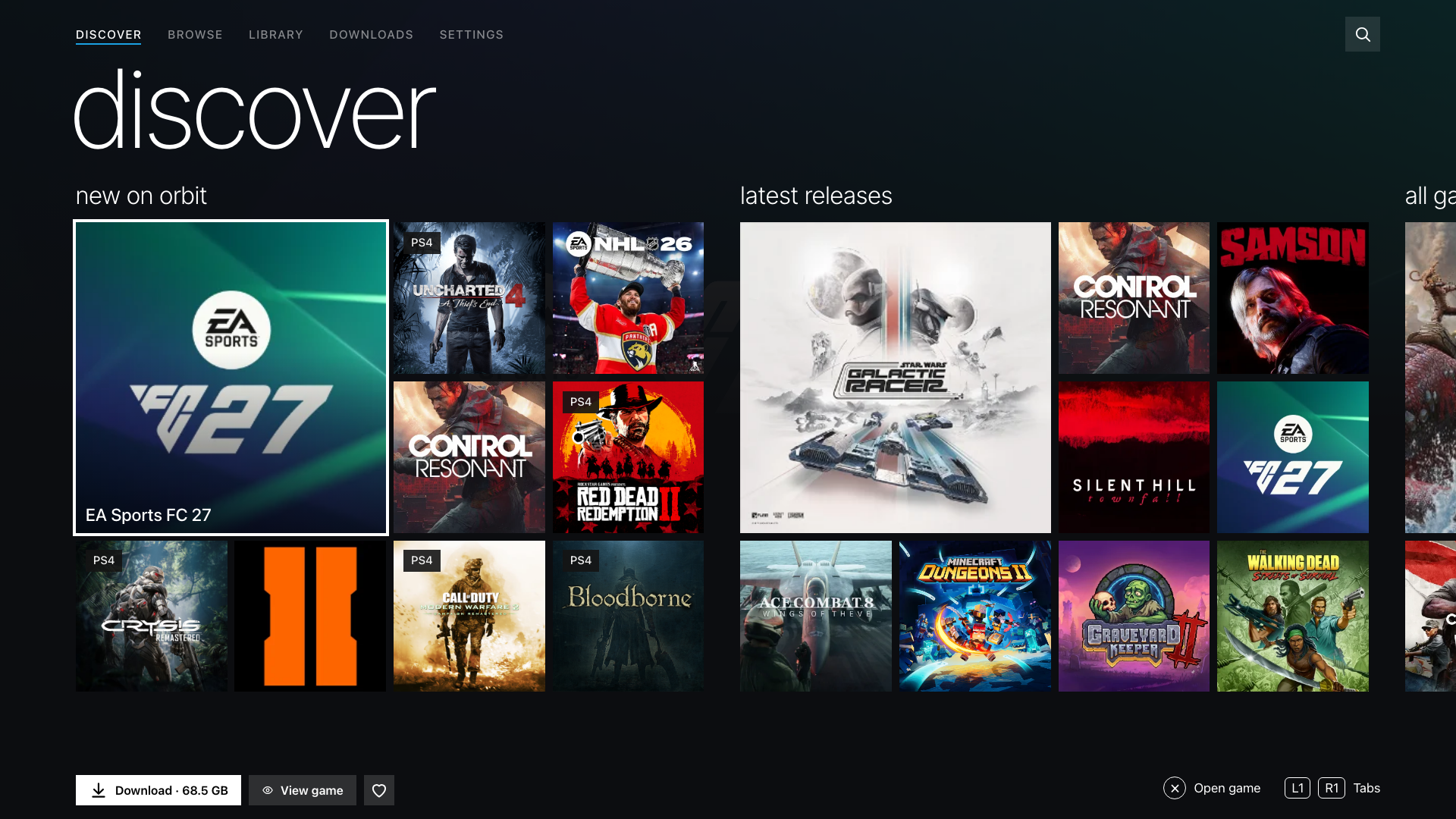
See more: Browse, game details and Downloads in Panorama
Install the native TV app
Download PPSA99177.ffpkg from Assets, verify its .sha256, and copy it to /data/homebrew/ on your PS5. Let ShadowMountPlus register it, then open Orbit Store from the Games row. The native app is 1.6.0, bundled with Orbit Store 1.3.0.
If an older Orbit service is running, stop it before opening the updated app so the new service can start. Native installation and update guide.
Use or update the browser version
Download orbit_store.elf and its .sha256 from Assets, verify the checksum, then run the ELF through Payload Manager or your ELF loader. Open the Orbit shortcut in the Media tab, or http://<ps5-ip>:34177/ on another device on the same local network.
To replace a running version, select App settings → Update / reinstall → Stop Orbit to restart, then launch the new ELF. Pairing, source choices and the queue remain saved.
Install Orbit Zero on your computer
Choose the Orbit Zero 1.3.0 package matching your computer from Assets:
- Mac:
mac-arm64.dmgfor Apple Silicon, ormac-x64.dmgfor Intel. Open the DMG and drag Orbit Zero into Applications. - Windows:
win-x64.zipfor Intel/AMD, orwin-arm64.zipfor ARM. Extract the whole ZIP, then open Orbit Zero.exe. - Linux:
linux-amd64.debfor Intel/AMD Ubuntu/Debian, orlinux-arm64.debfor ARM64. Portable.tar.gzpackages are also available.
Quit an older Orbit Zero before installing the update. Keep your computer and PS5 on the same local network over Wi-Fi or Ethernet. With your PS5 jailbreak and payload loader running, open Console → Start Orbit on PS5 in Orbit Zero to upload the included service. The PS5 does not need internet when your computer handles downloads.
Installation instructions for all three operating systems.
Downloads and source
SHA256SUMS contains the release checksums. orbit-store-1.3.0-source-bundle.zip contains the corresponding Orbit Store application and dependency sources, licence notices and rebuild instructions. Orbit Zero source is not included.