
Orbit Store 0.9.0 (Beta)
A big update: 124 more games, FPKG support and a refreshed Orbit Store.
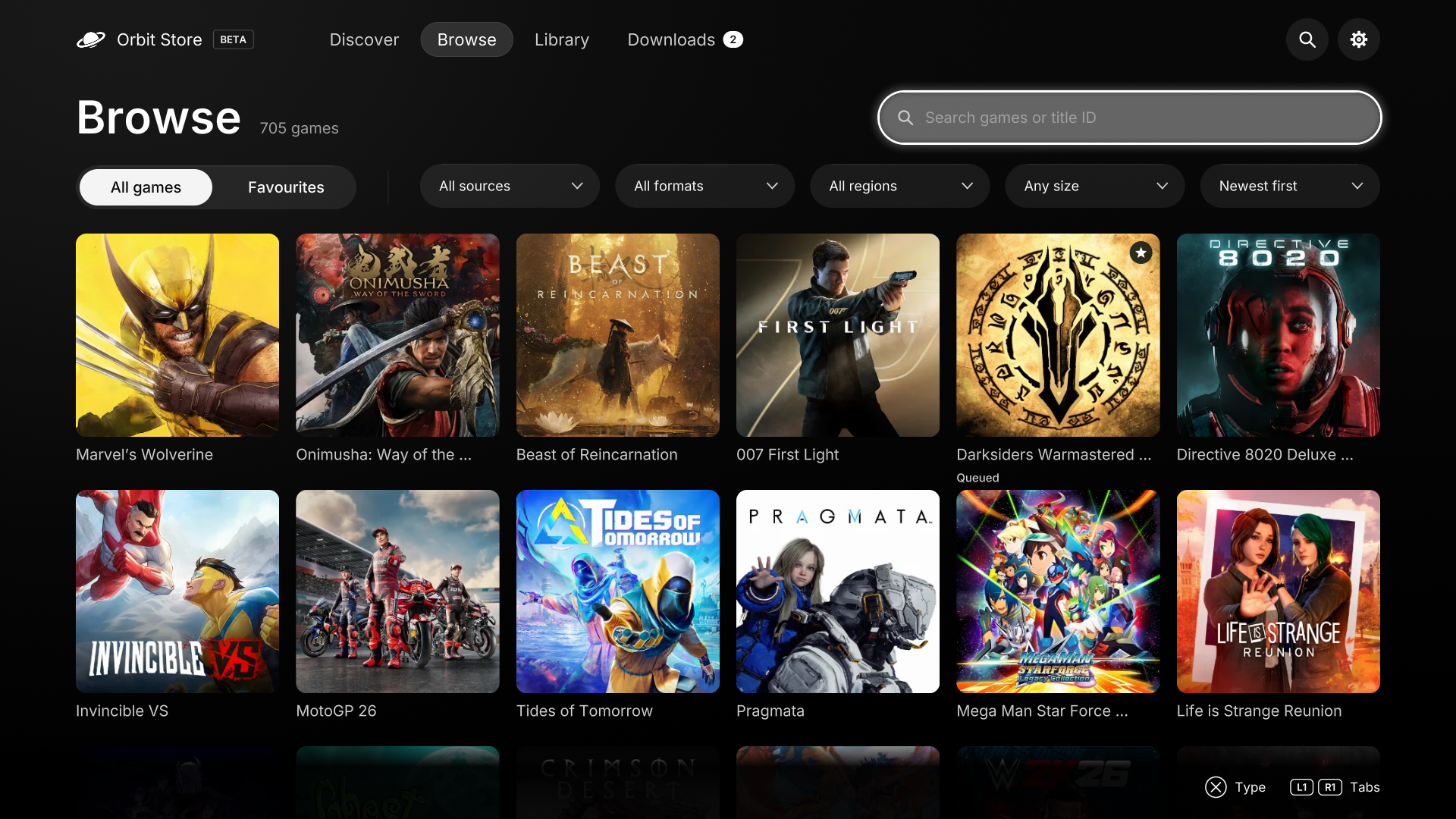
- 124 more games. Browse 705 games with 1,023 download options.
- New format support. FPKG downloads for 153 games.
- More exFAT choices. 107 additional single-file exFAT options across 93 games.
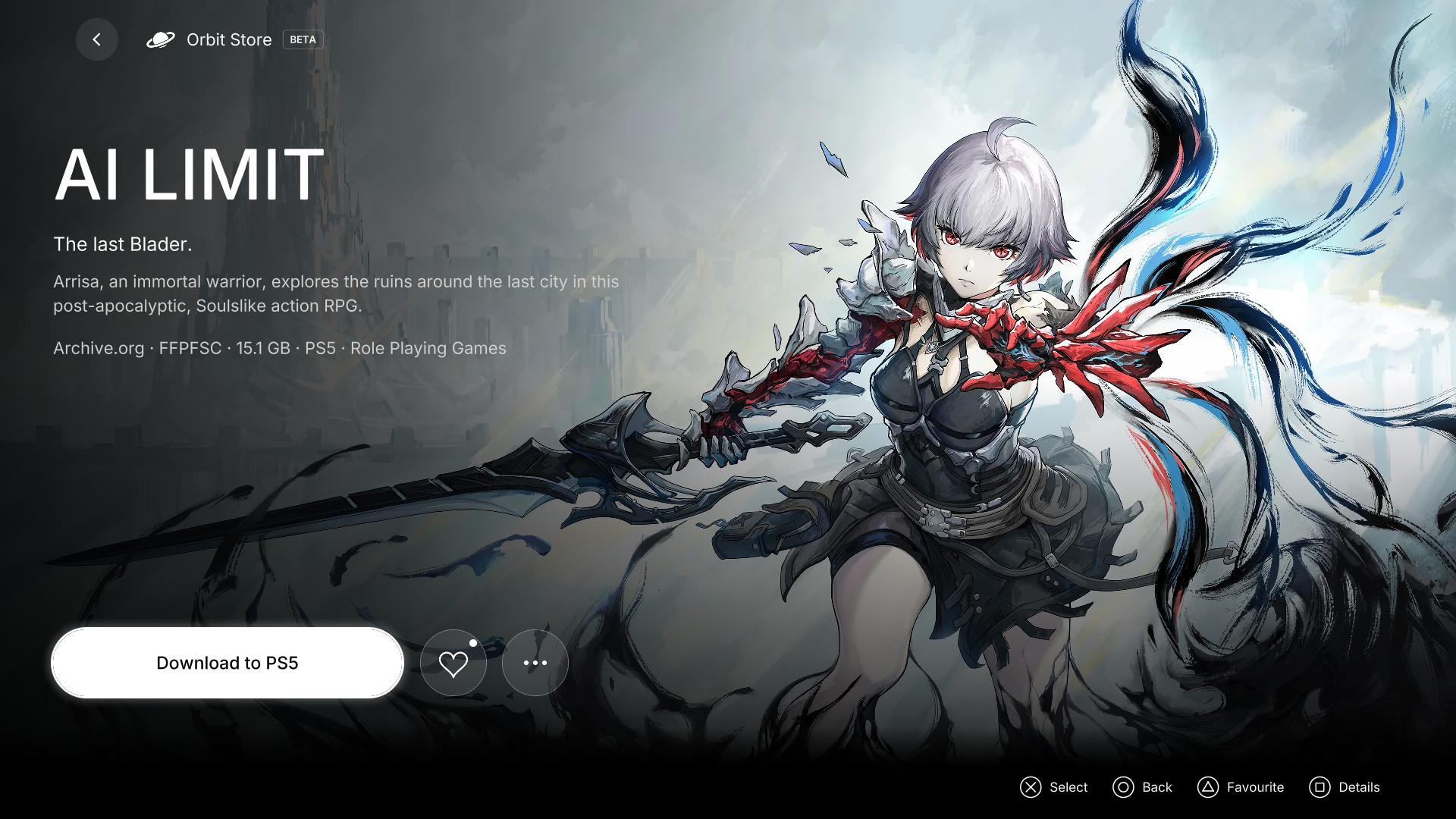
- UI improvements. A new storefront theme across the native and browser apps. Redesigned game pages bring sources, storage and Vikingfile instructions together in download options. Set up TorBox from a game’s download options and return to your selection.
- Region filters. Find downloads for EUR, USA, JPN or ASIA, alongside your preferred source and format.
- Improved M.2 SSD detection. More reliable detection of your M.2 drive and its homebrew download folder.
- Downloads. Delete cancelled downloads and their partial files, remove entries from history, and start fresh after manually deleting a partial file. Cleanup and retry handling are improved across the native app and browser.
Browse
Game details
Install the native TV app
Download PPSA99177.ffpkg and its .sha256 file, verify the checksum, then copy the FFPKG to /data/homebrew/ on your PS5. Let ShadowMountPlus register it and open Orbit Store from the Games row. Discover opens first. Choose your sources in the native app's setup screen or App settings → Download sources.
If an older Orbit service is already running, stop it deliberately before opening the app so its new bundled service can start. The app preserves a newer saved service. The native app version is 1.2.1, bundled with Orbit service 0.9.0.
Use or update the browser version
Download orbit_store.elf and its checksum, then run it through your payload manager or ELF loader. Open the Orbit shortcut in the Media tab, or pair a phone at http://<ps5-ip>:34177/ on the same network.
Existing users can update the service through App settings → Update / reinstall, choose Stop Orbit to restart, then run the saved /data/orbit-store/orbit_store.elf or a synced manager copy. Loading a replacement while Orbit is running saves it for the next start. Pairing, source choices and the queue remain saved.
In the browser, App settings → TV app installs the native app from the official feed. The native app has separate TV app and download service controls under App settings → Updates. Installation and service restart require your choice. After updating the TV app, close and reopen it. If ShadowMountPlus still opens an older app, restart the console when convenient and run your jailbreak again.
Downloads and source
orbit_store.elfandorbit_store.elf.sha256: download service and browser interface.PPSA99177.ffpkgandPPSA99177.ffpkg.sha256: native TV app, including the same ELF.orbit-store-0.9.0-source-bundle.zip: complete application source, corresponding dependency sources, licence notices and rebuild instructions for both programs.
Run shasum -a 256 -c <filename>.sha256 beside each binary to verify it. Source-bundle contents have their own SOURCE-SHA256SUMS.
Orbit Store is in beta. The game catalogue offers single-file FFPFSC, exFAT and FPKG options. FPKG downloads save a .pkg file; install downloaded game packages separately. The native app FFPKG is Orbit itself. Keep the PS5 awake during downloads. Library actions require a compatible ShadowMount v1 local API. See the guides for setup and troubleshooting.
Orbit Store is free software under GPL-3.0-or-later. The application source is built from commit b0a261ed8f74d0fdfab703cce8dcdc18a4db24a6; component sources and licences are listed in THIRD-PARTY-NOTICES.md and SOURCES.json.