
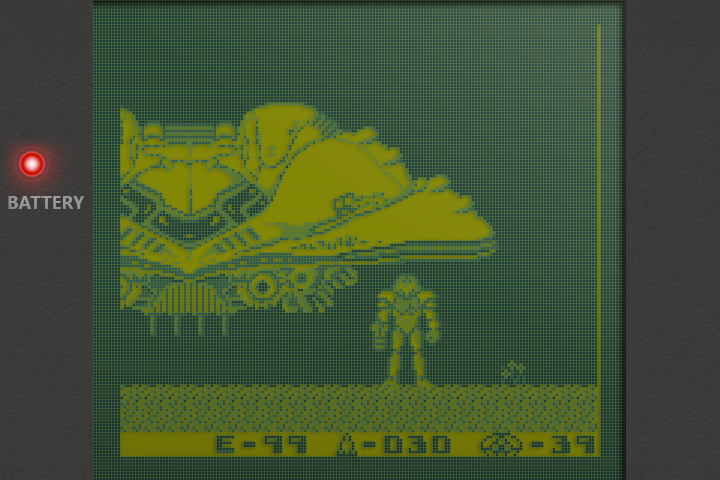
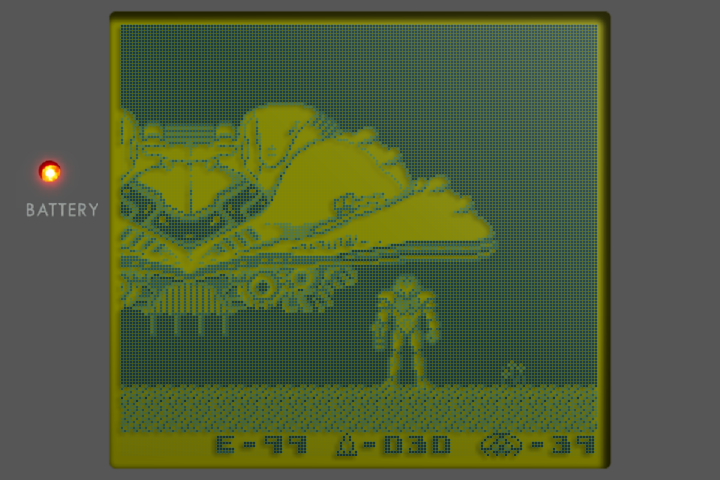
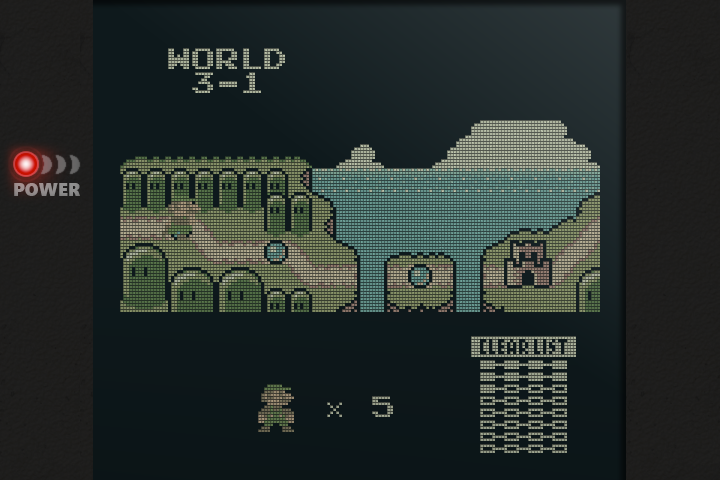
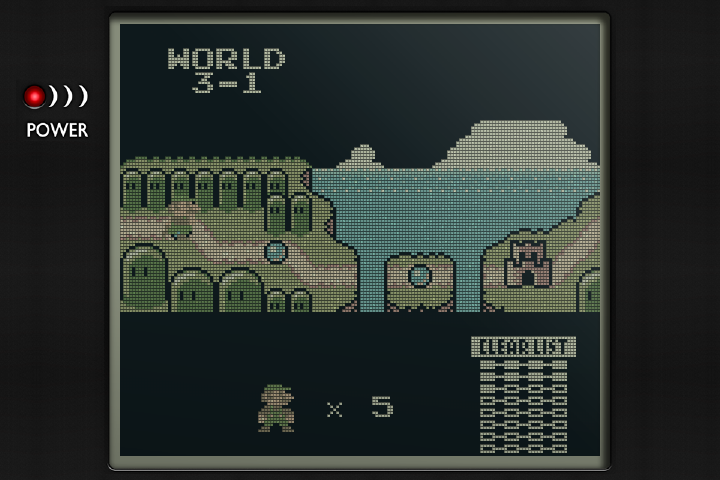
- New Authentic bezels, cut from Harlequin's dmg-3x and gb-pocket-3x border art: the lens, the window's glass and shadow, and the power light. Game Boy uses the grey lens; Pocket, Light and GBC use the black one. They appear with the default bezel at whole-number scale.
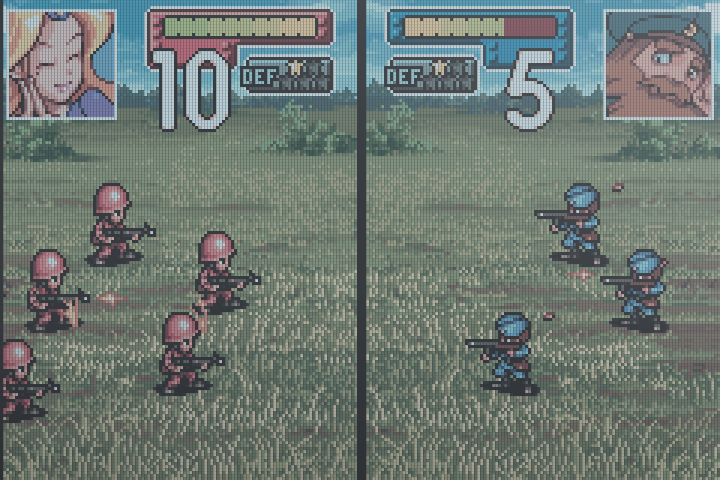
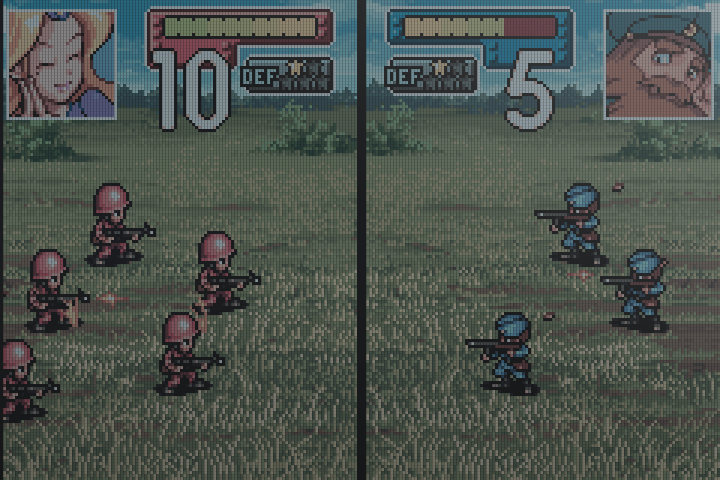
- Truer GBA colours. The GBA keeps its measured colours and cool panel tint, now at the GBC's brightness with deeper blacks, so games no longer look foggy.
- Deeper dot shadows on the Game Boy screens: a game pixel down and to the left.
- Ghosting stays on the GPU for every Authentic screen.
The same shaders are also available for NextUI at authentic-shaders.
Before and after
Rendered from captured game frames at 720×480. Left: v1.12.0-pvaibhav.2. Right: this release.
Install or update
Unzip slot-v1.12.0-pvaibhav.3-h700.zip, then copy the contents of slot-v1.12.0-pvaibhav.3/ onto SD2. Your games, saves, settings, and credentials are preserved.
Cheats.pack and Artwork.pack are unchanged. Keep your existing copies, or put them in Cheats/ and Labels/ respectively.
Cheats are from the libretro database and its contributors, under CC BY-SA 4.0. Cart artwork is from the LaunchBox Games Database and belongs to the respective publishers; the artwork pack is for personal use.
Emulation by mGBA (MPL-2.0) and gpSP (GPL-2.0). Licences, patches, and gpSP source are in System/licenses/.