
New in 0.1.3
- Handle Uninstall Pending capability removals on serviceable Tiny11/Custom images without failing the build. The report shows them as deferred until first boot, not already removed. This includes previously serviced and UUP-converted media.
- Keep pending payloads intact and skip incompatible cleanup/Edge file removal. Core and Custom component-store pruning still stop if pending operations make deletion unsafe. Still-installed, unknown or conflicting removal results remain errors.
- Remove the matching offline Microsoft Edge installed-program entry after its files are successfully removed. Failed or deferred file removals keep their registrations; unrelated entries are not deleted.
- Add optional Support development links in the sidebar and successful-build page, with monthly and one-time choices. No automatic donation prompts, payments or locked features.
Download x64 for Intel/AMD PCs or ARM64 for Windows on ARM. Extract the entire ZIP into a new folder and open Tiny11Builder.exe. Administrator approval is required. SHA-256 files are included. Existing Windows images and build files are not changed by updating the app.
Core removes update/recovery support and disables Defender. Protected Custom removals can break Windows. Test output ISOs in a VM first. The app is unsigned; Windows media is not bundled. Windows 10 remains supported with compatible Windows ADK Deployment Tools; its older inbox tools are not automatically compatible with newer Windows 11 images.
Video
Screenshots
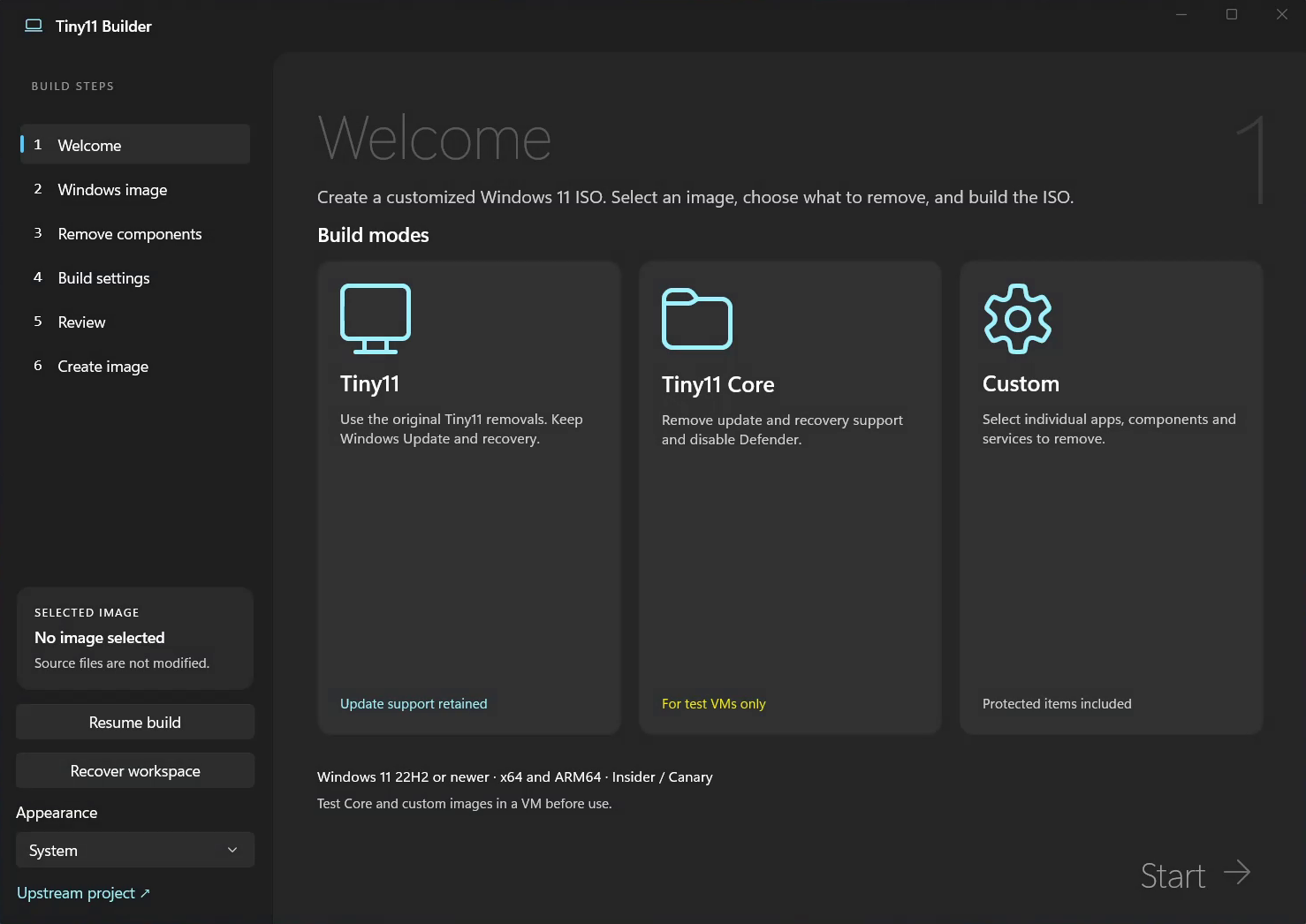
Welcome
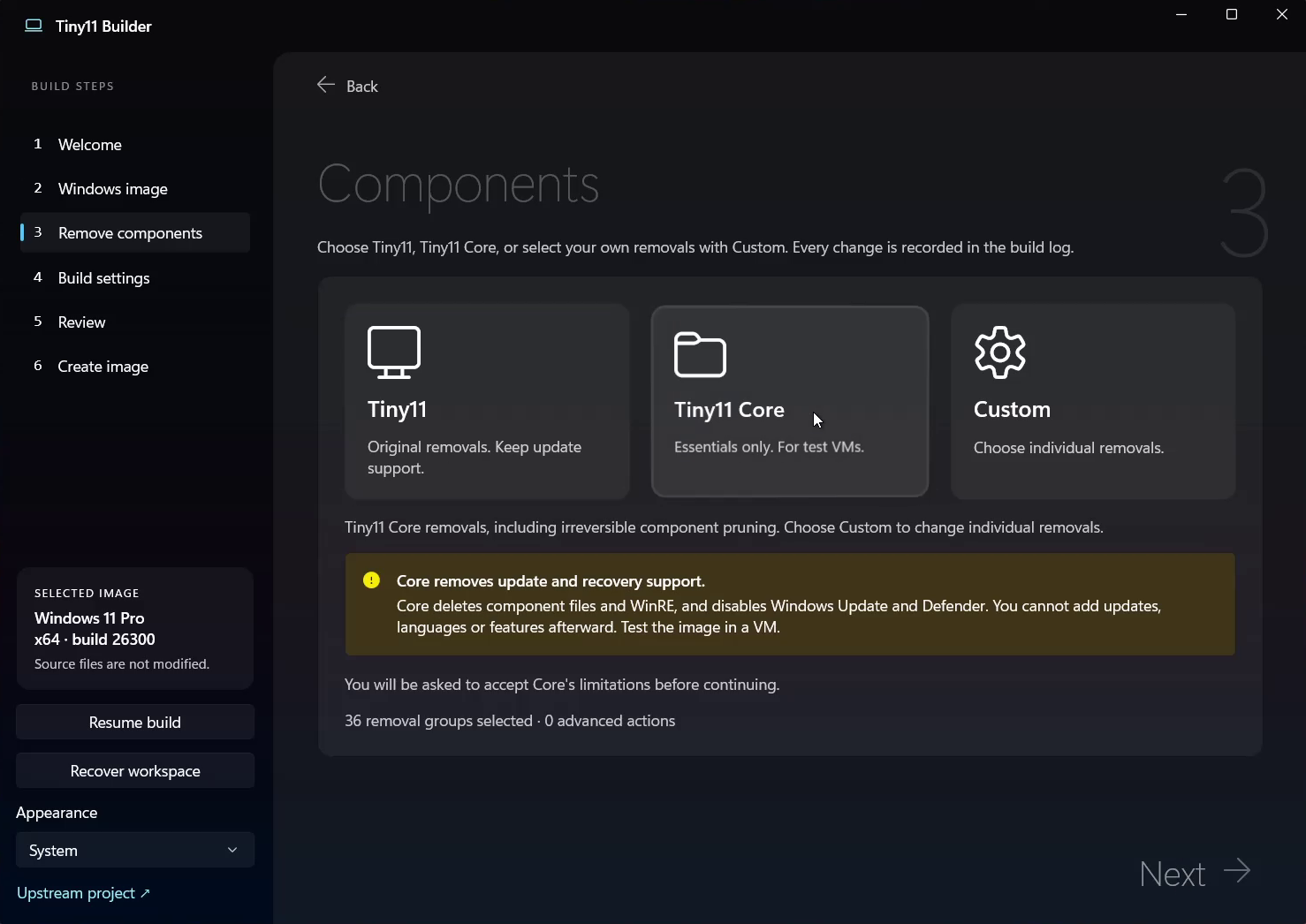
Components
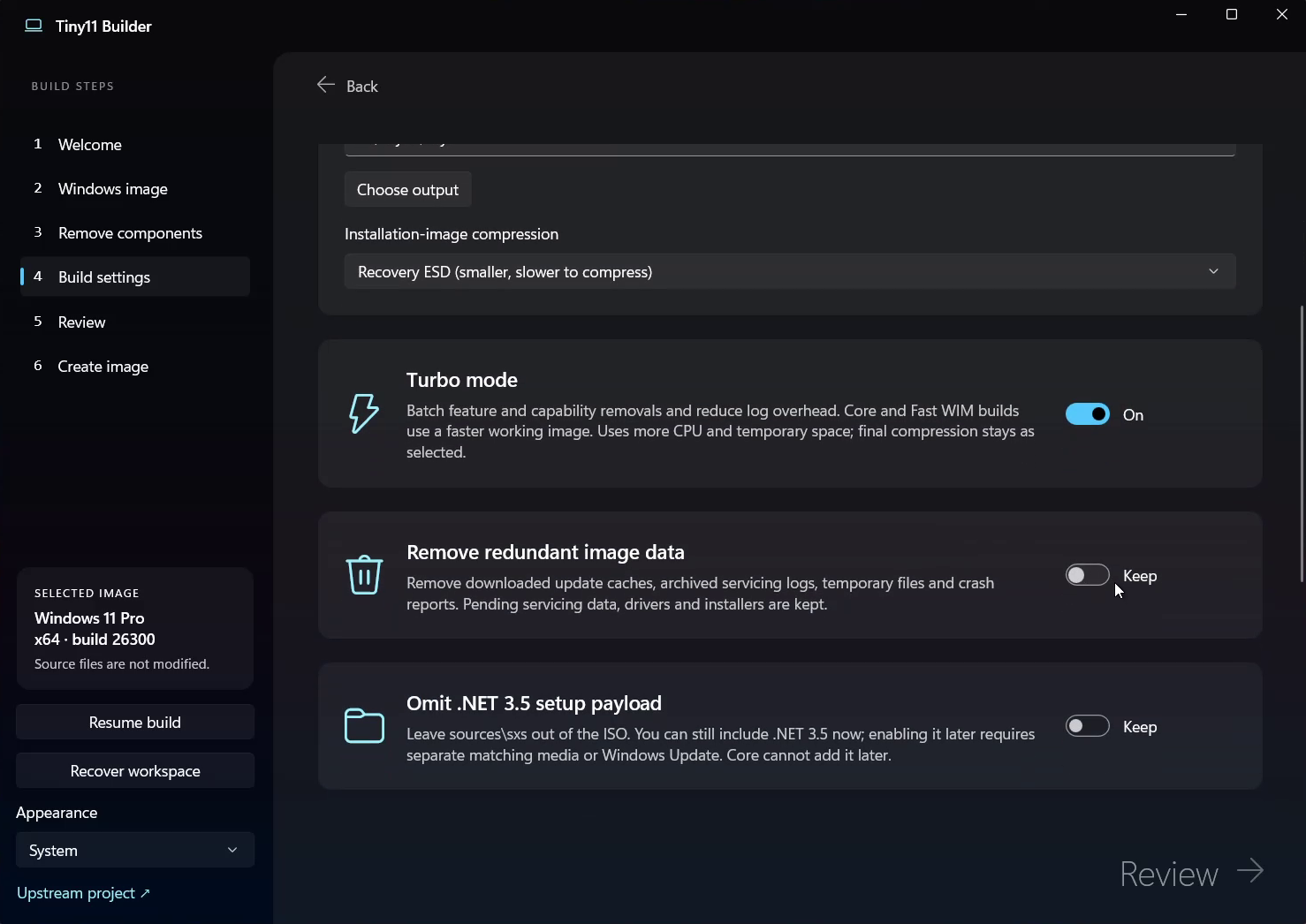
Build settings
Support the project
Tiny11 Builder is free. If it saved you time, you can help fund development, testing across Windows releases and fixes for reported problems.
Monthly support · One-time donation
Prefer another service? Patreon · PayPal
No donation is needed to use any feature. Reproducible bug reports, VM testing and sharing the project help too.