
WWE SmackDown vs. Raw 2009 running natively on Windows, and on Linux and the Steam Deck through Proton: the game's code recompiled for PC, with a native renderer. 60 fps, from 480p up to 8K; 720p at 60 fps on the Steam Deck. Matches load in about 20 seconds.
v3.0
- Mods. A new
modsfolder next tosvr2009.exe: extract a mod into it and it's in the game. F5 (or Mods at the top of the settings menu) lists your mods and switches each one on or off, so the original game is always one restart away. - SVR09+ by yumboy11 works (version 1.1): the Godfather, the PS3 attires, a second playable Hornswoggle and the NPCs, Divas in every match and the Royal Rumble, and any title for anyone. Skip the Xbox 360 part of its guide (xdelta patch, resigning the save, installing the DLC): the port does that itself.
- Your saves are protected. A mod that comes with its own save, like SVR09+, plays on saves of its own (
userdata-mods). Your own saves, created superstars and DLC are never touched, and they're right there when you switch the mod off. Updates never touch your mods, and the save backup before an update now covers the mods' saves too.
SVR09+ by yumboy11, step by step
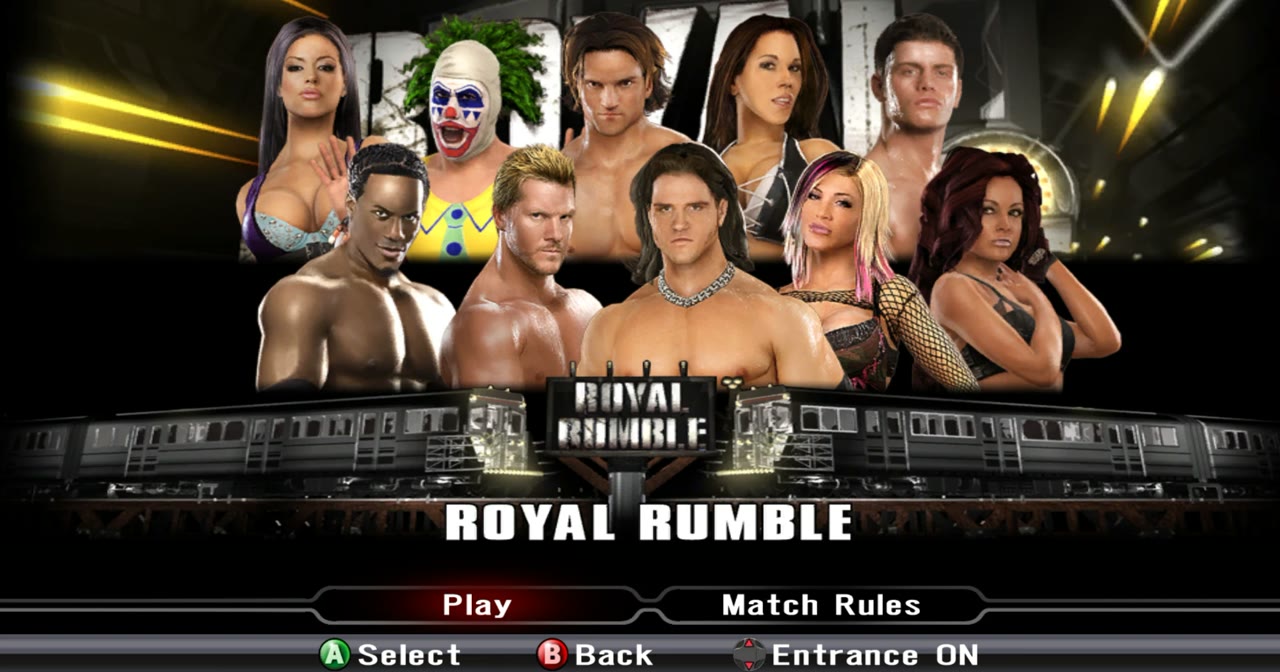
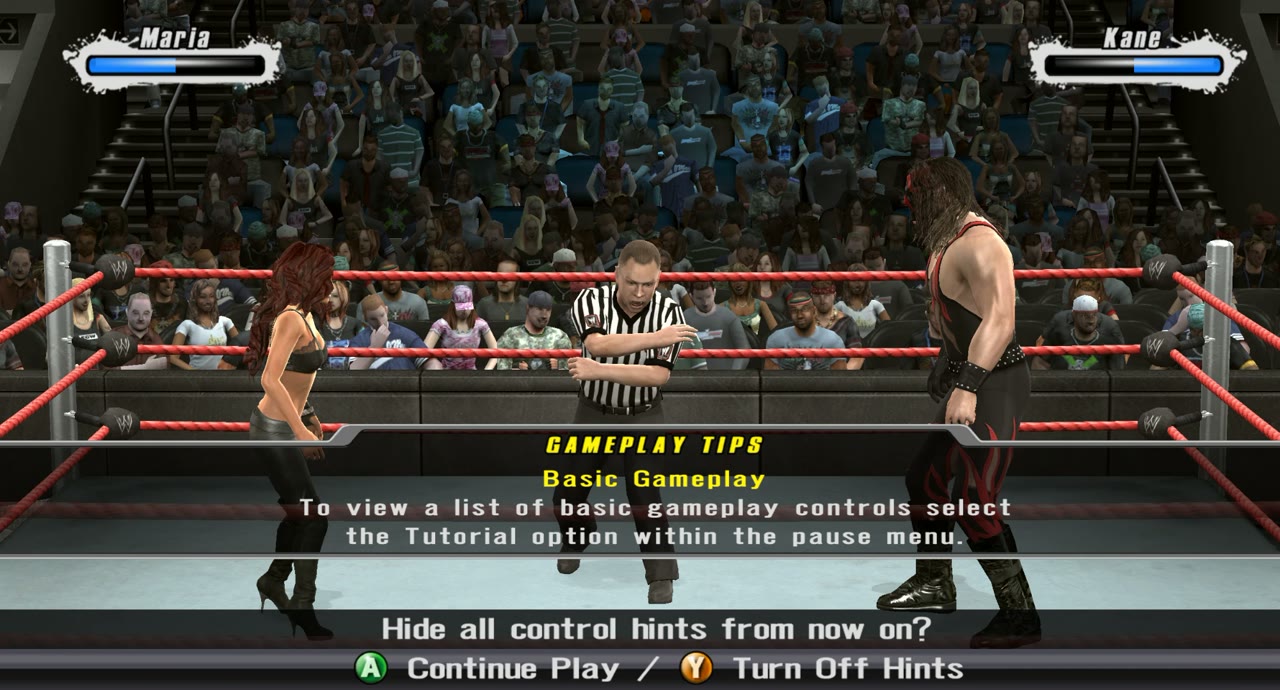
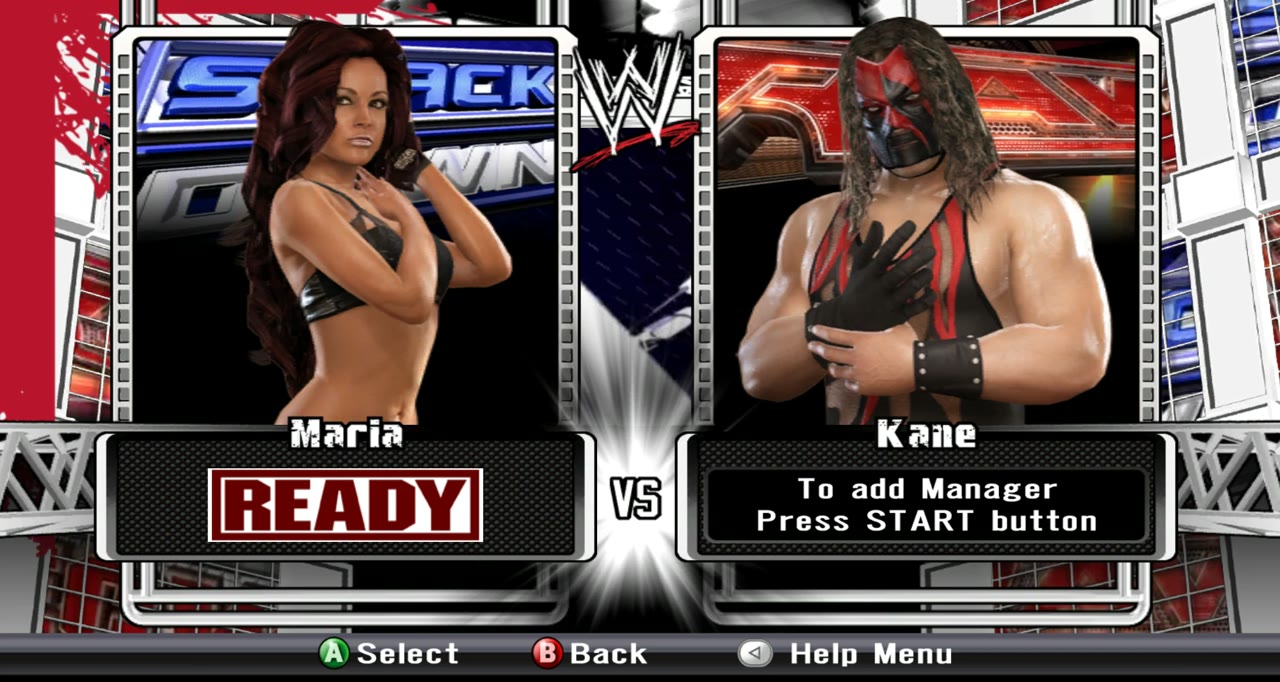
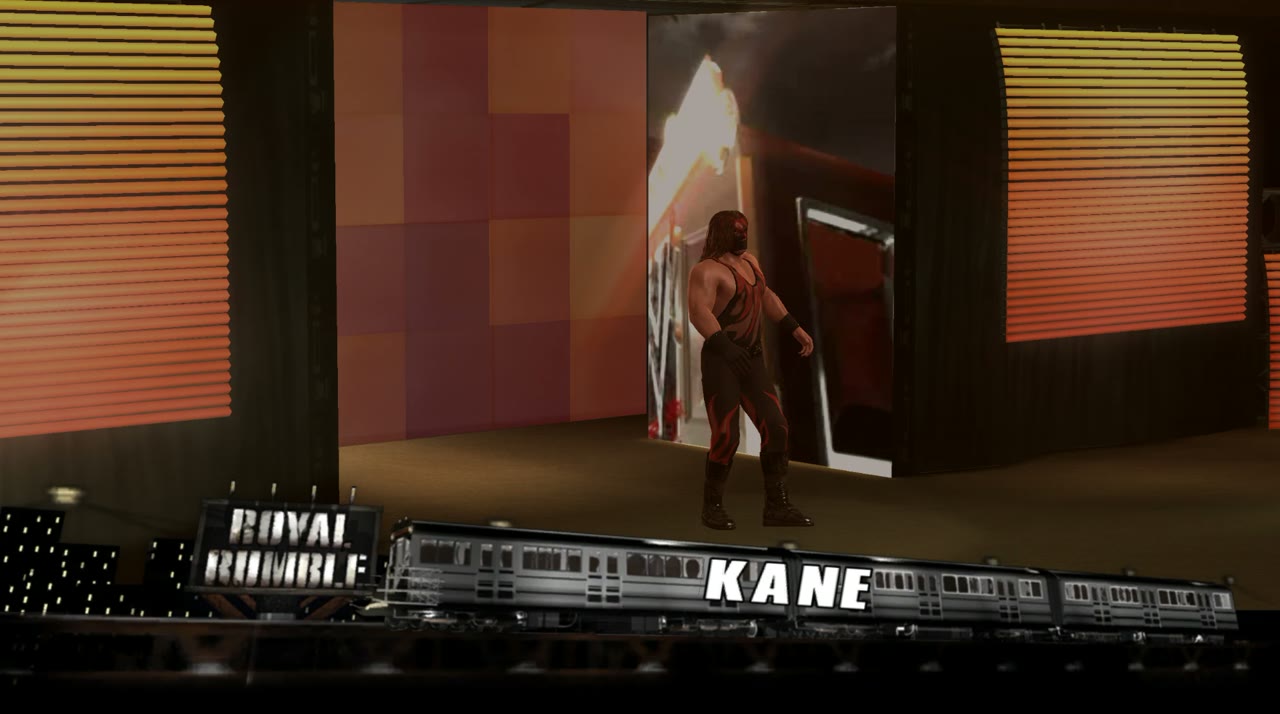
-
Update to v3.0: settings menu > Update, or download the zip below.
-
Download SVR09+ 1.1 (
SVR09+_1.1_yumboy11.7z) from yumboy11's thread on SmackTalks. -
Extract it into the
modsfolder next tosvr2009.exe(7-Zip: right-click > Extract Here; Steam Deck in Desktop Mode: right-click > Extract > Extract archive here). You get a folder calledSVR09+_1.1_yumboy11; delete the.7zafterwards.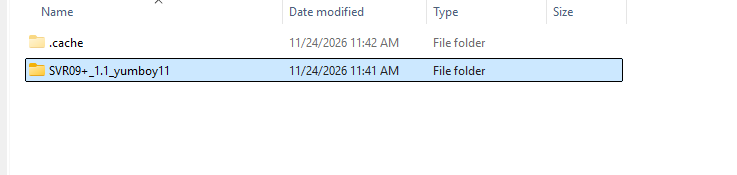
The
modsfolder..cacheis made by the game on the first start (it's hidden; leave it be). -
Open that folder and extract
root.7zright there as well, sopac,moviesandplist360.arcsit next to it.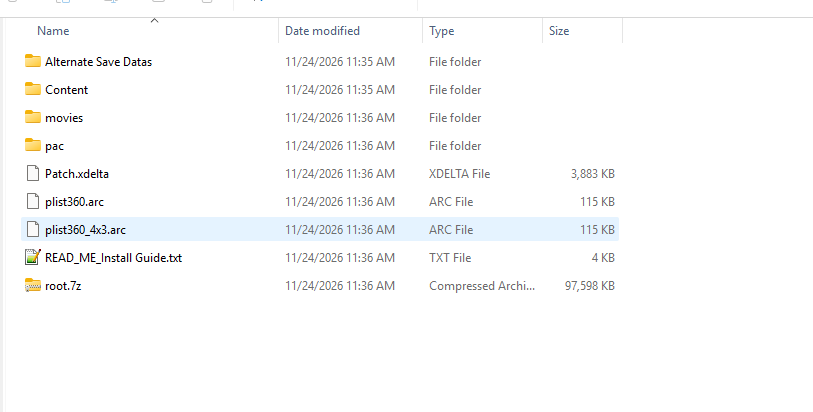
Inside
SVR09+_1.1_yumboy11when it's ready:movies,pac,plist360.arcandplist360_4x3.arccome fromroot.7z. -
Start the game: the corner says 1 mod on, and you're playing SVR09+.
-
To play the original game: F5, switch SVR09+ Off, Restart now. Your own saves are exactly as you left them.
The full guide, with the folder layout, Steam Deck steps and how your saves are kept safe: README > Mods.
Updating: open the settings menu (F1, Back + Start, or Share + Options on PlayStation), go down to Update and press A (Cross) twice; your saves are kept and backed up first. On v0.4 or older, download the zip below and extract it over your folder (your .iso, userdata and dlc stay where they are).
You need your own copy of the game: a disc image (.iso, about 7.3 GB) of your own SvR 2009 disc, USA / Europe release. None of the disc's files are in this download, and this project does not condone piracy.
Download
SVR2009-NATIVE.zip under Assets below (not Source code, which is the developer source).
Windows
- Extract the zip into a folder of its own (for example
C:\Games\SVR2009-NATIVE). - Copy your
.isointo that folder, next tosvr2009.exe. - Run
svr2009.exe(if Windows warns, More info > Run anyway). The game finds the disc image by itself and starts.
Linux / Steam Deck (Proton)
Extract the zip, copy your .iso into that folder next to svr2009.exe (and any DLC into its dlc folder), add svr2009.exe to Steam as a non-Steam game with Proton Experimental, and start it (from Game Mode on the Deck). Step by step: README.