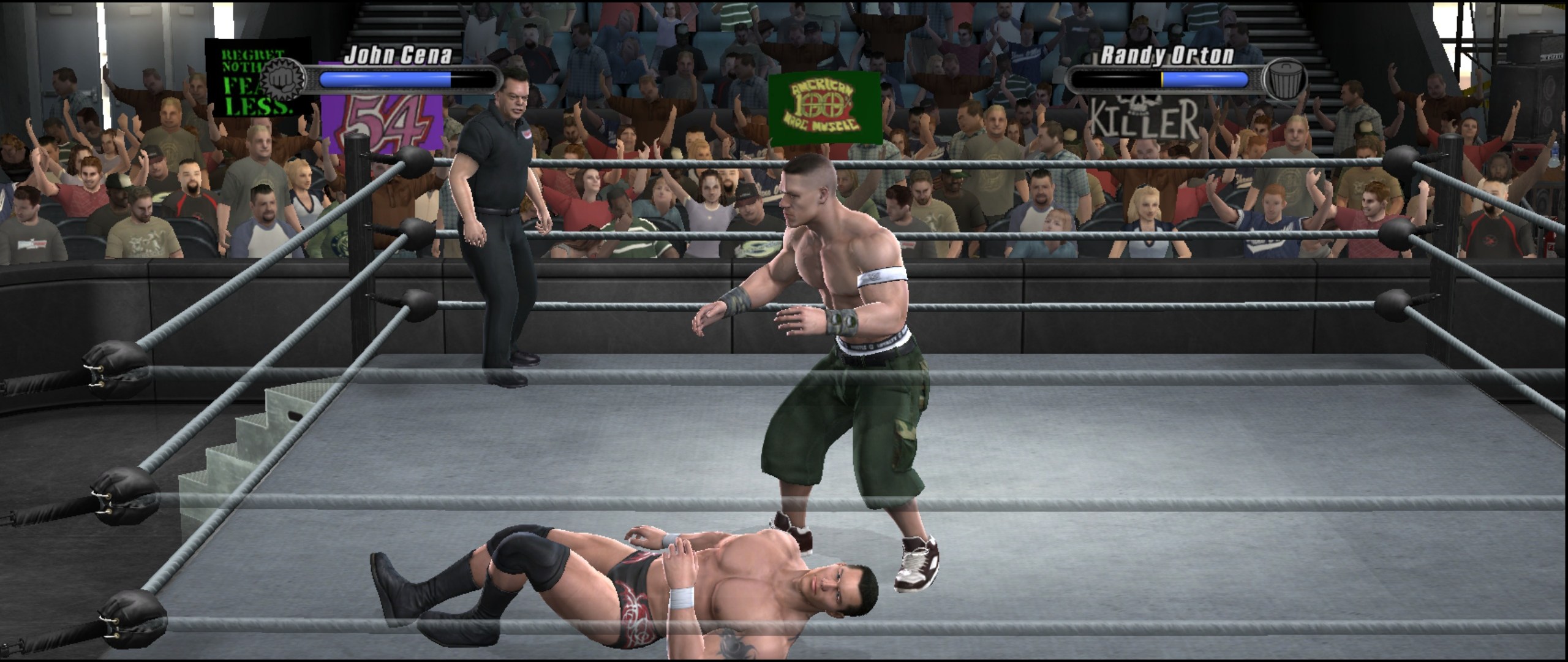
WWE SmackDown vs. Raw 2008 running natively on Windows, and on Linux and the Steam Deck through Proton: the game's code recompiled for PC, with a native renderer. 60 fps, from 480p up to 8K; 720p at 60 fps on the Steam Deck.
v2.2
- New screen shapes (experimental): 16:10, 21:9 and 32:9. Pick one in the settings menu under Screen shape. Matches, entrances and cutscenes fill the screen and show more of the arena, with nothing stretched and the HUD in its usual place. Menus stay 16:9 for now. 16:10 suits the Steam Deck and many laptops; 21:9 and 32:9 are for ultrawide monitors.
Updating: on v0.2 or newer, open the settings menu, go down to Update and press A twice; your saves are kept and backed up first. On v0.1, download the zip below and extract it over your folder (your .iso and userdata stay where they are).
You need your own copy of the game: a disc image (.iso, about 7.8 GB) of your own SvR 2008 disc, USA / Europe release. None of the disc's files are in this download, and this project does not condone piracy.
Download
SVR2008-NATIVE.zip under Assets below (not Source code, which is the developer source).
Windows
- Extract the zip into a folder of its own (for example
C:\Games\SVR2008-NATIVE). - Copy your
.isointo that folder, next tosvr2008.exe. - Run
svr2008.exe(if Windows warns, More info > Run anyway). The game finds the disc image by itself and starts.
A controller is recommended: keyboard controls are included but not tested yet.
Linux / Steam Deck (Proton)
Extract the zip, copy your .iso into that folder next to svr2008.exe, add svr2008.exe to Steam as a non-Steam game with Proton Experimental, and start it (from Game Mode on the Deck). Step by step: README.