
PS5_RetroArch-v1.0.0-beta.1
More systems. A richer library. Your PS5, ready to play.
Warning
Designed around ShadowMountPlus 1.7beta4 or later. Use ShadowMountPlus 1.7beta4 or a newer version with this release, including its automatic mounting of /data, USB, and extended storage inside the sandbox.
More systems. One shared library.
33 native cores · 18 new additions · Shared artwork and game details · DualSense stylus controls
More systems to play, a new game library in your browser, and artwork shared across RetroArch and EmulationStation.
 At a glance
| What this beta brings | |
|---|---|

| 18 new cores. Now 33 in total, including Dreamcast, 32X, PC Engine, DOS, and Amiga. |

| A visual game library. Browse, sort, and manage your collection from your phone or computer. |

| Easy game setup. Add a game, fill in its details, and download artwork automatically. |

| DualSense stylus. Use the touchpad for DS and 3DS touchscreen controls. |
In this release
Games library · Add Game · Game inspector · Download Media · New systems
DualSense stylus · Storage and settings · EmulationStation · WebUI · QR access · Upgrading
Your games, beautifully organized
The new Games section turns the WebUI into a visual library for your collection.
- Search by name, filter by system, or jump to a letter.
- Sort by title, release date, rating, and more.
- Choose covers, 3D boxes, logos, or cartridge artwork for your game cards.
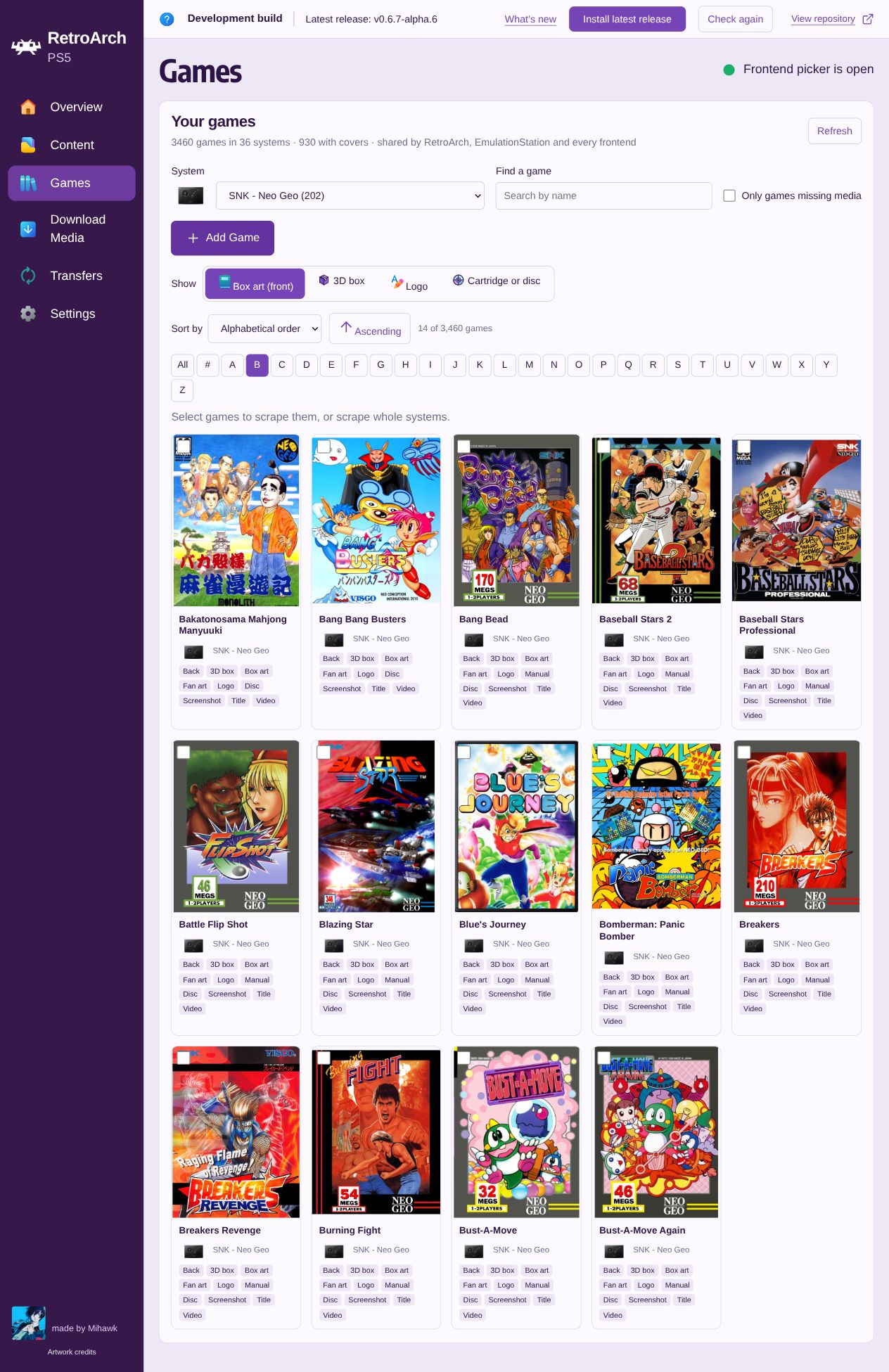
Find games by system, name, or letter.
Add a game. Make it yours.
The new + Add Game button guides you through a game backup, editable details, and media in one overlay. Choose an installed system and one legally obtained backup of a game you own; use Content for complete multi-file disc sets or folder-based games.
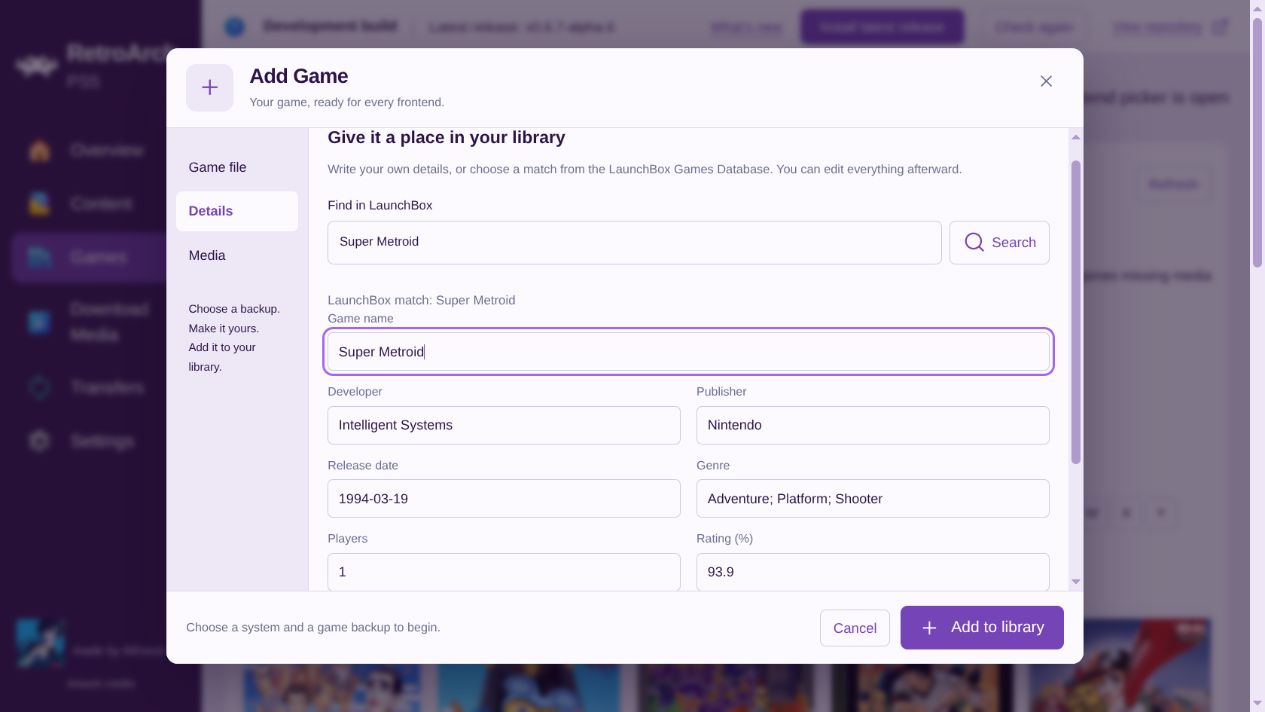
Game details. Find a match in LaunchBox or enter your own information.
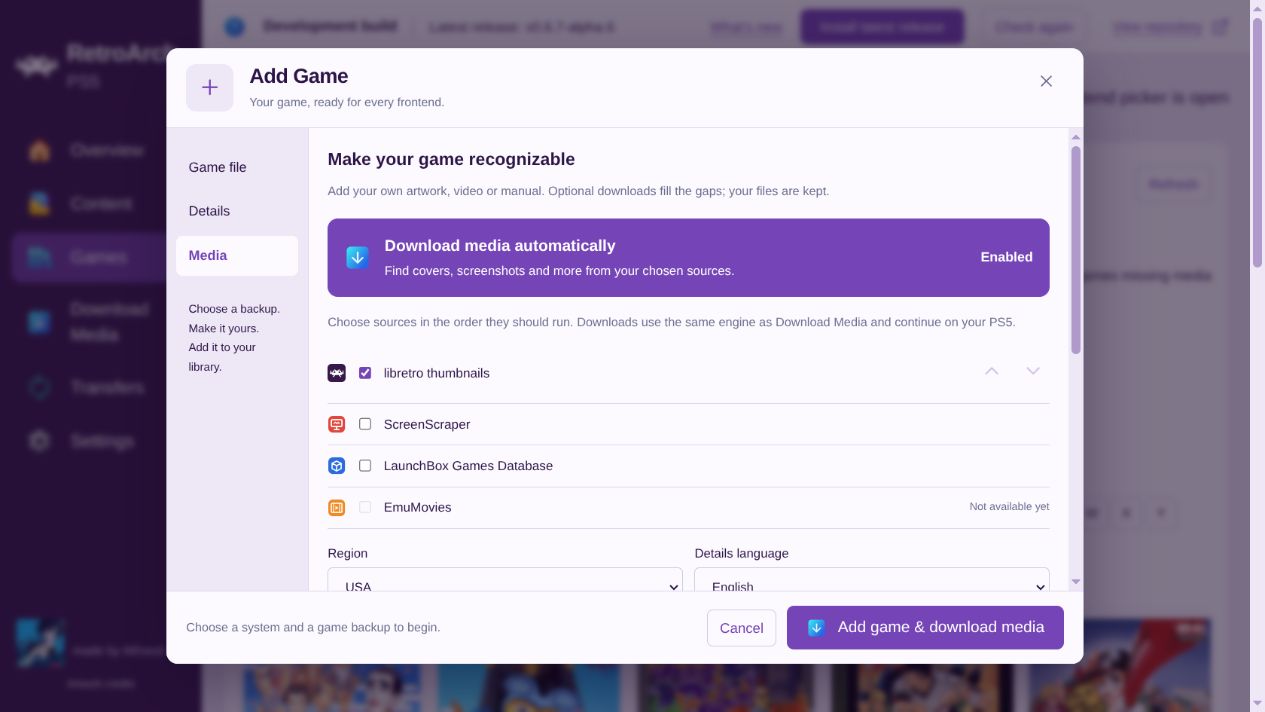
Automatic artwork. Enabled by default. Choose your sources and watch the artwork arrive as your game is added.
Your own media. Add artwork, manuals, and videos. Automatic downloads keep your uploaded files.
Add your own media
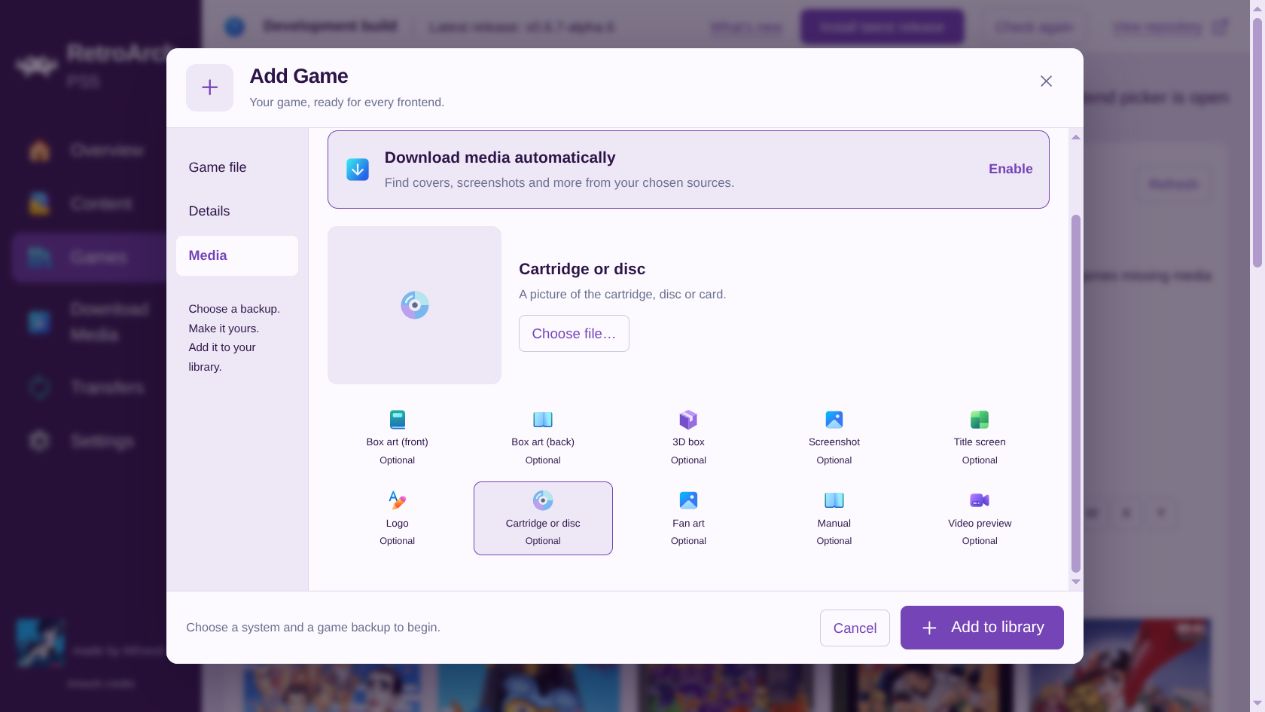
 One game. Everything within reach.
Open any game to manage its Media, Details, and Files.
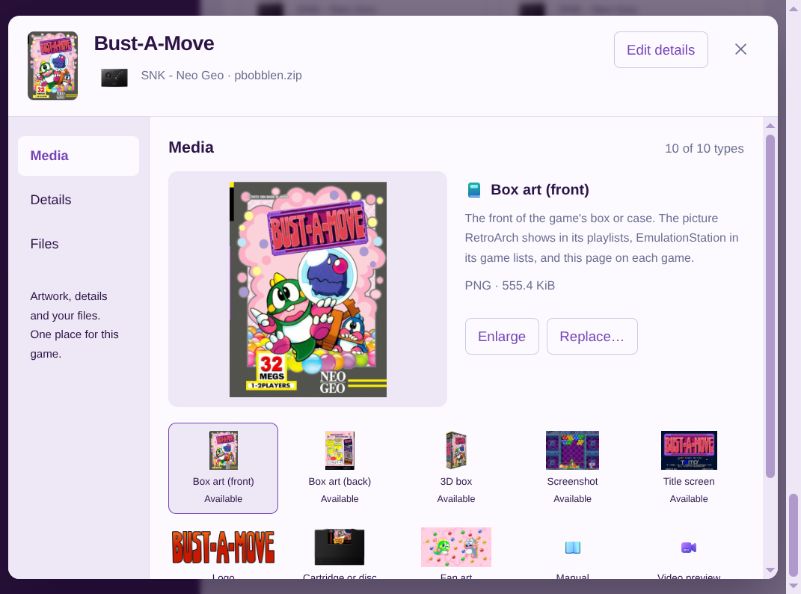
Media. Browse, enlarge, or replace your game’s artwork, manuals, and videos.
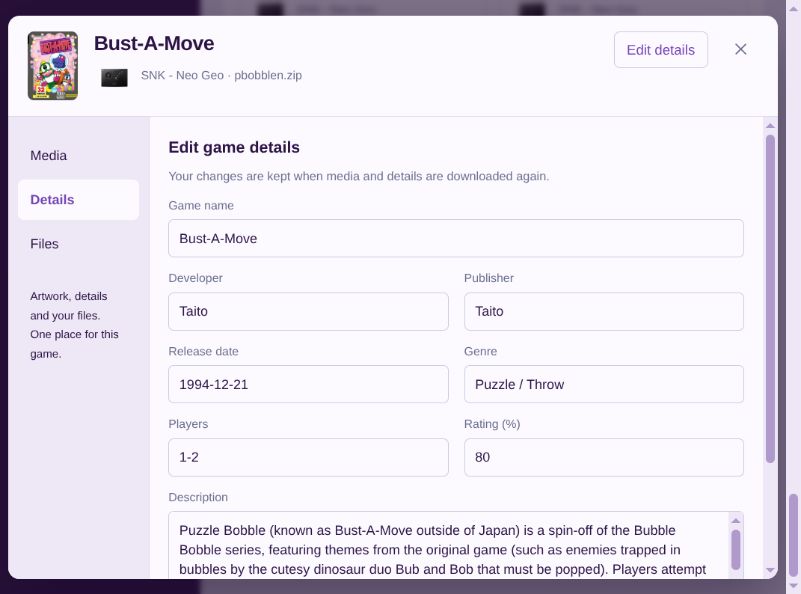
Details. Edit the game’s name and information. Your changes are kept after future downloads.
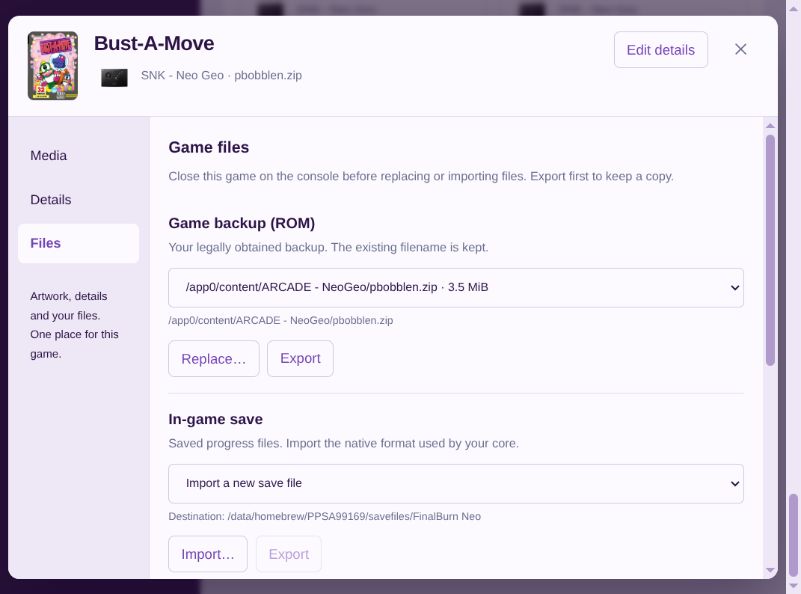
Files. Replace or export your game backup, and import or export saves. Close the game and back up your progress first.
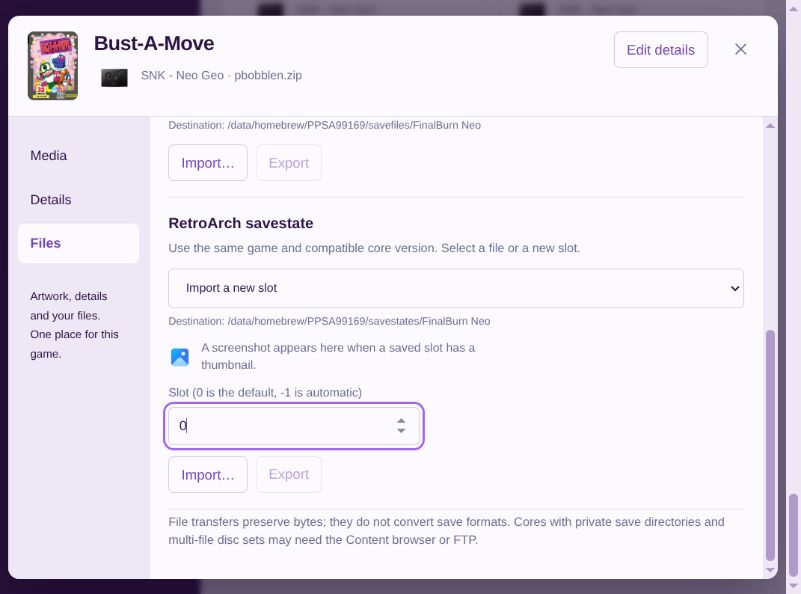
Savestates. Import or export saved slots and preview their screenshots when available. Use the same game and a compatible core.
Savestate controls
Download Media. Fill in the missing pieces.
Download artwork and game information from libretro, ScreenScraper, and LaunchBox.
- Download for a few games, one system, or your entire library.
- Choose artwork, manuals, videos, and game details.
- Set your preferred region and language.
- Fill missing media or replace it. Your own uploads are protected.
- Review uncertain matches and resume interrupted downloads.
ScreenScraper requires an account. Available media varies by game and source.
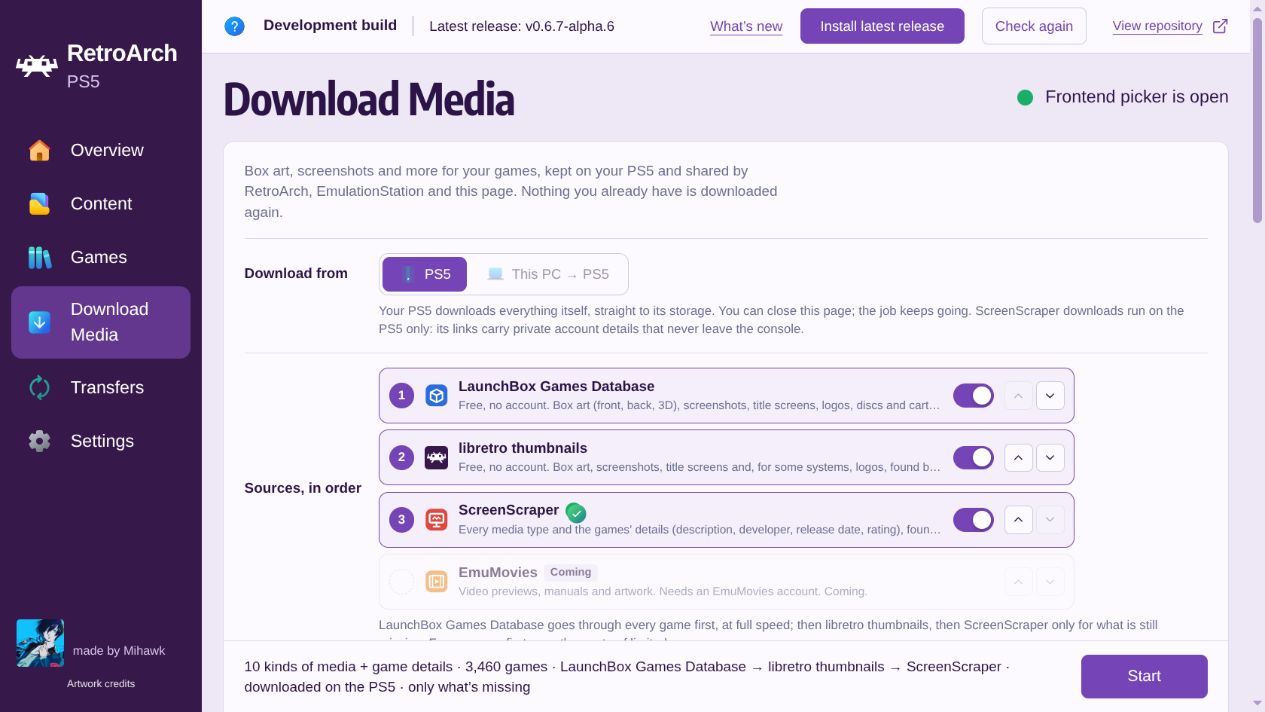
Choose your sources and their order. Downloads continue on your PS5 after you close the browser. EmuMovies support is coming later.
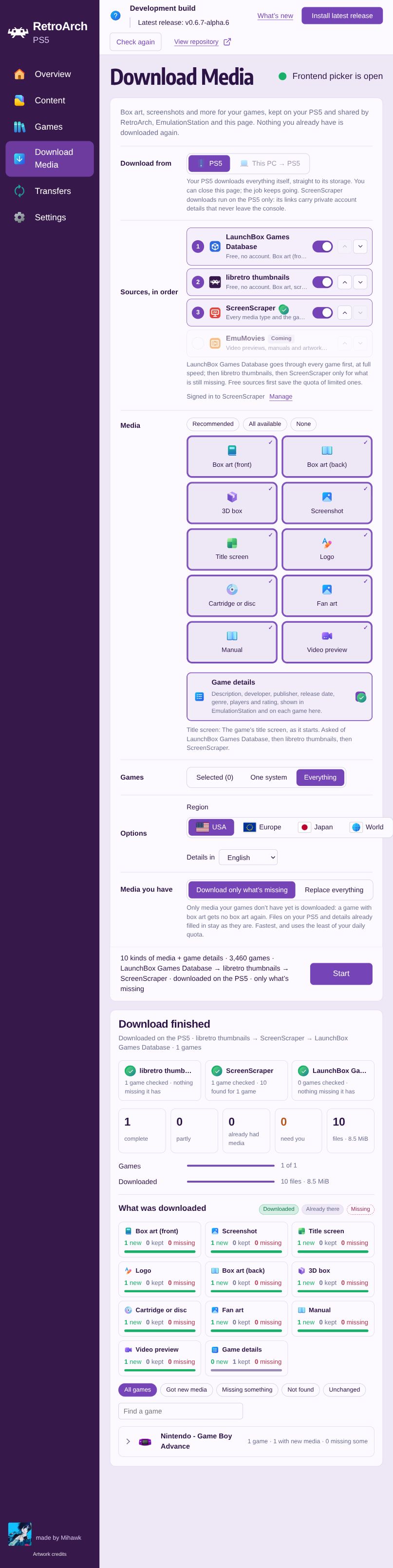
See what was added, kept, or still missing when a download finishes.
Full Download Media page and results
18 new cores. 33 in total.
| Family | Systems | Core |
|---|---|---|
| Nintendo | 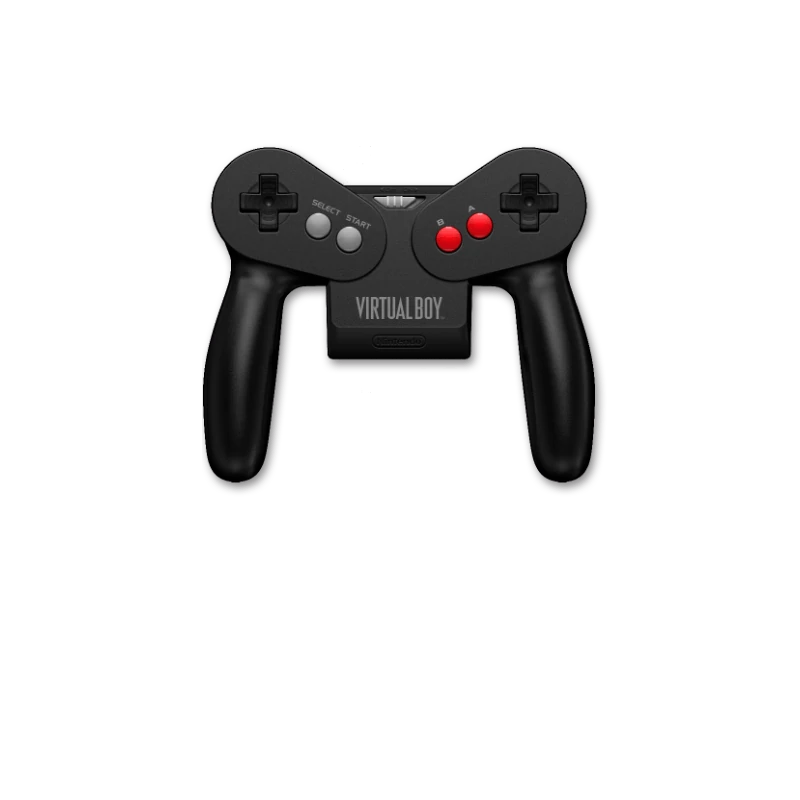 Virtual Boy Virtual Boy
| Beetle VB |
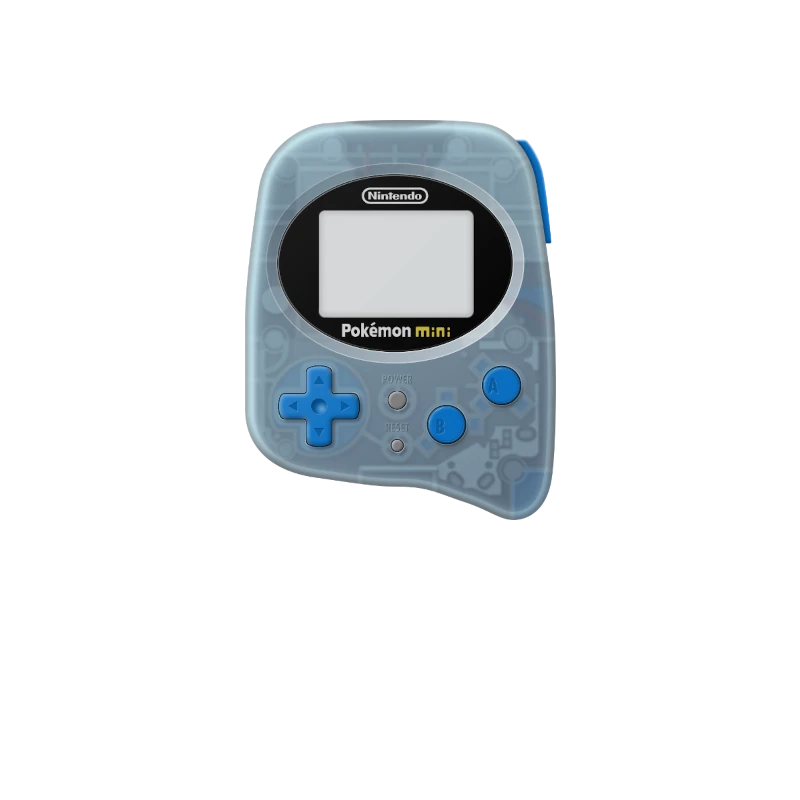 Pokémon Mini Pokémon Mini
| PokeMini | |
| Sega & arcade | 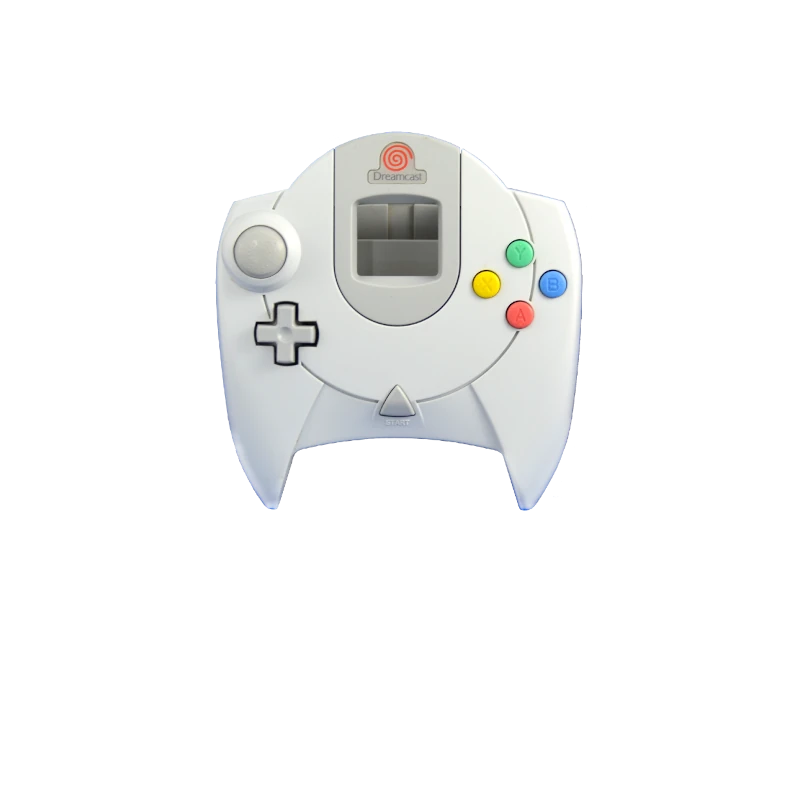 Dreamcast Dreamcast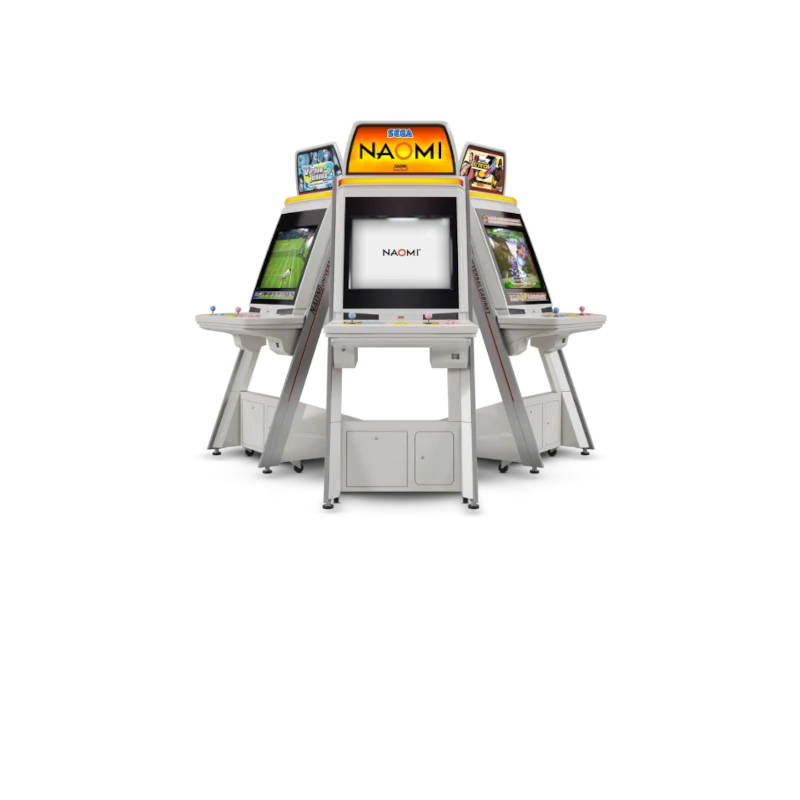 NAOMI / NAOMI 2 · NAOMI / NAOMI 2 · 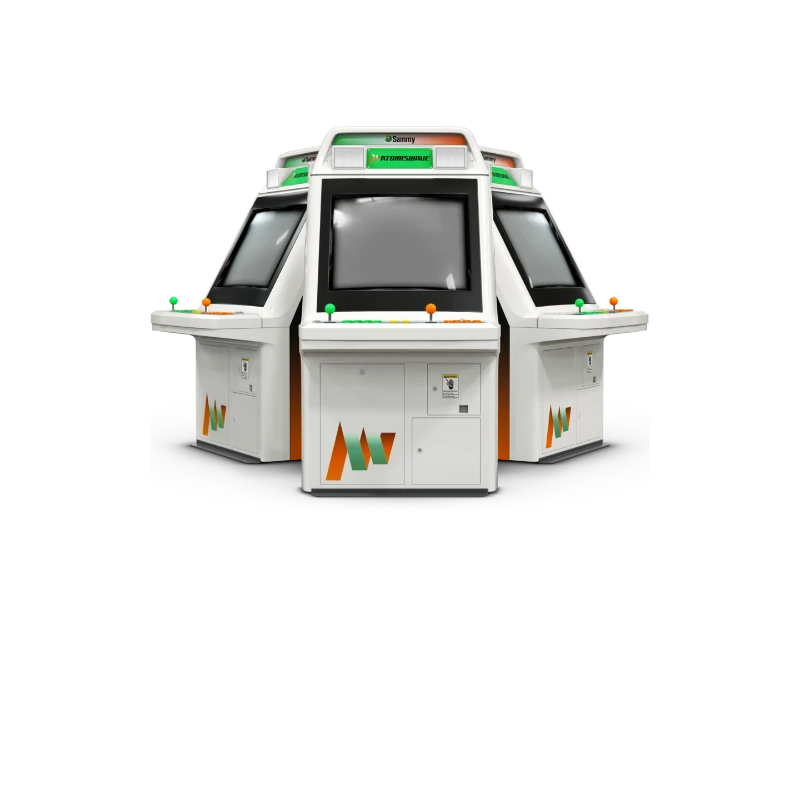 Atomiswave Atomiswave
| Flycast |
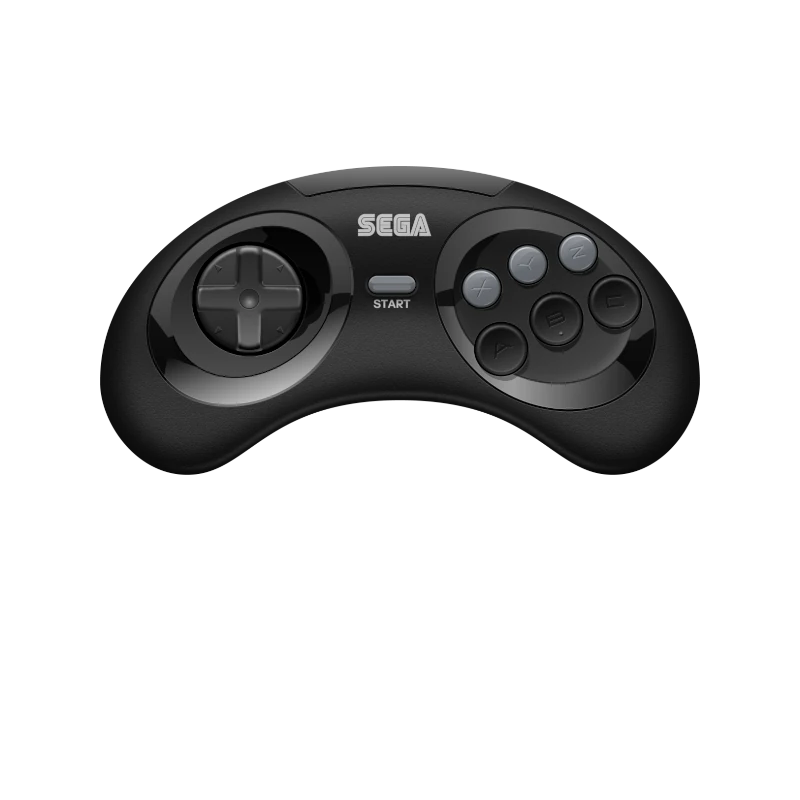 Sega 32X Sega 32XAlternative support for  Mega Drive, Mega Drive,  Mega-CD, Mega-CD,  Master System, and Pico. Master System, and Pico.
| PicoDrive | |
| NEC |  PC Engine / TurboGrafx-16 PC Engine / TurboGrafx-16PC Engine CD · 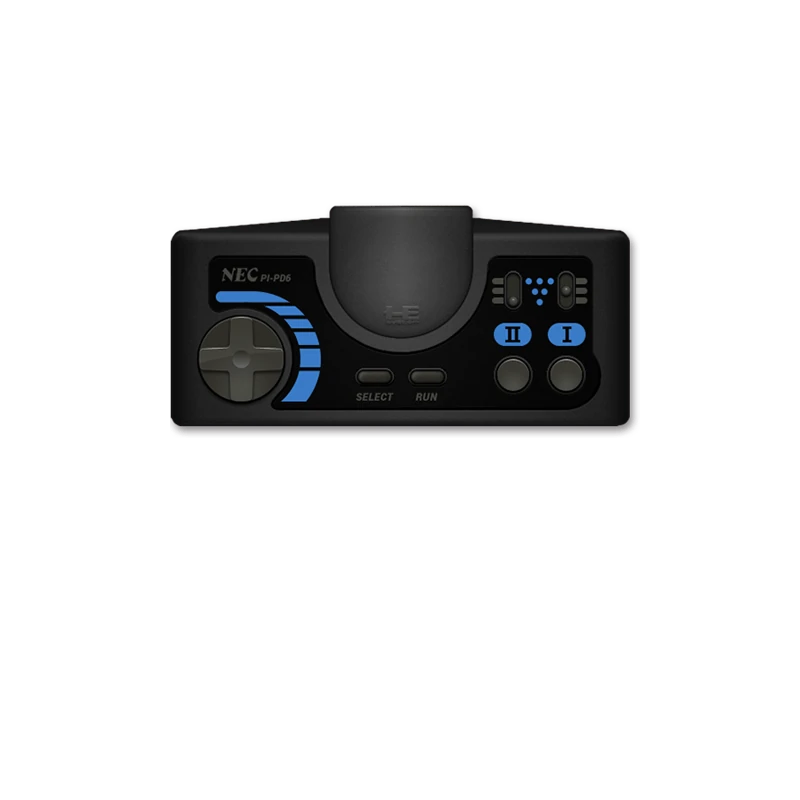 SuperGrafx SuperGrafx
| Beetle PCE |
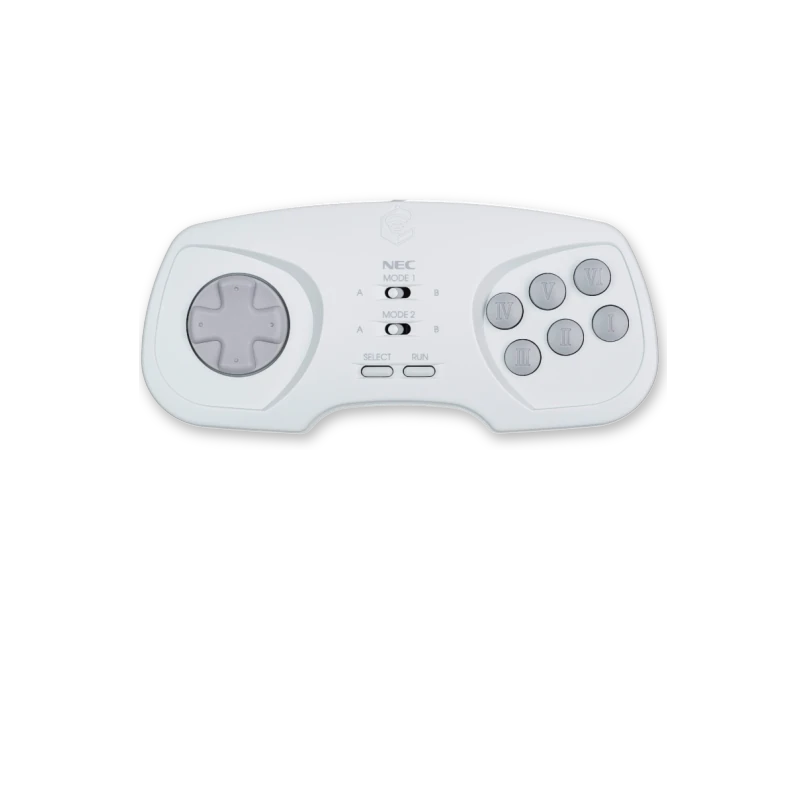 PC-FX PC-FX
| Beetle PC-FX | |
| SNK | 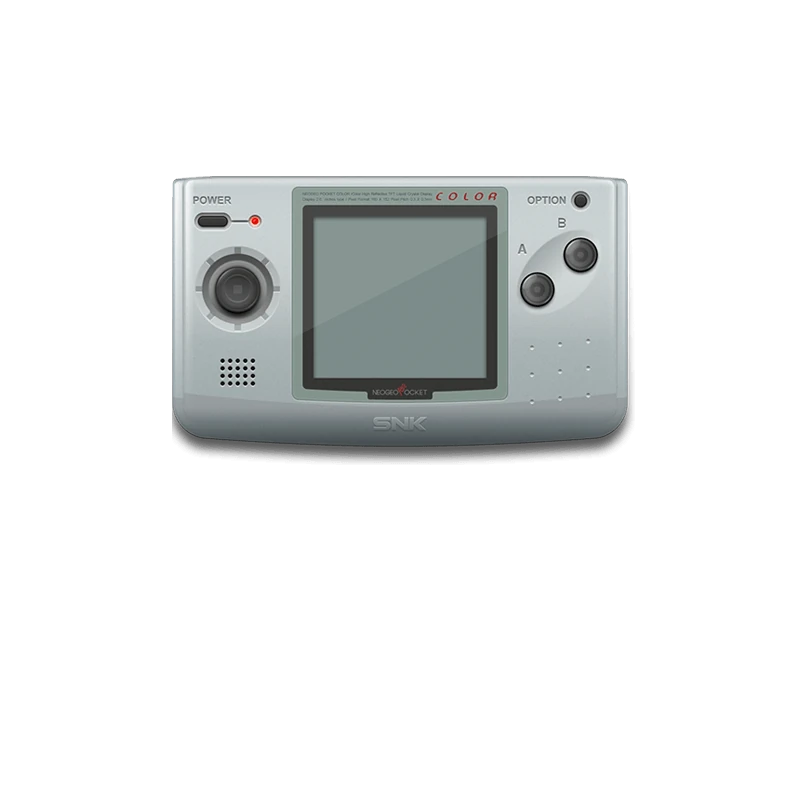 Neo Geo Pocket / Color Neo Geo Pocket / Color
| Beetle NeoPop |
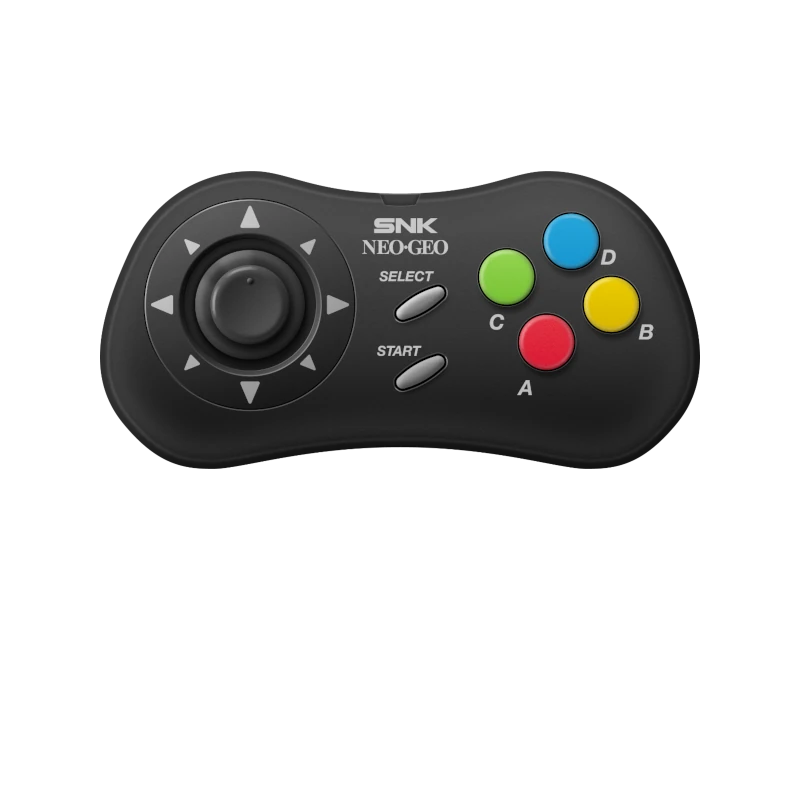 Neo Geo CD Neo Geo CD
| NeoCD | |
| Atari |  Atari 2600 Atari 2600
| Stella |
 Atari 5200 Atari 5200
| a5200 | |
 Atari 7800 Atari 7800
| ProSystem | |
 Atari Lynx Atari Lynx
| Handy | |
 Atari Jaguar Atari Jaguar
| Virtual Jaguar | |
| Computers & adventures |  MS-DOS MS-DOS
| DOSBox Pure |
 Commodore Amiga Commodore Amiga
| PUAE | |
 Supported point-and-click adventures Supported point-and-click adventures
| ScummVM | |
| More consoles | 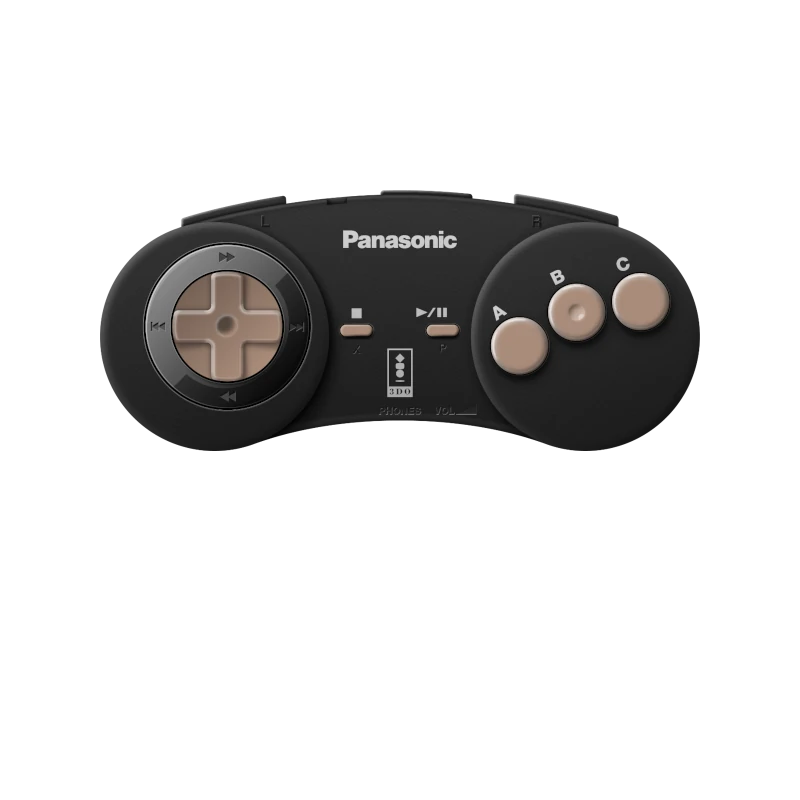 3DO 3DO
| Opera |
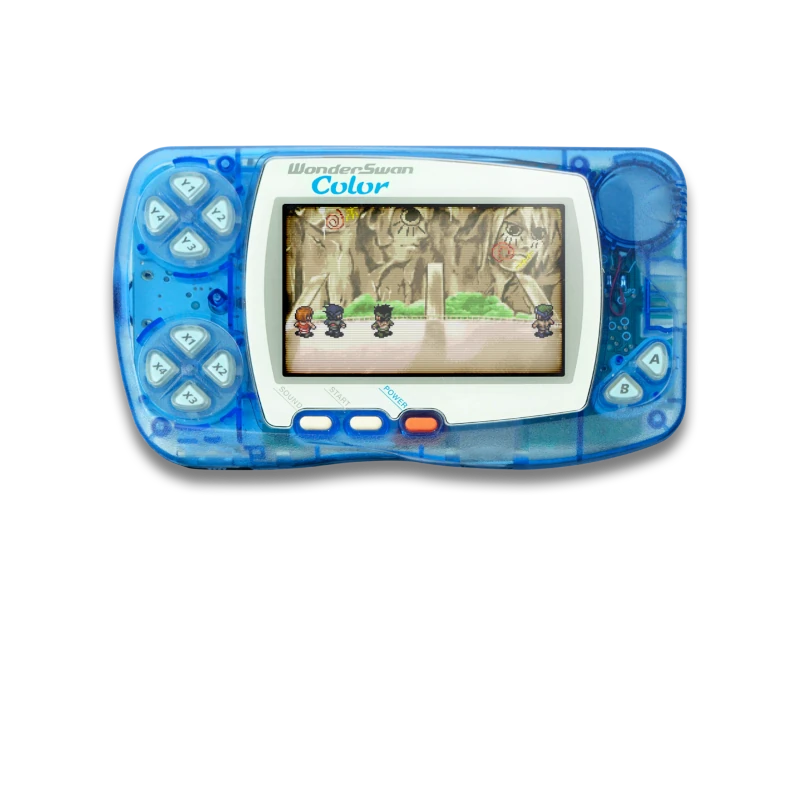 WonderSwan / Color WonderSwan / Color
| Beetle Cygne |
Compatibility and performance vary by game. Keep all required files together when adding disc-based games.
No games or BIOS files are included. Use only legally obtained backups of games you own and BIOS files dumped from hardware you own.
A stylus in your DualSense
Use the DualSense touchpad as a stylus in DeSmuME and Azahar.
| Gesture | Action |
|---|---|
| Slide a finger | Move the stylus without touching the emulated screen |
| Physically press the touchpad | Touch the screen at the nib |
| Hold the press and slide | Drag across the touchscreen |
| Release the press | Lift the stylus |
Press the touchpad to click. Tapping its surface does not click.
 Bring your storage. Keep your settings.
- Browse and play from supported USB and extended drives through ShadowMountPlus.
- Controller mappings now save correctly for each game and core.
- Fixed FTP access issues after switching menus.
EmulationStation, with the rough edges smoothed out
- Find newly added games without creating a playlist first.
- Fewer duplicate entries and better game detection.
- Fixed video previews and their sound.
- Artwork and game details stay shared with RetroArch and the WebUI.
- Open WebUI from the main menu in place of Scraper.
 A WebUI that stays with you
Stay connected while switching between the picker, RetroArch, and ES-DE. This needs a supported loader or homebrew launcher; otherwise, the WebUI is available while RetroArch runs.
- Faster uploads and more reliable downloads.
- Fixed downloads stopping early and crashes during multiple downloads.
- Clearer restart notices after updates.
- Alerts help you spot missing BIOS and system files.
 Scan the code. Open your WebUI.
QR codes are generated from the console’s current IP address.
| Frontend | Where to find it |
|---|---|
| Picker | Press Triangle; press Triangle again or Circle to close |
| RetroArch XMB | WebUI tab immediately left of Settings |
| RetroArch RGUI | WebUI at the top of the main menu |
| ES-DE | WebUI in the main menu |
You can also open http://<PS5-IP>:6769 from a phone or computer on the same local network.
 Other improvements
- Fixed incorrect colours and distorted graphics in several emulators.
- Refreshed WebUI icons and preserved the project’s permanent anti-piracy notice.
 Upgrading from 0.6.7
- Back up your existing title folder, especially configuration, saves, states, system files, content, and any custom media.
- Merge the complete
PPSA99169folder from the beta package into your installation. Preserve your existing user files and configuration. - Fully close and reopen PS5 RetroArch after updating.
- Open Games to explore your collection, or Download Media to fill in its artwork and details.
No games, BIOS files, console firmware, or decryption keys are supplied. Use only legally obtained backups of games you own and system files dumped from hardware you own.
 Source, licences, and credits
Changes since v0.6.7-alpha.6. Release source; component source links and exact revisions are included in licenses/components.json.
Snes9x, FinalBurn Neo, Genesis Plus GX, PicoDrive, Opera, and the Alekfull NX theme carry non-commercial restrictions. This distribution may not be sold, and this release carries no donation link. The package’s licenses/ directory records component licences and exact source revisions. RPCS3 is not included.
Interface artwork credits: Microsoft Fluent Color, flag-icons, and Linear ES-DE, with source and licence details in the bundled artwork credits.
Thank you to the RetroArch/libretro community, emulator and ES-DE developers, media-database maintainers, PS5 homebrew contributors, and everyone testing and reporting issues. DualSense touchpad handling builds on the PS5_Proton work; the frontend picker uses PS5_VulkanTemplate’s UI foundation.
Ready to get started? Available releases · Installation guide · Source and credits