
Your library. Your look. Your PS5.
PS5 RetroArch v0.6.0-alpha.6 brings the browser companion, guided settings and a complete offline video-effects library into one release.
Download the title ZIP · Installation guide · Screenshot catalog
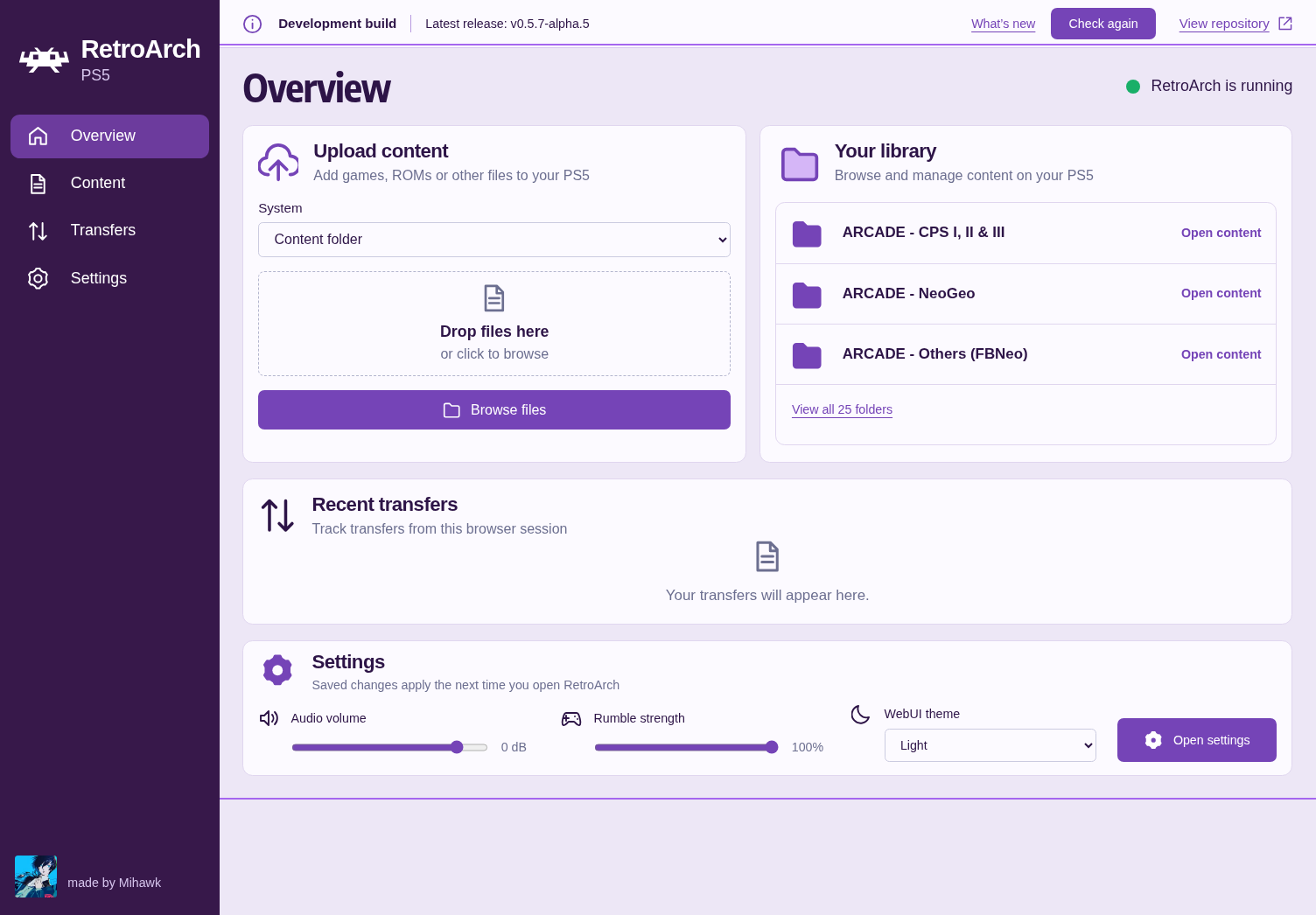
WebUI Overview — http://<PS5-IP>:6769
Open it from your phone or computer on the same network while RetroArch is running.
A browser companion, ready when you are
- Built in and enabled by default. The lightweight purple WebUI starts and stops with RetroArch. Its interface, fonts and artwork work offline.
- Your library within reach. Upload content, browse and create folders, download files and follow transfers. Uploads can be cancelled and do not overwrite existing filenames.
- Know when an update arrives. Release status and “What's new” distinguish available updates, current versions, development builds and failed checks. Checking GitHub needs internet access; updates are not installed automatically.
- Settings that explain themselves. Edit global RetroArch preferences and per-core profiles. Guided mode groups options by purpose, offers supported choices and explains what each setting does. Advanced mode retains direct configuration controls.
- Every release core has a guide. All 15 shipped cores have option catalogs available before first launch; runtime-dependent options appear when registered. The layout also has a more comfortable desktop scale and supports narrow screens.
Save settings, then restart RetroArch to apply them. Existing content-specific overrides may take precedence. Keep this unauthenticated local service on a trusted network; do not forward port 6769.
Give every screen its own character
| Feature | Included offline | Where to start |
|---|---|---|
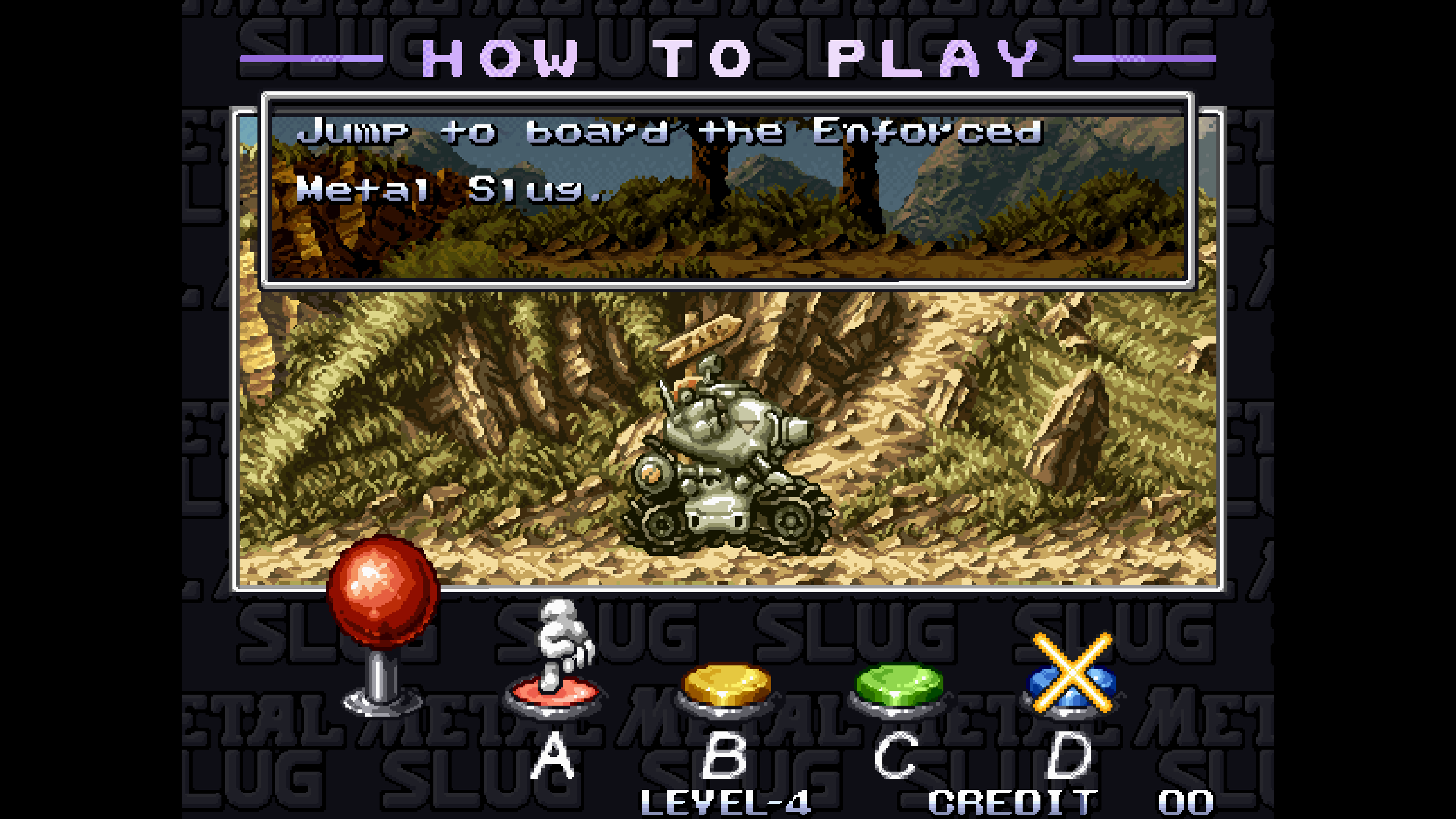
| GPU shaders | 2,658 Slang presets, including CRT effects, lookup textures, multipass and temporal effects | Quick Menu → Shaders |
| CPU filters | 27 built-in implementations and 62 upstream filter configurations | Settings → Video |
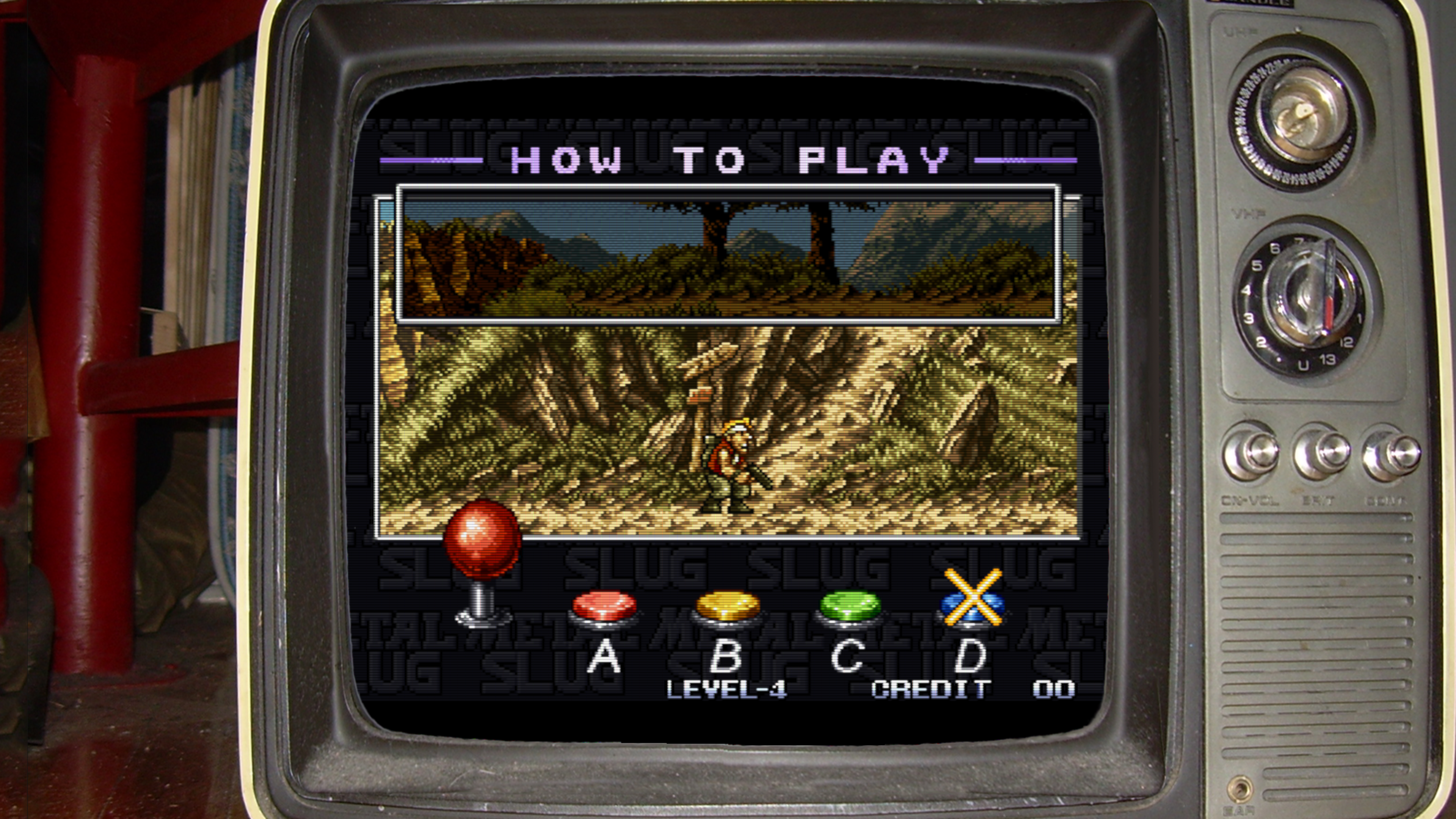
| Standard overlays | Common overlays and overlay borders with their artwork | Settings → On-Screen Display → On-Screen Overlay |
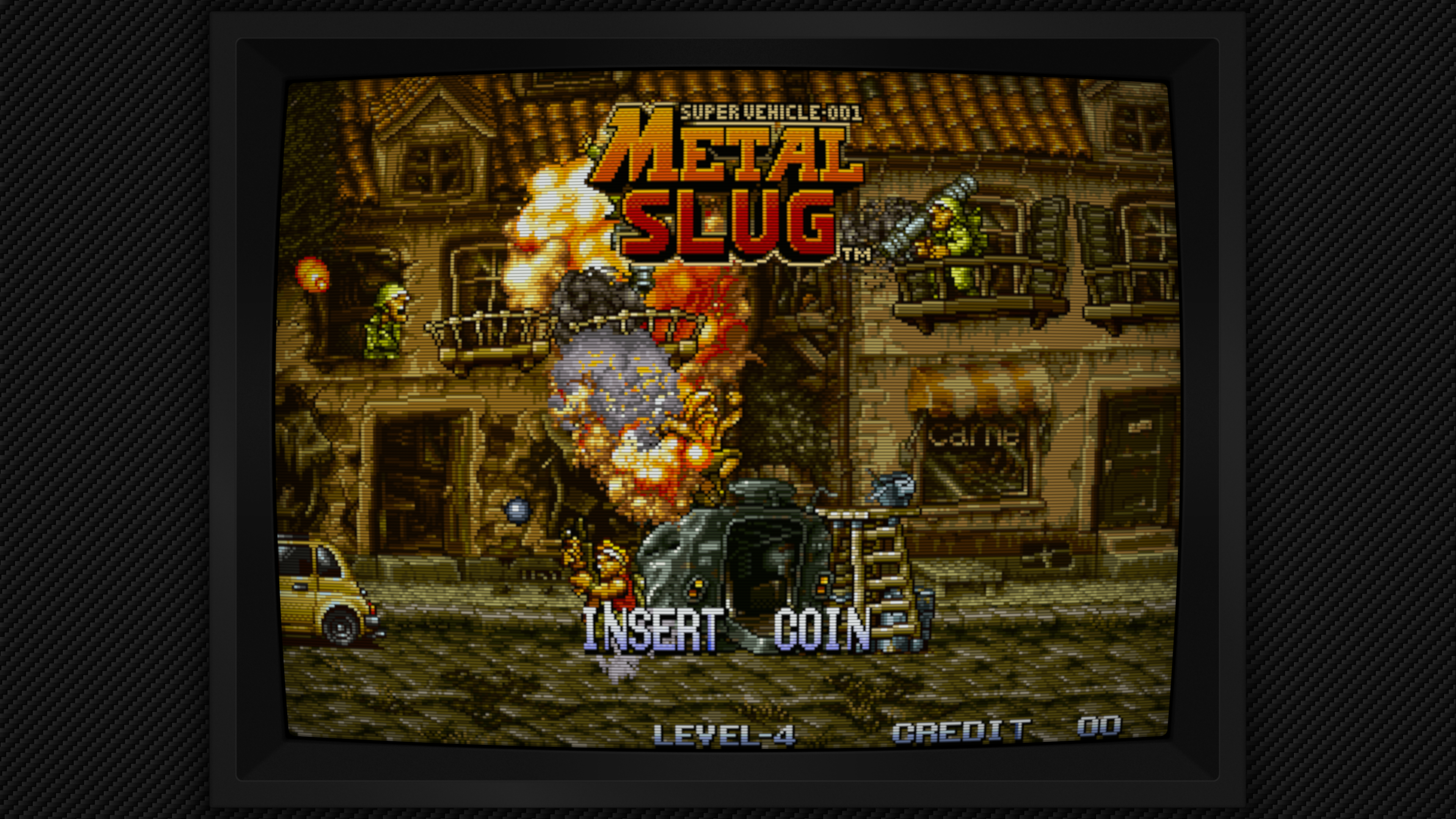
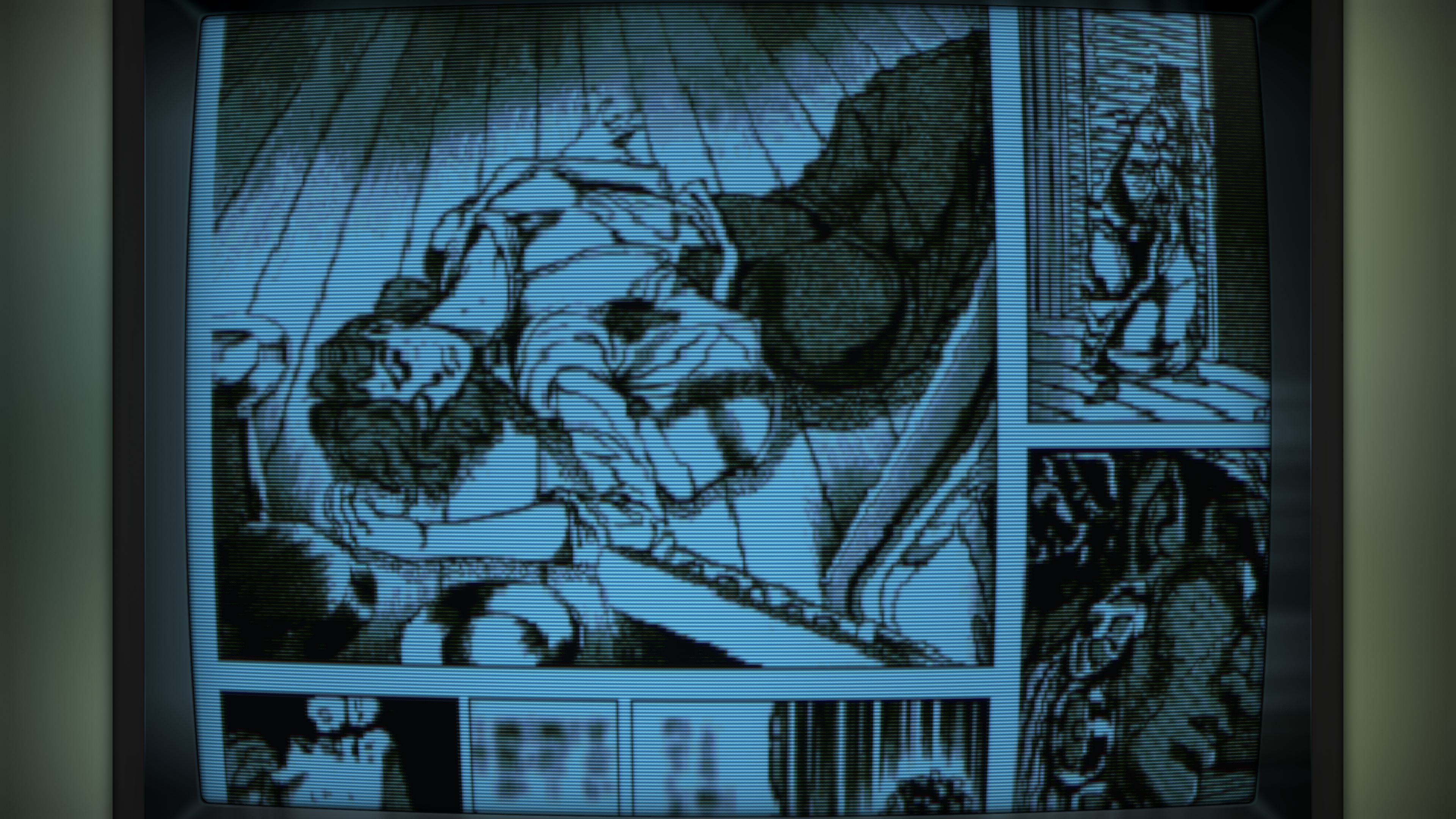
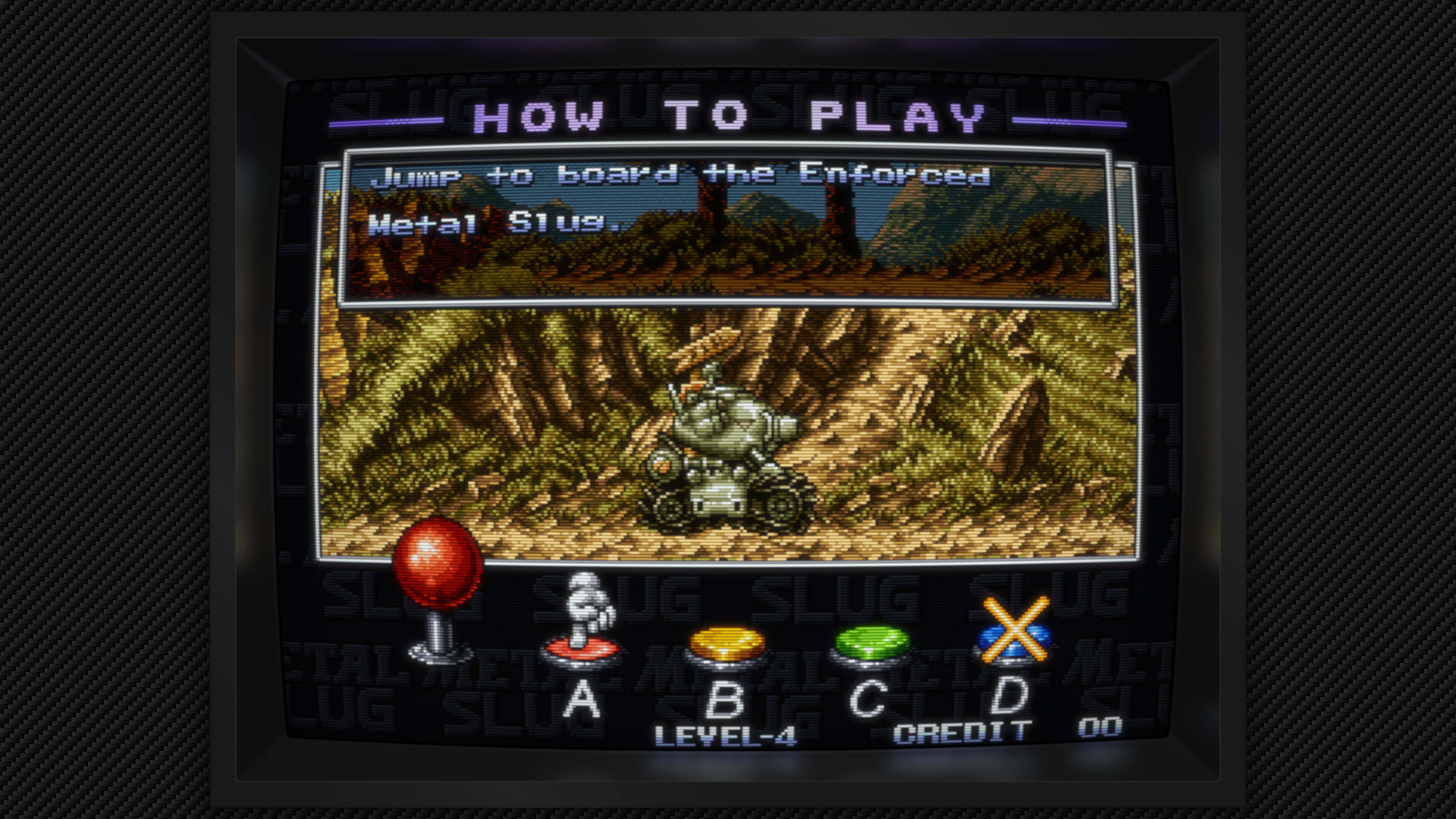
| Shader bezels | Mega Bezel: 660 presets; koko-aio: 183 presets, included in the Slang total | Quick Menu → Shaders → Load Preset |
Adjust shader parameters and save presets globally, per core, per content directory or per game. All four save scopes were reloaded successfully on the console. CPU filters process software-rendered frames; they do not filter GPU-only core output.
The missing-half overlay is fixed. Both triangles now render with the correct texture coordinates and alpha. Landscape, portrait and overlay-plus-shader layouts were checked on PS5. A separate padded-input correction keeps shader history and feedback coordinates aligned.
The build pins complete dependency trees and audits the staged title and extracted ZIP. video-assets.json records versions, six path corrections and five unusable upstream files excluded from packaging. No Mega Bezel or koko-aio preset is excluded. Development overlay fixtures are never shipped.
Screenshot catalog · captured on PS5
These are unedited console captures. Click an image for the original. Artwork and game content are not supplied as playable content.
Shader bezels
| Mega Bezel · Potato | koko-aio · Fast Monitor Balanced |
|---|---|
| 
|
Overlays and filters
| Production TV overlay + CRT Easymode | CPU Scale2x |
|---|---|
| 
|
View Mega Bezel Advanced
Stability, input and sensible defaults
- Balanced graphics defaults replace unnecessarily high showcase resolutions. PPSSPP defaults to 6× internal resolution with 8× MSAA; saved user options still win.
- Better memory handling: shared-memory pressure reporting and PPSSPP framebuffer allocation recovery improve failure handling. This is not a claim that every save-state or allocation failure is resolved.
- Saturn fixes: automatic Saturn folders, BIOS lookup under
system/Saturn, executable JIT allocation and corrected cropped-frame ownership. Boot and gameplay were checked on console. - DualSense: rumble and guarded haptic streaming, with safer handling of unavailable or changing audio/input state.
- Fifteen release cores, refreshed documentation, preserved user configuration and faster verified asset deployment. RPCS3 remains excluded.
Tested scope and alpha limits
Representative PS5 tests cover single-pass CRT, LUT, history/feedback, Normal2x/Scanline2x/Scale2x, transparent production overlays, landscape/portrait fixtures, combined shaders and overlays, and several Mega Bezel and koko-aio complexity levels. A PPSSPP Vulkan smoke test also rendered CRT Easymode and exited normally; other hardware-core effect combinations remain unverified. Selected software workloads sustained approximately 59.94 core-frame callbacks/s with a 3840 × 2160 render target. Presentation calls are measured separately; they are not extra emulated frames.
The tested high-refresh output negotiated 1440p at 120 Hz despite the 4K render target. This release does not claim verified 4K120 HDMI output. Full-library compatibility, a long switching/memory soak and exact-frame PC parity are not established. CRT-Royale's interrupted run remains inconclusive. Decorative overlays are supported; touch/mouse interaction is not supported by the native PS5 input driver. Artwork does not automatically resize the game viewport: adjust its aspect ratio and viewport to fit.
Install or upgrade
Back up your existing title folder, then merge the complete PPSA99169 folder into your launcher’s installation location. Preserve your config, saves, states, system files and content; do not replace your configuration with a fresh default. No games, BIOS files or firmware are included.
Source and credits
Built from the commit tagged v0.6.0-alpha.6. Corresponding source archives, license notices and checksums accompany this release. See the package’s licenses/ and video-assets.json for exact revisions and credits.
Thanks to the RetroArch/libretro teams, core authors, PS5 payload and Vulkan contributors, and the shader and overlay artists. Snes9x, FinalBurn Neo and Genesis Plus GX include non-commercial restrictions and may not be sold. FinalBurn Neo also prohibits soliciting donations for projects using its code.
Made by Mihawk.