
Note
Coming from 2.15 or earlier? Read the 2.16 notes first: the card layout changed, and the Web Manager has to Organize the card once. Coming from any 2.16.x there is nothing to reorganise: 2.17 does not move any file.
What's New
Game Boy Color (FXPak Pro (Mk.III), experimental)
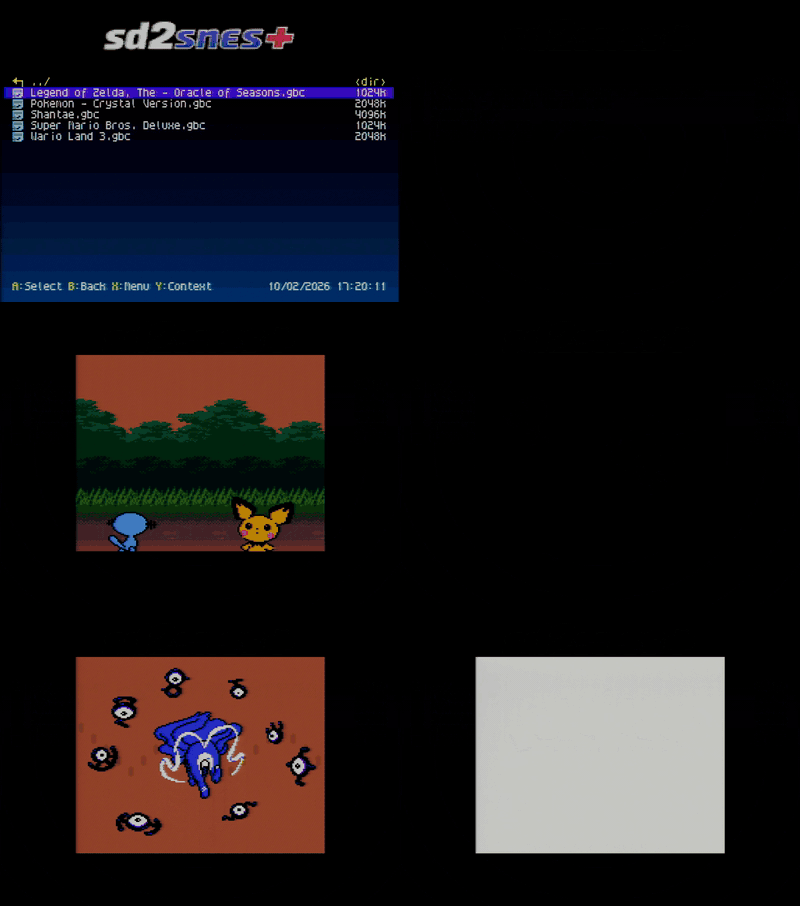
Drop a .gbc on the card and it runs on a Game Boy Color core instead of the Super Game Boy one: in colour, at full speed, including the double-speed mode. .gb files whose header asks for a Color console go there too; the rest keep using the Super Game Boy.
The FPGA runs the console, and the SNES redraws the picture from the Game Boy's own tiles, maps, sprites and palettes, line by line. Battery saves and the cartridge clock work (.srm and .gtc, next to the Super Game Boy saves). It ships with the open-source boot ROM from SameBoy, so there is no BIOS file to find.
Three new options under Configuration → SGB Settings:
- Game Boy Color mode: Auto, Prefer SGB (only the Color-only games leave the Super Game Boy, so everything else keeps its border and SGB colours) or Prefer GBC (every Game Boy game goes to the Color core)
- Game Boy Color sync: Genlock (the default: the Game Boy frame is locked to the SNES one, about 0.6 % faster than a real Game Boy, so no frame is ever skipped) or Exact (the real Game Boy clock, with an occasional skipped frame)
- Game Boy Color stretch (off by default): the hi-colour screens fill 256×192 instead of sitting at 160×144 in the middle
Warning
A preview, not a finished feature, and FXPak Pro (Mk.III) only.
- The "hi-colour" title screens and cutscenes, which repaint the palettes on every line, are drawn as a full picture in the right colours, but animated ones can lose smoothness or show bands while they refresh.
- No savestates, cheats or in-game menu on this core yet. 8 MB cartridges do not run, and the sound has not been checked against a reference.
- Not tried on first-generation consoles with the version-1 S-CPU (SHVC-CPU-01 board): that CPU revision can hang when a graphics transfer overlaps the line-by-line effects, and this core does that every frame.
- On the SD2SNES (Mk.II) the core does not fit the FPGA:
.gband.gbckeep booting on the Super Game Boy there, so only games that also run on the original Game Boy work, without colour. The three options are greyed out.
See the compatibility list.
A tour of what's new, on the first boot
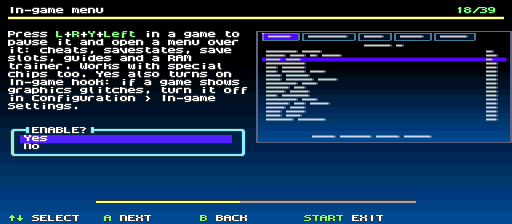
The first boot after installing or updating asks "See a tour of the new features?". A opens it with a short welcome clip (an animation with a jingle), then one card per feature, each with a picture of what it changes on screen. Where the feature is an option, the setting is right there on the card, and the picture follows the answer you are pointing at.
- A (or Right) keeps the answer and moves on, Left or B goes back without changing it, START ends the tour. Everything is saved when the tour ends.
- It covers the older features too, not just the 2.17 ones, and skips what your board cannot run: the extra consoles and the Game Boy Color are not shown on the Mk.II.
- Each release adds its own cards at the end, so after a future update the tour comes back once, showing only what is new.
- B on the question skips it. See it again any time under Configuration → Tour of the new features.
- In all eight menu languages, with either controller.
Six more kinds of cartridge
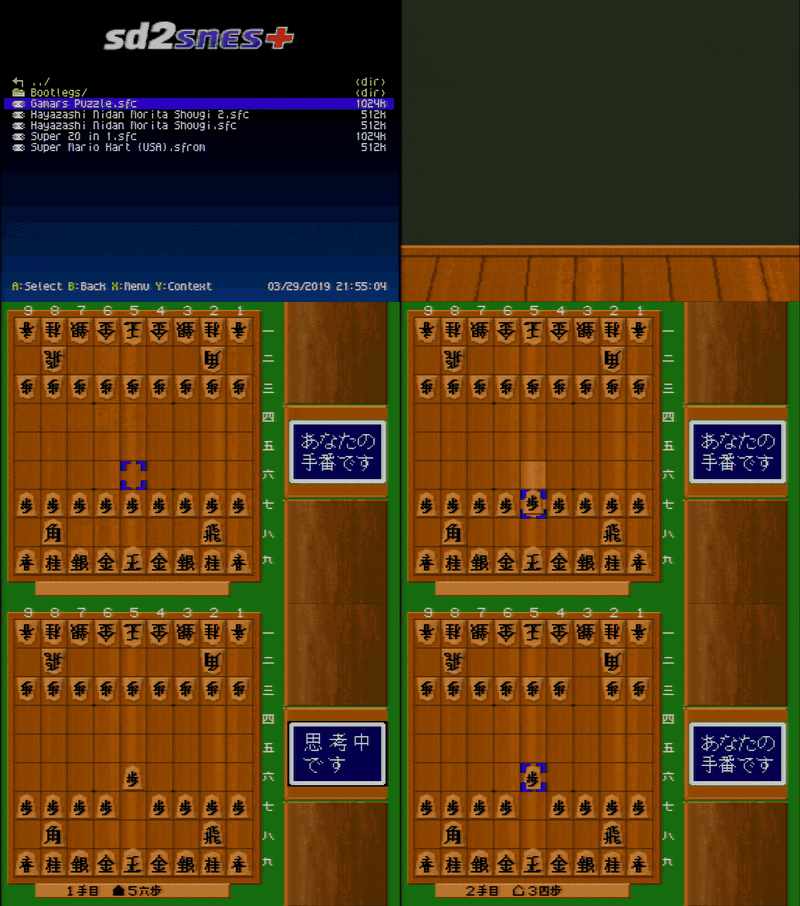
Six kinds of cartridge that did not boot before (one of them did not even show up in the list) now run, on both boards. Savestates and the in-game menu stay off on the ST011, ST018, bootleg and Super 20 in 1 cores; Gamars Puzzle and .sfrom files run on the main core and keep them.
| Cartridge | Needs on the card |
|---|---|
| Seta ST011: Hayazashi Nidan Morita Shougi | /sd2snes/st011.rom
|
| Seta ST018: Hayazashi Nidan Morita Shougi 2 | /sd2snes/st018.rom
|
| Copy-protected bootlegs | nothing, the untouched dump |
| Super 20 in 1 | nothing |
| Gamars Puzzle | nothing |
.sfrom files (SNES Classic)
| nothing |
The menu names the missing file if a chip firmware is not on the card, the same way it does for the other special chips.
Seta ST011 and ST018
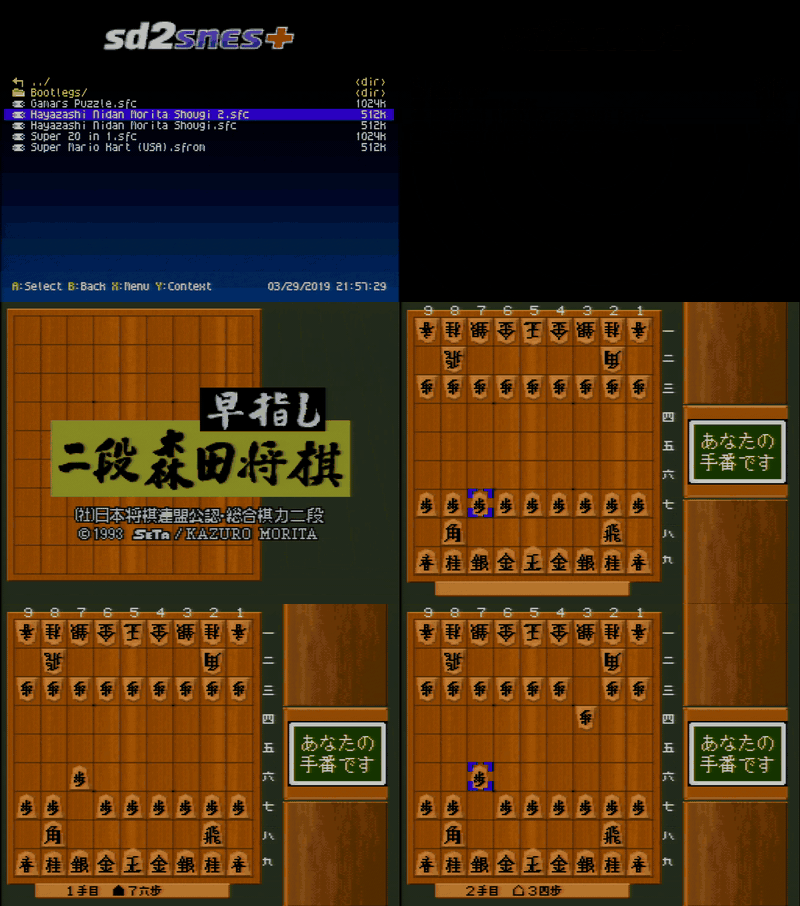
The ST011 is the Seta coprocessor inside Hayazashi Nidan Morita Shougi: the game boots and the computer plays against you. Hayazashi Nidan Morita Shougi 2 carries the ST018, a 32-bit ARM coprocessor, and the core includes that CPU, written from scratch.
On the Mk.II the ST018's ARM runs at half speed to fit the smaller FPGA, so the computer takes about twice as long to think; only the thinking time changes.
Copy-protected bootlegs, from the untouched dump
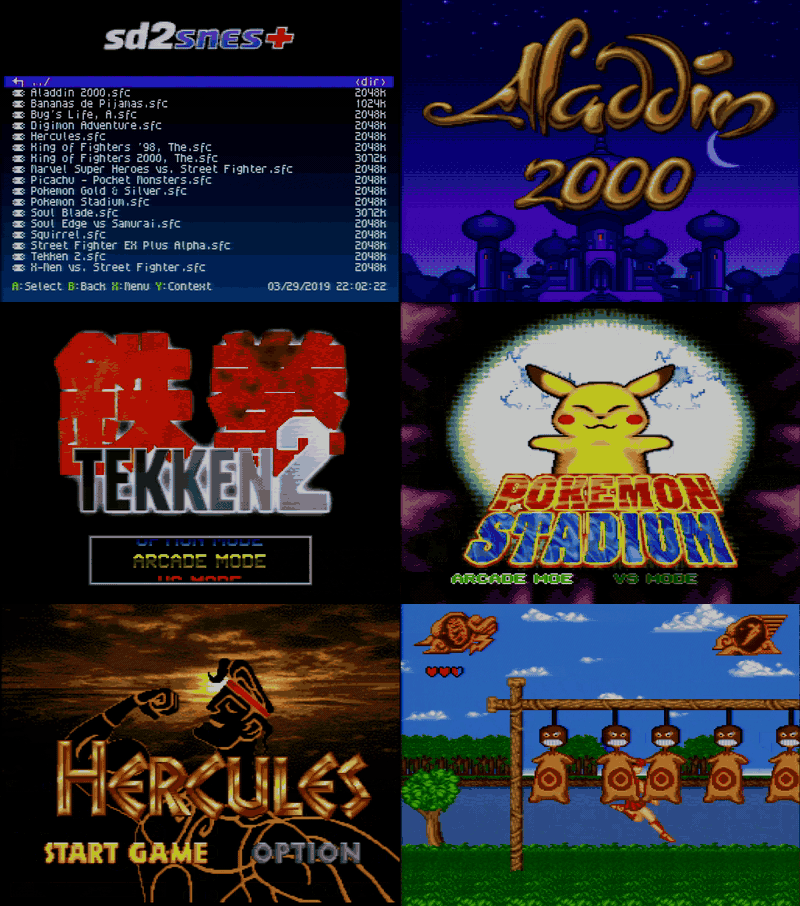
Unlicensed carts with a copy-protection chip run from the original file, no cracked version needed: Aladdin 2000, Digimon Adventure, King of Fighters '98 and 2000, the Pokemon bootlegs, Soul Blade, Tekken 2, Street Fighter EX Plus Alpha, X-Men vs. Street Fighter, Marvel Super Heroes vs Street Fighter, A Bug's Life, Hercules and more. They are recognised by checksum; the full list is in README_BOOTLEG.md.
Super 20 in 1 and Gamars Puzzle
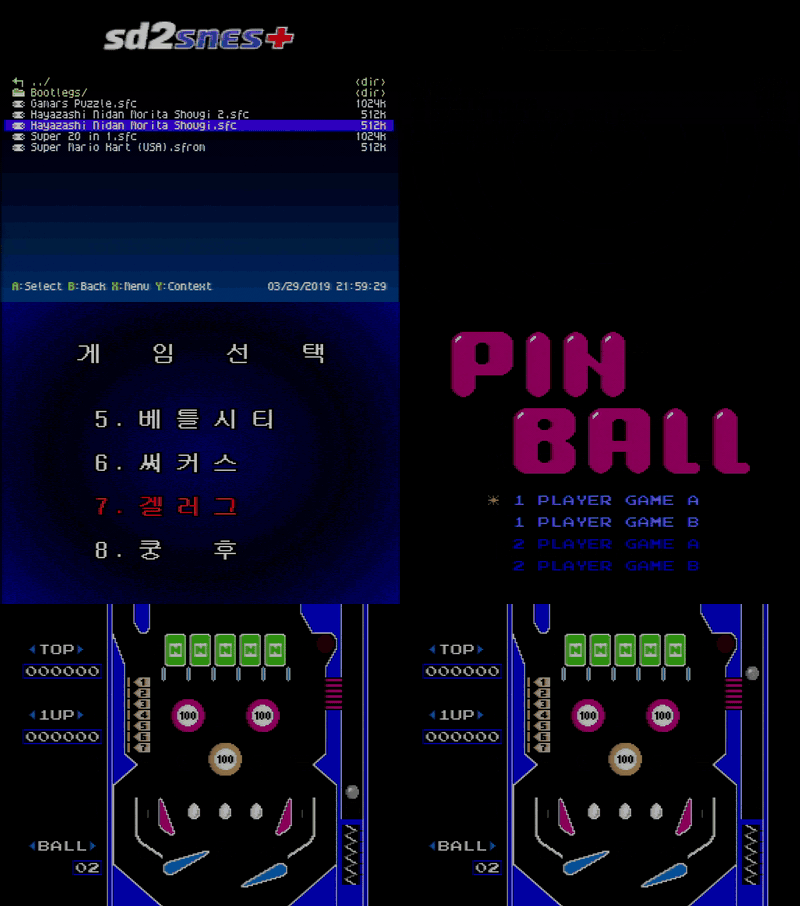
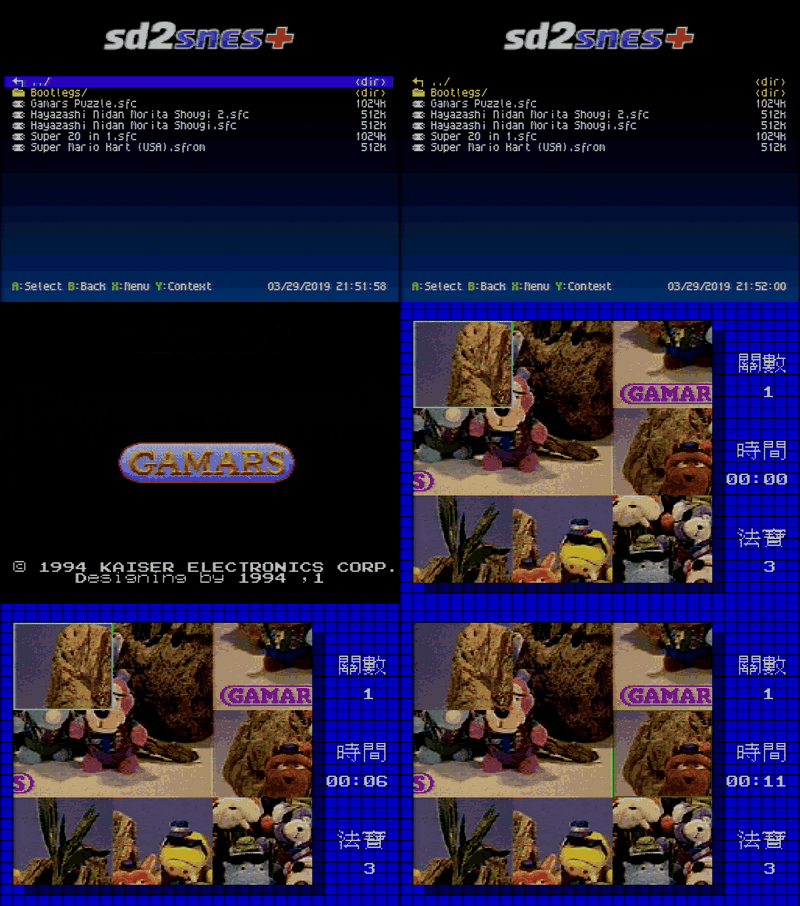
The Korean Super 20 in 1 multicart opens its own menu and switches games like the real cartridge. Its games are NES titles ported to the SNES, such as Spartan X and TwinBee. The unlicensed Taiwanese Gamars Puzzle has a memory map of its own. Both load as plain dumps.
.sfrom files
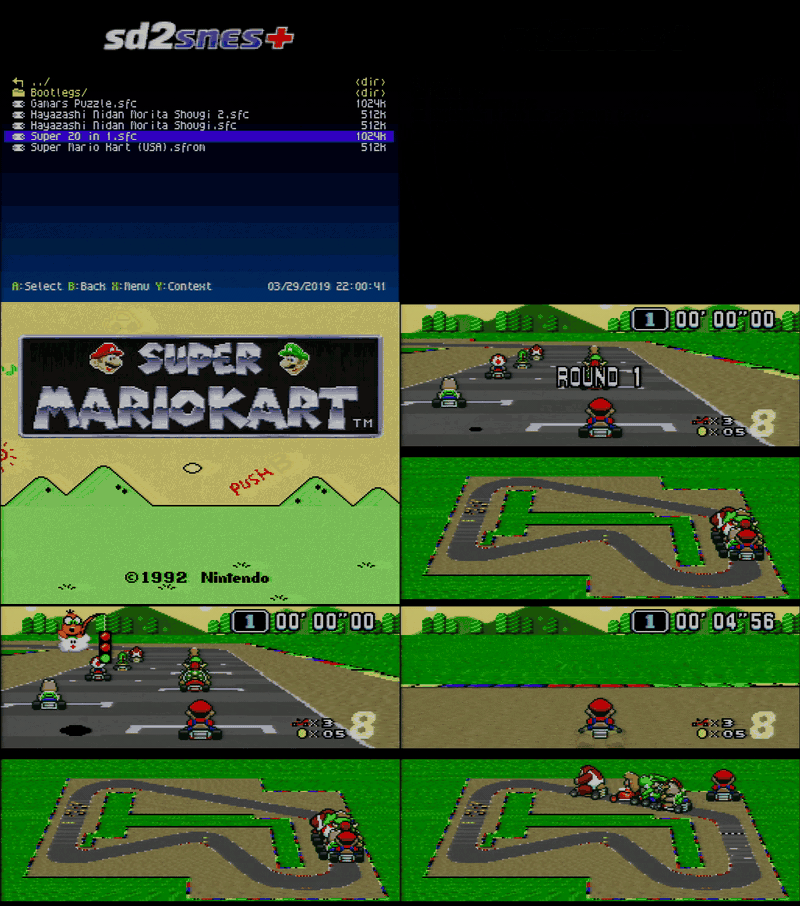
.sfrom, the ROM container used by the SNES Classic, shows up in the browser and boots like any ROM: saves, cheats and patches work the same. The Web Manager and the GamesDB identify the game by the ROM stored inside the file, so the cover and the info card are the same as for the .sfc.
Tip
These cartridges came from the community. The Seta ST011 and ST018 cores (including the ST018's ARMv3 CPU), the bootleg core with its dump tools, and the Mk.II build of the Super 20 in 1 core are by M2M (@sttng). The Super 20 in 1 core, the Gamars Puzzle mapper and the .sfrom support are by @terminator2k2, who also brought these contributions together.
Every in-game shortcut, on one screen
Press SELECT on the tab bar of the in-game menu for a list of every shortcut: open the menu, save and load state, pick a slot, reset the game, back to the menu, cheats on and off, in-game buttons off. Each one is spelled with the buttons that are really armed for the game you are playing, including your own IngameButtonsMenu combo and the per-game savestate combos (#42).
In-game shortcuts on controller 2
New option Configuration → In-game Settings → Buttons on controller 2, off by default. With it on, the in-game shortcuts (the menu, savestates, reset) also work from the controller in port 2.
Controller 1 keeps priority, and the two controllers are never merged: half of a combo on each pad does not add up to a shortcut nobody pressed. It is off by default because it adds a little time to every interrupt the game takes. It does not reach games that read the controllers by hand instead of through the console's automatic read, nor the Super Game Boy and the extra consoles.
The menu speaks Dutch
Nederlands joins as the eighth language, next to English, Portuguese, Spanish, German, French, Italian and Russian: the menu, messages, the description of every option, the system screens, the in-game menu and the tour. The clock shows the date the Dutch way, DD-MM-YYYY, and the info card shows a Dutch description when the game has one.
Icons in the file list
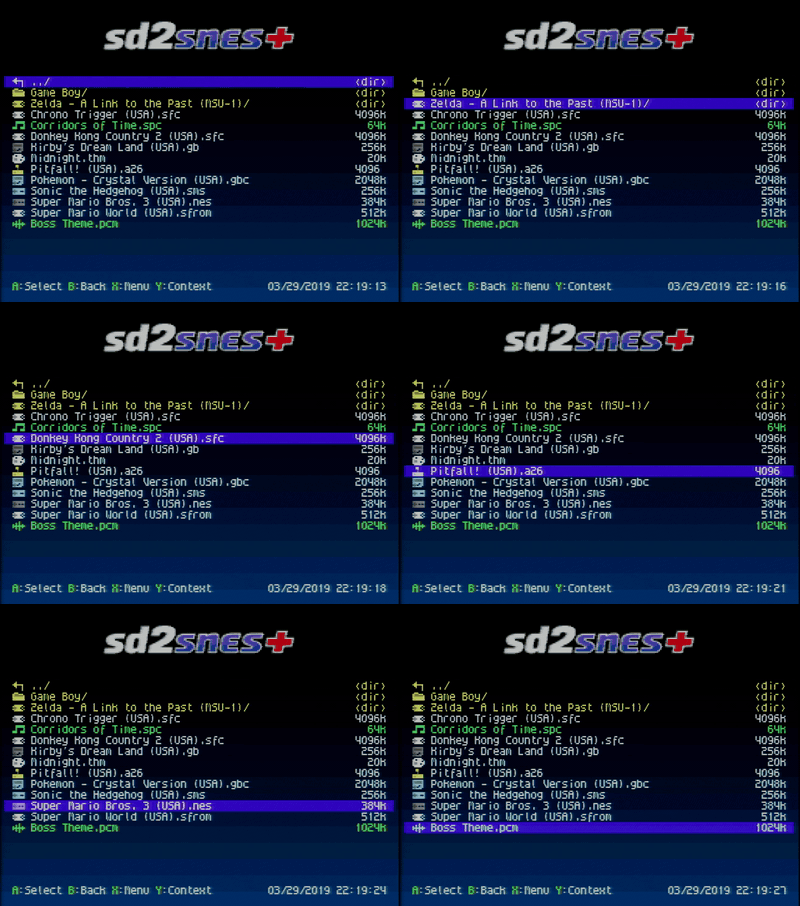
Every row of the browser starts with a small icon for what it is: folder, SNES, NES, Master System, Game Boy, Game Boy Color or Atari 2600 game, .spc music, .pcm track, theme or plain file. A folder that opens as its MSU-1 game (Open MSU-1 folders as games) shows the SNES controller instead of the folder, so you can tell at a glance which folders are games.
Y on such a folder now opens its ROM's context menu (cheats, favorites, delete and the rest) just as on the ROM itself (#60).
And in every key hint (the footer lines such as A: Play B: Back) the button names are drawn in green, in the menu and in the in-game menu alike.
Cheats from the game info card
SELECT on the info card opens that game's cheat list (the footer reads Sel: Cheats), so you can switch codes on before the game starts without going back to the list.
Menu music out of the box
The package now ships three freely licensed tracks in /sd2snes/music/, and Random music is on by default, so the menu plays one of them from the first boot. Add your own .spc files to that folder or delete the ones you do not like; /sd2snes/menu.spc (now a copy of "28") is the fallback when the folder is empty or Random music is off.
| File | Title | Author | Licence |
|---|---|---|---|
un-tarde.spc
| un tarde | K. Jose | CC BY 4.0 |
jungle-song.spc
| Jungle song | Beyond | Public domain |
28.spc
| 28 | Beyond | Public domain |
The tracks were converted from the authors' Impulse Tracker modules with SNESMOD; the sources and the changes are listed in the README and in /sd2snes/music/CREDITS.txt.
New defaults
On a card without a config.yml (a fresh install), three settings now start differently:
- Savestates and the In-game hook they need are on. They used to ship off, so a fresh card had no savestates and no in-game menu until both were switched on.
- Reset to menu is ROM: the console's RESET button no longer restarts the game, every press takes you back to the menu, in the last game's folder with that game selected. If you want a short press to restart the game, pick Duration: then a long press (or two quick ones) goes back to the menu.
- Random music is on.
Note
Updating keeps your choices. These are only the values a missing setting starts with: a card that already has a config.yml keeps what is in it, and the tour offers to switch the in-game menu and savestates on.
Memory test
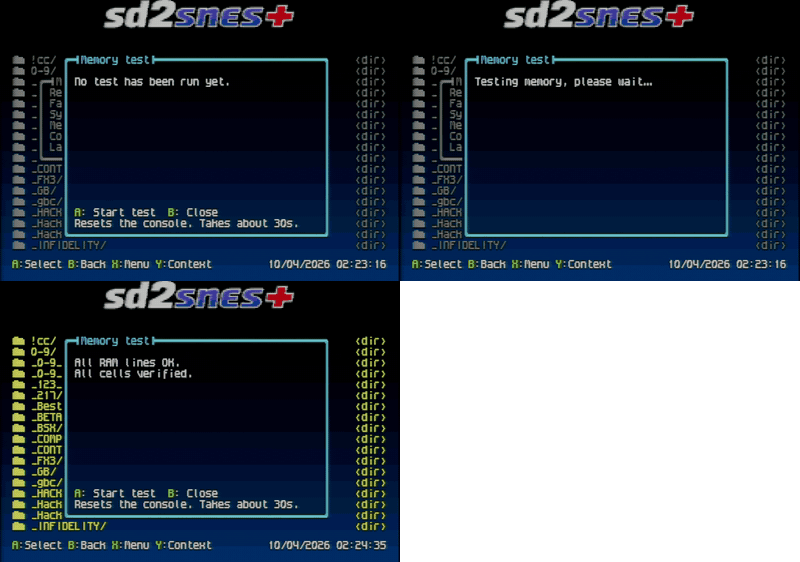
Main menu → Memory test runs the whole test on A (~30 s): it walks the data and address lines of the PSRAM and of the 4 Mbit SRAM first and, if the wiring is sound, writes and verifies every cell, reporting the first bad address if it finds one.
Fixes
- Savestates and music. A savestate does not carry the sound processor, so loading a state saved in another scene used to keep the music of the scene you were in. Super Mario World (level and overworld) and the three Donkey Kong Country games (US versions) now play the loaded scene's song. Killer Instinct (US, US Rev 1 and Europe) used to freeze in that case; it now settles the sound processor and plays the loaded scene's song.
- Game info card. Accented and Cyrillic letters in the title and the description no longer turn into
?, a translated description shows in full, and typographic punctuation (dashes, curly quotes, ellipses) comes out in plain ASCII instead of?. - Stepping between games on the info card. The fade is faster, and the previous game's clip stops before the next card loads instead of its sound repeating meanwhile.
- In-game cheat list. The ON/OFF beside each cheat is translated in every menu language (ВКЛ/ВЫКЛ in Russian, AAN/UIT in Dutch) instead of always reading ON/OFF.
Updating
- Download
sd2snes_firmware_v1.11.2-br-2.17.zipbelow. The same package serves every board: the SD2SNES (Mk.II) readsfirmware.img,menu.binand the.bitcores, the FXPak Pro (Mk.III) readsfirmware.im3,m3nu.binand the.bi3cores, and the FXPAK PRO STM32 readsfirmware.stmwith the samem3nu.binand.bi3cores. - Extract it and copy the
sd2snesfolder to the root of your SD card, replacing the files when asked. Yourconfig.yml, saves, savestates, cheats, covers and info cards are not in the package and stay as they are. - Put the card back and switch the console off and on. The new firmware is installed by the cartridge at power-on; the RESET button or a reload of the menu is not enough.
Note
The package replaces /sd2snes/menu.spc, the four sfx_*.pcm sound effects and the two savestate_*.yml files. If you swapped in your own tracks or added games to savestate_inputs.yml, back them up before copying and put them back afterwards (or keep your tracks in /sd2snes/music/, which the package only adds to).
Also since 2.16
Coming from 2.16 or an earlier 2.16.x? This release also carries everything in between:
- 2.16.4: add, edit and delete cheats on the console with an on-screen keyboard, trainer freezes that no longer fill the cheat list, and fixes for Super Mario RPG on both boards and for Star Ocean.
- 2.16.3: guides are back in the in-game GUIDES tab (#57), and Up/Down on the info card step across MSU-1 folders.
- 2.16.2: MSU-1 game folders open as the game, you can browse and delete card files under
/sd2snes, deleting a game also deletes its cover, info, cheats and patch settings, and the menu is stable on S-CPU version 1 consoles. - 2.16.1: the clock writes the date your language's way, and Super Mario Bros. on the NES core draws right again.
Thanks
Thanks to M2M (@sttng) and @terminator2k2 for the cartridge cores, to @victorescosta for the shortcut-list request (#42) and to @DarthMotzkus for the MSU-1 folder report (#60).