
Top Features
- Bit-perfect output: lossless tracks reach your DAC unchanged, at each track's own sample rate and bit depth. Choose Android 14's USB DAC mode, AAudio exclusive for music players with a built-in DAC, or BitChord's direct USB driver on any Android version. The player shows the exact format being sent, and the volume keys control the DAC with a new volume HUD.
- Video playback: full music video support in the main player. Switch a song to its video from the song menu, pick the video quality, and play live streams.
- Podcast playback: YouTube Music podcast shows now open with their full episode list and play in BitChord.
- Direct Source Stream: a track plays from your addon from the first note, with one stream and no quality switch mid-song. Nothing is fetched until a track is about to play.
- Top Picks for You: a new row on Home built from your listening, with artist stations, new releases, your mixes and Mood for You cards.
- Automix: a new DJ-style loop mix that loops both songs on the beat and eases the tempo between them, plus a mix view popup to watch it happen.
- Offline player: Local Music now has device playlists, a Liked playlist and a Folders tab, and audio files can be opened from a file manager with Open with BitChord.
Changelog
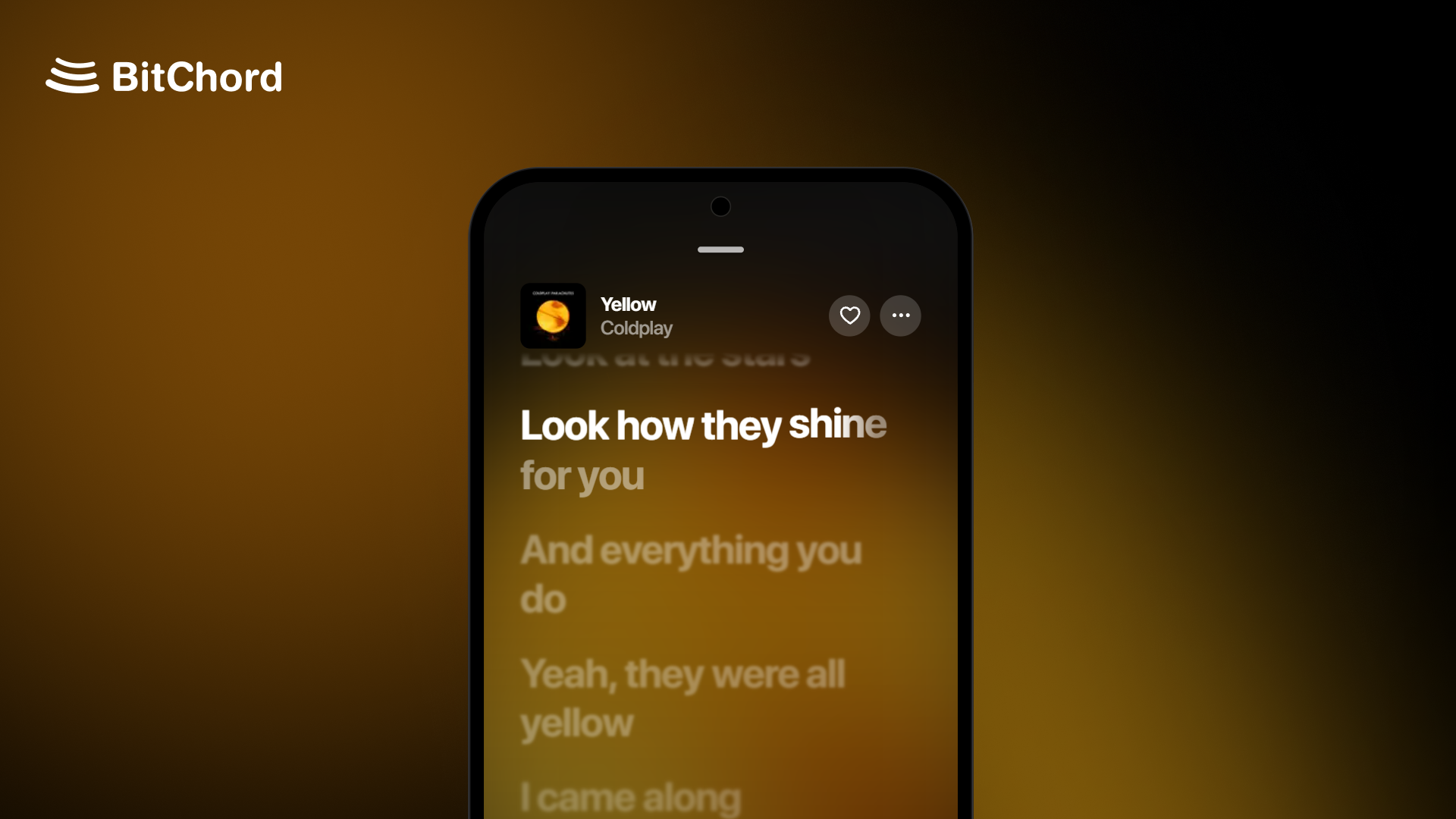
- Player: 3:4 motion covers on phones, square covers that fade into their own edge colour, a blurred backdrop in video mode, an Apple-style explicit badge, faded long lines, and a setting to hide the output / Listen Together pill. The output name shines only while playback is bit-perfect.
- Menus and settings: song, album and playlist menus rebuilt as iOS-style pop-ups, with new switches and a reworked Settings screen. The tab bar, mini player and top bar now follow Apple's proportions and type.
- Audio: 24-bit FLAC stays intact on hi-res Bluetooth codecs, and ALAC now decodes through FFmpeg.
- Downloads: rebuilt download handling, plus Keep playlists updated, which finds new songs in your downloaded playlists.
- Playback: AutoPlay tops up when a queue edit shortens what's left, and swapping between a song's video and audio mid-track counts as one history entry.
- History: Remove from history in the song menu on the history screen.
- Sleep timer: custom duration from 5 minutes to 12 hours.
- Lyrics: Vazirmatn font option for Persian lyrics, a new instrumental section glyph, and reordering sources or switching syllable sync now reloads the playing track's lyrics.
- Song matching: better matching for bracketed CJK translations, pt-BR guest credits and type labels, and Simplified Chinese now maps to a supported region.
- Cast: downloaded tracks can be cast through their remote stream. External local files are no longer offered for casting.
- App icons: Neon icons in Apple, Samsung and Pixel shapes.
- Translations: Korean added, missing strings filled across languages.
- Performance: smoother main player and Home scrolling, and Home refreshes only Recents after a play.
- Fixed Replay album stats, right-to-left layouts, back navigation on artist sub-pages, the playlist picker for downloaded songs, and quality upgrade and cache bugs.
- General stability fixes across the app.
Full list of changes: #1109
Install
Android (8.0 / API 26+): installs straight over v1.8.1 with the same signing key. Not sure which APK to take? Use the universal BitChord-v1.9.apk. The smaller ones are arm64-v8a (most phones), armeabi-v7a (old 32-bit phones) and x86_64 (emulators, Chromebooks).
Android TV / Google TV / Fire TV (8.0 / API 26+): installs over v1.8.1 TV, or updates from inside the app. Use the universal BitChordTV-v1.9.apk, or the smaller BitChordTV-v1.9_armeabi-v7a.apk, which suits most TVs and streaming sticks (arm64-v8a for newer boxes like the Shield or Chromecast with Google TV).
Wear OS (Wear OS 3+): the watch app ships inside the phone app. Install or update it from Settings > BitChord for Wear OS.
Support Channel (Discord)
https://discord.gg/pSafNTyKZx