
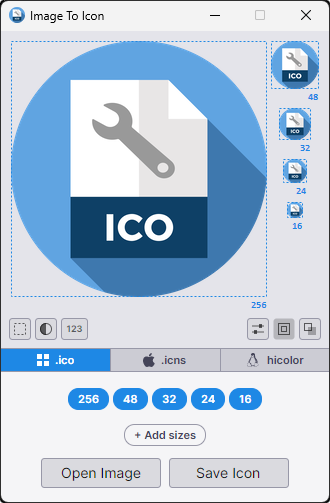
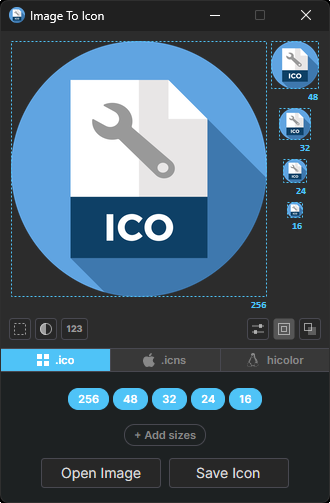
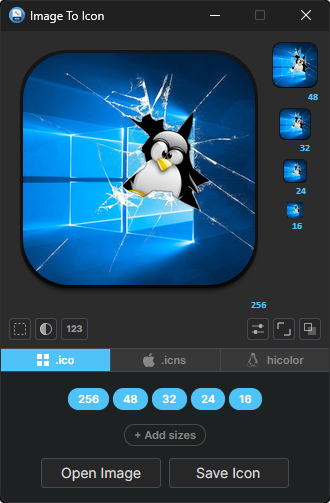
Main Window (Light / Dark)
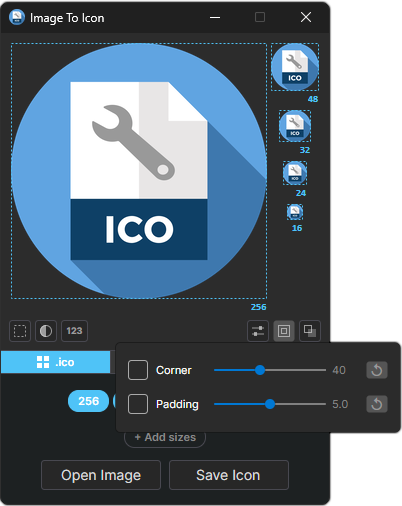
Corner & Padding — Dark
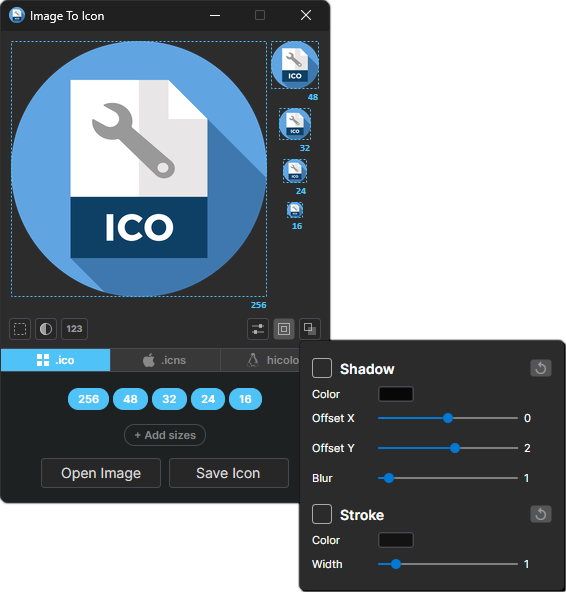
Shadow & Stroke — Dark
Example — Input / Output
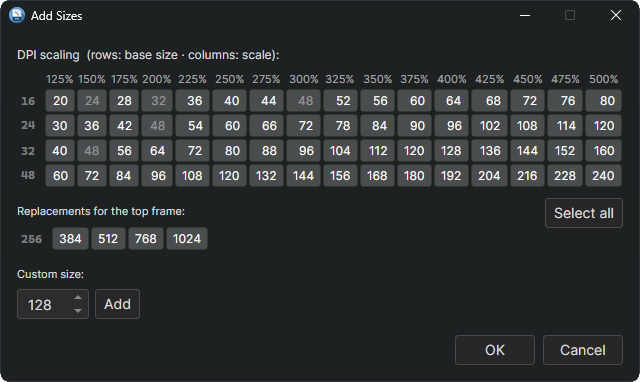
Add Sizes
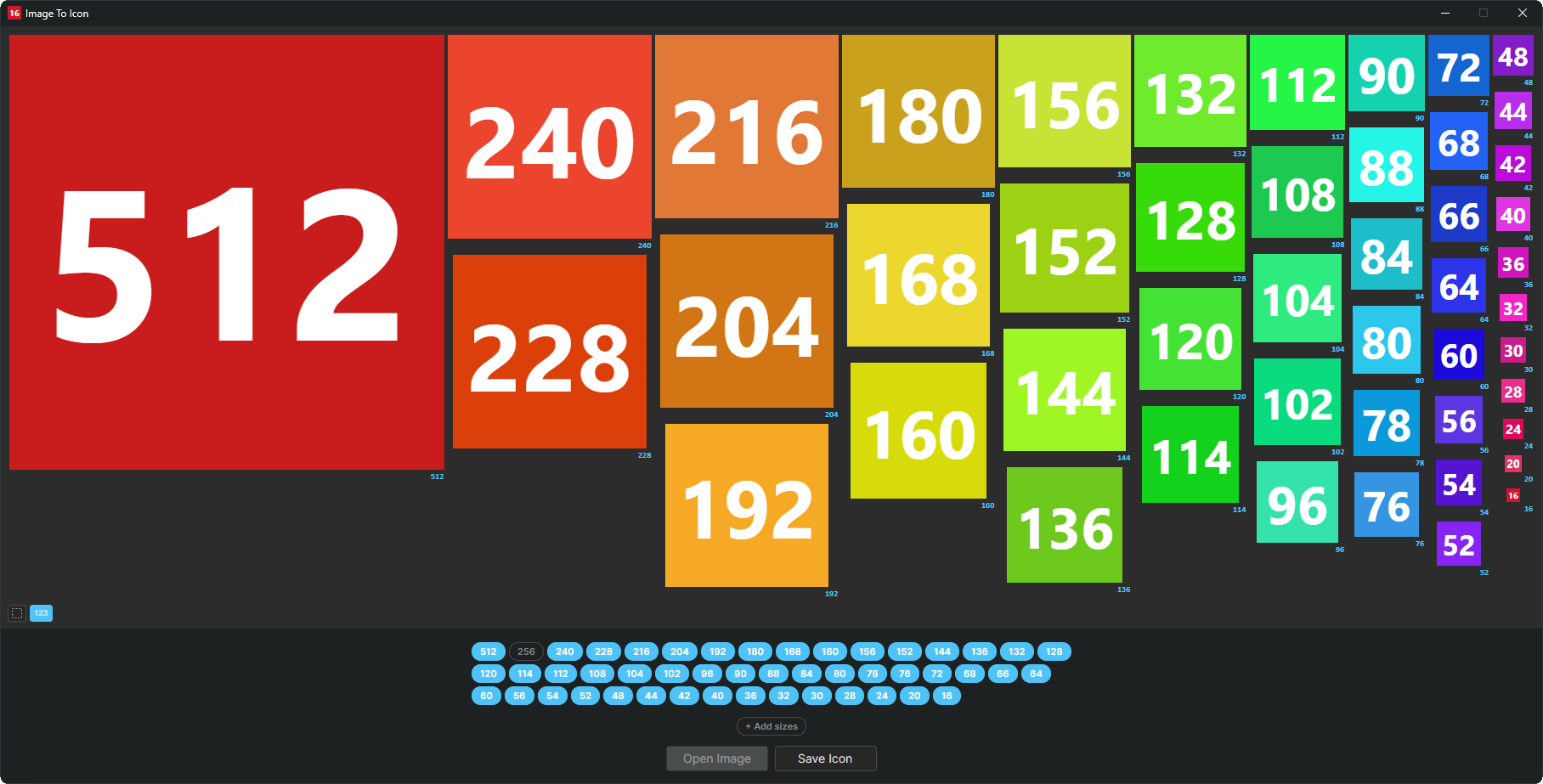
Test Mode
Description
ImageToIcon is a small cross-platform tool for turning any image into a multi-size icon set — Windows .ico, macOS .icns, or a Linux hicolor tree. Drop in a single picture and it generates all the standard sizes at once, with clean Lanczos‑3 downscaling — no wizard, no upsell, no bundle of proprietary editors.
Version Highlights
- Added: arm64 builds for Linux and Windows alongside the x64 releases (built from the same source, not actively tested)
- Added: ICNS export and Linux hicolor export (folder or
.tar.gz) alongside ICO, with their own default size sets - Added: Background layer behind the icon content
- Added: Background color picker with an eyedropper to sample from any existing thumbnail
- Added: Testing mode — preview icons flat and strip the background from the saved file in one click
- Added: Corner-radius slider to round or fully circle-mask the icon
- Added: Padding slider to shrink the content inside the frame
- Added: Shadow effect with color, X/Y offset and blur, optionally wrapping the background
- Added: Stroke effect with color, width and inner/outer offset, optionally wrapping the background
- Added: Per-size fit mode (Fit, Stretch, Crop) with mouse-wheel zoom and right-click drag to pan
- Added: Per-slot source image — drop a hand-tuned 16 px or 32 px onto a specific size while all others keep rendering from the main image
- Added: Right-click selection mode on a size to edit or undo an override, with a visual marker on sizes whose source image has been individually overridden
- Added: ICNS loading (extract icon frames straight from
.icnsfiles) - Changed: CLI rewritten to expose the full set of shape, background and effect options for batch conversion and scripting
- Changed: Safe screen margin widened to keep windows comfortably inside the work area
- Changed: Replaced
SixLabors.ImageSharpwith an in-tree Lanczos-3 resampler and decoders
Additional Features
- No requirements: runs natively on Linux and Windows — same binary logic, same output
- Load any common raster format:
.png,.jpg,.bmp,.dib,.tif,.gif,.webp,.tga,.qoi,.pbm/.pgm/.ppm/.pnm - Pull embedded icon frames straight out of
.ico,.exeand.dllfiles - Load
.svgfiles directly, rasterised on the fly via Skia for crisp results at any size - Drag-and-drop support on the main window
.png-compressed frames inside the.icoand.icnscontainers for smaller files, especially at 256 px and up
Supported File Types
| Short Name | Long Name | File Extensions |
|---|---|---|
| BMP | Microsoft Windows Bitmap | *.bmp; *.dib; *.rle |
| DLL | Windows Library | *.dll |
| EXE | Windows Executable | *.exe |
| GIF | Graphics Interchange Format | *.gif |
| ICNS | Apple Icon Image | *.icns |
| ICO | Windows Icon | *.ico |
| JPEG | Joint Photographic Experts Group | *.jpg; *.jpeg; *.jpe; *.jfif |
| PNG | Portable Network Graphics | *.png |
| PNM | Portable Anymap | *.pbm; *.pgm; *.ppm; *.pnm |
| QOI | Quite OK Image | *.qoi |
| SVG | Scalable Vector Graphics | *.svg; *.svgz |
| TGA | Truevision Targa | *.tga |
| TIFF | Tagged Image File Format | *.tif; *.tiff |
| WEBP | Google's Web Page Image | *.webp |
Requirements
- Operating system:
- Linux (x64)
- Windows 10+ (x64)
- Linux (arm64) — built from the same source, but not actively tested
- Windows 10+ (arm64) — built from the same source, but not actively tested
- No runtime required — ships as a self-contained single-file executable