
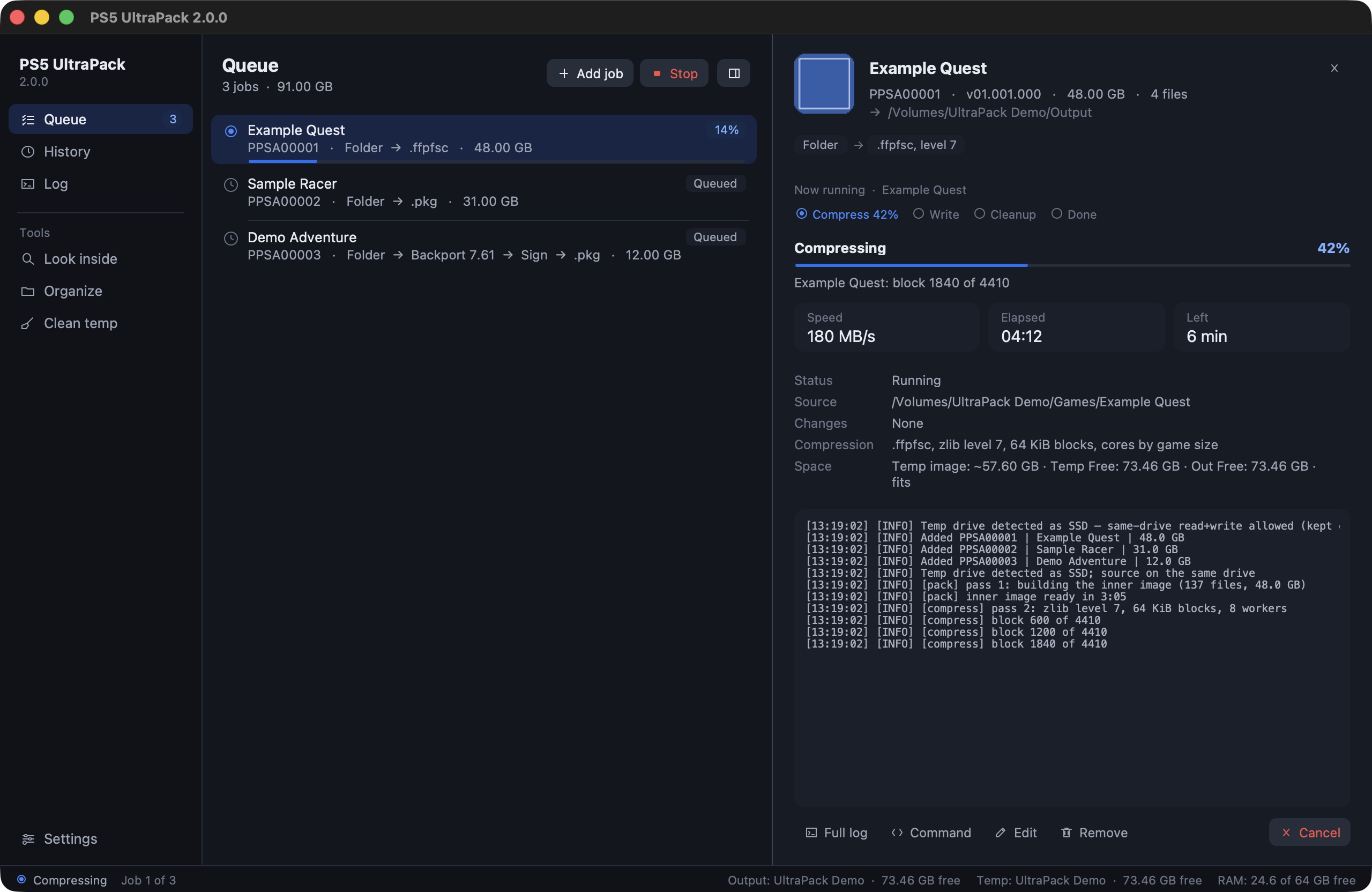
PS5 UltraPack 2.3.3 Windows Preview
The Windows build of PS5 UltraPack 2.3.3, with the same features as the Mac version. New in this one: one source in several jobs, where the last job decides what happens to the source, and a fix for sources that stayed although their add-ons were already in the library. What's new: 2.3.3 release notes. I tested every function on Windows 11, but I haven't checked a game built on Windows on a console yet.
On Windows
- Nothing to install. 7-Zip, the RAR reader and the package tool are inside the folder.
- Text and controls stay sharp at 125, 150 and 200 % display scaling.
- Drives show with letter and label, and Trash goes to the Recycle Bin.
- The PC stays awake while jobs run, finished jobs report in the notification area, and the PC can go to sleep after the queue.
Good to know
- Windows doesn't allow paths over 260 characters unless long paths are turned on. With deep game folders, keep the temp and output folders short, for example
D:\ps5. - Found something that doesn't work on Windows? Please open an issue with "Windows" in the title and say what you did. A screenshot of the Log view helps.
Install
Download PS5-UltraPack-2.3.3-windows-x64-preview.zip below, unzip it anywhere and start PS5 UltraPack\PS5 UltraPack.exe. The exe isn't signed, so SmartScreen warns on the first start: click More info, then Run anyway.
Windows x64, tested on Windows 11. SHA-256: 8c43bdf7401563b3440d4f8349e26a3dfbe3d5715d8a8205d169f6ae0bdc9325
The source of the ampr_emu runtime the app ships is attached as ampr_emu-0.4.2.1-source.tar.gz (GPL-3).
PS5 UltraPack works with files you provide. It does not decrypt or distribute any Sony content, firmware or keys. Not affiliated with Sony Interactive Entertainment.
Full Changelog: v2.3.2-windows-preview.1...v2.3.3-windows-preview.1