
PatchDL 0.1.0
A new installer
Some of you saw a game report the new version after an install while it kept running the old one, with the progress stuck at 0%. Thanks to @oacostumado (#9) and @yaredcf (#11) for the detailed reports.
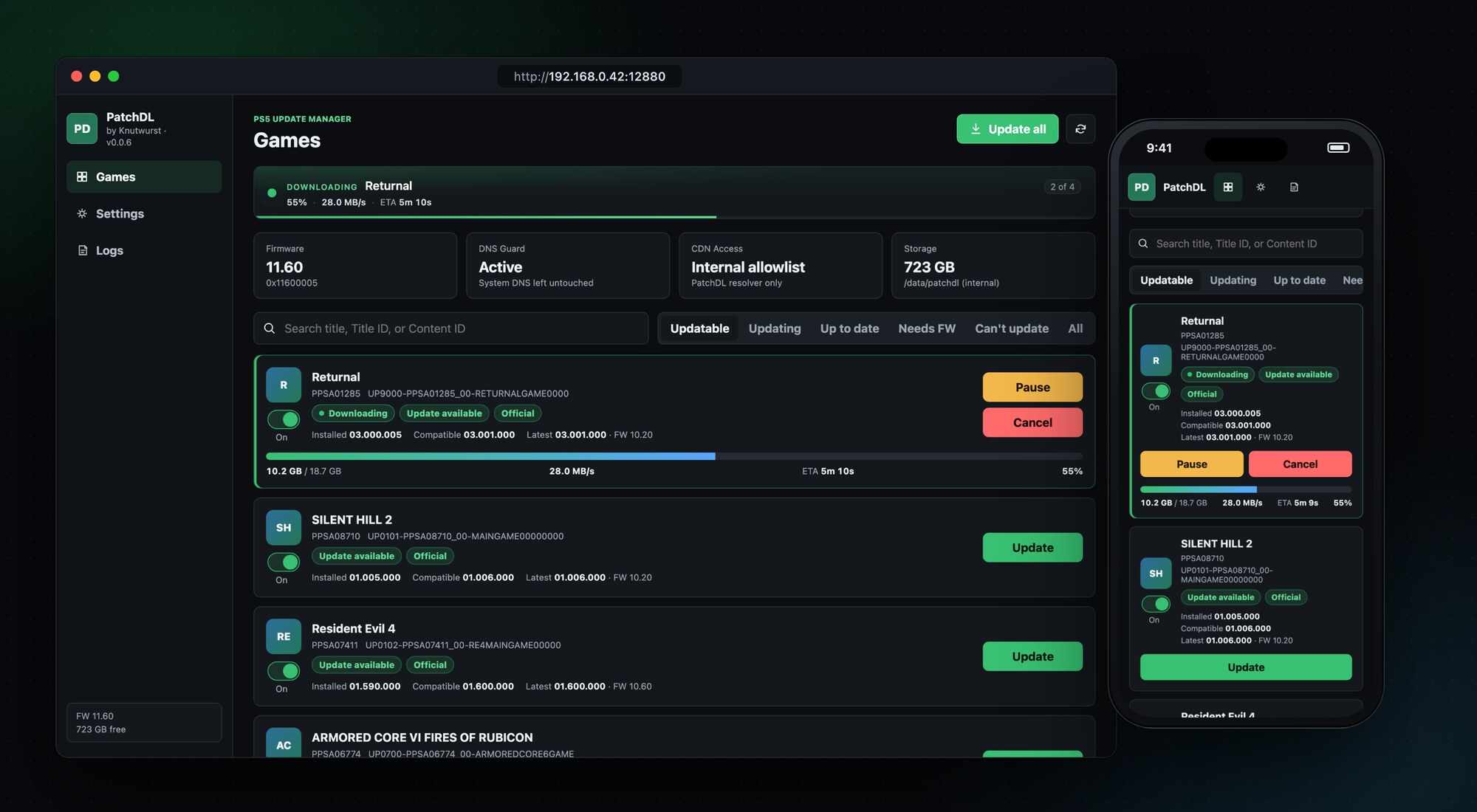
I rebuilt the install from the ground up for this release. The PS5 now pulls the update straight from PatchDL and its own installer applies it, with live progress on the game card. I tested it with Dead Island 2, Ghostwire: Tokyo and Atlas Fallen on firmware 11.60, and all three start on the new version.
If a game still shows a newer version than it runs, delete it, install it again and update it with 0.1.0. A package that's still on the console gets checked and reused, so you won't have to download it again.
Also new
- Games you install or remove show up in the list within seconds. Refresh checks Sony for new updates too.
- Packages already on the console are checked against Sony's SHA-256 checksums. Only broken pieces get downloaded again.
- After an install, PatchDL makes sure the game runs the new version before it deletes the package. Prefer to keep packages? Switch off Delete PKG after install. Settings lists every package on the console with size and version.
- A finished download is never removed early anymore.
- Clicking Install twice, or in two browser tabs, starts one install, not two.
- The first Install click no longer fails with "install backend not ready".
- PS4 games are listed as not supported.
- Bigger game covers on large screens.
Runs on firmware 1.00 to 13.60. I tested this release on 11.60 with disc games. Reports from 12.x, 13.x and Store games help a lot.
Install
Download patchdl_0.1.0.elf below, send it to your PS5 with the ELF loader you already use, and open the address from the notification on your TV.
PatchDL downloads official, unmodified updates for games already installed on your console. Not affiliated with Sony Interactive Entertainment.
Full Changelog: v0.0.9...v0.1.0