
PatchDL 0.0.9
Highlights
- Patches for your firmware. When Sony's newest patch needs a newer firmware, PatchDL now finds the newest one that still runs on your console. The version history comes from Prospero Patches. This works for games installed from disc or the PlayStation Store. Thanks to @yaredcf for the request in #11.
- From the TV to your phone. Tap Old FW patch and the TV shows a QR code. Scan it, open the game on Prospero, copy the SC link and paste it on your phone. The PS5 then downloads the patch straight from Sony, using Sony's own piece list, and installs it like any other update.
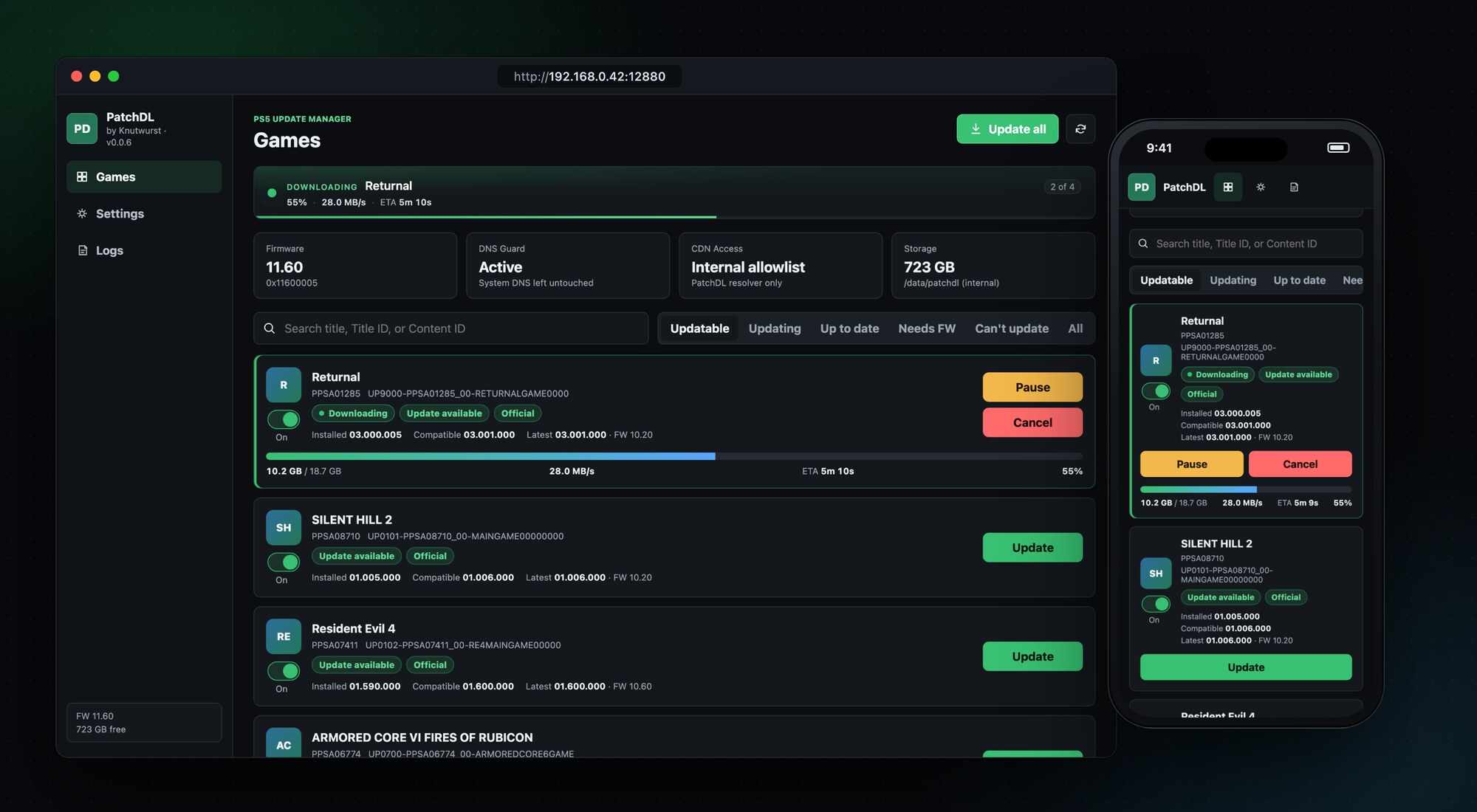
- A clearer game list. Three groups instead of six: Updates (something to get for this console), Up to date and Not supported, each with the number of games in it.
- Free space check. Before a download starts, PatchDL checks that the package fits and keeps 2 GB free. If it doesn't fit, the card tells you how much space it needs.
Also new
- Update all finally works. Since it arrived in 0.0.4, a typo kept the button from doing anything.
- Games whose update Sony serves from another region's package, such as an EU disc copy with a US master patch, can be installed again. The interface hid the Install button for them, even though the install works (tested with Dead Island 2). See #9.
- Shadowmount titles are now treated like fake packages: they're listed under Not supported, and PatchDL no longer downloads patches for them, since it can't install them.
- The README now says that PatchDL also contacts prosperopatches.com, and that the lookup only sends the game's title ID.
Runs on firmware 1.00 to 13.60. I tested this release on 11.60.
Install
Download patchdl_0.0.9.elf below, send it to your PS5 with the ELF loader you already use, and open the address from the notification on your TV.
PatchDL downloads official, unmodified updates for games already installed on your console. Not affiliated with Sony Interactive Entertainment.
Full Changelog: v0.0.8...v0.0.9