
PatchDL 0.0.8
Highlights
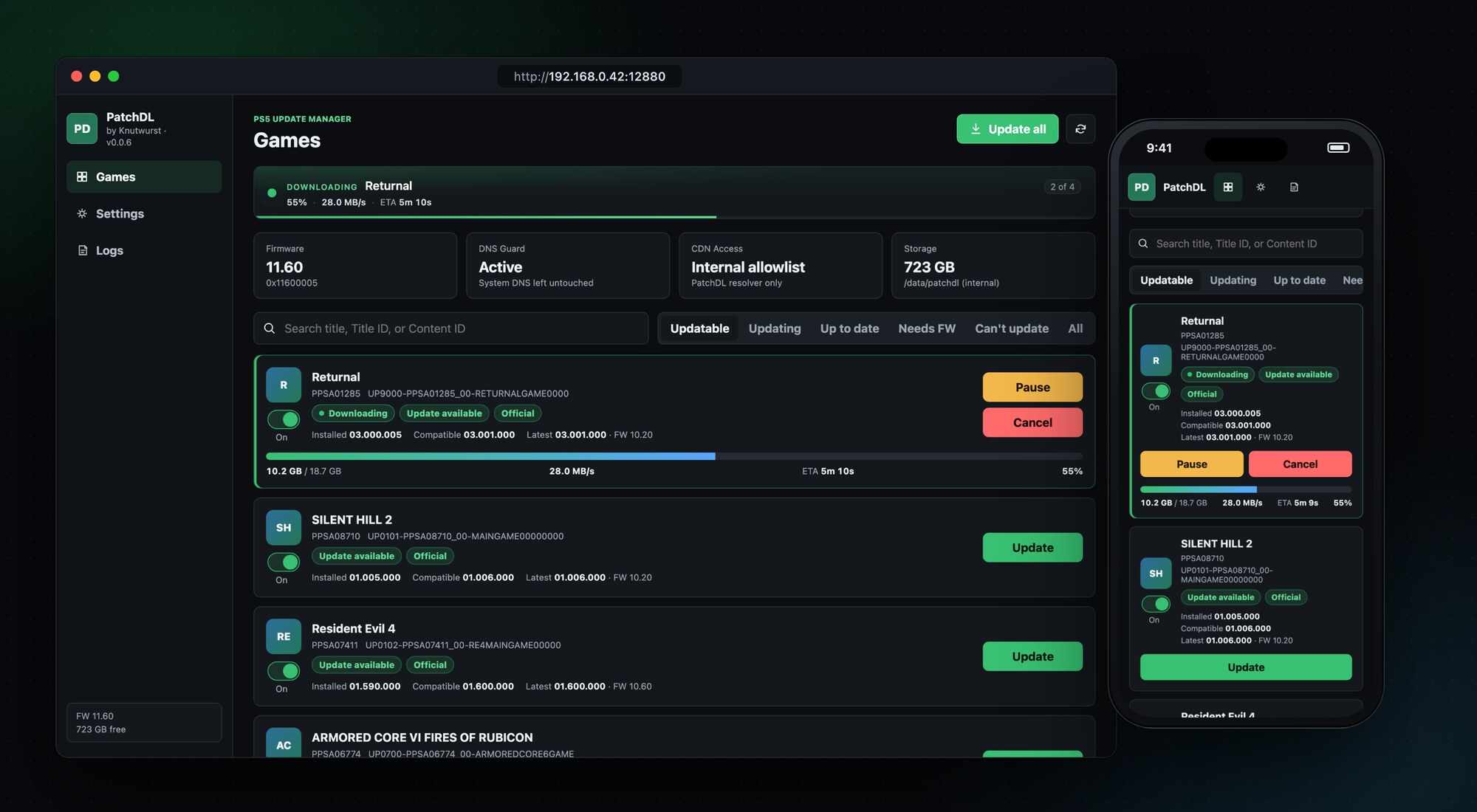
- Game icons. Every game shows its icon from the home screen, so you spot it at a glance.
- Disc and store games are recognized correctly. PatchDL now reads each game's package to tell where it came from. Games installed from disc or from the PlayStation Store no longer end up as Unknown, so their updates show up again.
- Honest "Needs FW" label. When the newest update needs a newer firmware than yours, the game now says Needs FW 13.20 (for example) instead of Up to date. Thanks to @yaredcf for the detailed report in #4.
- Packages not signed by Sony are marked. Games installed from such packages appear as Fake package · Not supported. PatchDL shows the newest official version and the firmware it needs, but never downloads or installs anything for them.
Also new
- The game list is sorted by name, so you find a game fast under All.
- Only games show up. Homebrew apps (loaders, file managers, the PatchDL tile itself) no longer appear in the list.
- The version line says needs FW 11.40 instead of FW 11.40, so it no longer reads like your console's firmware.
- Updatable only holds games PatchDL can install. Download-only titles with an update move to Can't update and show Update · download only.
Runs on firmware 1.00 to 13.60. I tested this release on 11.60.
Install
Download patchdl_0.0.8.elf below, send it to your PS5 with the ELF loader you already use, and open the address from the notification on your TV.
PatchDL downloads official, unmodified updates for games already installed on your console. Not affiliated with Sony Interactive Entertainment.
Full Changelog: v0.0.7...v0.0.8