
A native Windows and Linux port of Super Smash Bros. Brawl, statically recompiled from the game's PowerPC code. No emulator. No game data is included: you need your own Brawl disc image (USA, RSBE01, revision 1).
| 
|
| 
|
| 
|
| 
|
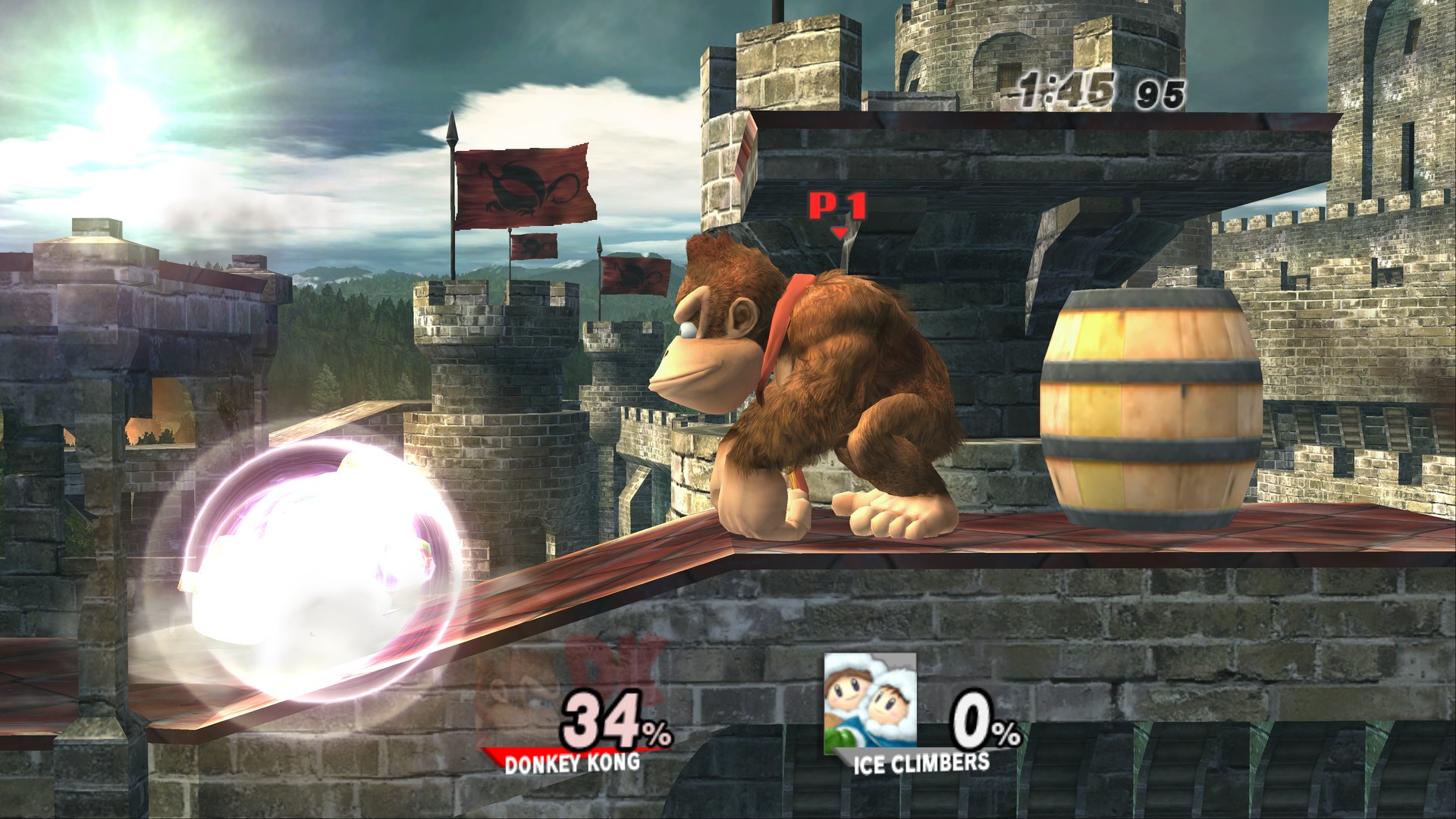
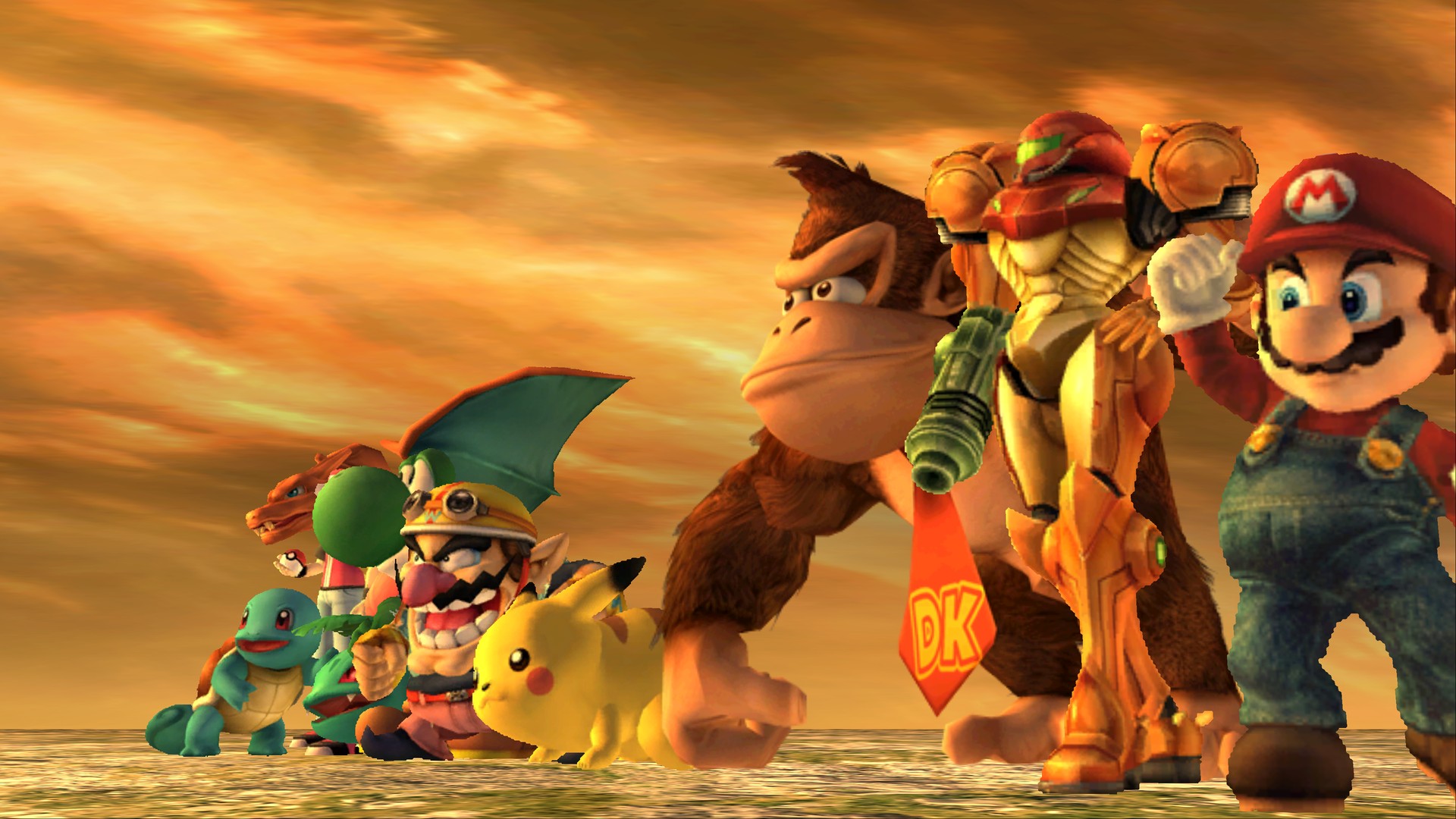
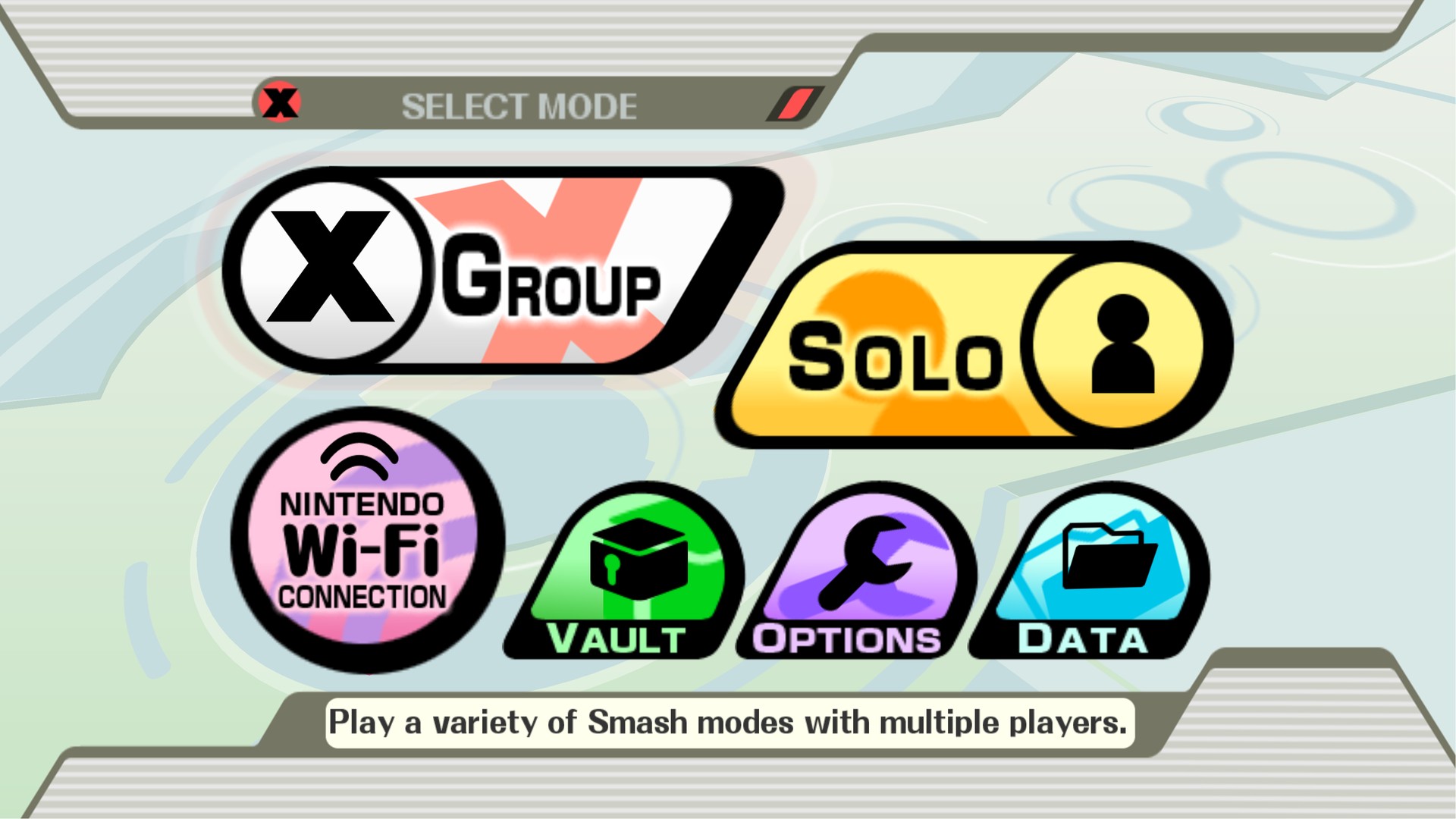
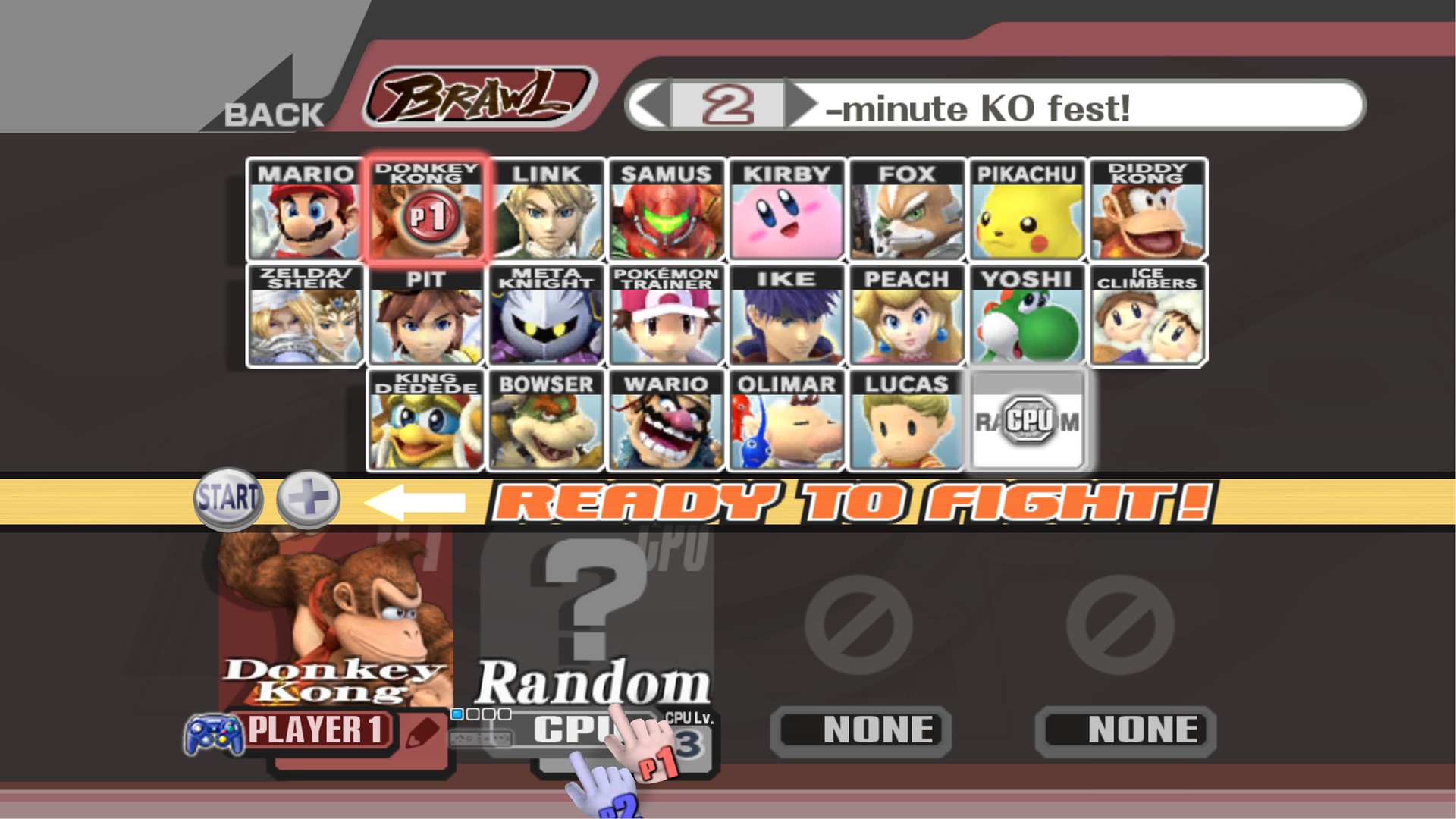
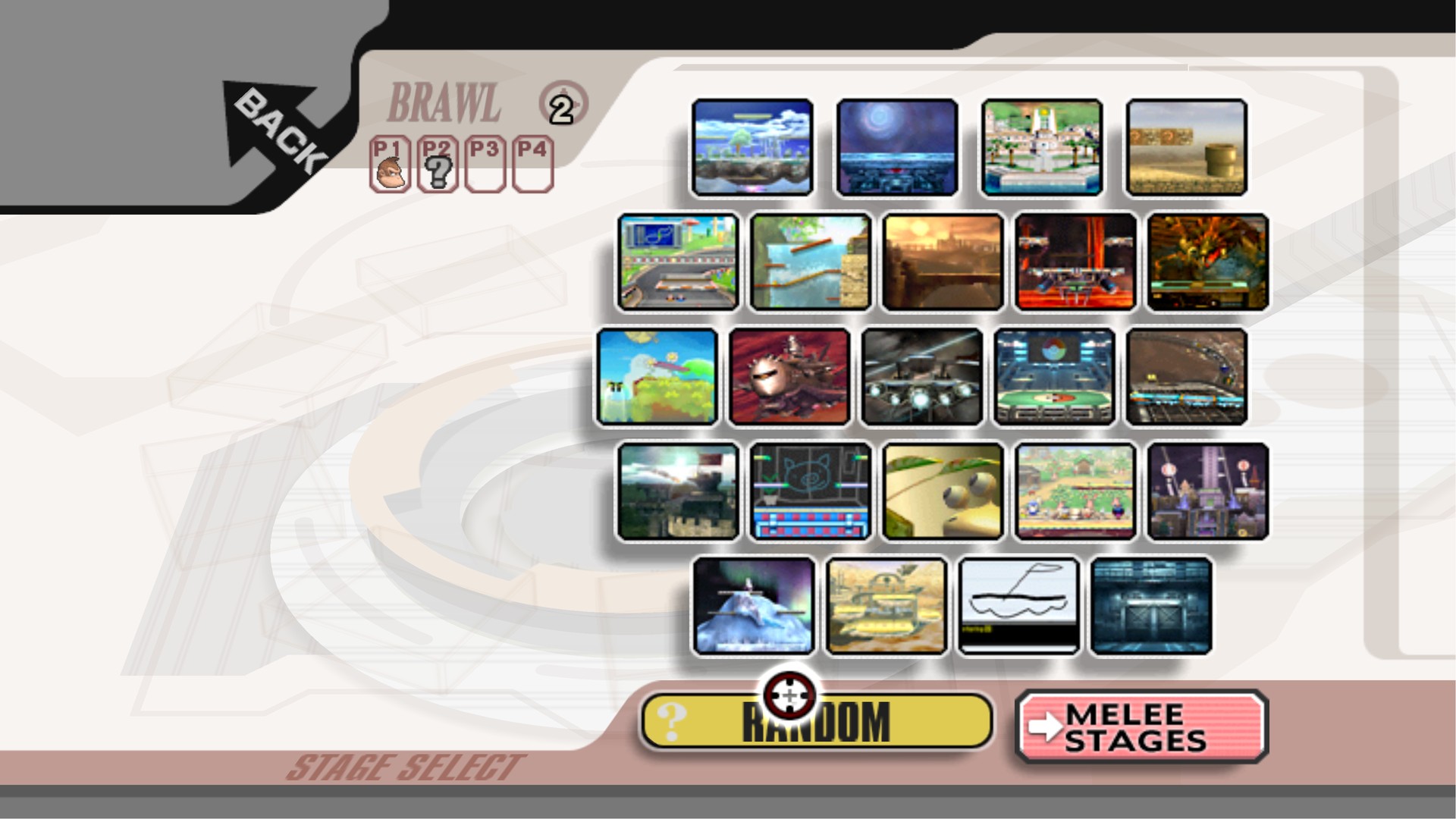
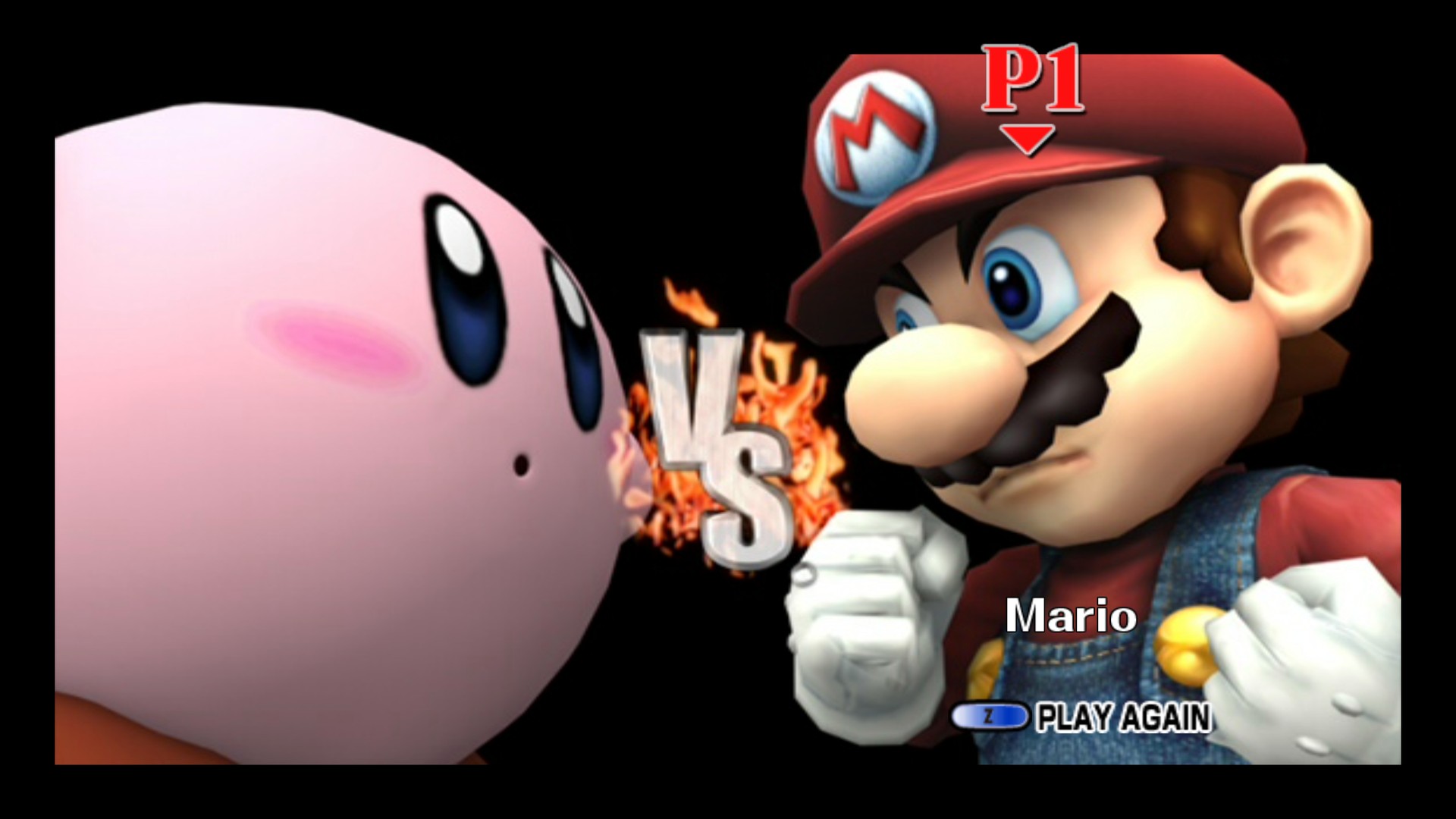
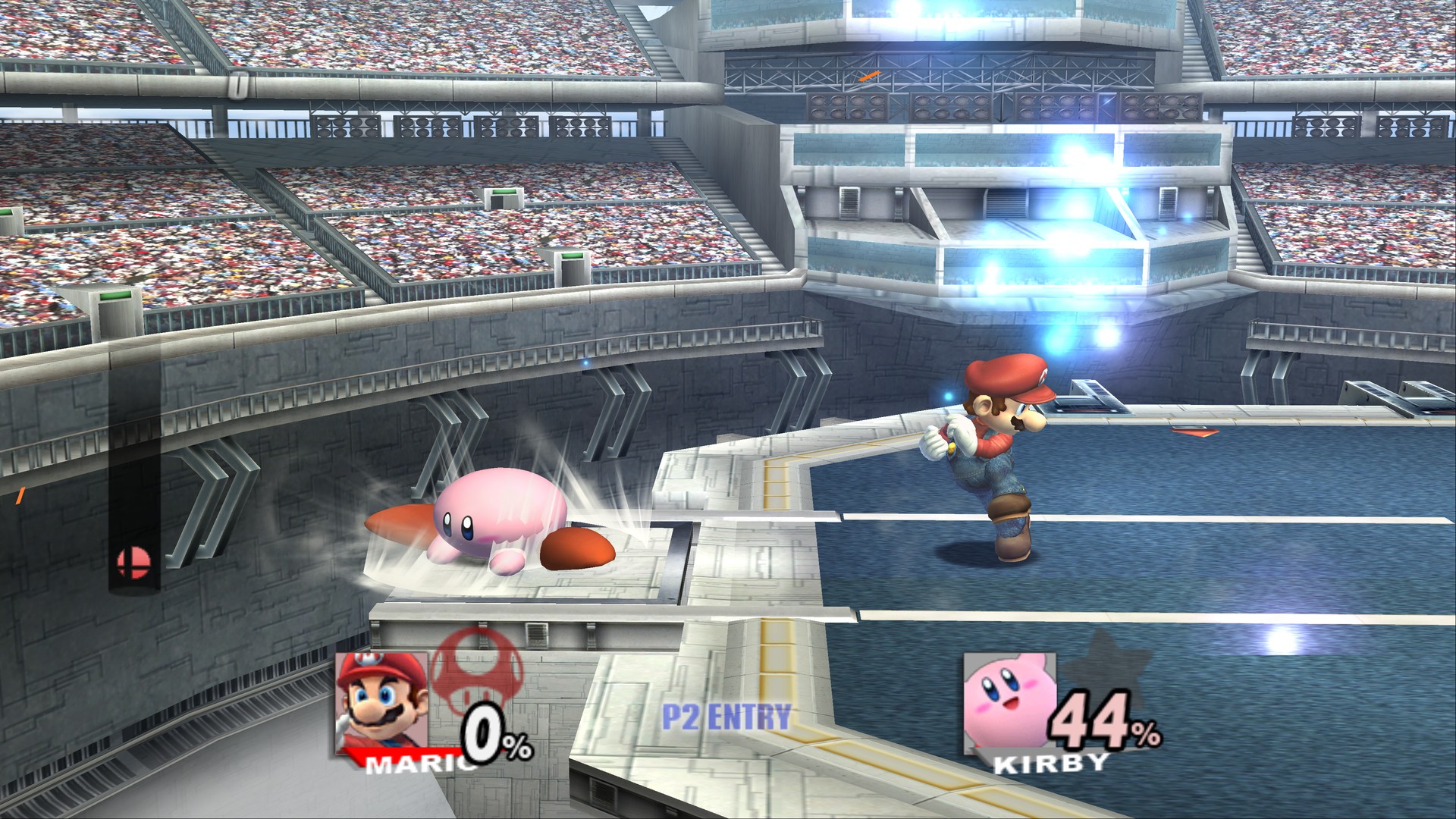
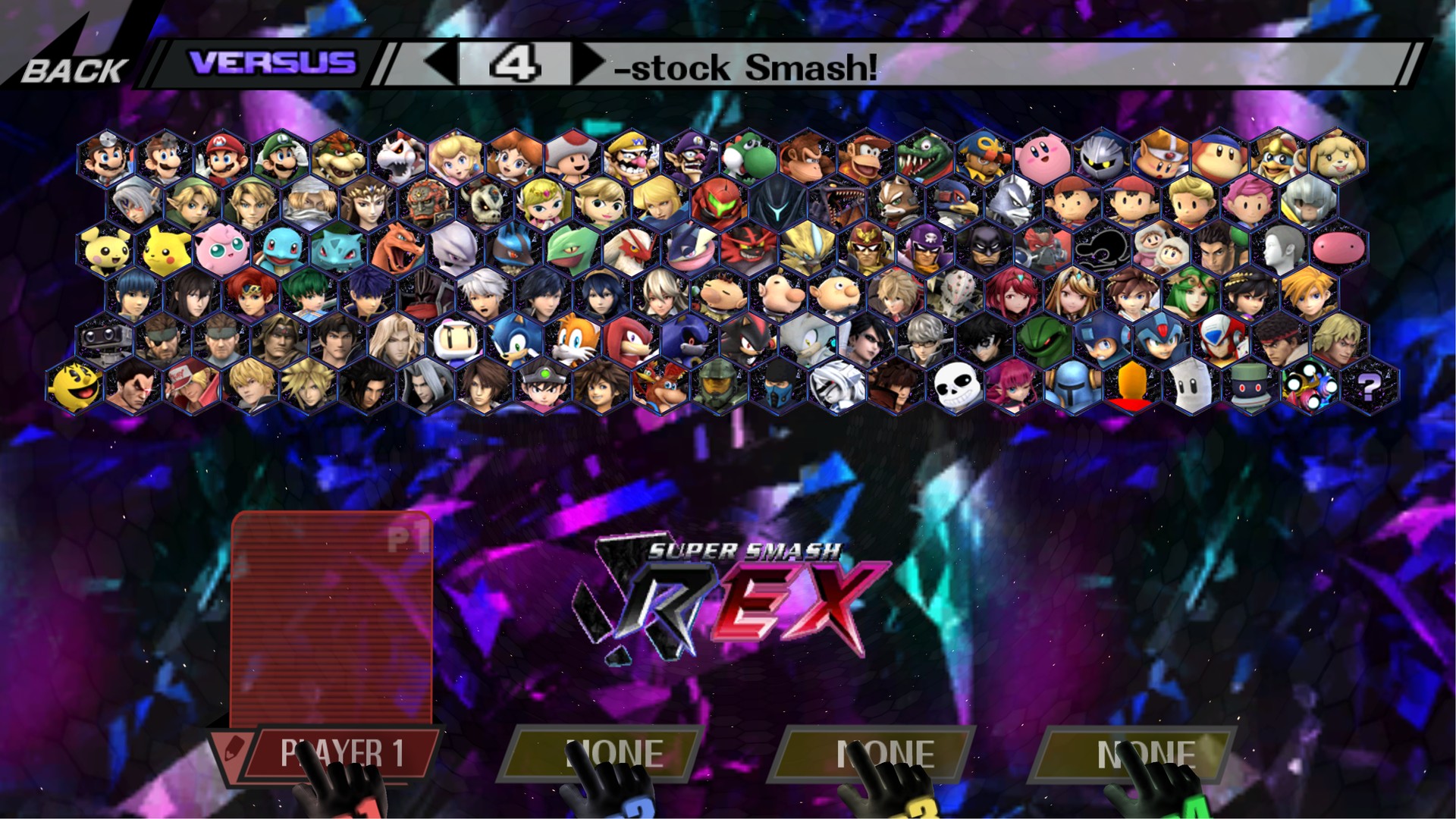
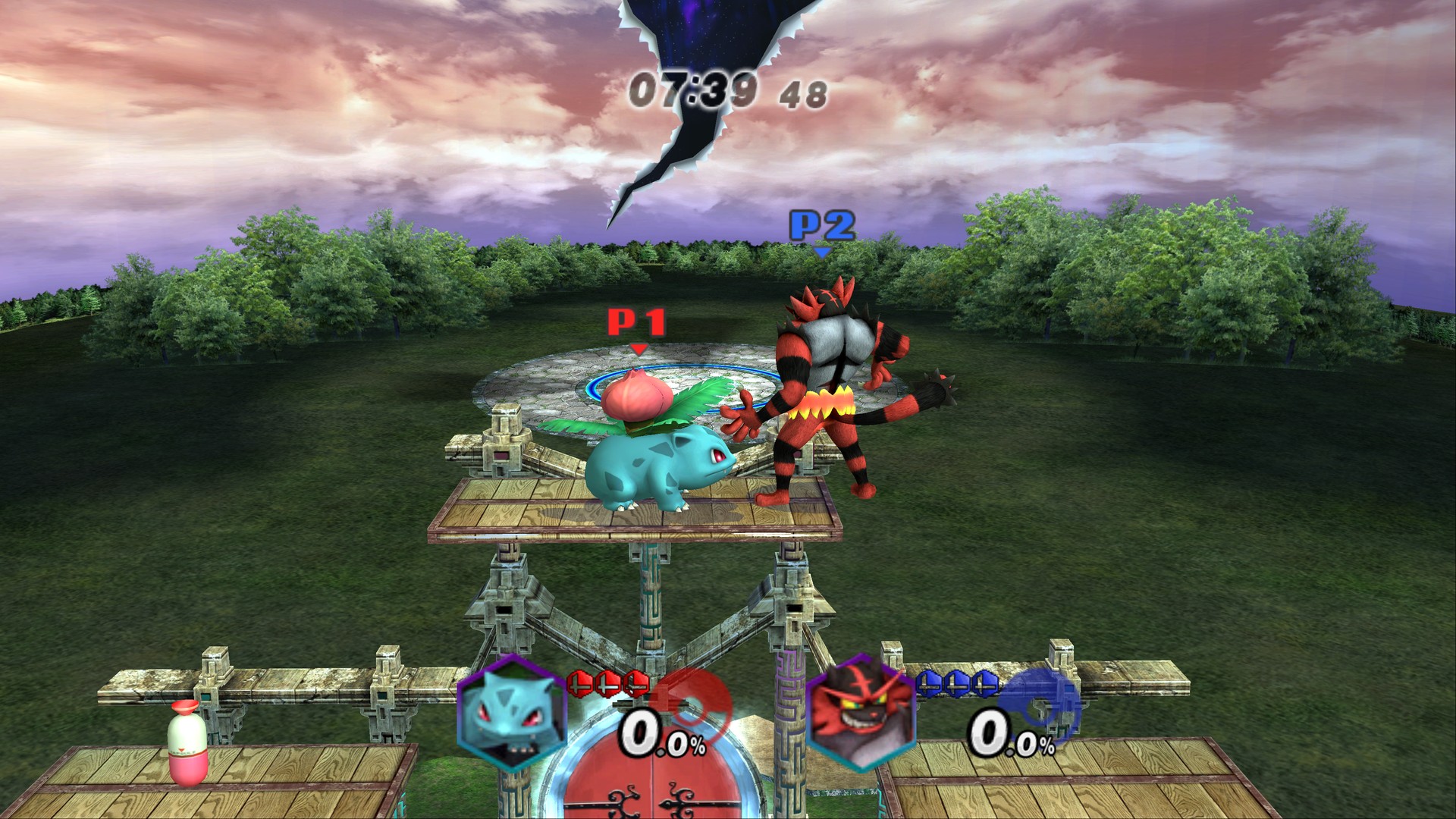
All shots are rendered at 4K and shown here at 1080p.
What's new in 0.5.0
- 240 FPS frame interpolation. A new "240 FPS (240 Hz+ screen)" choice in F10 and in the launcher. On an RTX 3060 it holds 240 at 1080p rendering, in matches and on REX's character select. Above what your GPU can keep up with, it now steps down by itself (240 → 180 → 120) instead of slowing the game, and only steps back up after a stretch without dropped frames.
- Fixed: online play with your own save (reported on Reddit). Starting a room didn't send the Vault data (
collect.vff), so every game asked "Create a new save file?". Accepting it put everyone on a blank save, and that blank save then went back over the host's real save when the session ended. The whole save is sent now, so unlocked characters and stages carry over. Saves up to about 8 MB are sent (it was 1 MB), with the transfer paced so a large save doesn't flood the connection. - Fixed: "dash sends you flying" in REX, P+Ex, Brawl Minus and other mods that replace the fighter module (#6, #13, #19). The interpreter that runs a mod's replaced code lost track of some floating-point registers across calls.
- REX's character select is much faster (#13). It went from about 31 to a full 60 game fps. Its ~300 icons were being rebuilt on the GPU every frame because REX resets each icon's palette every frame and that threw the cached icons away.
- Fixed: Peach's turnip (Down-B) drawn stretched (#8) and the Stadium sandbag drawn as a black spike in the Solo menu. Skinned models read a stale matrix table.
- Fewer renderer crashes on older and integrated graphics. A GPU error (often running out of memory) no longer stops the game; it's logged and the game carries on. If the renderer still has to stop, the message now says where the log is and suggests updating the driver and lowering Resolution.
- Crash logs written while the game was closing no longer land next to the exe with a garbled name.
In 0.4.0
- Online play. F9 in the game (or Online in the launcher) hosts a room for 2 to 4 players with a 5-letter room code, or joins a public one. No port forwarding; games run in lockstep and check every frame that they still match.
- A "Vanilla Brawl (no mods)" choice, a progress bar instead of "Not responding" on a big mod's first start, "Add a mod" buttons, and fixes for Classic mode's green box (#1) and Project+'s "????" stock icons.
Mods (since 0.2.0)
Wii SD-card mods now load and play, including their extra fighters, stages and movesets:
| Build | Fighters | Card folder |
|---|---|---|
| Super Smash REX Release 0½ (the largest roster) | about 150 | rex_
|
| Project+Ex 1.7 | about 55 | P+Ex
|
| Legacy XP 2.11 | about 50 | LegacyXP
|
| Brawl Minus 5.1.5 | 47 | Minusery
|
| Project+ 3.2.1 | 42 | Project+
|
Each has been tested from boot through a full match.
Under the hood: modules that a mod replaces run in a built-in PowerPC interpreter, and its Gecko codes load the way the mod's own Wii loader loads them. The SD card is a virtual card built from a folder.
Install
- Download
BrawlRecompiled-v0.5.0-Windows.zipand unzip it anywhere. On Linux, downloadBrawlRecompiled-v0.5.0-Linux.tar.gzand extract it. It needs 64-bit Linux from 2022 or newer and Vulkan drivers. - Open Brawl Recompiled (
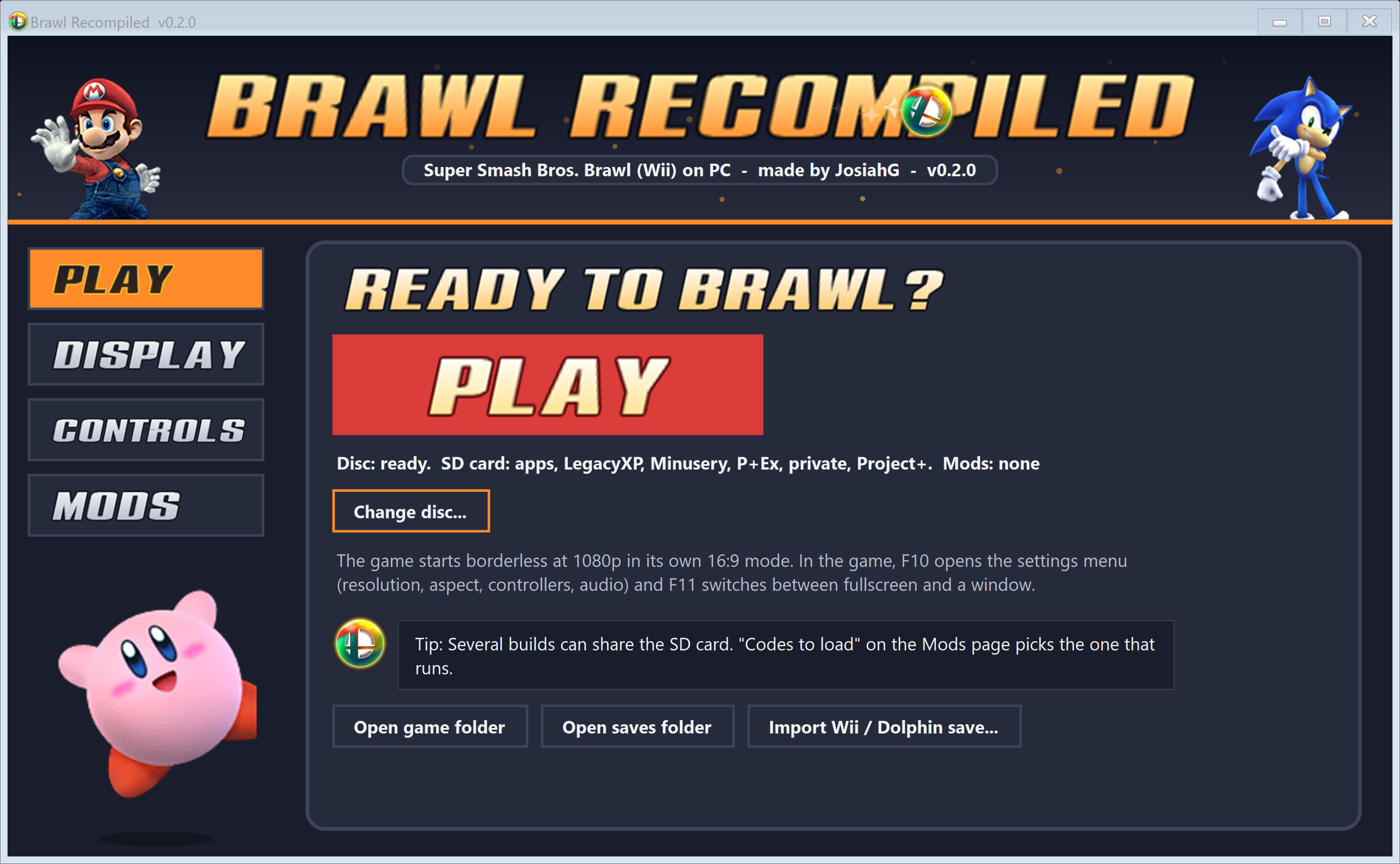
Brawl Recompiled.exeon Windows). On the Play page, choose your Brawl disc image (.iso,.cisoor.wbfs). The launcher extracts it once (about 7 GB). - Press PLAY.
Settings are on the launcher's Display and Controls pages: resolution up to 4K, 16:9 widescreen, 120, 180 or 240 fps interpolation, and gamepad or keyboard mapping. In game, F10 opens the settings menu and F11 switches between fullscreen and a window.
Adding mods (REX, for example)
- Download the mod's Wii / console version:
- REX: rexbuild.site/downloads (the "Wii" .rar)
- Project+Ex: github.com/KingJigglypuff/project-plus-ex
- Brawl Minus: brawlminus.net (the "Console" zip)
- Legacy XP: unofficialsmashlegacy.weebly.com
- Project+: projectplusgame.com
- Copy the build's card folder from the download (
rex_,P+Ex,Minusery,LegacyXPorProject+; see the table above) intoengine\UserData\SD. Only that folder is needed. The download'sapps,private,codesand loader files are for a real Wii. - In the launcher's Mods page, set Build to play to that folder. Several builds can share the card; this setting picks the one that runs. "Vanilla Brawl (no mods)" plays the unmodded game.
- Press PLAY. The first start after adding a build turns the folder into a virtual SD card image. This takes a few minutes for large builds (REX is 8 GB); the title card shows the progress. Later starts are quick.
Costumes, stages and movesets from Brawl Vault install into a build's pf folder exactly as they would on a Wii's SD card.
Known limits
- Work in progress. The Subspace Emissary and Classic mode have only been tested at their start.
- Frame interpolation (120/180/240 fps) is still experimental on Brawl.
- Some connections (mobile hotspots, some carrier-grade routers) can't be reached directly; if a room code never connects, use Tailscale.
- Online play is tested with vanilla Brawl. With a mod, everyone's
UserData\SDfolder should be a copy of the same download. - Mods that replace the menus (Project+'s character select, for example) run their code in an interpreter, which can drop those menus below 60 fps on slower PCs.
- The virtual SD card image lives in
engine\UserData\Cacheand grows with what's inUserData\SD.
Mods are the work of their own authors and are not included. See CREDITS.txt. Super Smash Bros. Brawl is © Nintendo / HAL Laboratory / Sora Ltd.; this project is not affiliated with or endorsed by them.