
New
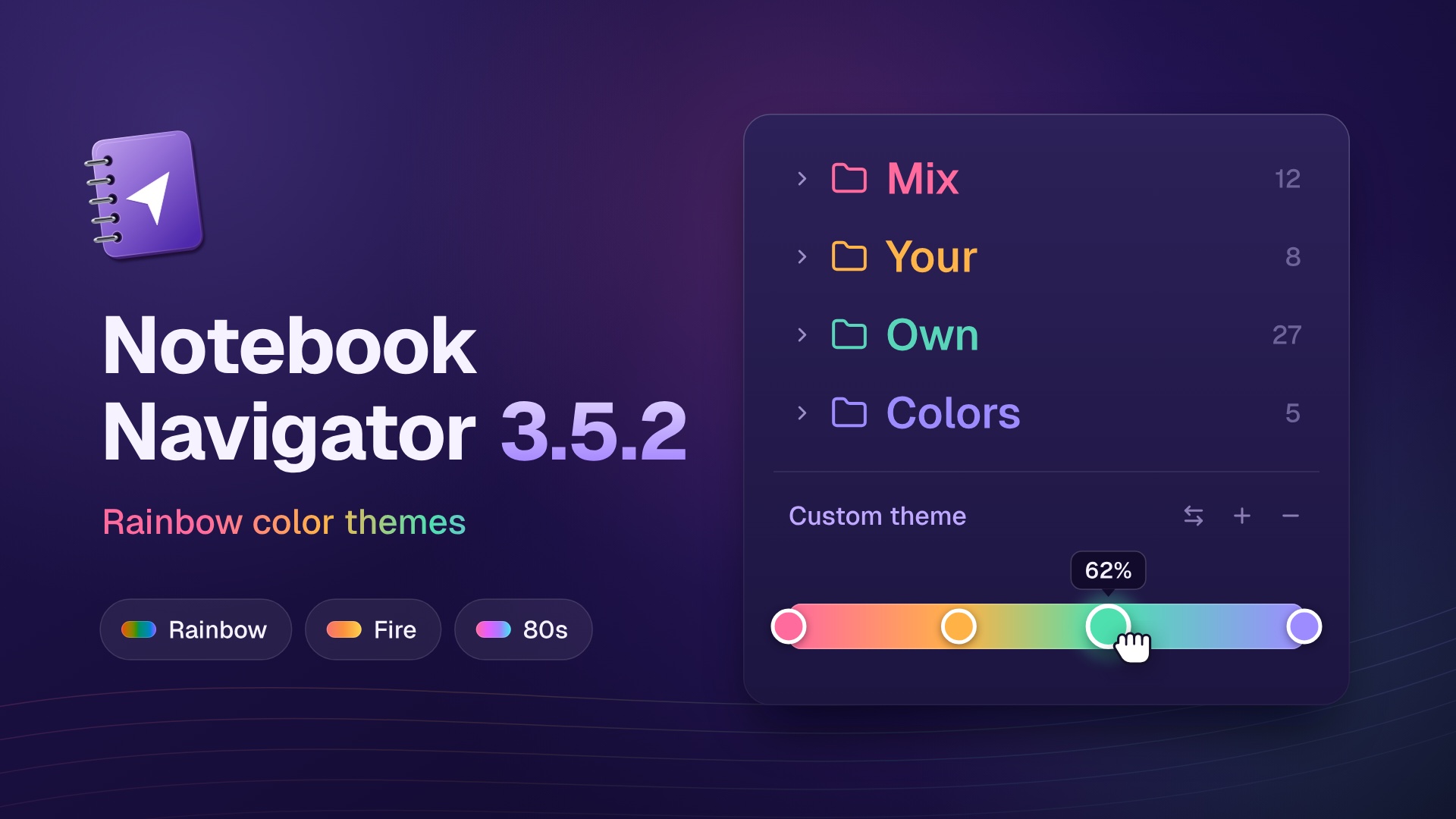
- New rainbow themes, such as Pastel, Fire, Ice and 80s, and a gradient editor for custom themes in Rainbow themes.
- New setting Color intensity sets the opacity of rainbow background colors, or how much rainbow color is mixed into the text color.
- New setting Tags > Tag source to only use tags in frontmatter and ignore tags in the note body.
Improved
- Big improvement to shortcuts! Clicking a note, folder, tag or property shortcut now selects it without scrolling! 🎉
- Weekly notes patterns can now name notes by the first day of the week instead of week number, such as
YYYY-MM-DD [Weekly Note]. - Several iPad dual pane UI improvements to headers, icons, separator lines, and more.
Changed
- Recent files no longer include notes placed in shortcuts.
- Removed the setting Disable auto-scroll for shortcuts, since shortcuts no longer scroll the navigation pane.
- Replaced the rainbow Apply to toggles and their color settings with a theme for each section, converted customized colors to custom themes, and moved Consistent brightness across hues and Separate light and dark mode colors into the theme editor.
Fixed
- Dragging a note from somewhere else in Obsidian, such as a card in a Bases cards view, onto a Canvas now adds the note instead of a text card with an
obsidian://link #1579. - Commands such as
Add tag to selected filesnow work on the first try when Obsidian starts with the sidebar collapsed, and the tag and property commands now apply to the open note while the sidebar is collapsed.