
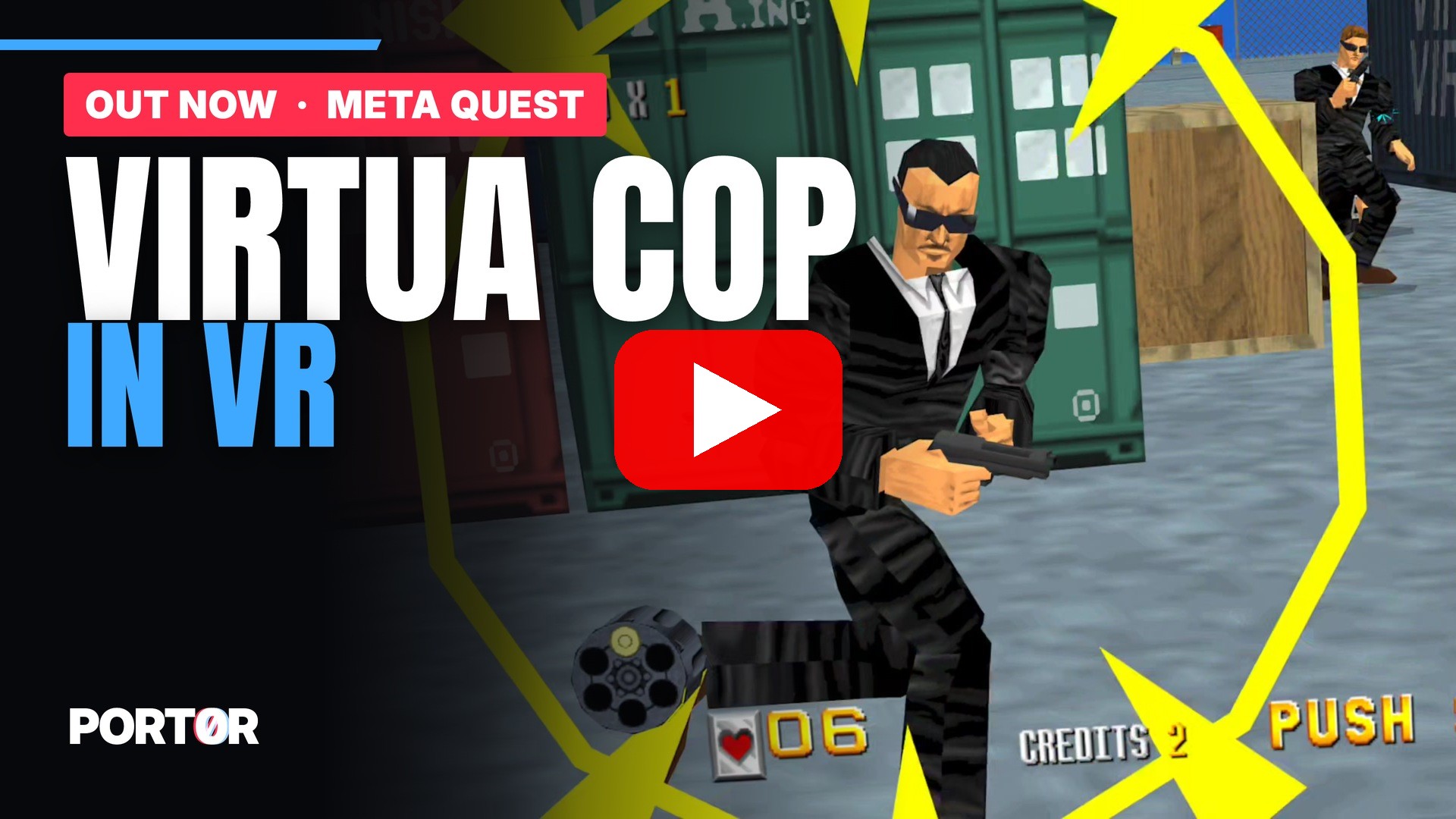
Complete guide: Install Port0r: Cop VR
New in v0.1.0
- Virtua Cop (Sega Model 2, 1994) in true 3D on Meta Quest: you stand in the street with the gangsters, at real scale.
- Redrawn in 4K at the Quest 3's full resolution, 120 Hz in the headset.
- Aim with your controller like the cabinet's light gun: the shot goes where your gun points in the 3D scene, no calibration.
- A detailed 3D gun in your hand: trigger, slide and muzzle flash.
- Reload like on the cabinet: aim below the screen and pull the trigger.
- Hits land on what you shoot, enemies and scenery, not on a flat screen.
- The game's camera zooms become a move into the scene: the enemies keep their cabinet size, the world keeps its depth.
- The HUD (bullets, lives, score) stays on its own plane, steady.
- Full arcade speed, every arcade image shown.
- Settings in 10 languages: screen size, your height, crosshair on or off.
- Updates from inside the game: it checks its own releases and shows what's new before installing.
Download and install
Download Port0r-CopVR-v0.1.0-quest3.apk below and follow the install guide: about ten minutes the first time.
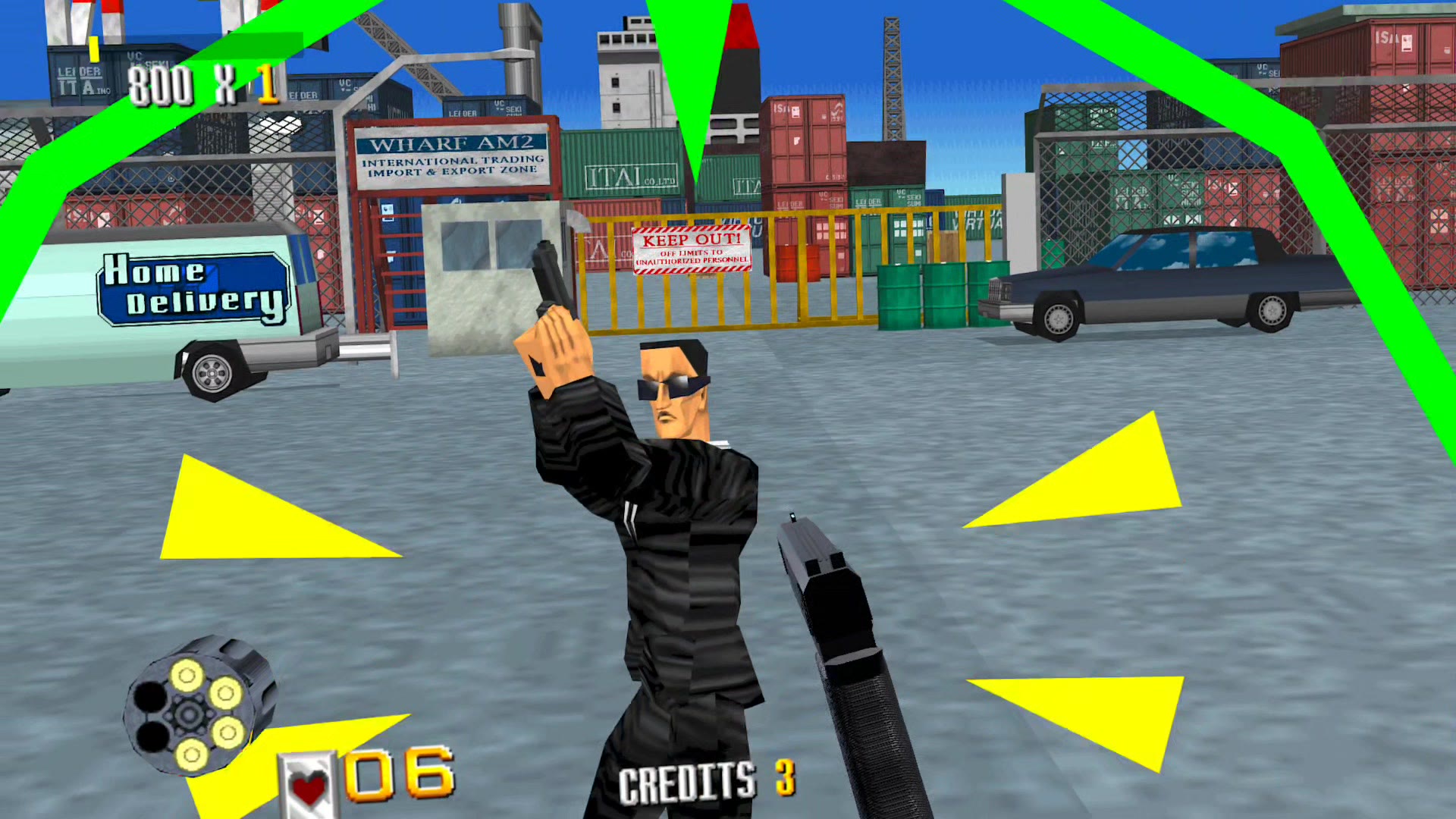 The docks | 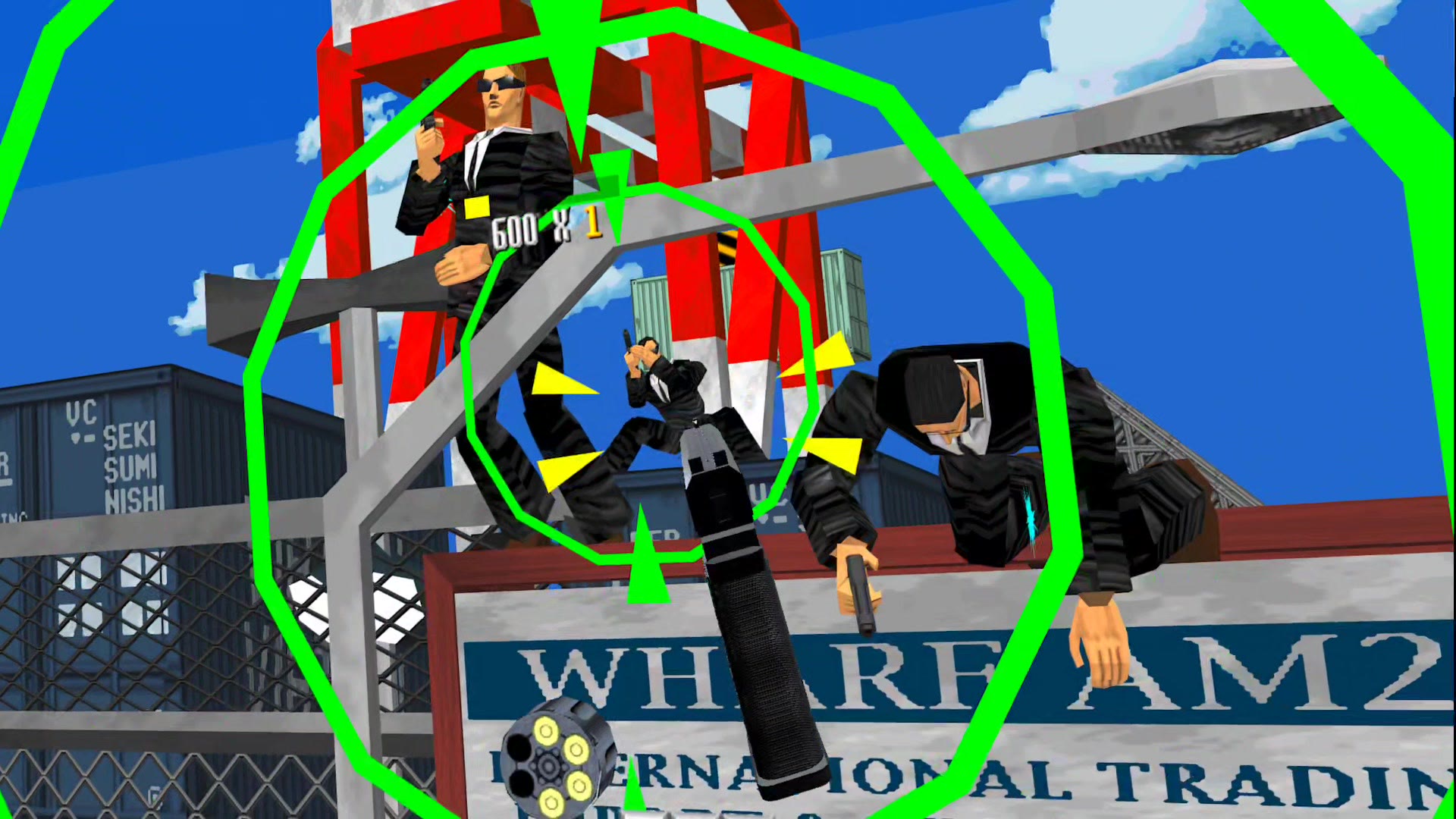 The crane | 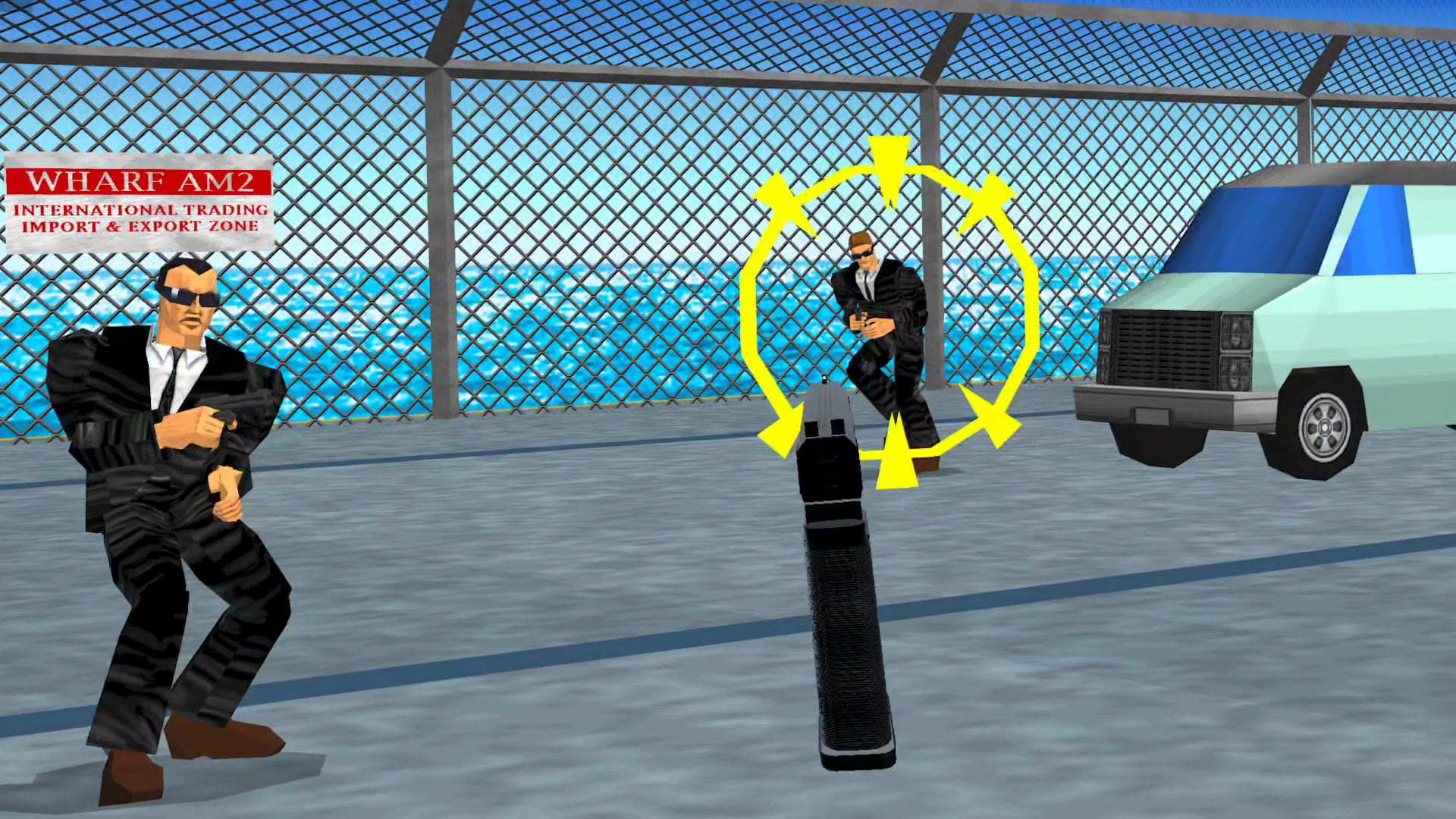 The pier |
Port0r takes all my time right now. If you'd like to keep it going, you can sponsor it on GitHub Sponsors or buy me a coffee on Ko-fi. Sharing it helps a lot too.
Help
Discord (#install-help, #bugs) or a GitHub issue.
Virtua Cop is a trademark of SEGA. Port0r is a free fan project, not affiliated with SEGA. Built from MAME's BSD-3-Clause source files; every component's license is in THIRD-PARTY-NOTICES.txt.