
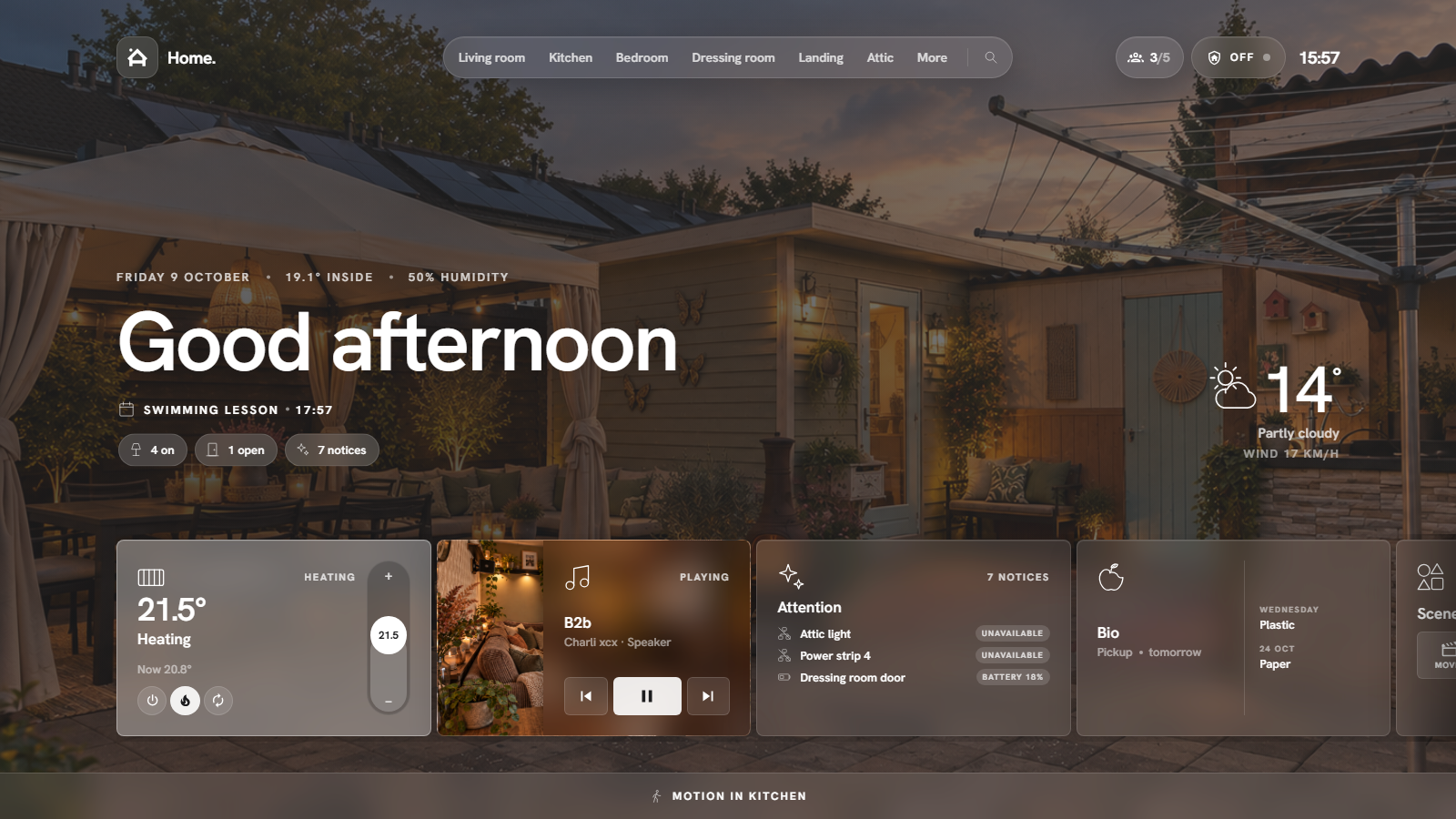
HaCasa is back. HaCasa Nova is a complete rewrite of HaCasa as a Home Assistant panel, built on the Homio design by iamtherufus. The old button-card version lives on the legacy branch.
Highlights
- One file, no dependencies.
hacasa-nova.jsruns as a sidebar panel or as a dashboard card. No button-card, card-mod or layout-card. - Your areas are your rooms. Every device in an area shows up on that room's page, with a photo, temperature and humidity.
- Home view with greeting, weather, a rotating notification line, status pills and quick actions.
- Cards for lights, switches, smart plugs, appliances, media, climate, covers, fans, locks, vacuums, humidifiers, sensors, cameras, groups, scenes and Jinja template cards.
- Built-in pages for sensors, energy, automations, cameras and system.
- Set up in the panel. A four-step wizard, a settings page and per-card settings, stored per Home Assistant user.
- English and Dutch, phones and tablets.
Install
HACS → ⋮ → Custom repositories → https://github.com/damianeickhoff/HaCasa, type Dashboard → download HaCasa Nova. Then add it to configuration.yaml and restart:
panel_custom:
  - name: hacasa-nova
    url_path: hacasa
    sidebar_title: HaCasa
    sidebar_icon: mdi:home-outline
    module_url: /hacsfiles/HaCasa/hacasa-nova.js
Or use it as a card in a Panel view: type: custom:hacasa-nova-card. Without HACS, download hacasa-nova.js below. Full guide: https://damianeickhoff.github.io/HaCasa/
This release also fixes the HACS error "Repository structure for v2.1.3 is not compliant" (#143): HACS now installs 3.0.0 instead of the old v2 release.
Known issues
See #158 for the overview: non-admin users and template cards (#144), the font loading from Google (#145), automatic room mode stops at 9 rooms (#146), Dutch page addresses (#147), the card only works in a Panel view (#148), and more.
Credits
Design: Homio by iamtherufus · HaCasa by Damian Eickhoff · built with Lit.