
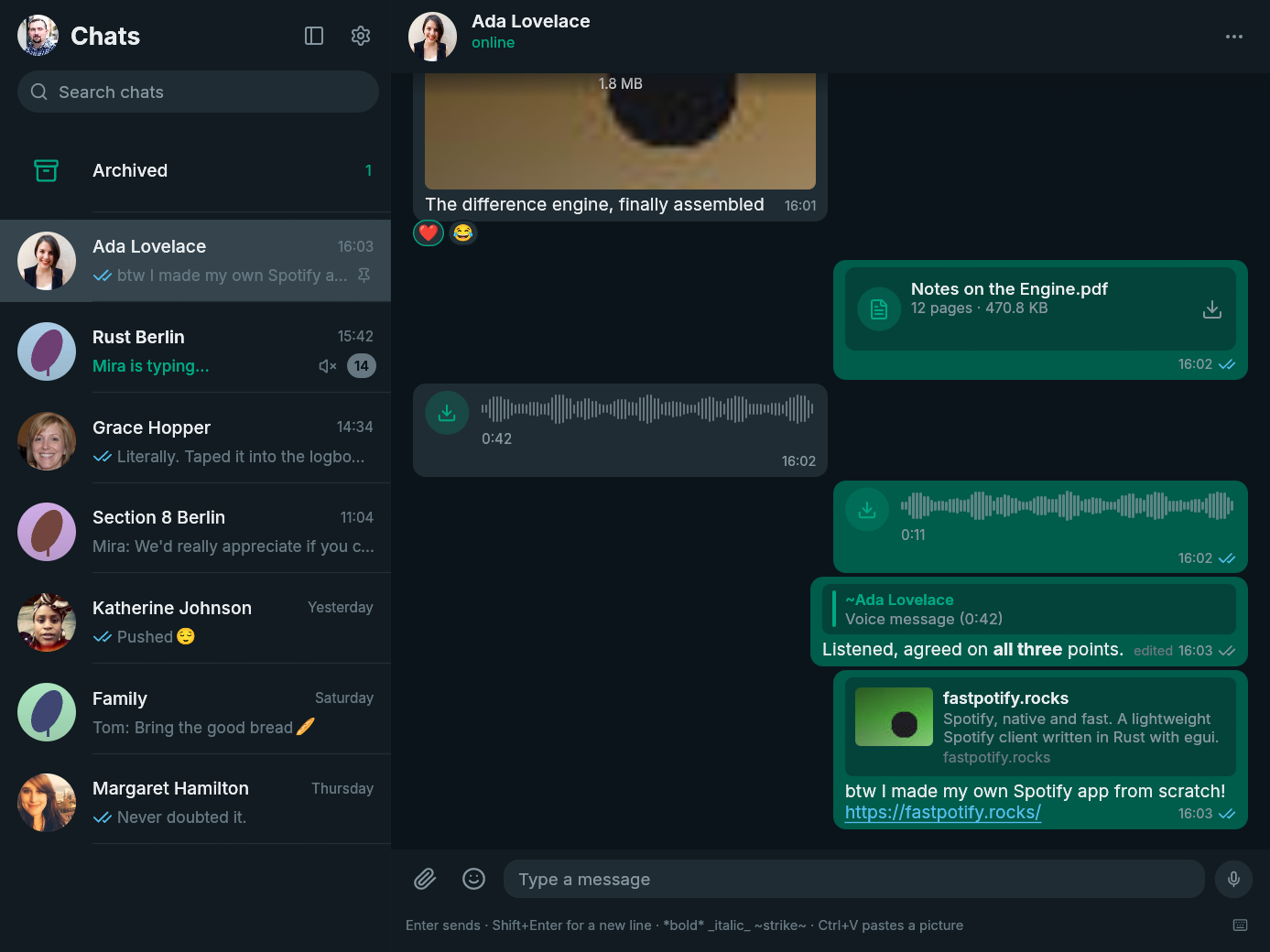
FastsApp 0.11.0 makes writing and moving between conversations faster without taking your hands off the keyboard.
New
- Mention people in group chats. Type
@and part of a member's name or number, move through the matches with the arrow keys, and press Enter to insert a real WhatsApp mention. - Find emoji as you type. Type a Slack-style
:namein the composer to filter emoji in place. The first match is ready, the arrow keys move the selection, and Enter inserts it without moving focus away from your message. - Use the full emoji picker from the keyboard. Opening it focuses its search field, preselects the first result, and supports arrow-key navigation and Enter.
Improved
- The composer is ready when the conversation is. Opening or changing chats, returning from Settings, and reopening the app put focus back in the message field. Search keeps its own focus, and Escape clears it and returns to the composer.
- Keyboard chat switching keeps its place.
Alt+↑andAlt+↓now scroll the chat list as needed so the newly active conversation always remains visible, including among filtered search results.
Install
| Platform | Download |
|---|---|
| Arch Linux | fastsapp-bin or fastsapp on the AUR
|
| Linux | fastsapp-v0.11.0-x86_64-unknown-linux-gnu.tar.gz or the arm64 tarball
|
| macOS | fastsapp-v0.11.0-macos-universal.dmg for Apple Silicon and Intel
|
| Windows | fastsapp-v0.11.0-x86_64-pc-windows-msvc-setup.exe or the Windows on ARM installer
|
checksums.txt contains the SHA-256 checksum for every file. The macOS build is not notarized, so follow the first-open steps on the download page. Windows may show a SmartScreen warning because the installer is not code-signed.
FastsApp is unofficial and is not affiliated with WhatsApp or Meta. Using an unofficial client may be against WhatsApp's terms of service and could get an account suspended. Use it at your own risk.
Full changelog: v0.10.1...v0.11.0