
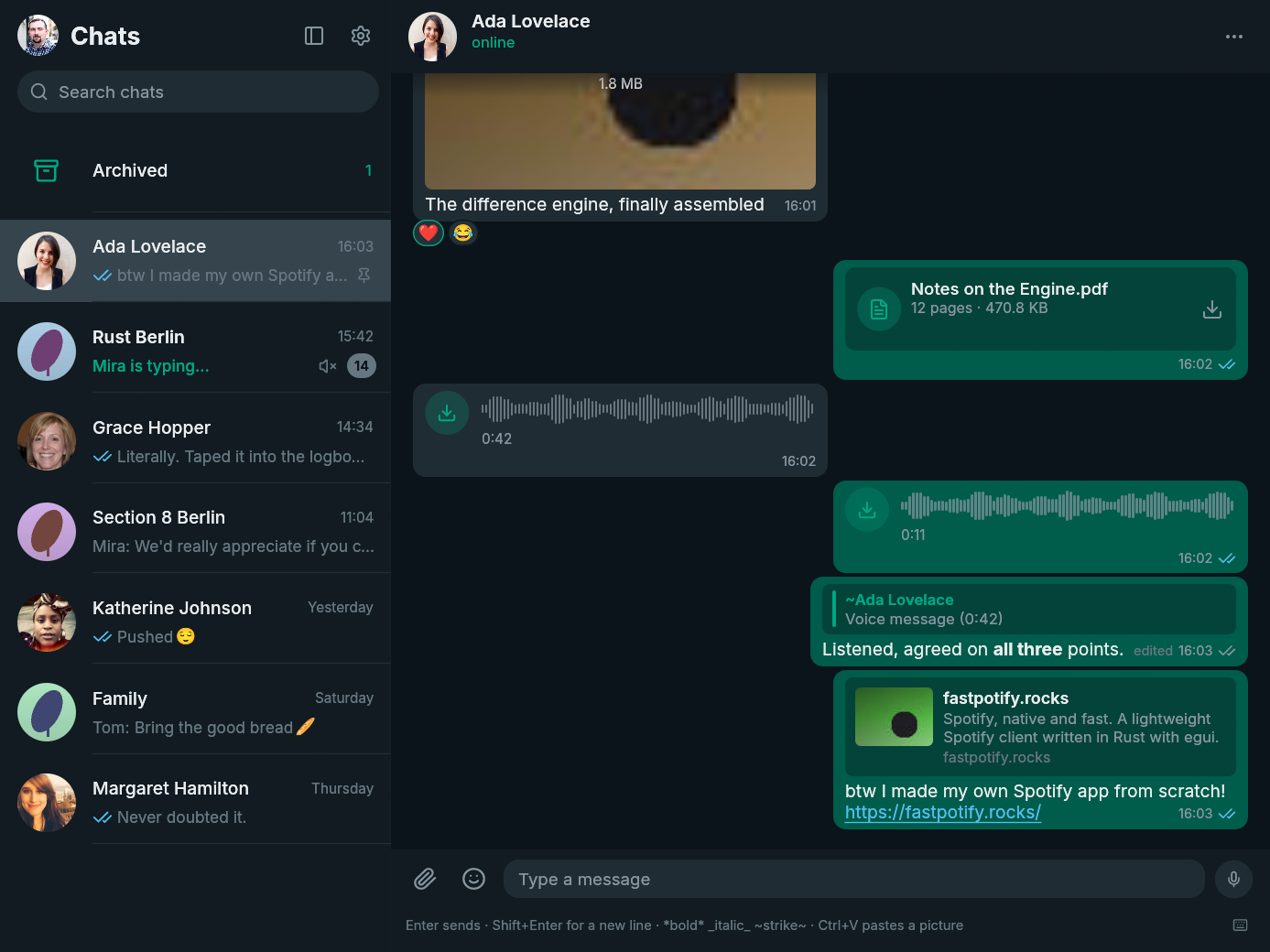
FastsApp 0.10.1 makes new releases visible inside the app and gives macOS and Windows the platform polish they were missing.
New
- Know when an update is ready. FastsApp checks GitHub once a day for a newer stable release and shows a download banner. You can turn the check off in Settings.
- Colour emoji work out of the box on Windows. A bundled Noto Color Emoji fallback fills the gap when the desktop does not provide a usable colour emoji font.
Fixed
- The macOS icon now belongs on the Dock. It uses a properly inset rounded tile with the FastsApp mark in the middle and a soft platform-style shadow.
- Windows executables now carry the FastsApp icon. Explorer, shortcuts, and installed-app entries no longer fall back to a generic program icon.
Install
| Platform | Download |
|---|---|
| Arch Linux | fastsapp-bin or fastsapp on the AUR
|
| Linux | fastsapp-v0.10.1-x86_64-unknown-linux-gnu.tar.gz or the arm64 tarball
|
| macOS | fastsapp-v0.10.1-macos-universal.dmg for Apple Silicon and Intel
|
| Windows | fastsapp-v0.10.1-x86_64-pc-windows-msvc-setup.exe or the Windows on ARM installer
|
checksums.txt contains the SHA-256 checksum for every file. The macOS build is not notarized, so follow the first-open steps on the download page. Windows may show a SmartScreen warning because the installer is not code-signed.
FastsApp is unofficial and is not affiliated with WhatsApp or Meta. Using an unofficial client may be against WhatsApp's terms of service and could get an account suspended. Use it at your own risk.
Full changelog: v0.10.0...v0.10.1