
Wino Mail 2.2.8
Wino Mail 2.2.8 can notify you about new mail as soon as it arrives, lets you edit your calendar events, and gives you more control over how messages look in dark mode. This release also supports Windows contrast themes, installs updates in place, and fixes problems with images, contact photos, and several crashes.
Can't use Microsoft Store? Install the stable sideload build with App Installer: WinoMail.appinstaller
Note
The sideload build gets its updates from the Wino download feed, not from Microsoft Store. Install it from the .appinstaller link above. It has its own package identity, so it can be installed next to the Store version if you want to.
Highlights
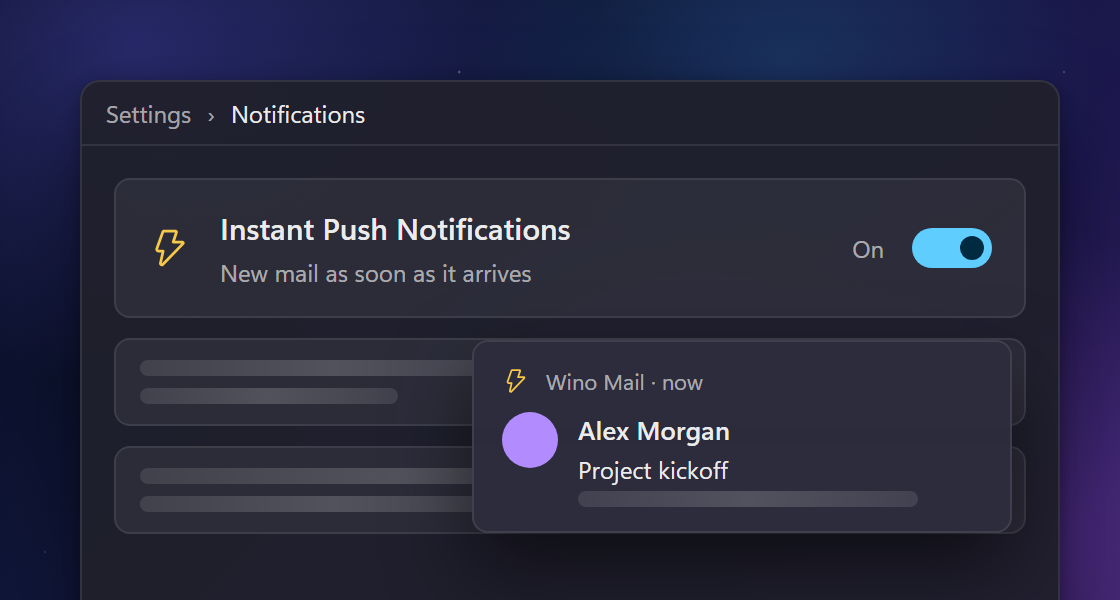
- Instant push notifications. Turn on Realtime Push Notifications in Settings > Notifications, and Wino tells you about new mail as soon as it arrives instead of waiting for the next sync. You don't need a Wino Account for it. Wino asks you to accept the privacy policy before you turn it on. If the live connection drops, a small dot appears next to the Wino Account button, and Wino checks for mail on your sync intervals until the connection is back.
- Edit your calendar events. Events you organize now have an Edit button. Use it to change the title, time, time zone, location, notes, attendees, reminder, show-as status, and repeat rule. You can edit a whole series or just one occurrence (#1131).
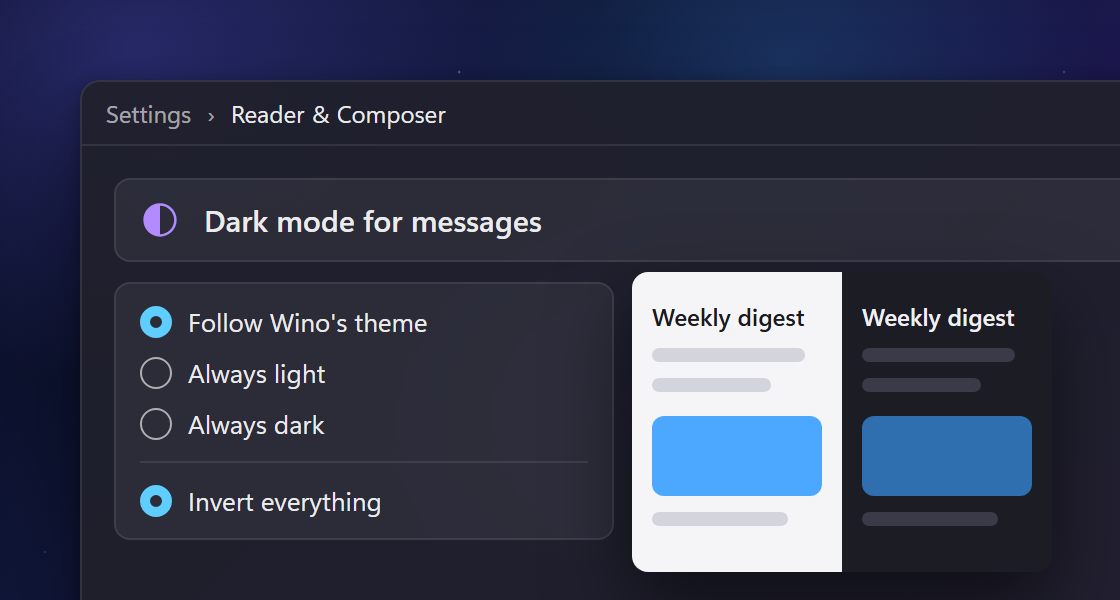
- Dark mode for messages. More messages now get dark colors in the reader, and the new "Dark mode for messages" section in Settings > Reader & Composer lets messages follow Wino's theme or always stay light or dark. Choose "Invert everything" to darken every message that has no dark design of its own (#1126).
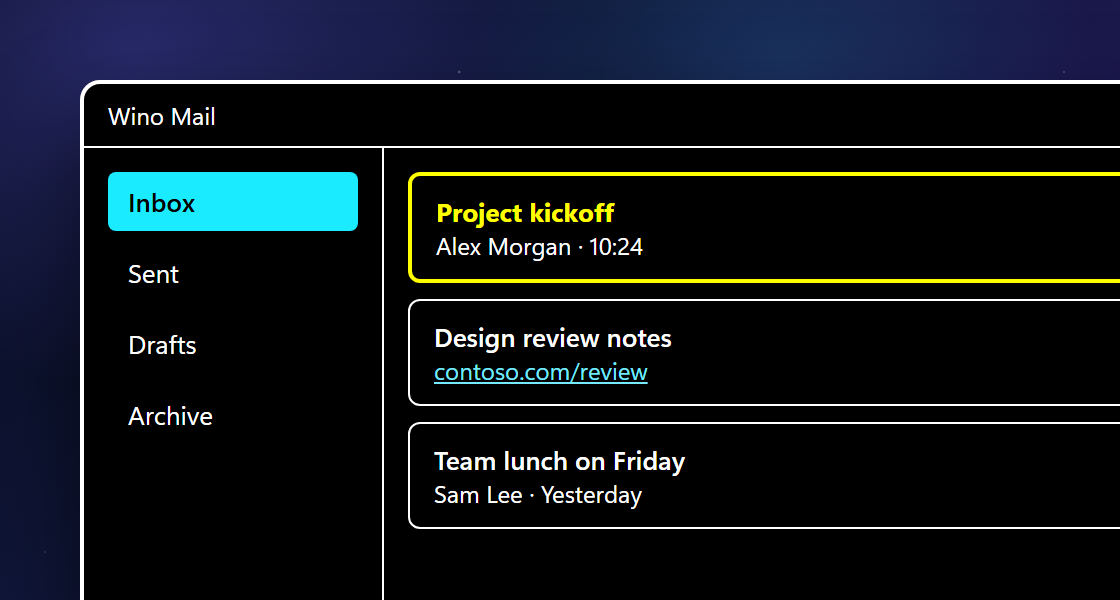
- Windows contrast themes. When you turn on a Windows contrast theme, Wino uses its colors throughout the app, and the change applies without a restart (#1158).
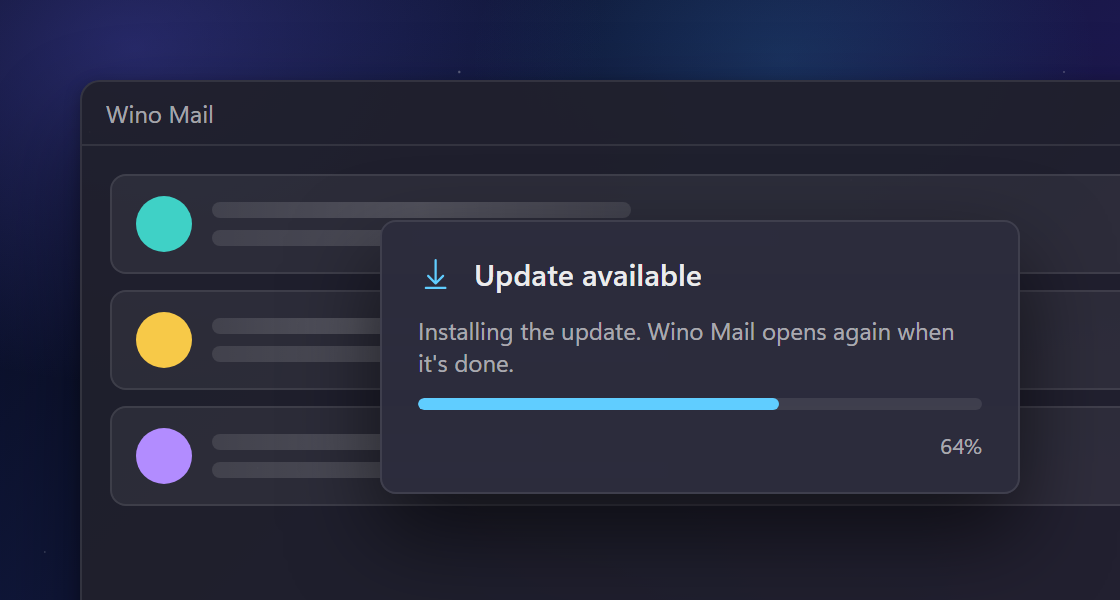
- Update and restart. "Update and restart" now shows download and install progress, and Wino opens again when the update finishes. If the update fails, Wino shows a message (#1173).
New and improved
- In the day, work week, and week views, a marker at the top or bottom of each day shows how many events are scrolled out of view, and clicking it scrolls to the nearest one (#1068).
- Calendar events have a new look: each event is tinted with its calendar's color, its times are easier to read, and its show-as status and response status are clearer.
- You can choose "None" as an event's reminder to create an event without a reminder.
- Screen readers now read the reminder, show-as, and calendar options by their names.
- The reader's light and dark button now keeps your choice across messages and restarts (#1172).
- When Wino is running in the tray and you open it from Start or the taskbar, it now opens the inbox behind the unread badge, as it already did when it started (#941).
- Replies to "reply via email" links from mailing lists now join the existing conversation on Gmail and IMAP accounts (#1097).
- The companion shows today's events on single lines and puts the rest behind a "more today" button.
- Clicking the tray icon while the companion is open now closes it.
- Replies and forwards no longer load remote images when "Show images" is off or when the original message is in Junk, and styles from the quoted message no longer change how your reply looks.
- Signature and template editors now open in the app's theme and use the composer font, and event notes use the composer font too.
- Printing a message or saving it as a PDF always uses light colors.
- When you allow remote images, Wino now loads images that a sender's server refuses to show inside other pages.
- The reader and composer no longer keep cookies.
- If you attach a file larger than 150 MB, Wino skips it and tells you, instead of crashing.
Fixes
- You can send messages with pasted images from Outlook and Hotmail accounts again (#1174).
- Inline images that some senders attach in an unusual way now show up instead of broken links (#1175).
- You can now set or remove contact photos on CardDAV address books (#1121).
- The companion now shows events from every calendar you have checked in Calendar, including recurring events (#1176).
- In Dark mode, custom themes no longer leave the navigation pane and title bar light (#1166).
- Accounts in a linked inbox stay selectable after you select them once.
- The calendar no longer crashes on very wide or high-resolution windows.
- Wino no longer crashes on startup when two database checks run at the same time.
- Wino no longer reports an error on startup when it checks which app modes to show.
- A formatting command no longer crashes Wino if it reaches a message window you just closed.