
Wino Mail 2.2.14
Wino Mail 2.2.14 brings Wino Assistant, on-premises Exchange accounts, secure browser sign-in for IMAP accounts with a new setup that starts from your email address, Privacy & security settings, and an app lock with Windows Hello or a PIN. It also adds account groups, answers to calendar invitations right in the message, CalDAV To Do sync, and many fixes for IMAP, CalDAV and CardDAV accounts.
Can't use Microsoft Store? Install the stable sideload build with App Installer: WinoMail.appinstaller
Note
The sideload build gets its updates from the Wino download feed, not from Microsoft Store. Install it from the .appinstaller link above. It has its own package identity, so it can be installed next to the Store version if you want to.
Highlights
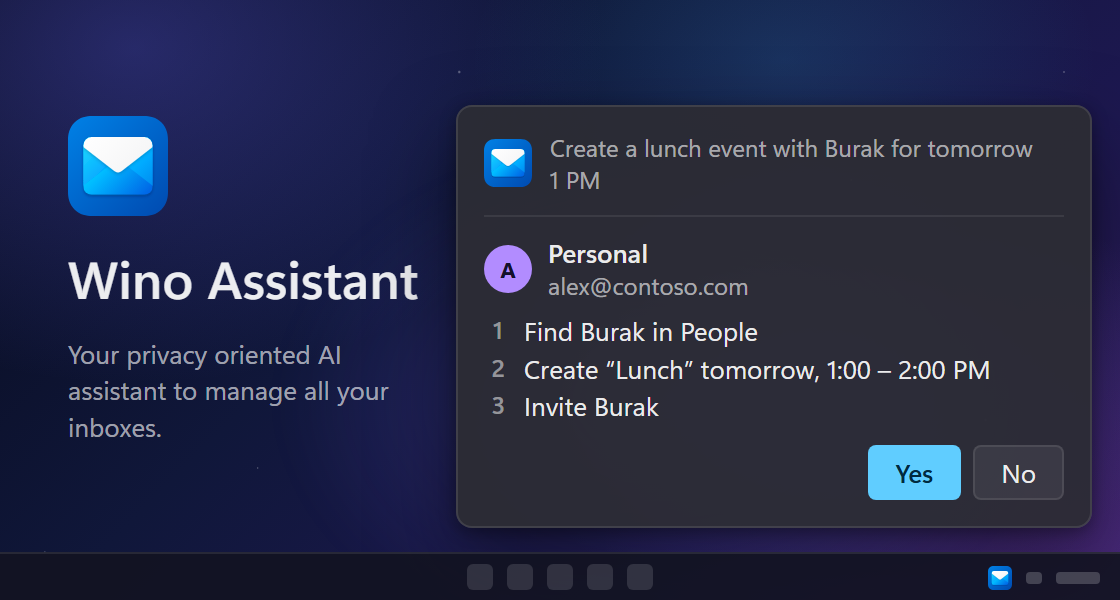
Wino Assistant. Press a shortcut in any app, then type or say what you want done with your mail, such as finding, moving, replying or deleting, even several steps in one sentence. Wino lists its plan and changes nothing until you say Yes. Wino Assistant is part of Wino Intelligence; set it up in Settings > Wino Assistant.
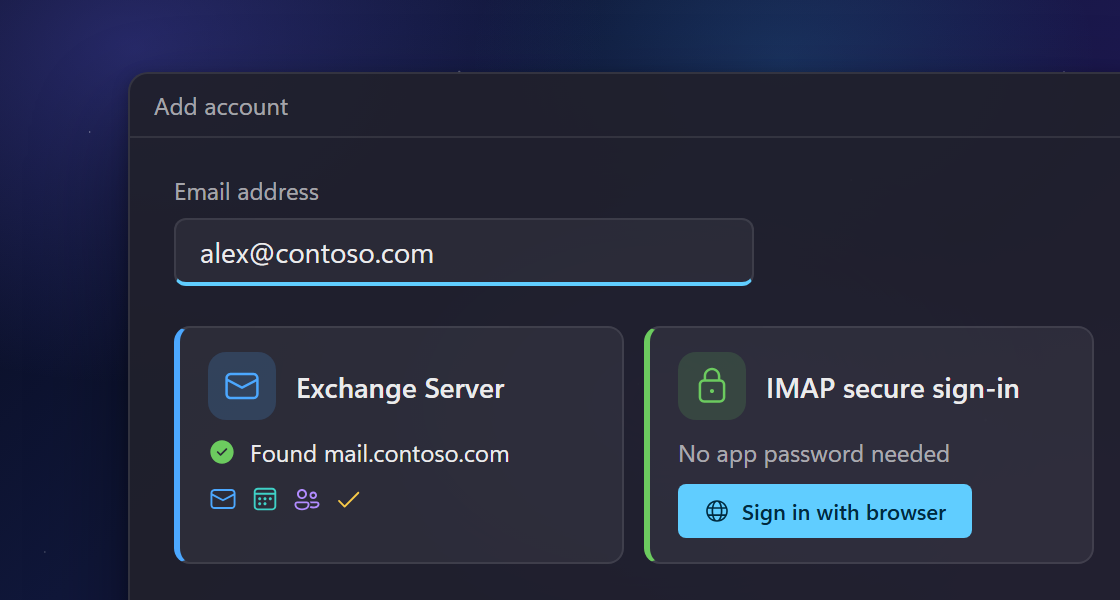
On-premises Exchange and secure sign-in for IMAP. Add your organization's Exchange Server account for mail, calendar, contacts and To Do. IMAP accounts now offer secure sign-in in your browser when your provider supports it, so you don't need an app password. For both, you type your email address and Wino finds the servers, also through Outlook Autodiscover (#42, #1184, #1210).
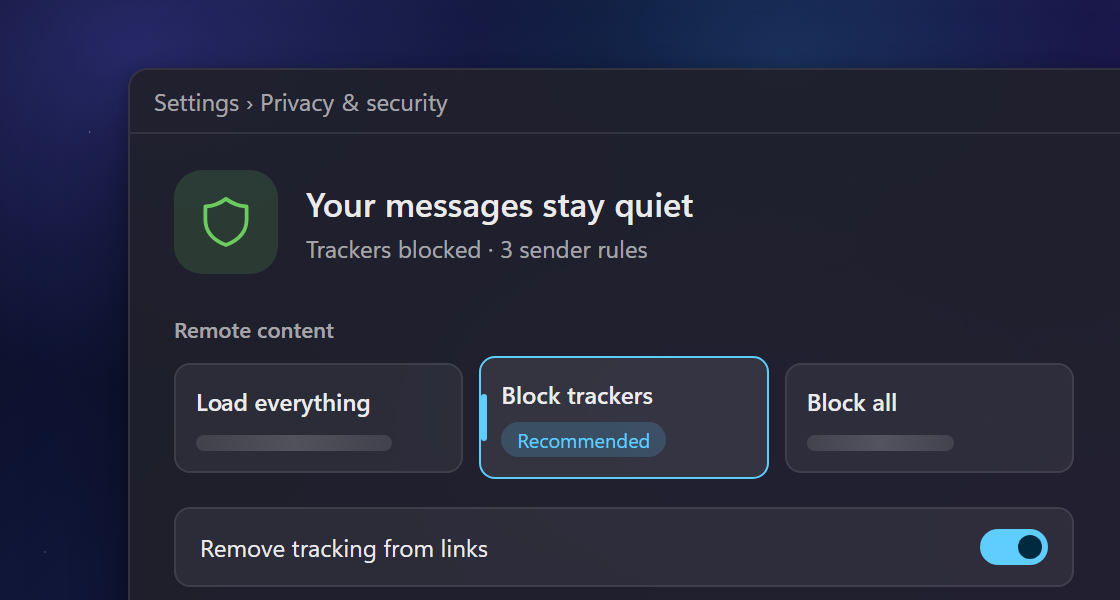
Privacy & security settings. Choose to load everything, block trackers or block all remote content, allow or block senders and domains, remove tracking from links, and get a warning before risky attachments open, in Settings > Mail > Privacy & security (#948).
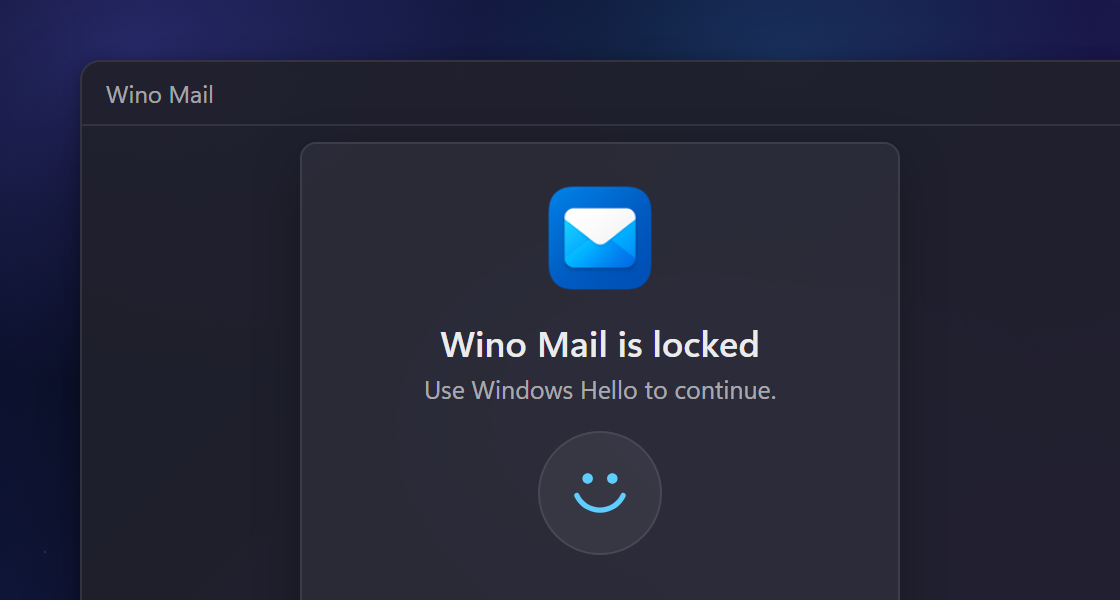
App lock. Lock Wino Mail with Windows Hello or a PIN of its own in Settings > General > App lock. While it is locked, mail keeps syncing, and you can make notifications and widget events read-only (#1228).
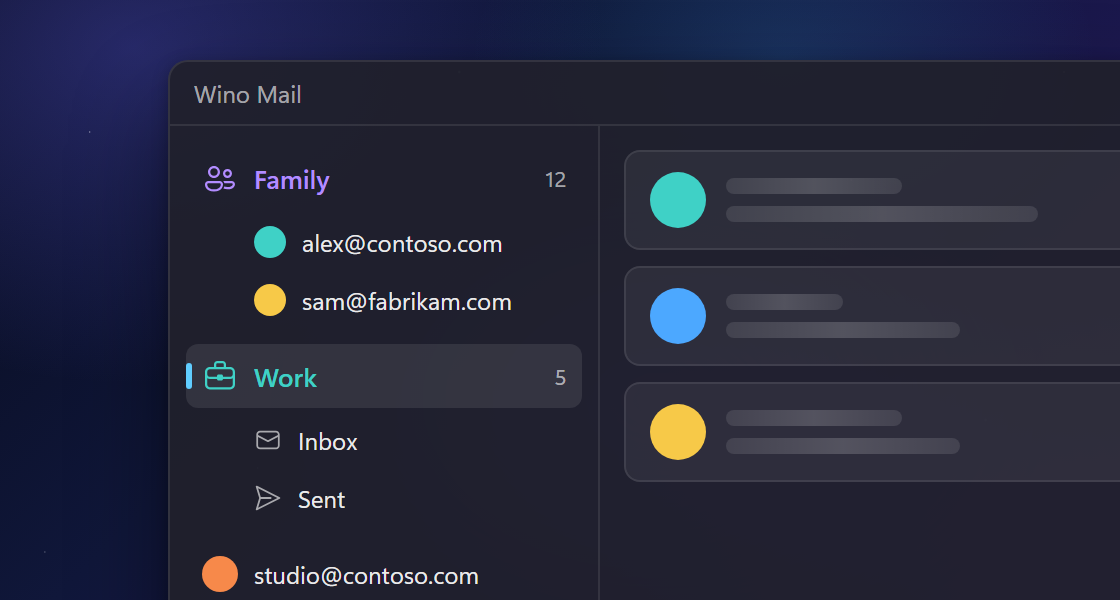
Account groups. Linked inboxes are now account groups: gather accounts under a named group with its own color and icon, and choose whether its folders are combined into one inbox, in Settings > Manage accounts.
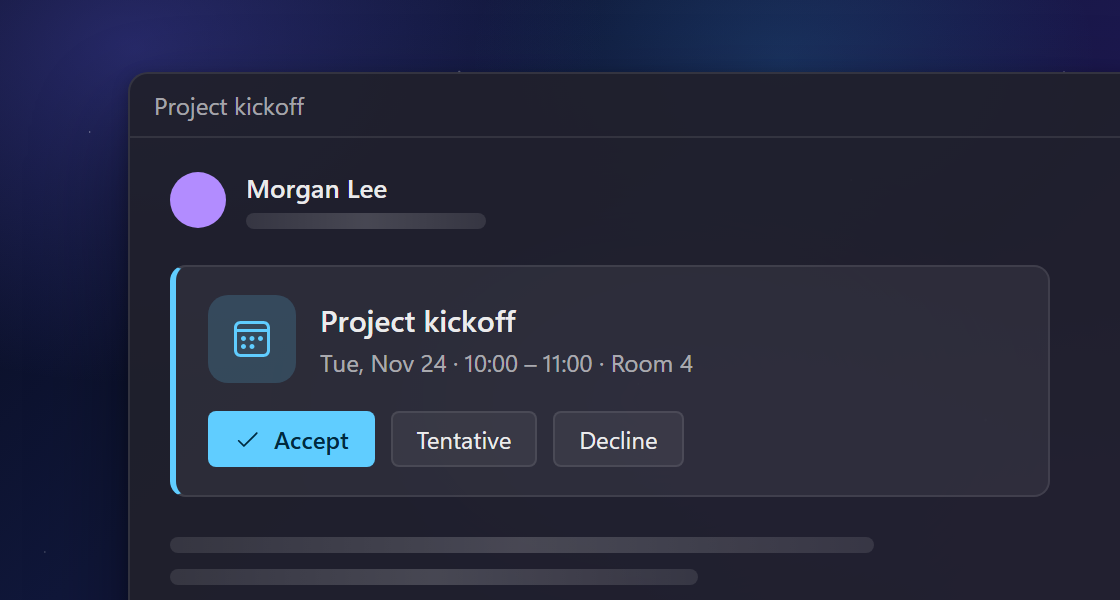
Event invitations. Calendar invitations show as a compact card with Accept, Tentative and Decline, also for forwarded invitations and IMAP and POP3 accounts, and the mail list shows the event date (#1220).
New and improved
- IMAP accounts sync To Do with their CalDAV server, also when they sign in through the browser, and Outlook and CalDAV To Do sync on the calendar schedule (#1199).
- The open To Do page updates as soon as a sync brings in changes.
- To Do lists have a Manual sort, so you can drag tasks into your own order (#1219).
- POP3 accounts can send mail, and you choose under Messages on the server whether mail stays on the server, is removed after some days, or is removed when you delete it in Wino (#703).
- The full event editor lets you set several reminders for one event (#1227).
- Deleting a recurring event asks whether to delete only this occurrence or the whole series (#1212).
- Dates, times and numbers follow your Windows regional format, while day and month names stay in the app language; the clock option is now "Use system format" (#1229).
- Notification sounds can be set to None, which mutes mail, calendar and To Do notifications without turning them off (#1231).
- Attachments show as tiles with a colored file-type badge, the full file name and the size (#1000).
- You can mark unread messages as read when you move them to Trash (#1203).
- Forward is now available as a keyboard shortcut action (#1221).
- Email templates can fill in the subject of a message.
- You can create address books for local accounts and on CardDAV servers that allow it from New Address Book in the People pane, and rename or delete local address books.
- Accounts from known providers such as Yandex show the provider's icon, and local accounts show a laptop icon with "Local account" and no server-only settings.
- Account setup asks for an account name before adding the account, and "Sign in via browser" opens your browser right away.
- You can reply from a mail notification even when Wino Mail is closed.
- Wino tells you when a mail action targets an item that is no longer on the server.
- Calendar event changes are saved only after the server accepts them, and a failed change goes back to how the event was.
- Smart Labels and Daily Briefing share one settings page, and the Wino Intelligence pages are simpler.
- Mail translation uses a new translation service and keeps emoji and links intact.
- Passwords and sign-in tokens are now kept in Windows protected storage. You don't need to sign in again.
- Calendar events sync on the calendar schedule, so changes made elsewhere arrive without a manual sync.
- Calendar invitations in the mail list use the same layout as other mails.
- Editing a CalDAV event or a CardDAV contact keeps every detail you didn't change, and contact photos from the server are imported.
- Accounts set up manually use the name from the email address as the sender name.
- Senders whose name starts with an emoji get readable initials.
- Screen readers announce folder names in folder customization.
Fixes
- Mails are marked as read on IMAP servers that leave read changes out of their quick updates (#1223).
- A mail you read in an Unread list stays in the list while it is selected, instead of jumping to the next unread mail (#1222).
- Wino no longer crashes when a delete selects the last mail in the list (#1185).
- Outlook To Do due dates without a time show on the right day, and the mode buttons and title bar switch language right after you change the display language (#1217).
- All-day events show as "All day" in the Companion, widgets and the Live Tile (#1224).
- Special characters and emoji show correctly in IMAP subjects and sender names (#1207).
- Searches no longer get ignored while a previous search is still running (#1187).
- The navigation pane button opens the pane again when the window is narrow (#1214).
- You can drag folders to a new position in folder customization, and the order is saved (#1201).
- The unsubscribe message shows the correct sender after you switch to another mail (#1200).
- Empty folder and Mark folder as read act on every message on an IMAP server, new-mail notifications show the mails that actually arrived, and search works in folders that were never synchronized.
- Adding an account no longer sends notifications for its existing mail, and removed accounts stop syncing and leave no data behind.
- Gmail and CalDAV accounts stay signed in while their saved sign-ins move to protected storage.
- New recurring CalDAV events appear right away, keep their time zone across daylight-saving changes, and their notes no longer show HTML tags in other apps.
- CalDAV To Do keeps shared calendars, recurring tasks, due dates and moved tasks intact.
- Calendar sync no longer fails with a sign-in error after the first contact sync on CalDAV and CardDAV accounts.
- Calendars sync at launch for accounts whose mail is still synchronizing.
- A manual sync always downloads Google Tasks.
- Mail goes out with the account's sender name when an alias has none, and reply and forward headers no longer repeat an address as its name.
- Wino no longer crashes when a compose page closes while its draft is still updating.
- Folders inside groups that open already expanded now show.
- Manage Accounts and the free account limit refresh right after you add or remove an account.
- Rate Wino opens the Store review page in sideloaded and beta installs instead of crashing.
- The launch at sign-in button in App Preferences shows the right text.
- Previews of HTML-only mails no longer run words together.
- Wino opens your first account at launch when no startup account is saved, and Calendar, To Do and People launches open the welcome page when no account is set up.
- The taskbar jump list no longer fails to update at startup.
- The event title box has its normal padding.