
New: hide any on-screen button you don't use (#88)
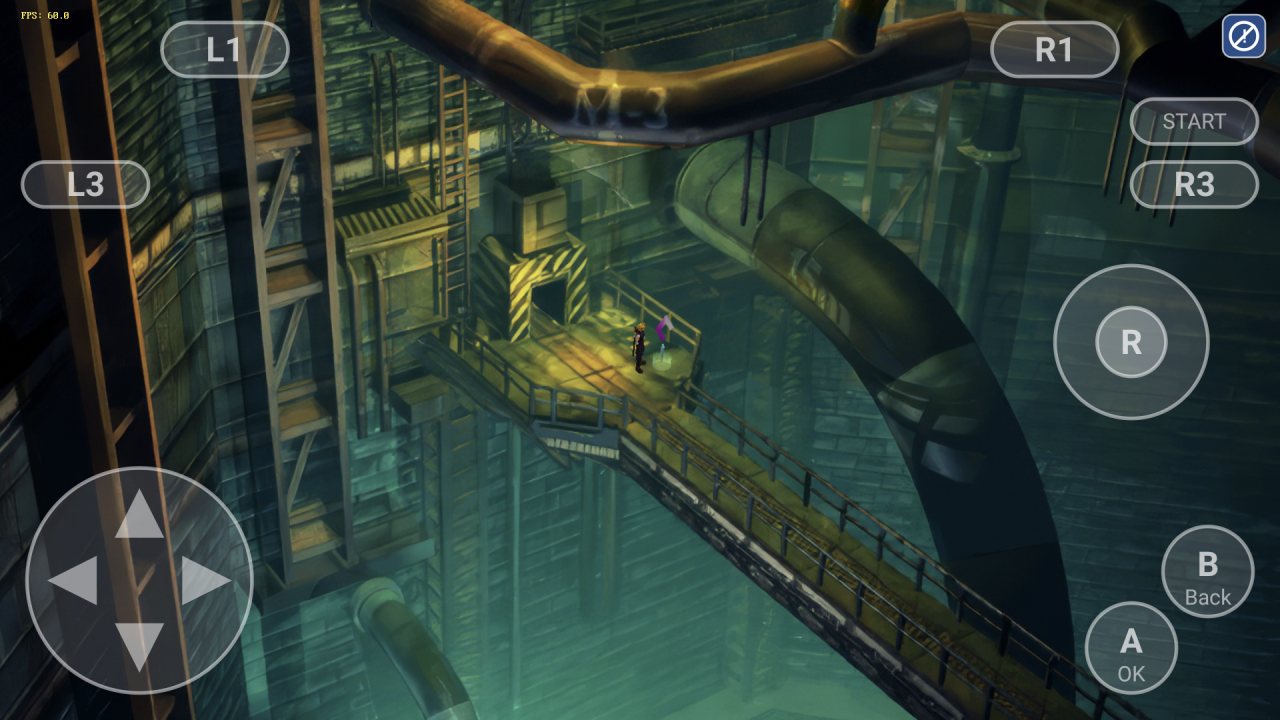
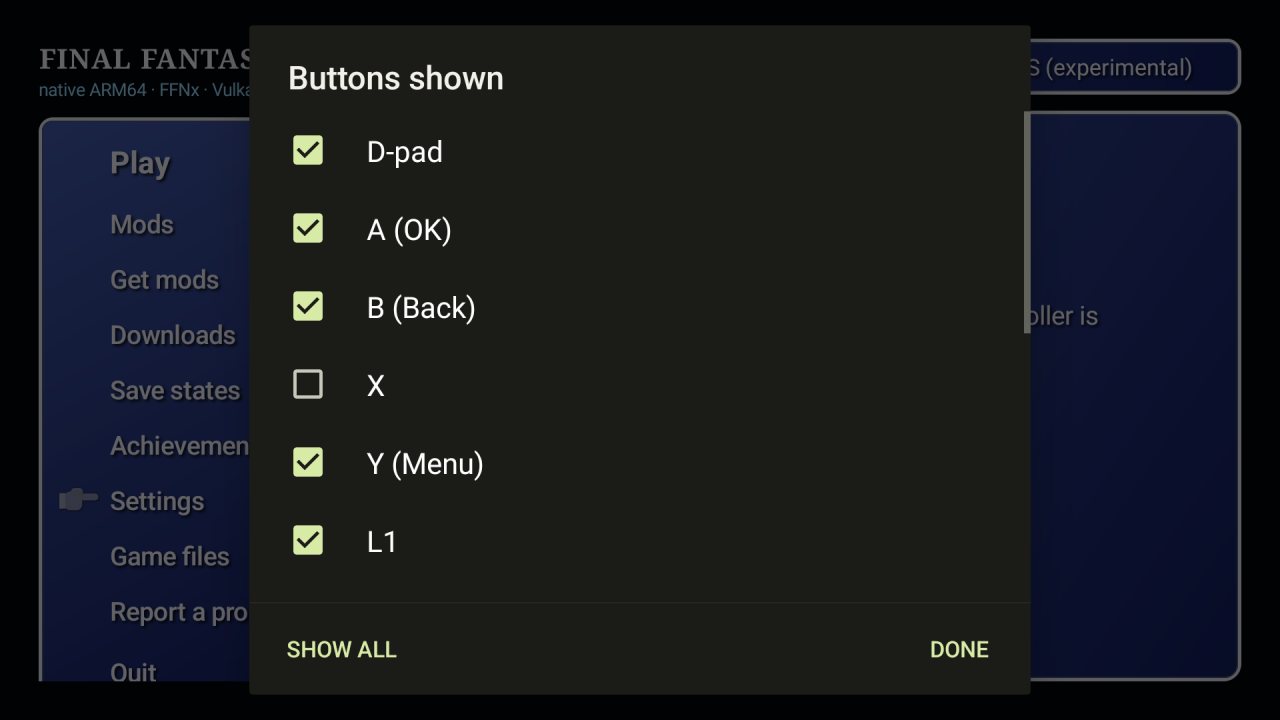
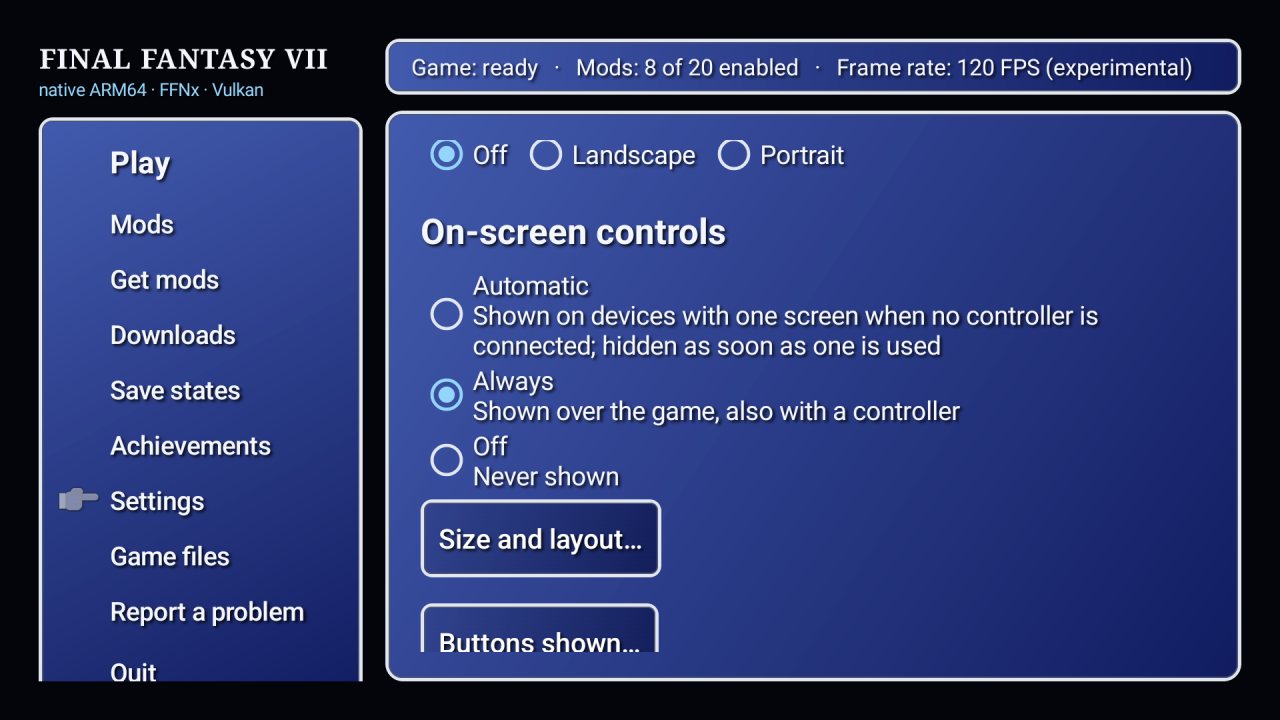
- Settings → On-screen controls → Buttons shown… lists every on-screen button with a tick. Untick one to hide it, tick it to bring it back, or tap Show all.
- The same list is in Size and layout…, where you see the result as you change it.
- The D-pad counts as one button. The right stick, L3 and R3 are in the list when you have them turned on.
- The other buttons stay where they are, and the place of a hidden button no longer reacts to touch. In the Split layout the panels use the room when a whole side is hidden.
- Nothing is hidden unless you choose it.
Thanks to vivan33 for the idea.
Updating
Go to Settings → Updates in the launcher (or install this APK over your current version), then press Play. Coming from 1.1.50 or 1.1.49, the game itself doesn't need updating; from an older version it may ask to Update the game once.
APK SHA-256: e0b5273d5b244ef38c9109337ad203cd3d893ae193b46128e05a7e4df63ef97c
Signing certificate SHA-256: 4f:c0:18:09:12:1b:af:25:f5:8c:8f:5e:7a:47:c4:80:c4:f8:6c:1e:a0:66:6e:37:c7:41:19:13:40:4d:1d:7c