
New: a button that opens the second screen's panels on devices with one screen (#87)
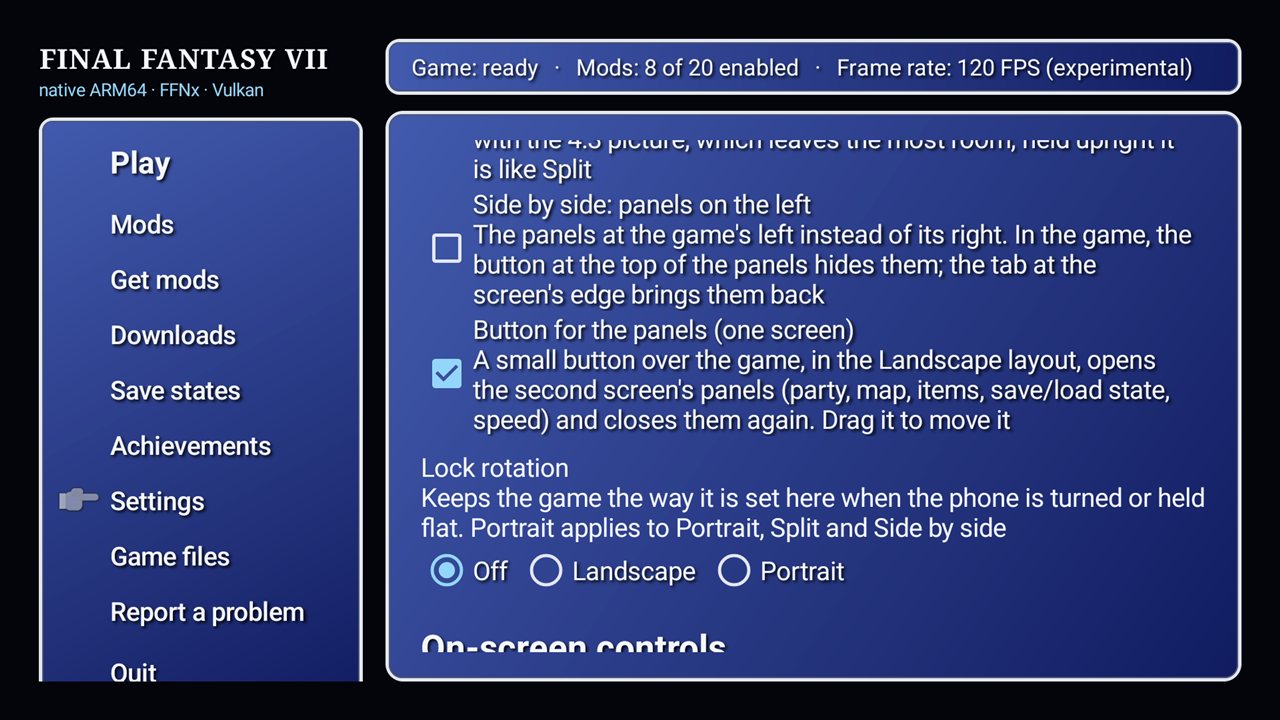
- Turn on Settings → Screen → Button for the panels (one screen). It is off by default.
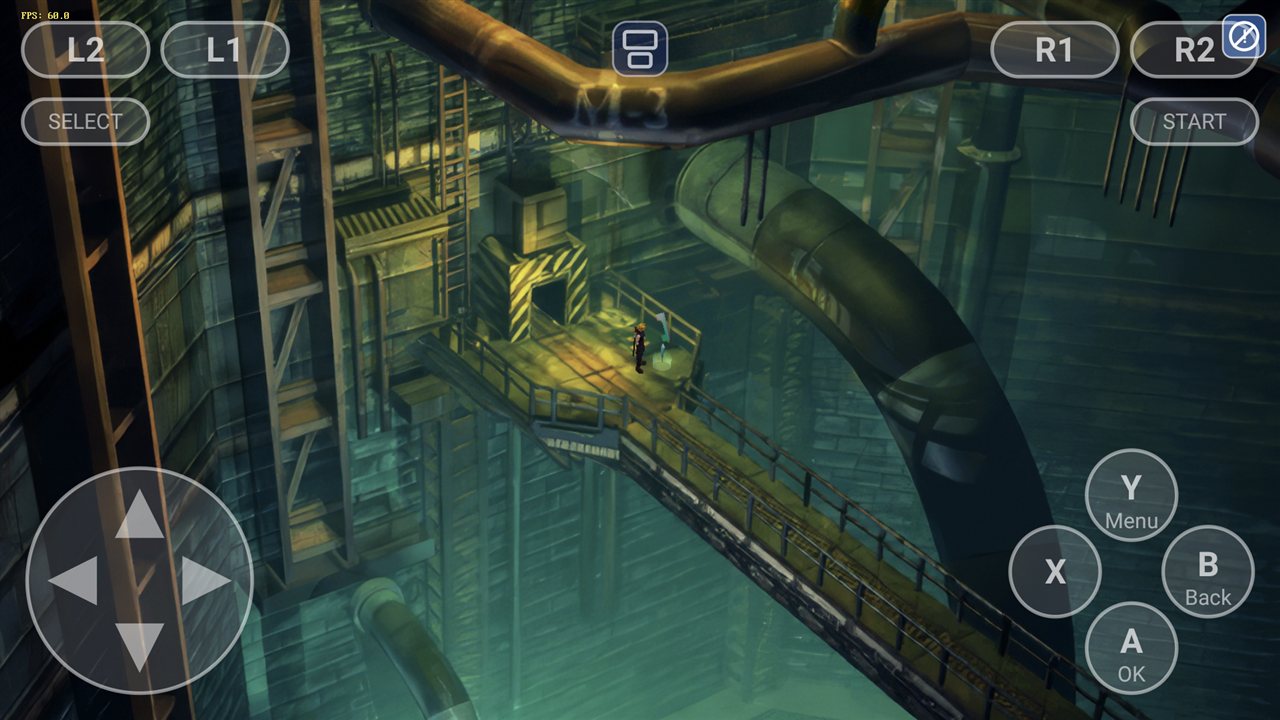
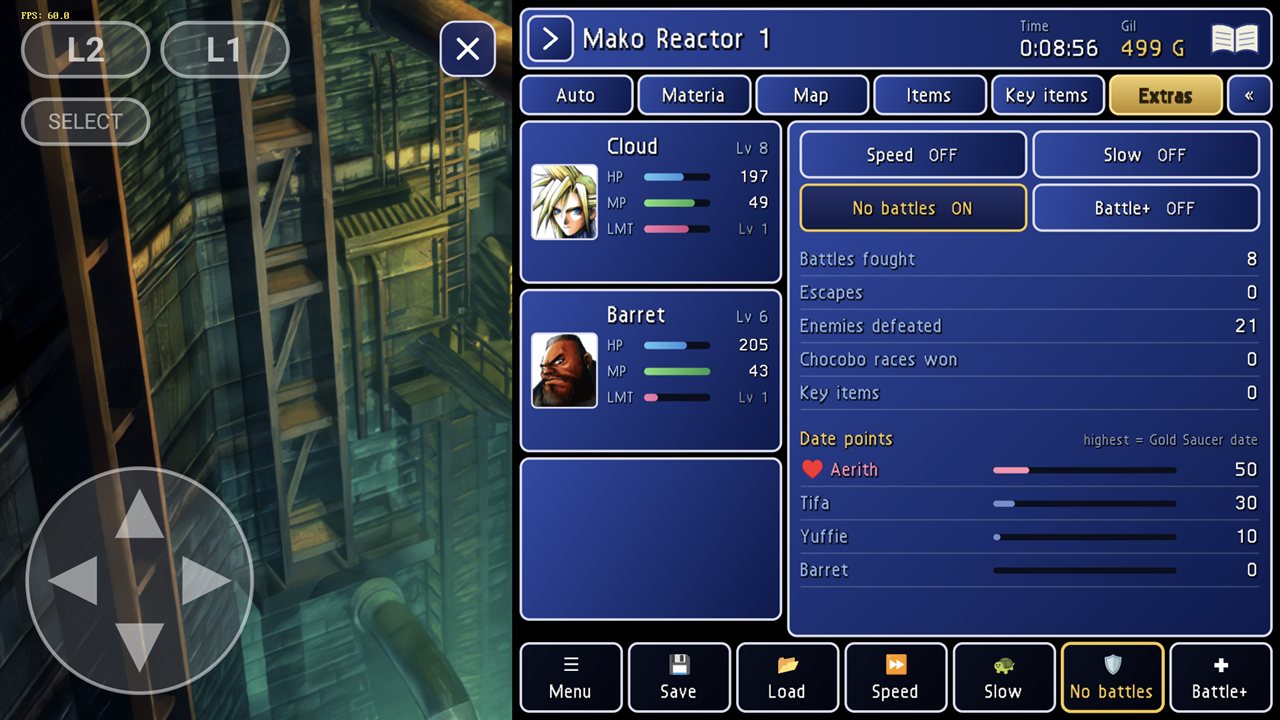
- In the Landscape layout a small button then sits over the game. Tap it to open the panels (party, materia, map, items, key items, extras, save and load state, speed) over part of the picture. Tap the X, or the arrow in the panels' header, to close them.
- Drag the button to move it; it stays where you leave it. The panels open on the side of the screen the button is on.
- The game keeps running behind the panels, and they cover the on-screen controls on their side while open.
- The button doesn't show while a second screen shows the panels, or in the layouts that already have them on screen (Portrait, Split, Side by side).
Thanks to NilsSchoovaerts for the idea.
Updating
Go to Settings → Updates in the launcher (or install this APK over your current version), then press Play. Coming from 1.1.49, the game itself doesn't need updating; from an older version it may ask to Update the game once.
APK SHA-256: \e740b05f21e0c1c2ca7a51c2485b57af79ace4e5c50cc7f5643d1b0b23e9e814
Signing certificate SHA-256: 4f:c0:18:09:12:1b:af:25:f5:8c:8f:5e:7a:47:c4:80:c4:f8:6c:1e:a0:66:6e:37:c7:41:19:13:40:4d:1d:7c