
Frame generation (your own Lossless Scaling)
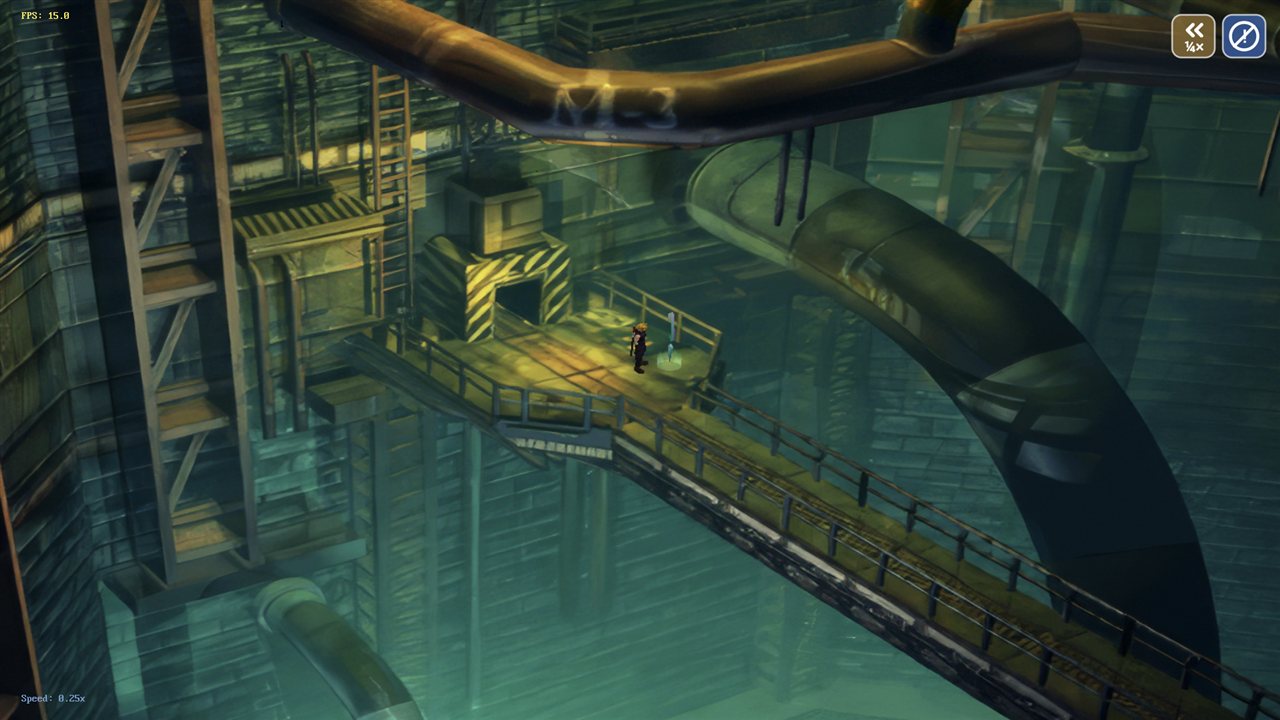
Shows up to 60 frames a second by making frames between the game's own, while the game keeps its speed. It needs Lossless Scaling bought on Steam, the Vulkan renderer and Vulkan 1.3. FF7Recomp does not include it: the app reads Lossless.dll from your own copy. It is off by default and does nothing at the 60 and 120 FPS settings. It adds delay: on an AYN Thor about 90-110 ms in fields after a menu or a load in this version (the figures first given here, 42 and 95 ms, were too low; 1.1.46 fixes it). Settings → Frame generation
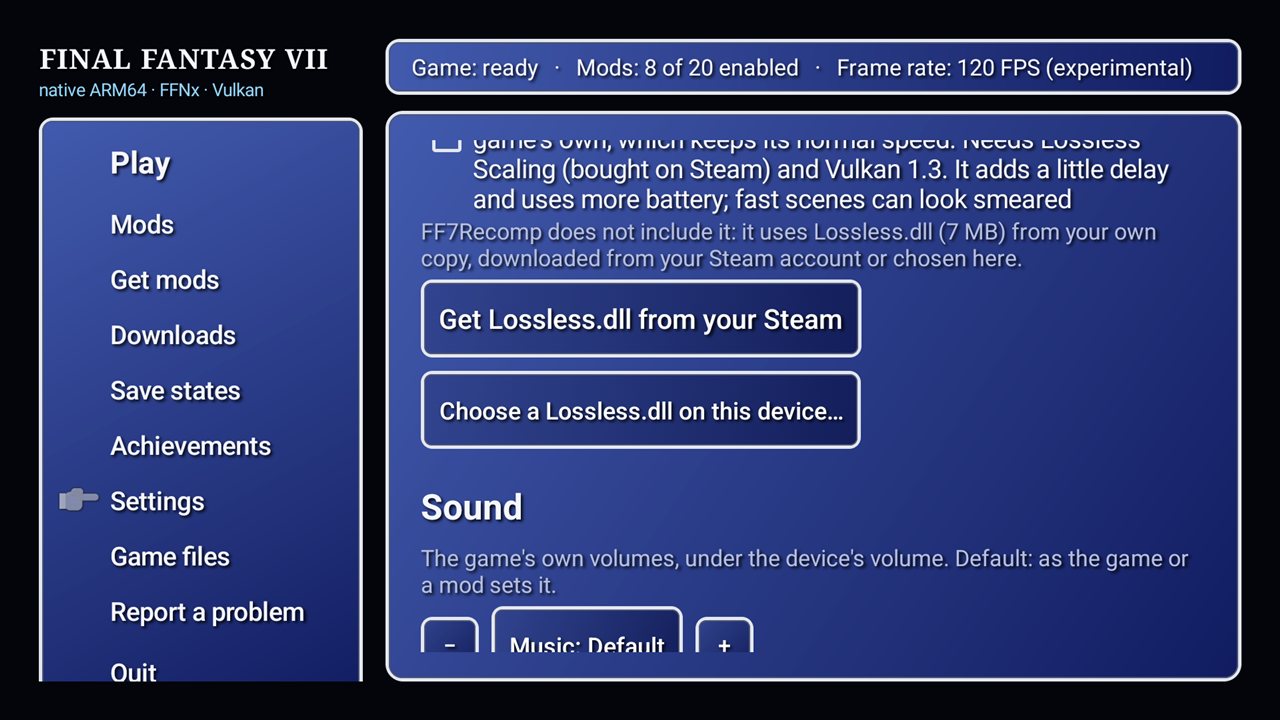
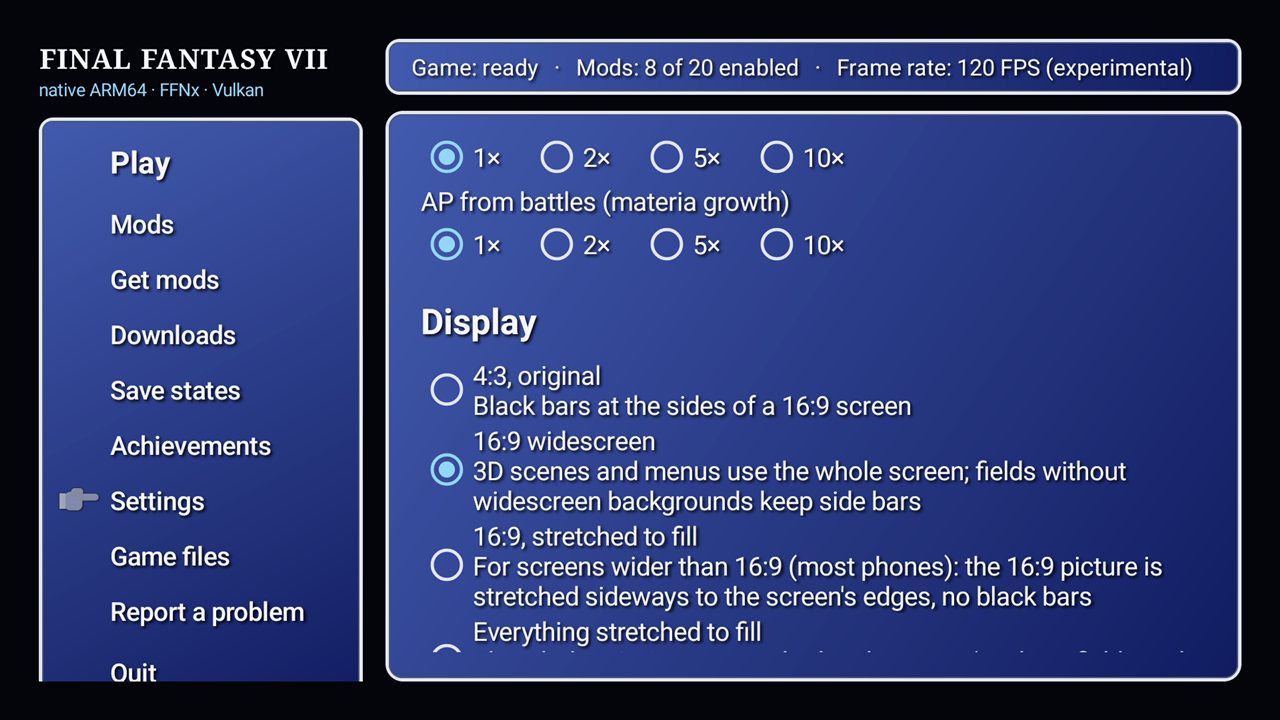
Everything stretched to fill
The whole 4:3 picture stretched to the screen's edges, fields and movies too. Settings → Display
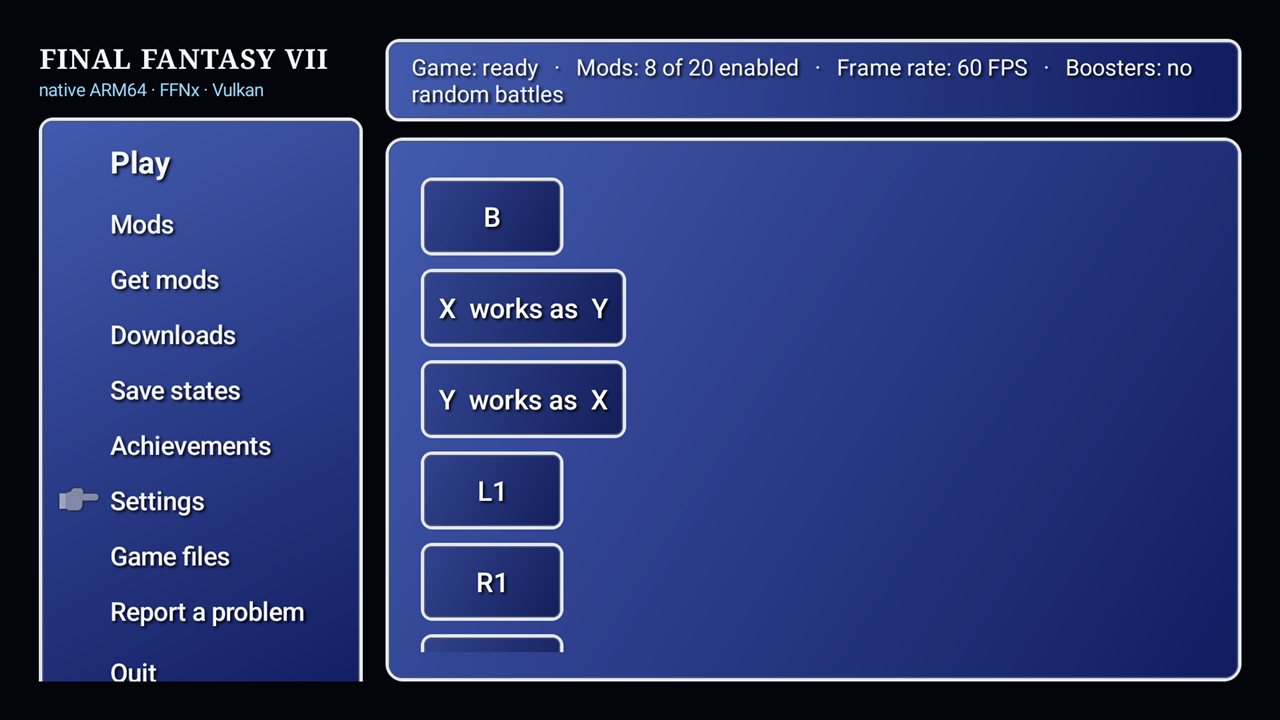
Button swaps
Any controller or keyboard button can work as any other; choosing one that is in use swaps the two. On-screen buttons stay as they are. Settings → Controller
Second screen (#79)
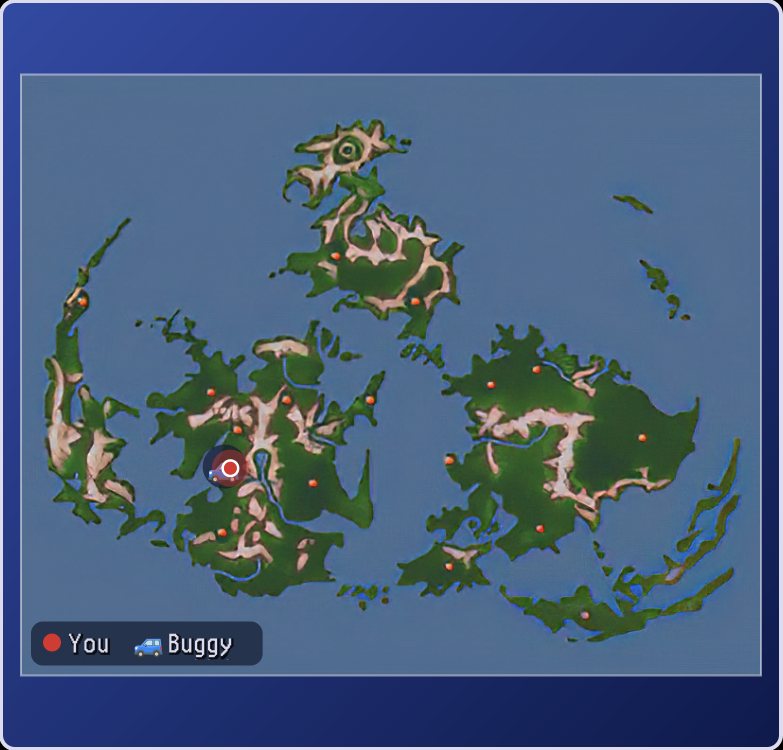
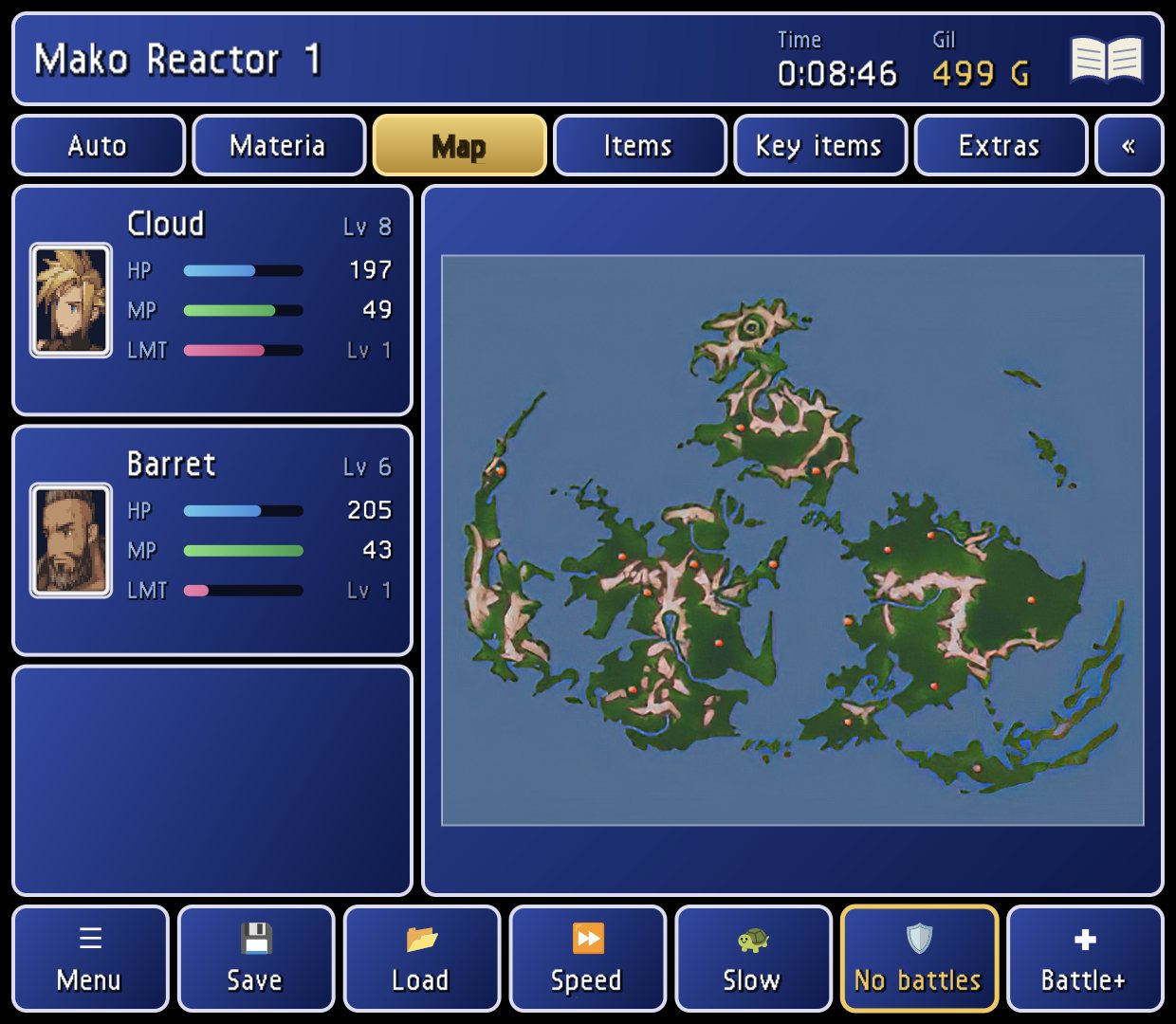
- Vehicles on the map are live: the buggy, Highwind and the others are read from the world map itself, so the icon follows while you drive. Ultimate Weapon shows while it is out.
- Slow motion: a Slow button (½×, ¼×, off) on the panel and in Extras. Like Speed, it does nothing at the Original frame rate.
- Game pictures on the panels: portraits and the world map from your mods or your game files. Settings → Screen
Mods
- Faster start with mods on an SD card (#76): the patch files of unpacked mods are found in one listing per folder. On an SD card in a Thor, the patch lookup alone went from 12-16 s to 0.05 s.
- Mods' .dds textures load through a new reader.
Building and downloads
- Updates keep compiled files: after your next full build, a later update that changes the game code compiles only what changed. On a Thor: 150 s instead of 458 s when nothing changed. This update itself only links again.
- A file that fails to compile is tried once more. Phones with 2 GB of memory compile one file at a time.
- Steam downloads keep trying for longer when Steam's servers are busy.
What was tested
On an AYN Thor: frame generation in fields, a battle and the opening movie, stretch to fill, a button swap with reset, slow motion, the buggy marker, mod pictures, saving and loading a state, a full build and an update after it. Not tested: the Ultimate Weapon marker, getting Lossless.dll through the in-app Steam download, the retries, 2 GB phones, and .dds textures other than menu portraits.
Updating
Go to Settings → Updates in the launcher (or install this APK over your current version), then press Play. It asks to Update the game once (a few seconds).
APK SHA-256: b998ecb6aece3a0f0c3bfa6df4cc38f400cbcda48bf49ac790229f8624368c6b
Signing certificate SHA-256: 4f:c0:18:09:12:1b:af:25:f5:8c:8f:5e:7a:47:c4:80:c4:f8:6c:1e:a0:66:6e:37:c7:41:19:13:40:4d:1d:7c