
Frame-rate mods now work: you no longer need to turn off 60/30 FPS Gameplay (#70, #63)
FF7Recomp adds the in-between animation frames itself at 60 and 120 FPS. Frame-rate mods such as 60/30 FPS Gameplay and 60 FPS Animations for ChaOS ship animations that already have those frames, so with one of them on, every animation got its in-between frames twice. Characters moved at half speed, and in story scenes the game showed the wrong poses. That's how a scene could replay part of itself and then stop (#70). Until now the advice was to turn the mod off (#63).
What changed:
- When the game starts, it compares each mod animation with the file it replaces. If the mod's copy is that file with its frames doubled or quadrupled, it is left out and the game adds the frames once, at whatever frame rate you play. This goes by the files themselves, not mod names, so other frame-rate animation packs are covered too. The rest of such a mod (its field fixes and options) still applies.
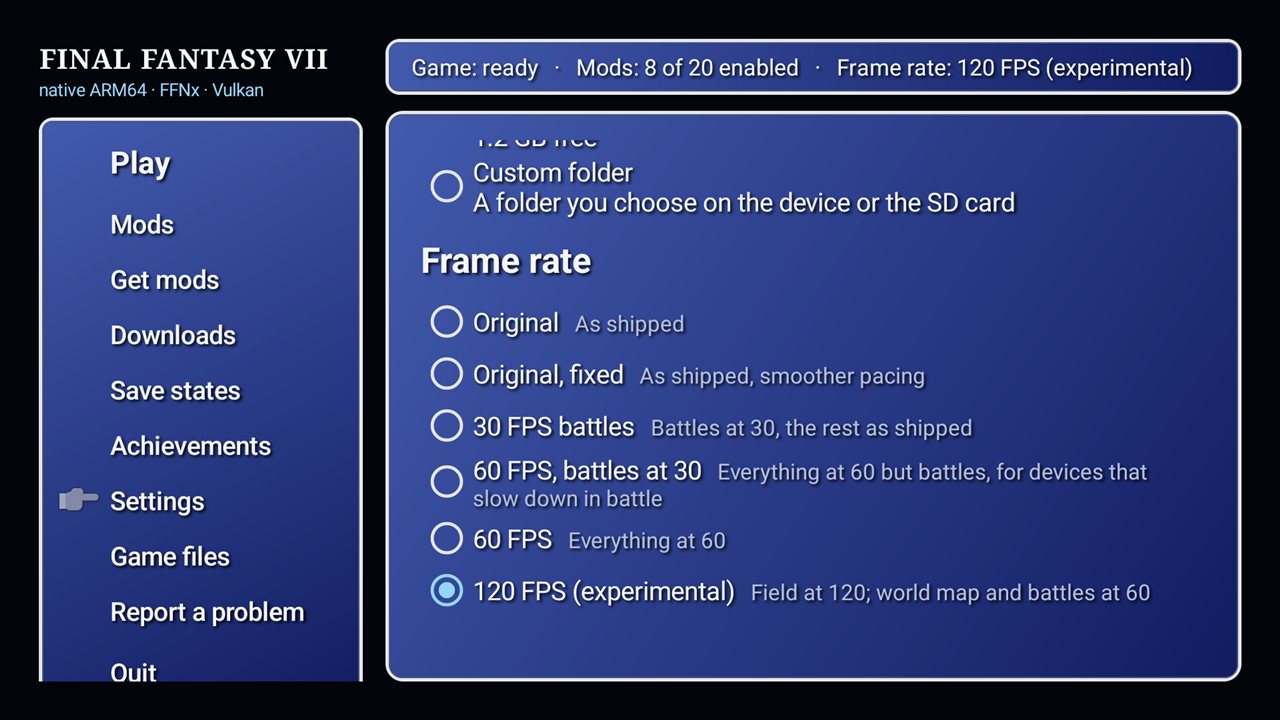
- Settings → Frame rate always decides the frame rate. A mod can no longer switch it (60/30 FPS Gameplay set 60 FPS even with Original chosen). A mod's own frame-rate option, like 60/30 FPS Gameplay's FPS Mode, is set to match your choice.
Where to find it: Settings → Frame rate. You can leave your frame-rate mods on.
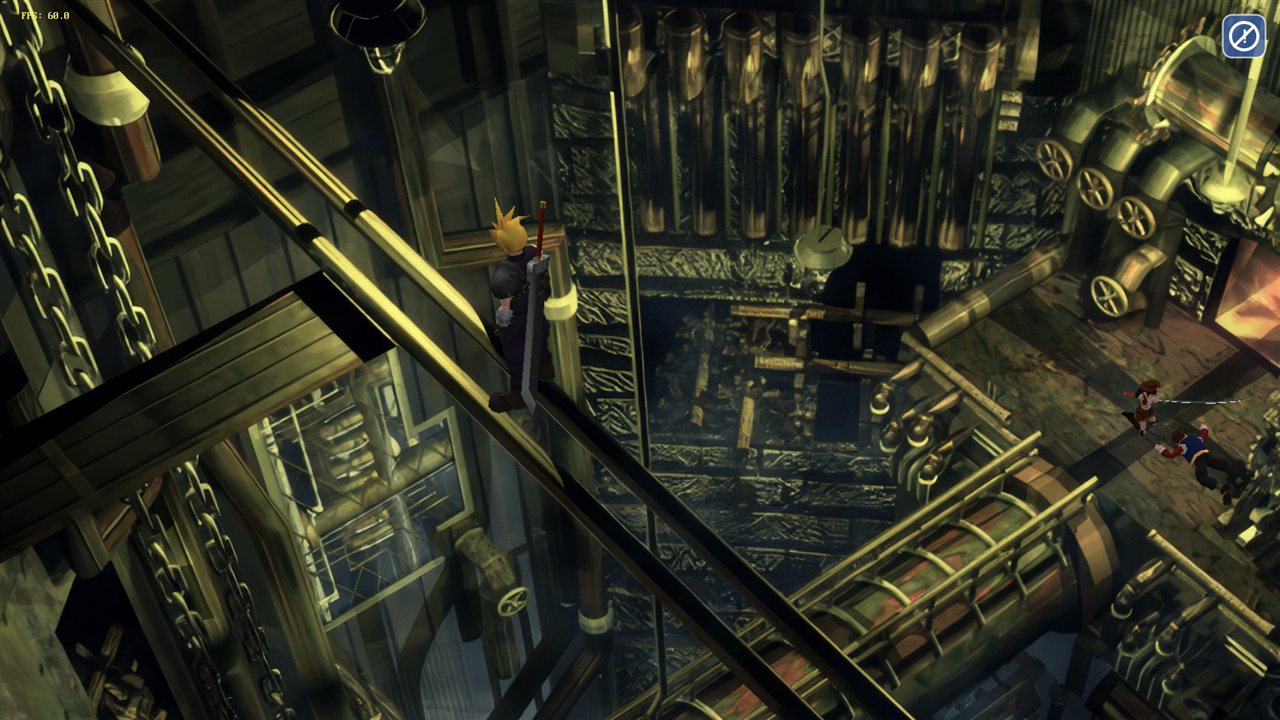
What was tested: on an AYN Thor at 60 FPS with 60/30 FPS Gameplay on, the game left out 3,547 of the mod's animations and played normally (the Nibelheim reactor from the #70 save, walking around). On a PC, against the real mod files and the game's own: at Original nothing of the mod's 60 FPS part applies, and with ChaOS plus its 60 FPS pack, ChaOS's own animations are used. Not yet confirmed: the Tifa scene from #70 itself, because the save in the report was made after that scene had already gone wrong.
Updating
Go to Settings → Updates in the launcher (or install this APK over your current version), then press Play. It asks to Update the game once (a few seconds); this release needs it.
APK SHA-256: 6bad15e02c9688137c0b9cc3683dbc3e9775ce182414f5aaaff6696f31d1153b
Signing certificate SHA-256: 4f:c0:18:09:12:1b:af:25:f5:8c:8f:5e:7a:47:c4:80:c4:f8:6c:1e:a0:66:6e:37:c7:41:19:13:40:4d:1d:7c