
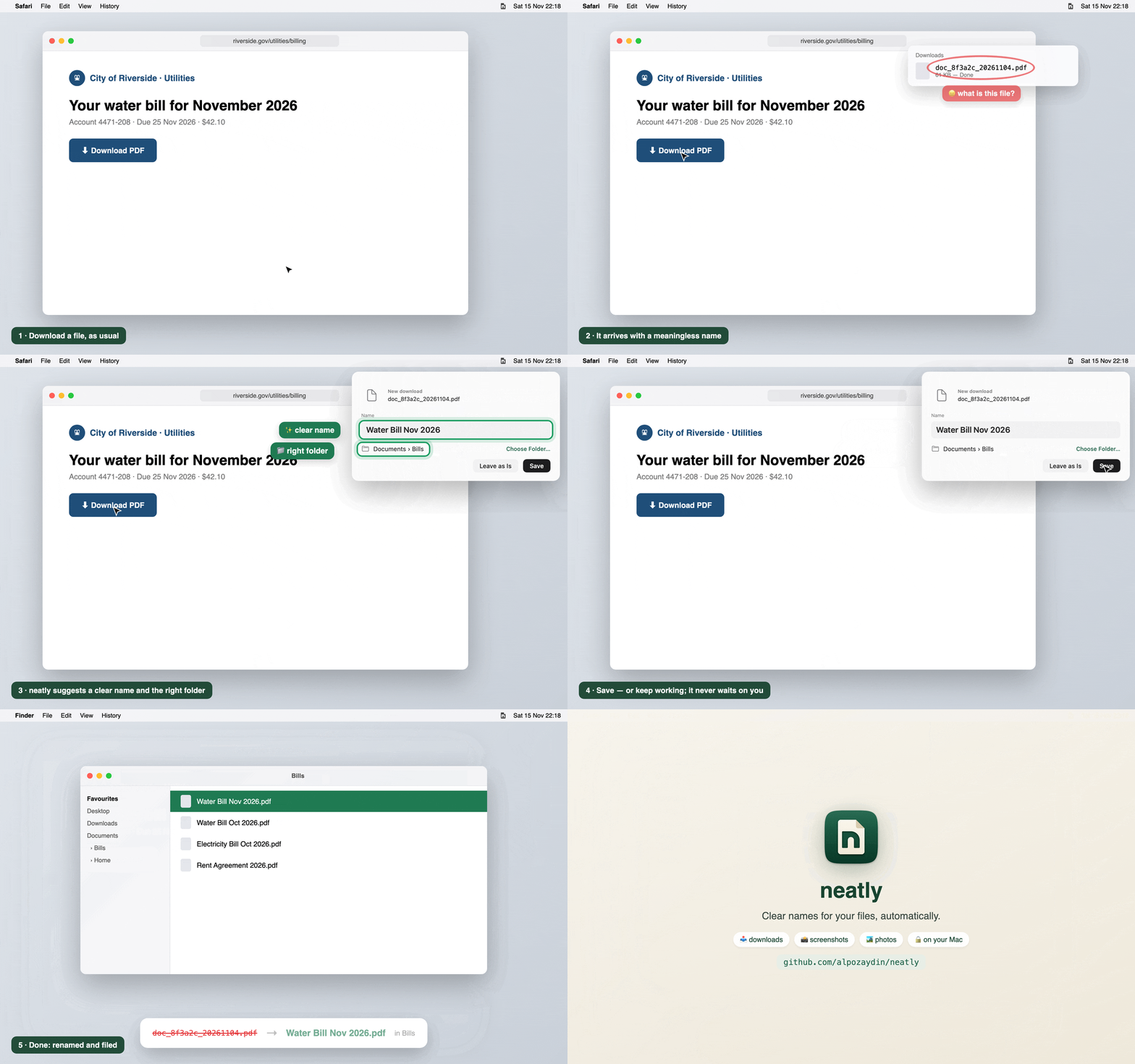
neatly gives your downloads, screenshots and photos clear names, automatically, on your Mac. Private and on-device with Apple Intelligence. Free and open source.
Install
curl -fsSL https://raw.githubusercontent.com/alpozaydin/neatly/main/scripts/install.sh | shIf you have Homebrew: brew install alpozaydin/tap/neatly && neatly service install
Needs Apple silicon and macOS 26+. Already installed? neatly updates itself.
What's new in 0.6.2
- 🎬 Screen recordings are named too, just like screenshots:
Screen Recording 2026-11-16 at 02.21.38.mov→ Hubble Space Telescope.mov. - 📄 Paper titles stay whole: "Attention Is All You Need 2017" (was cut to "Attention Is All 2017"). Long titles end where a phrase ends.
- 📚 E-books (EPUB) are named from their own title: Pride and Prejudice.
- 🧾 Official forms:
fw9.pdf→ IRS Form W9. - 💡 Tip: macOS saves a screenshot only after its floating thumbnail goes away. Turn it off for instant names: ⌘⇧5 → Options → Show Floating Thumbnail.
🔒 Files are read and named on your Mac. Only the update check, arXiv paper numbers and a photo's coordinates (for place names) ever go online, and each can be turned off.