
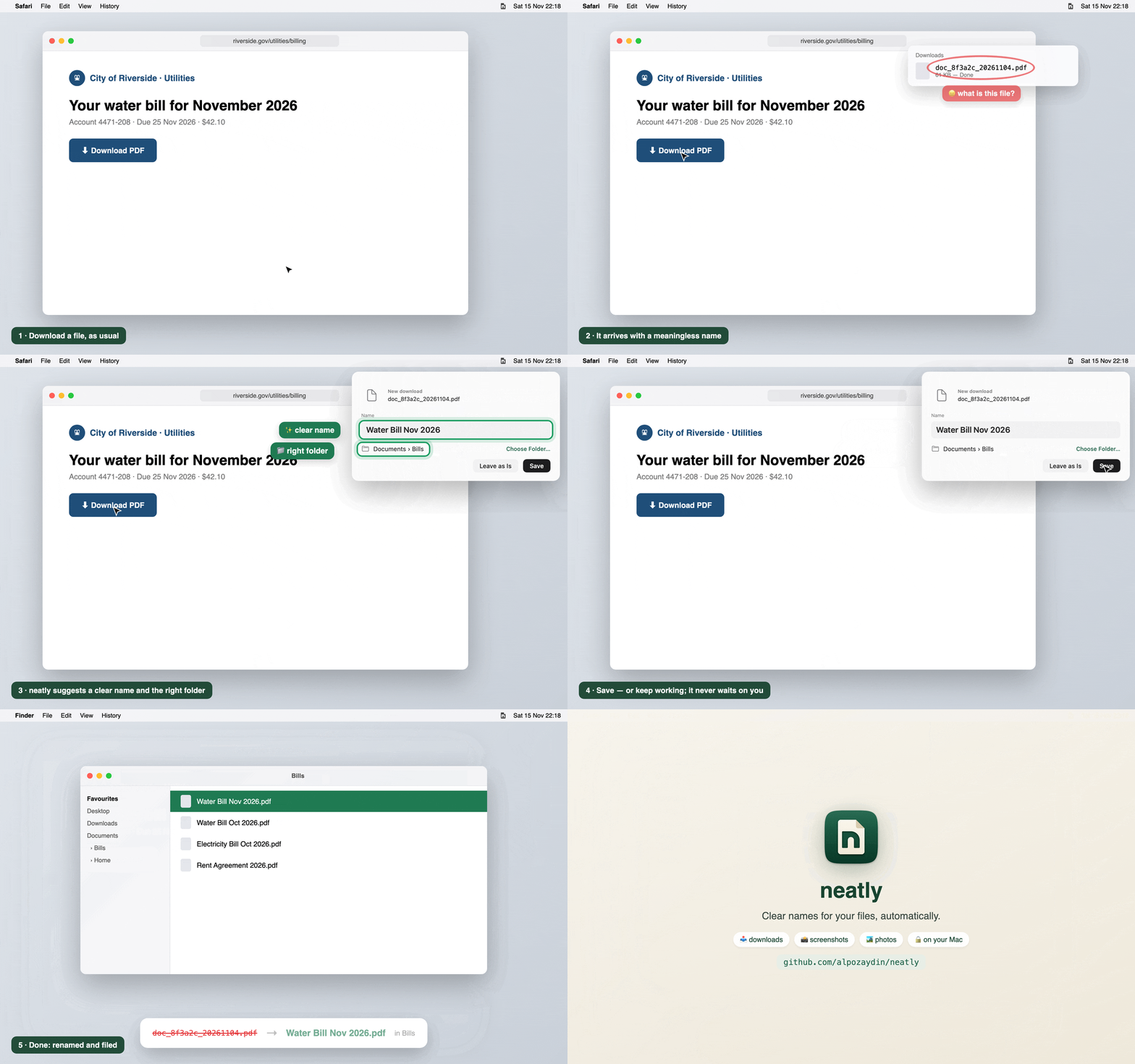
neatly gives your downloads, screenshots and photos clear names, automatically, on your Mac. Private and on-device with Apple Intelligence. Free and open source.
Install
curl -fsSL https://raw.githubusercontent.com/alpozaydin/neatly/main/scripts/install.sh | shIf you have Homebrew: brew install alpozaydin/tap/neatly && neatly service install
Needs Apple silicon and macOS 26+. Already installed? neatly updates itself.
What's new in 0.6.1
- ✨ Natural names by default: "Netflix Invoice Nov 2026", "Turkish Airlines Boarding Pass". Prefer
dashed-names? One click. - 🖱️ Finder: select files → right-click → Rename with neatly (or Open With → neatly).
- 🏞️ Photos named by what they show and where they were taken; 📸 screenshots read like titles.
- 🎨 New icon and a calmer look, with Light / Dark.
- 🛠️ Fixes: updates refresh the app icon and Finder menu, thousands of files at once,
--offlineeverywhere, settings no longer overwrite each other, and more.
🔒 Files are read and named on your Mac. Only the update check, arXiv paper numbers and a photo's coordinates (for place names) ever go online, and each can be turned off.