
Plugins can now open native windows and let you interact directly with search previews. Timer and Dictation are now standalone plugins you can install from the Wox Store as needed. We explain the move in Keeping Wox Simple.
-
Add
- [
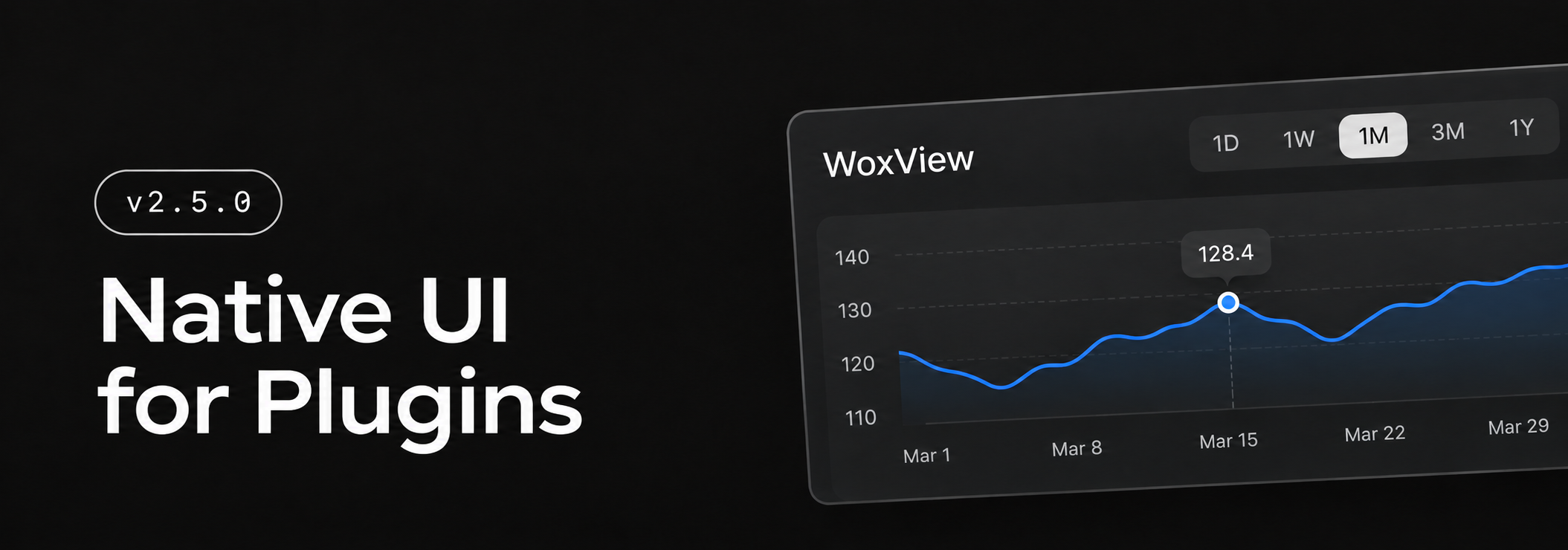
WoxView] Fill out forms, change options, and explore live charts in plugins that use WoxView, either in a separate window or right from a search result. - [
Snippets] Save and search text you use often. Copy a snippet from Wox or set it to expand when you type a keyword. Snippets can insert values such as today's date or the current clipboard text. #4702
- [
-
Improve
- [
TimerandDictation] Install either plugin from the Wox Store when you need it. Wox carries over your existing plugin settings when you upgrade. - [
Screenshot] Highlight parts of a screenshot and edit the strokes later. Choose a preset aspect ratio and keep it locked as you resize the capture area. #4704 - [
AI Chat] Connect to local models through LM Studio and see an indicator while waiting for a reply. #4692 - [
Quick Jump] Type to search in Directory Opus, with the search box appearing next to the active pane. #4688 @momadacoding - [
Converter] Convert Unix timestamps to your local date and time withto datetimeorto dt. #4685 - [
Hotkey] Use Insert or Delete as a shortcut on its own, and trigger shortcuts by holding supported keys on Windows, macOS, and Hyprland. - [
Query] Search within filter options and save default selections for each plugin command. - [
Plugin] See installation and update progress in the toolbar, and take action directly from plugin notifications. - [
Plugin Store] See download and star counts, and sort by downloads, stars, name, or recent updates.
- [
-
Fix
- [
Clipboard] Read the latest clipboard contents on Wayland and preserve text without appending a newline. - [
Notes] Preserve blank lines when switching between Markdown and preview, and keep headings from being clipped. - [
Settings] Keep the active field focused and preserve its selection when plugin settings refresh after saving. - [
Quick Jump] Keep File Explorer context menu shortcuts working when type-to-search is enabled. #4698 @yiumanlenong
- [
-
Store
- Plugin
- Timer Create and manage countdown timers @Wox-launcher
- Dictation Offline speech recognition with AI refinement and custom actions. @Wox-launcher
- MultiTranslate for Wox Multi-provider translation for Wox. Google, Microsoft, DeepL and more. UI follows the Wox language automatically. #4694 @designstudio
- SiYuan Search SiYuan notes and quickly create flash notes #4699 @hsopex
- JetBrains Projects Search the recent projects of your JetBrains IDEs and open them #4701 @tomsquest
- Radio Play internet radio in Wox @qianlifeng
- Plugin