
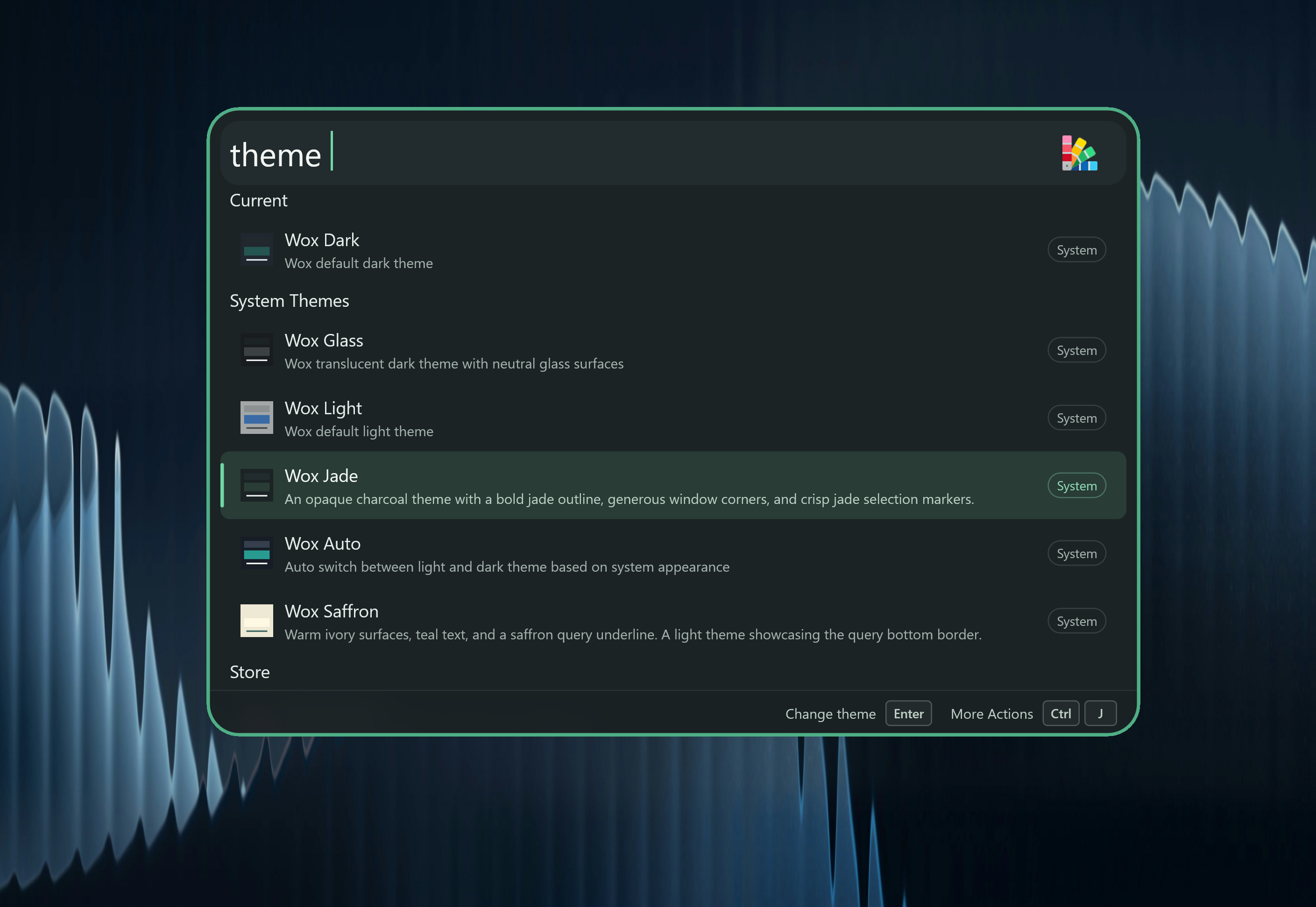
This release brings a new Jade system theme, and uses Liquid Glass on macOS 26. Settings keep their own look, so themes no longer change the Settings window.
-
Improve
- [
Theme] Support the Jade theme, use Liquid Glass on macOS 26+, and make theme previews match the live launcher. Themes can also customize window corners, toolbar colors, and frosted panels. - [
Settings] Keep Settings and first-run setup on their own look so your launcher theme does not change them, and let plugin catalog filters use one dropdown at a time - [
Query] Suggest command completions you can accept with Tab, undo a query change with Ctrl/Cmd+Z, and hide extra command hints in File Search, Clipboard, and Feedback - [
Clipboard] Paste history one item at a time withcb paste, favorite and rename images, show website icons on copied links, and open the folder that contains a copied file See video - [
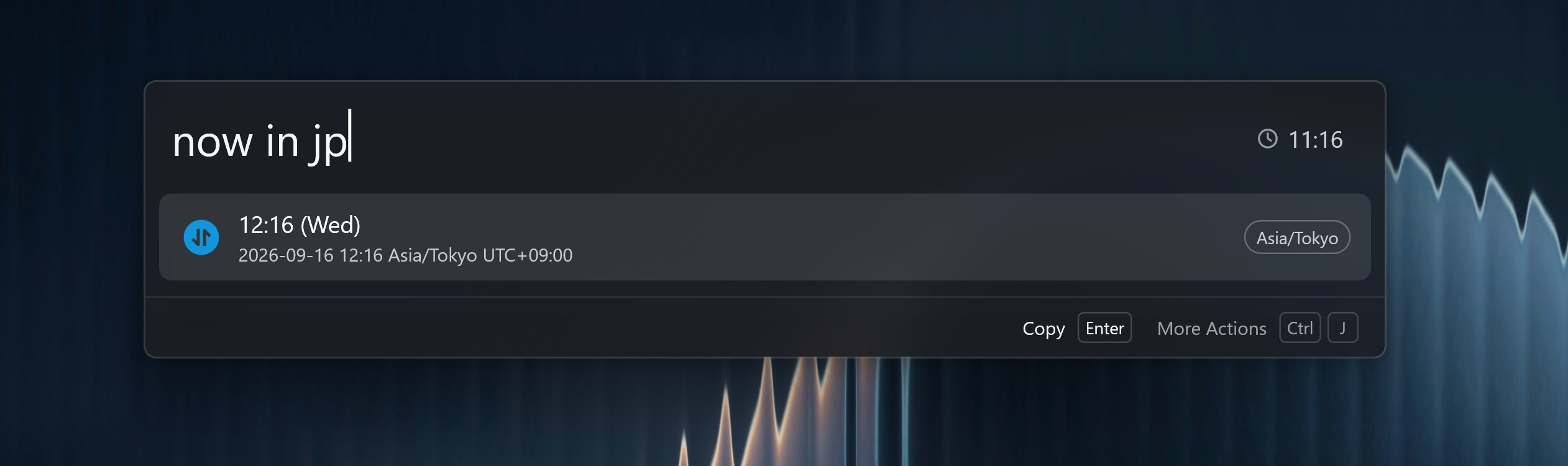
Converter] Understand more everyday calculator phrases, decode pasted Base64 or encode text, answernow/now intime questions, and handle playback speed, rounding, and lap times more reliably
- [
AI] Support SiliconFlow as a chat provider - [
AI Chat] Paste or drop files and images into a conversation #4566, open model and skill lists faster, close a popped-out chat window with Escape, and make streaming replies feel smoother - [
File Search] Match filenames that contain every word you type #4560, and read text inside PDFs more reliably #4564 - [
App] Find Windows Store and Apps Folder apps, and pick up newly installed apps #4565 - [
Web Search] Open a search in a private or incognito window - [
Plugin] Install a plugin by opening a.woxfile, find Node.js and Python installed by mise without restarting Wox #4569, keep the launcher open after dragging a file out of a result, and show Attention unread counts again with a shortcut to that plugin's settings - [
Notes] Keep your place when switching between preview and Markdown, paste images and text more reliably, and show a character count - [
Launcher] Jump between result groups with Ctrl (Option on macOS) plus Up/Down, keep the toolbar visible over the list, use a star for Favorites and a pin only for ranking, and show the best action-list matches first - [
Hotkey] Let Windows record Win+Space as a Wox hotkey - [
Browser Bookmark] Search bookmarks withb, and match titles and URLs more loosely in that command - [
Folder] Open the parent folder from a folder result - [
Selection] Read selected text and files more reliably, including from Wox's own windows #4561 #4558 - [
Font] Show installed Windows fonts in font pickers #4554 - [
Updater] Show Chinese release notes in the update preview, and play confetti after a successful update
- [
-
Fix
- [
File Search] Fix newly added folders not showing up in search - [
IME] Fix English input on Windows when using Chinese IMEs such as WeChat IME - [
UI] Fix the cursor not blinking on transparent Windows windows, and blurred panels hiding the result list - [
Clipboard] Fix paste actions showing a long window title instead of the app name - [
AI] Fix being unable to select AI answers - [
Media Player] Fix a long wait when opening Media Player on Windows - [
Attention] Fix the unread badge disappearing while you type - [
Screenshot] Fix recording shortcuts showing as separate keys instead of one shortcut
- [
-
Store
- Plugin
- Lock Keybord Lock the keyboard so you can wipe it without triggering shortcuts @qianlifeng
- Droppy A stash box for files. Drop files in, then drag them out later. @qianlifeng
- Theme
- Omarchy Omarchy's default Walker menu: charcoal card, cream outline, full-width gray selection, and muted teal active icons. @qianlifeng
- Ocean Glass Blue-gray content panel, native-material rim, and warm yellow accents inspired by the supplied launcher screenshot. @qianlifeng
- Wox Saffron Warm ivory surfaces, teal text, and a saffron query underline. A light theme showcasing the query bottom border. @qianlifeng
- Plugin