
Release v0.7.0 — Big files, richer code, polished READMEs
Open and edit multi-megabyte Markdown without freezing, see Markdown structure clearly in Code View, and render common README HTML directly in Visual Mode.
Features
- Open and edit multi-megabyte Markdown directly in a responsive Visual Mode; MerMark renders only the nearby sections as you move through the document (#136)
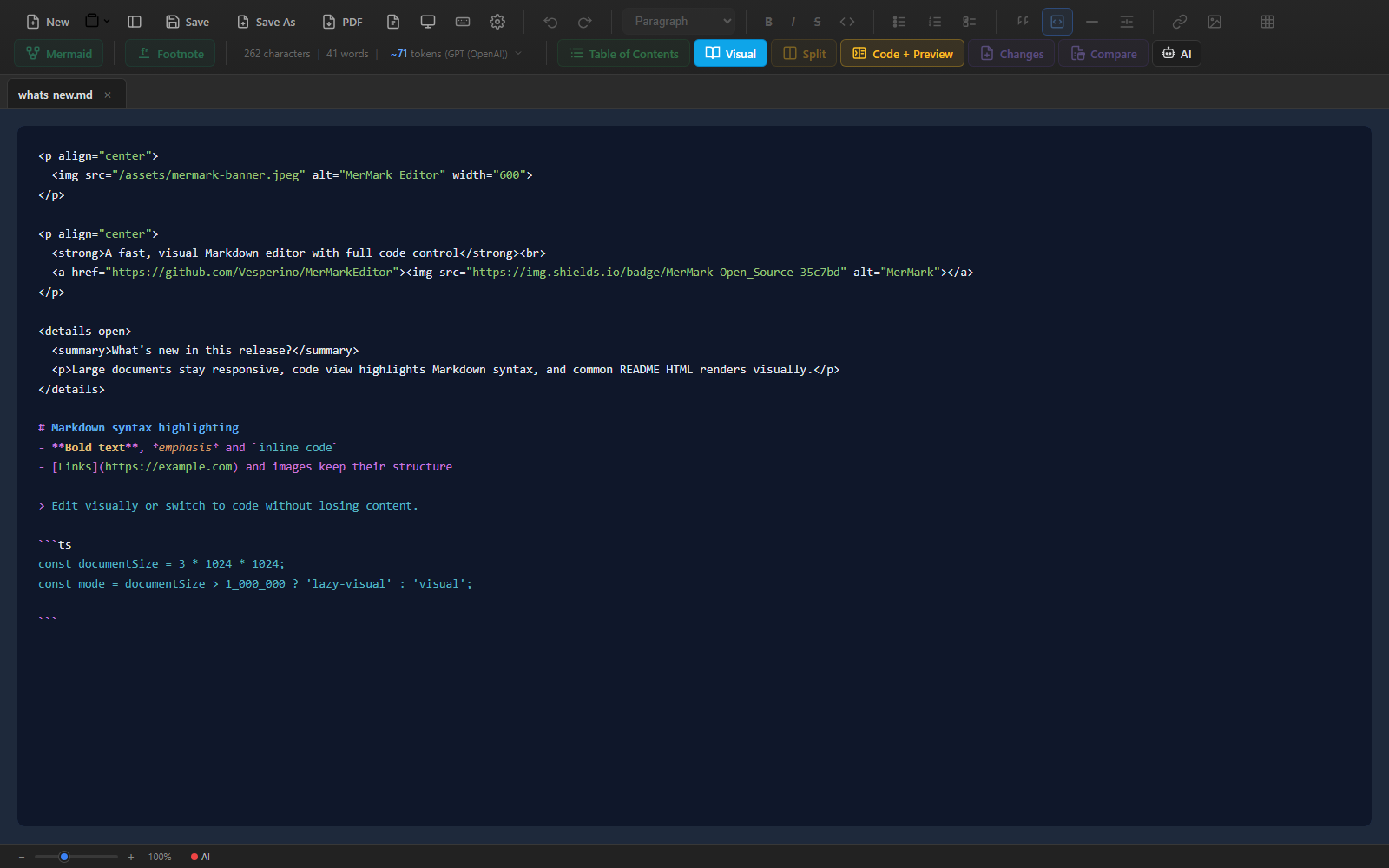
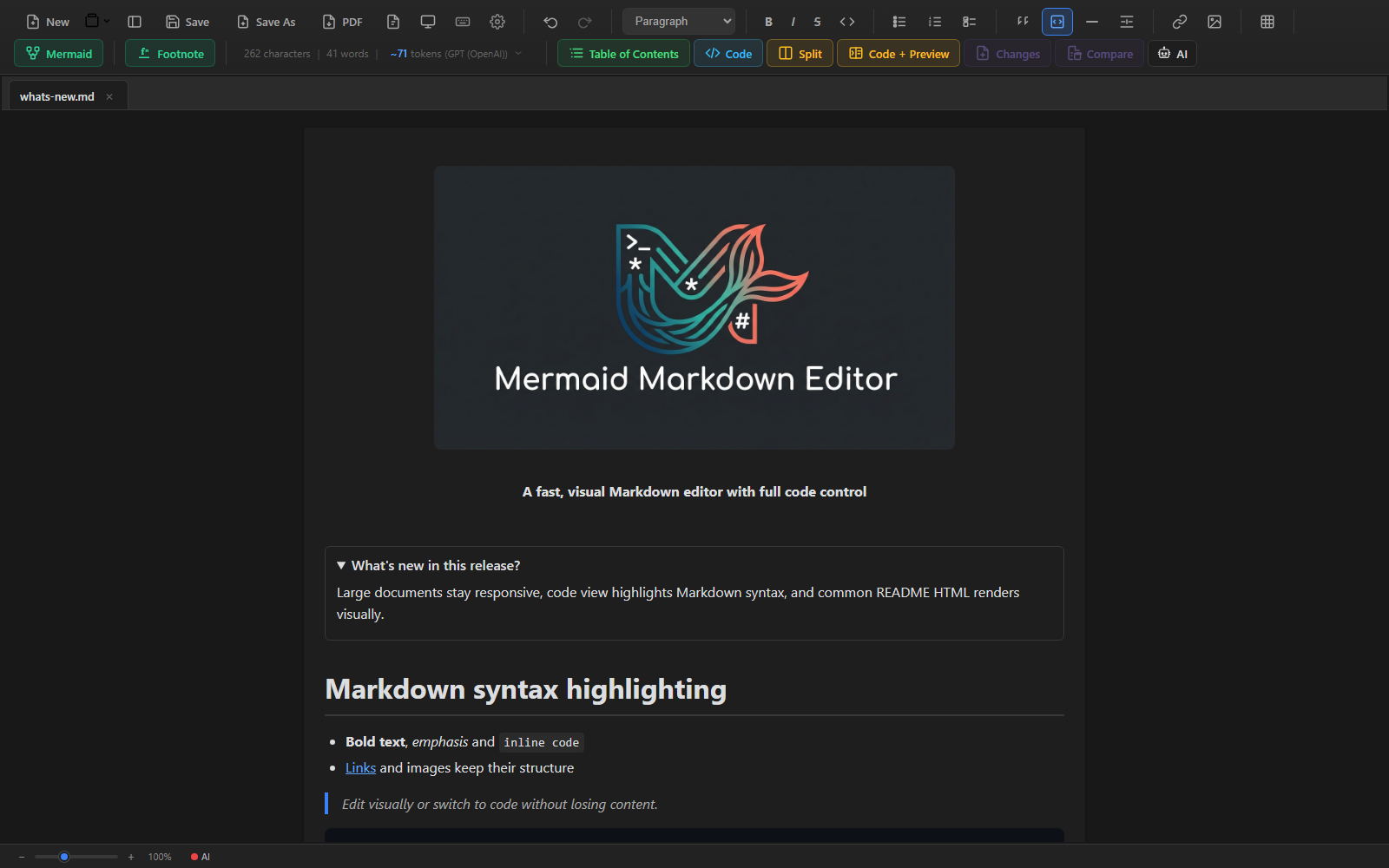
- See headings, lists, emphasis, links, quotes, inline code, and fenced blocks in distinct colors in Code View — including in very large files (#136)
- Render common README HTML such as centered sections, bold and emphasized text, links, images, linked badges, and collapsible details without rewriting the original Markdown source (#136)
- Drop supported Markdown and text files from your file manager into a workspace folder; existing files are never overwritten (#136)
Bug fixes
- Fixed the app freezing when opening or selecting a large Markdown file, including multi-megabyte documents (#129, #136)
- Fixed switching between Visual and Code views losing the matching line or highlighting the wrong repeated HTML block (#136)
- Fixed repeated view switching shortening or skipping the Code View cursor highlight; every switch now starts a fresh smooth fade (#136)
- Fixed HTML links and linked badges opening inside MerMark; they now use the external-link confirmation before opening the browser (#136)
- Fixed loading an externally changed file leaving Code View out of sync (#136)
- Fixed saved workspaces inside dot-prefixed Linux directories becoming unreadable after restarting MerMark, including visible symlinks that point into hidden directories (#133, #136)
UI/UX
- Large documents keep the same comfortable page width as regular documents while their content loads lazily (#136)
- The table of contents stays responsive on large files and can jump directly to sections that have not been rendered yet (#136)
- Moving between Visual and Code views restores the corresponding source or rendered line with a smooth highlight (#136)