
$${\color{blue}ⓘ}$$ Added an option to resize HUD
$${\color{blue}ⓘ}$$ Added an option to enable dual analog patch
$${\color{blue}ⓘ}$$ Added an option to swap L-button and Square (in vehicle)
$${\color{blue}ⓘ}$$ Added an option to swap R-button and Cross (in vehicle)
$${\color{blue}ⓘ}$$ Added an option to enable 60 fps
$${\color{blue}ⓘ}$$ Added an option to speed up the emulator during loading screens
$${\color{blue}ⓘ}$$ Plugin automatically skips intro
Website | Source | Default INI File
Project2DFX
Project2DFX now available as a separate plugin
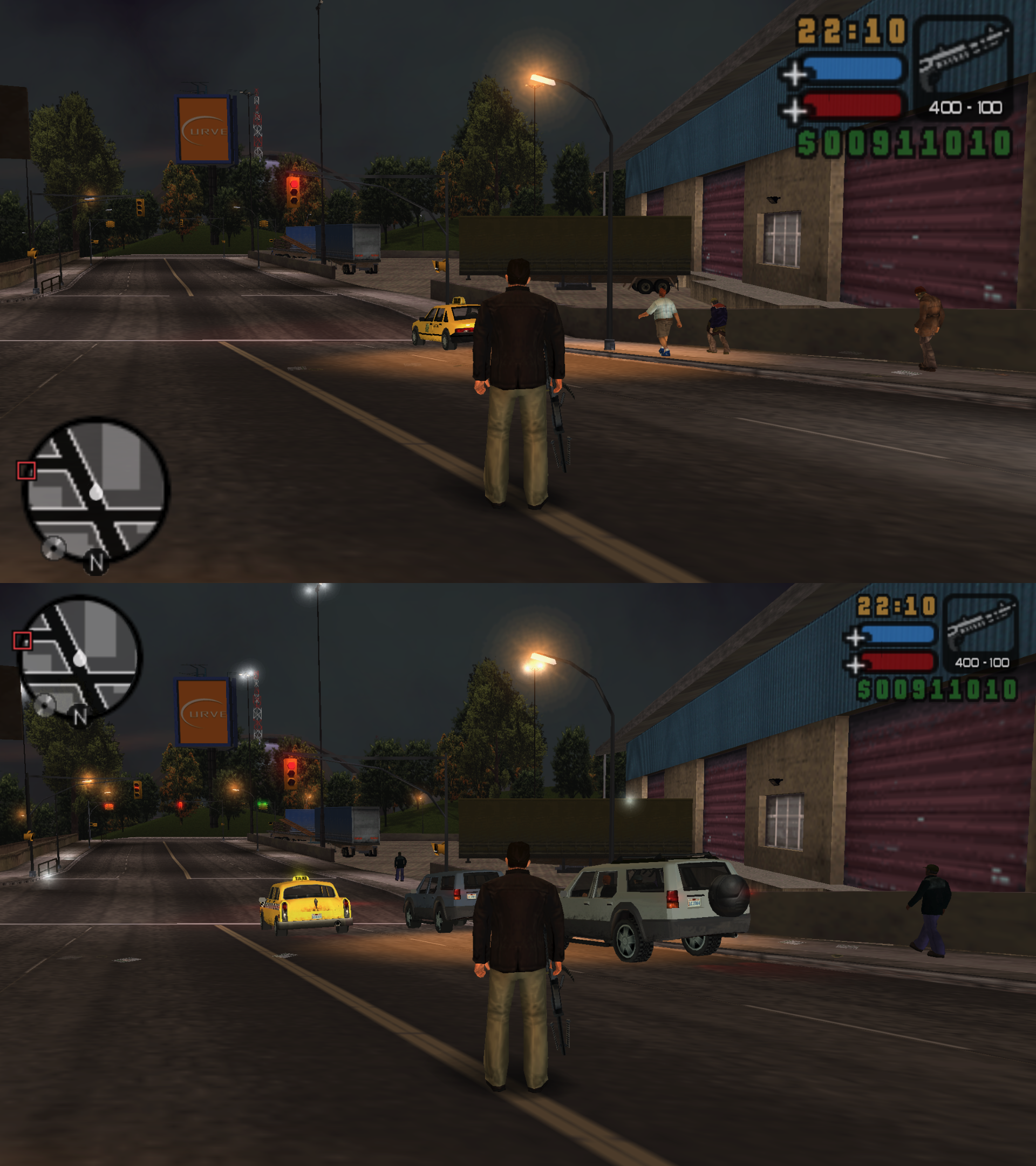
ImVehLM (Improved Vehicle Lights Mod)
vcs_imvehlm.mp4
Installation:
- Download and extract the archive to the directory, where PPSSPP's memory stick is located (File -> Open Memory Stick).
- Inside TEXTURES folder, rename ULUS10041 to the ID, that matches your game (ULUS10041, ULES00151, NPJH50825, ULJM05255, ULJM05359, ULJM05885).
- Enable Game Settings -> Tools -> Developer Tools -> Replace Textures.
- Launch the game.