
🛰️ The AI Lab Cockpit
One self-hosted page for your whole home lab and your AI rig. No agents, no Prometheus/Grafana, no cloud — docker compose up -d and open the page.
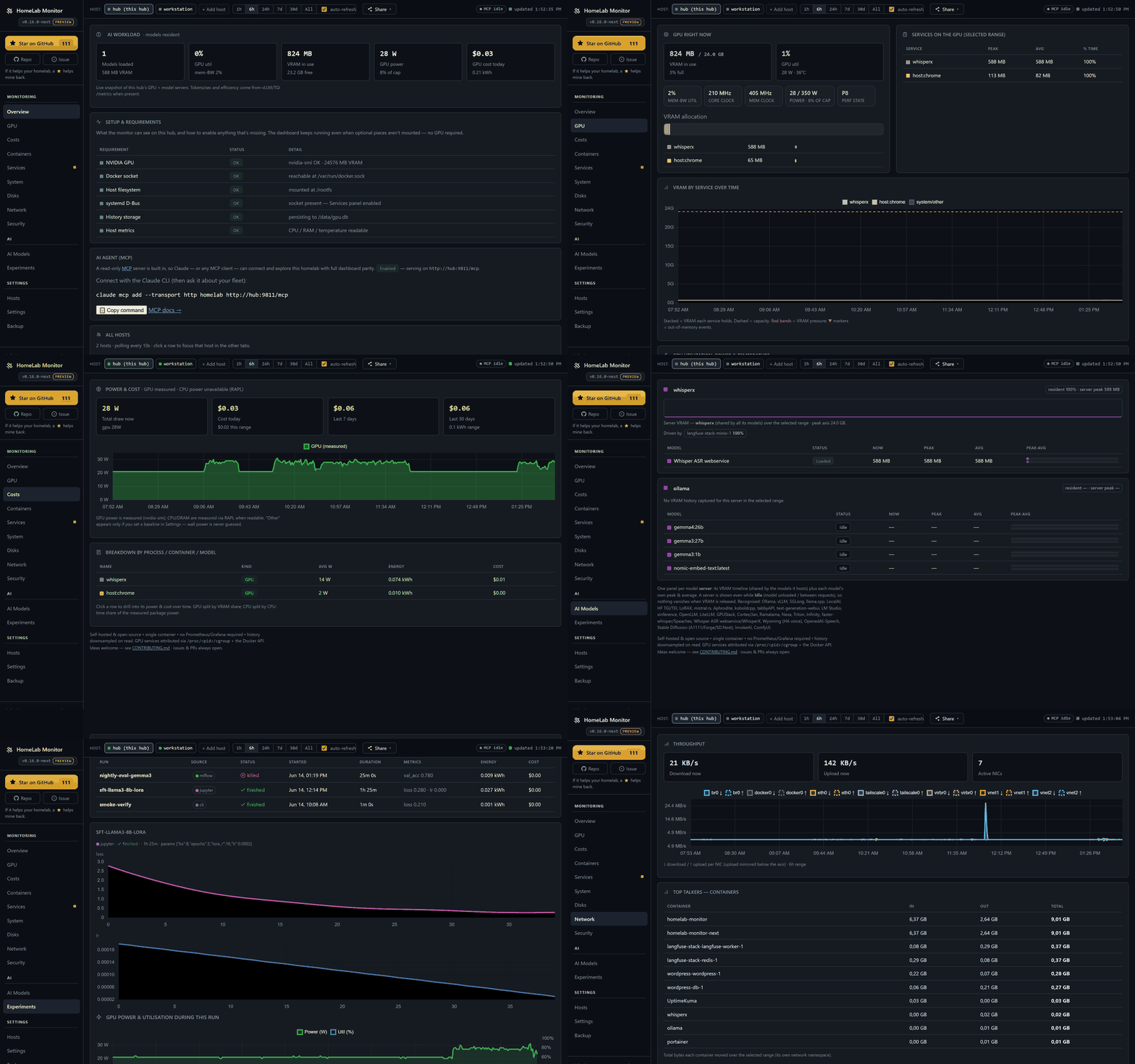
Your GPU says 100% util — but is it throttling, memory-bandwidth-bound, or is a notebook squatting on its VRAM? 0.16 answers that, and a lot more:
- GPU truth — throttle reasons (a red banner the moment it's power-capped or too hot), memory-bandwidth util, clocks, power-vs-limit and p-state, straight from
nvidia-smi. - Live serving — real tokens/sec, queue depth, KV-cache and TTFT from vLLM/TGI; Ollama param-size / quant / context at a glance.
- A Costs page — power becomes money: per machine, per component (GPU + CPU via RAPL), and per process, container or model you can click into. Day & night tariffs, or just pick your country.
- Experiments — push a run from Jupyter, Colab or Kaggle (or mirror MLflow) and get the loss curve and the real GPU energy it burned, on one timeline.
- Plus the deeper-visibility line: multi-GPU, network I/O, container log tailing, a mini-htop, and adaptive host timeouts.
Still pure Python + Flask. Multi-machine over SSH — Linux, a Pi, even Windows. Readable from your phone over the VPN.
curl -fsSLO https://raw.githubusercontent.com/SikamikanikoBG/homelab-monitor/main/docker-compose.yml
docker compose up -d
If it earns a place in your homelab, a ⭐ genuinely helps other home-labbers find it. Thank you! Full notes → CHANGELOG.