
KMRP 1.5 makes Star Wars: Knights of the Old Republic fit a modern screen and play with a controller: one installer, one click, and one click to undo everything. It changes how the game looks, fits and controls, and nothing about its story, quests or balance.
Download
Windows: download KMRP-Windows-1.5.0.exe below, run it, and press Start Patching. Restore Original puts everything back. It works with the Steam, GOG and disc 1.03 versions. Install any other content mods first, then KMRP.
| File | KMRP-Windows-1.5.0.exe
|
| Size | 146,894,848 bytes |
| SHA-256 | 7FF9DAE460545E4544A63D88D674627E78A3EA0F92ED76FF33DA48EB4F5ABFFA
|
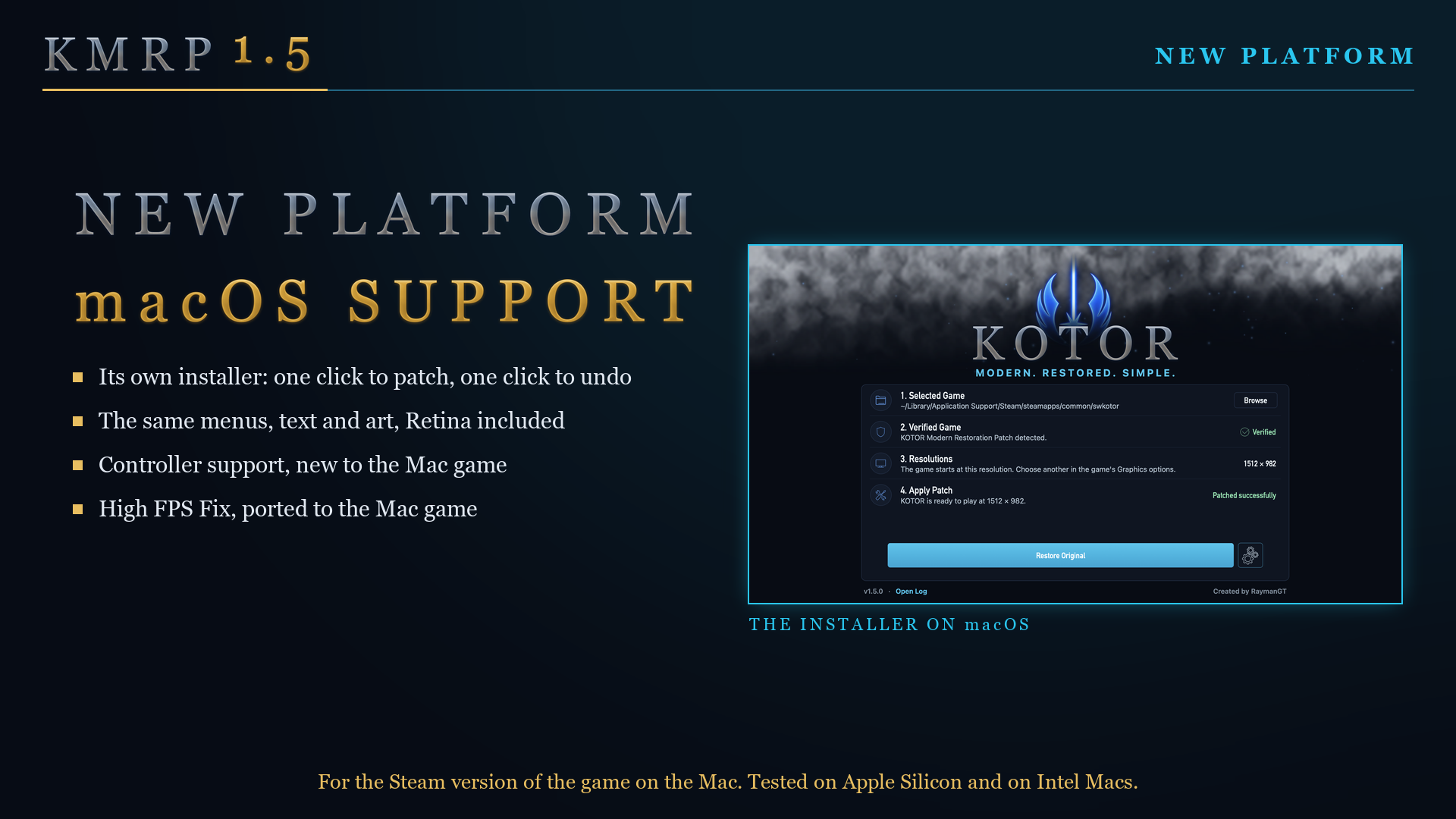
macOS: download KMRP-macOS-1.5.0.dmg below. KMRP 1.5 is the first version for the Mac: the Steam game (Aspyr's build, unmodified), macOS 10.13 or later, on Intel and Apple Silicon Macs. Quit KOTOR, open the file, drag KMRP Installer onto Applications and open it from there. KMRP is not signed by an Apple developer account, so macOS asks you to allow it the first time; the steps are in the Mac player guide.
| File | KMRP-macOS-1.5.0.dmg
|
| Size | 113,583,593 bytes |
| SHA-256 | 4D0DD61EB3A2C9501B2522142420E16006D8CC9D83A28E97C107A68BBBC3C226
|
What is new since 1.0
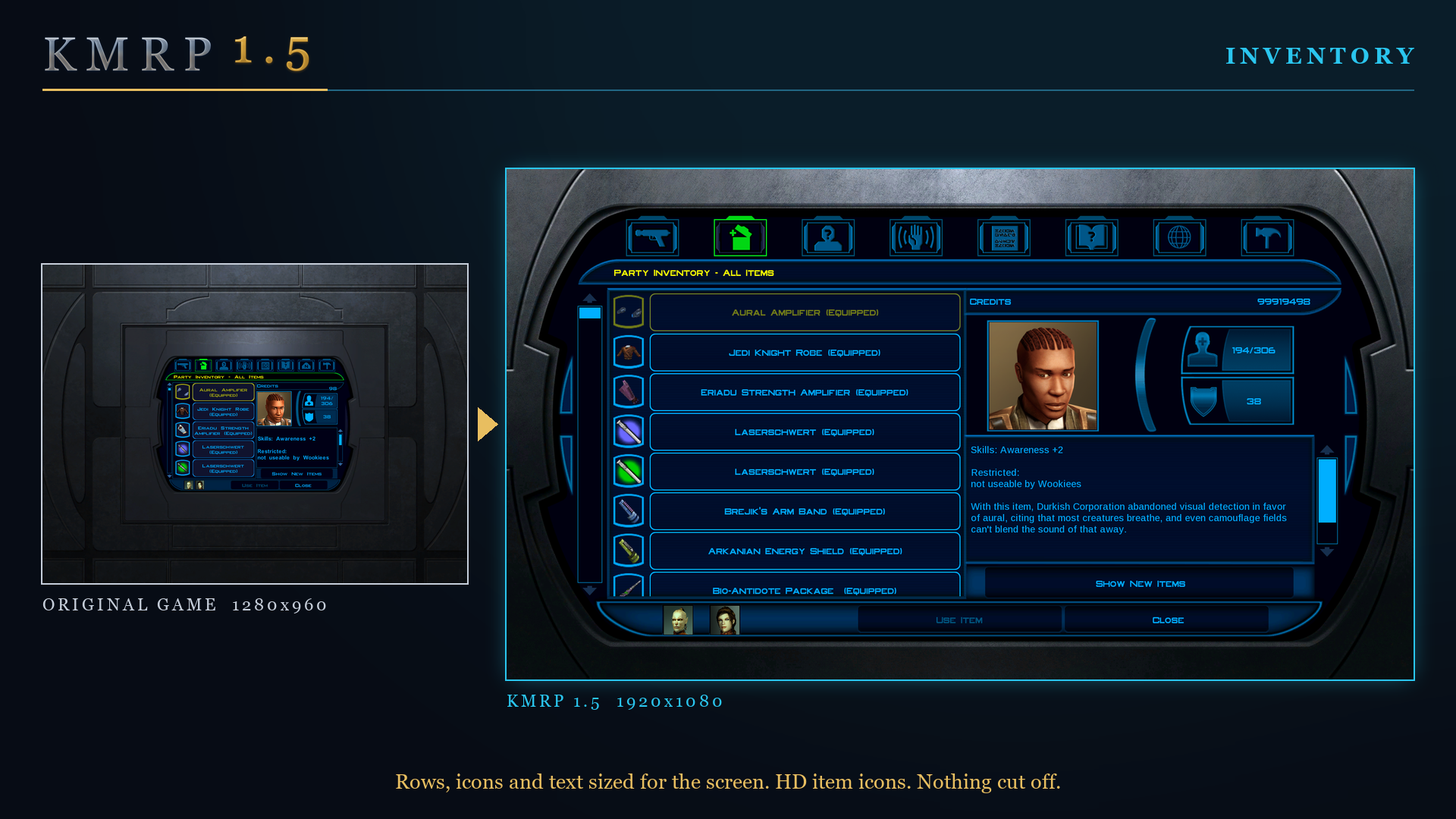
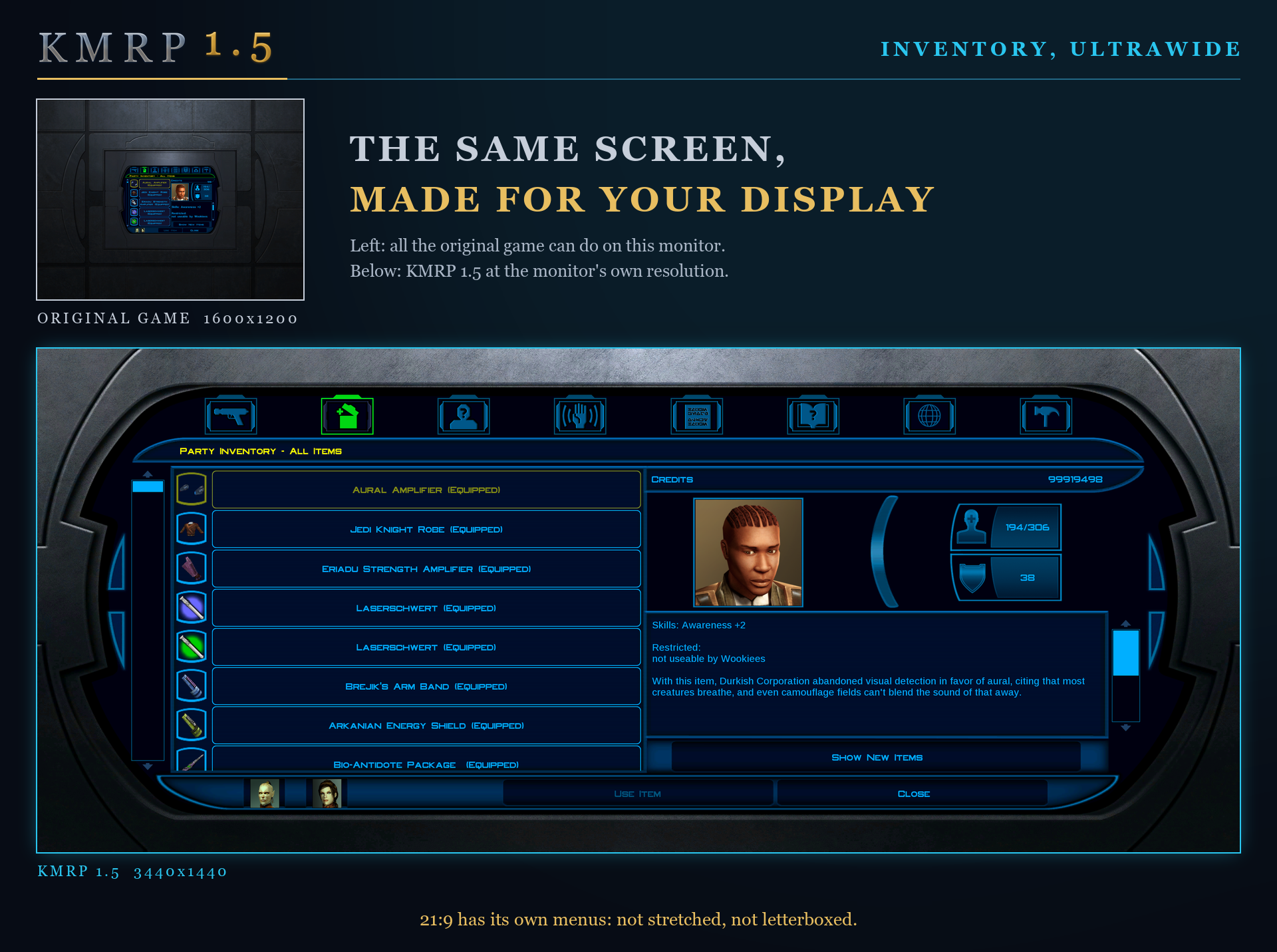
No resolution to choose. The game starts at your display's own resolution, and its Screen Resolution setting lists every size and refresh rate your display supports. Changing it in the game takes effect at once, with no restart and no patching again. Every shape from 4:3 to 32:9 is covered, from 800x600 up to 8K: 66 common resolutions have menus built for them, and any other size gets menus fitted to it.
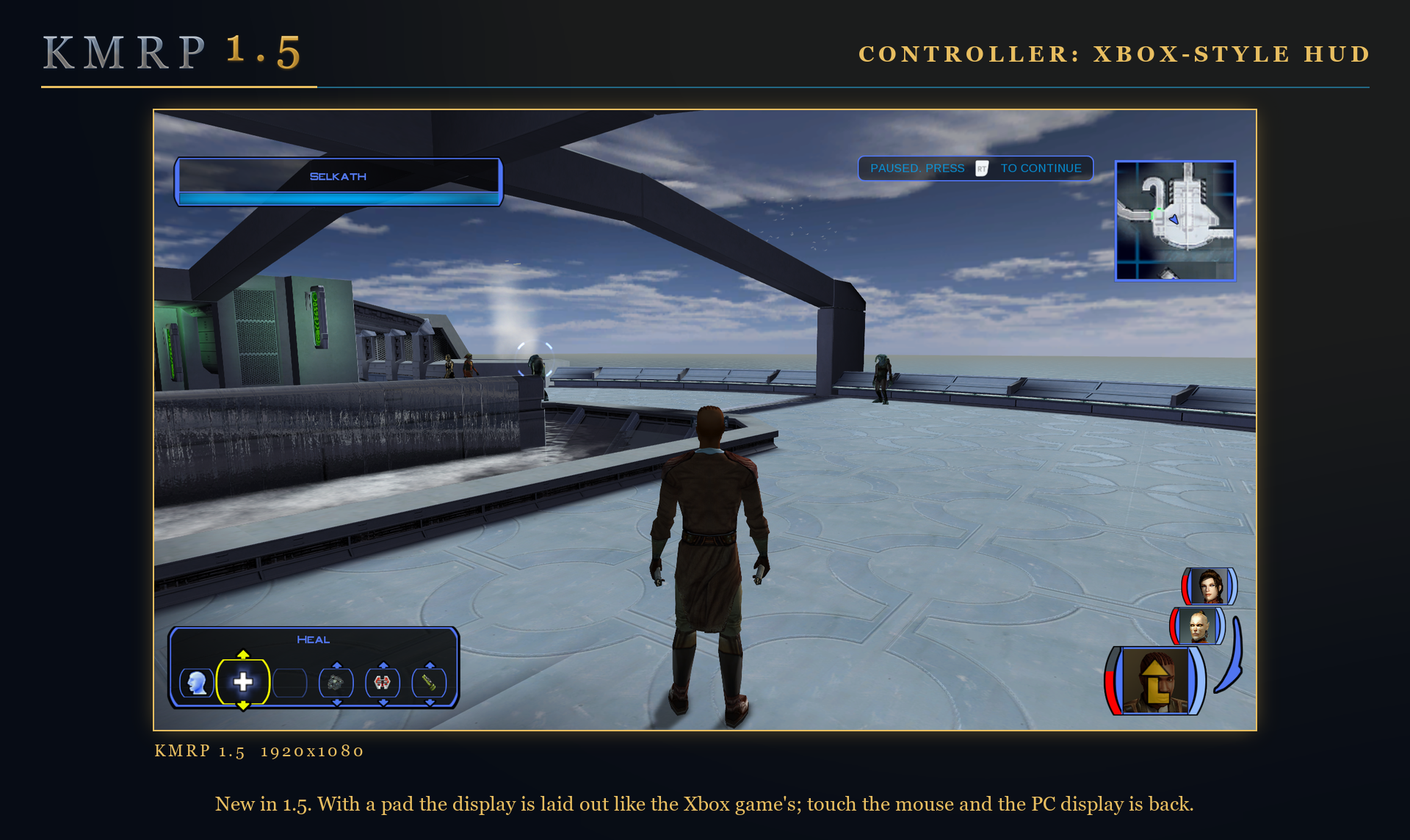
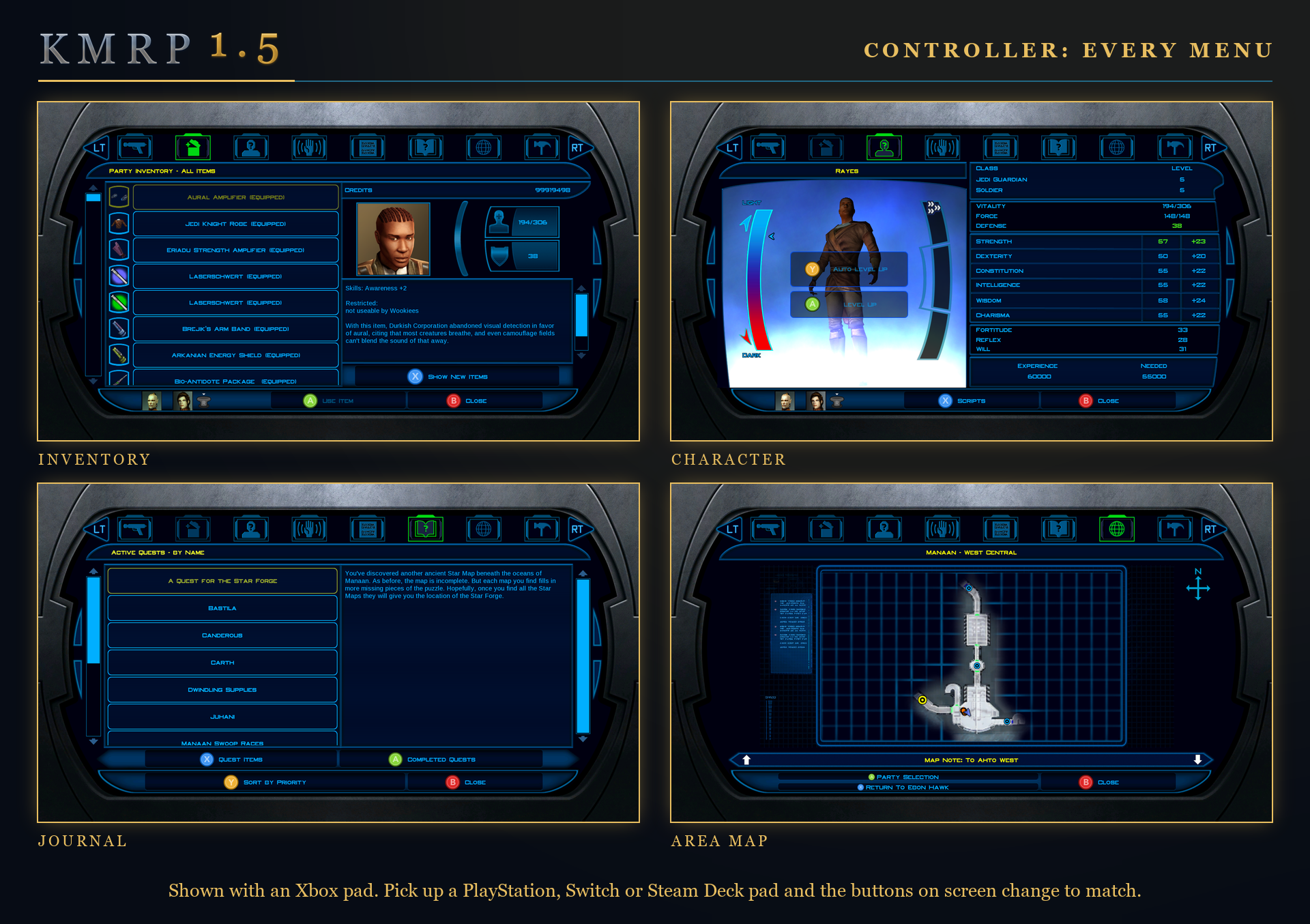
Controller support, built in. A controller works everywhere in the game, with the right button pictures for your pad on every menu, rumble, and a Controller Layout screen. An Xbox-style HUD, modelled on the console version, is on by default and can be switched off. The controller part is also a patch of its own that works without the rest of KMRP.
Above 60 frames per second. With High FPS Fix on, KMRP also installs D3M0's High FPS Fixes. The installer switches it on by itself when your display runs above 60 Hz.
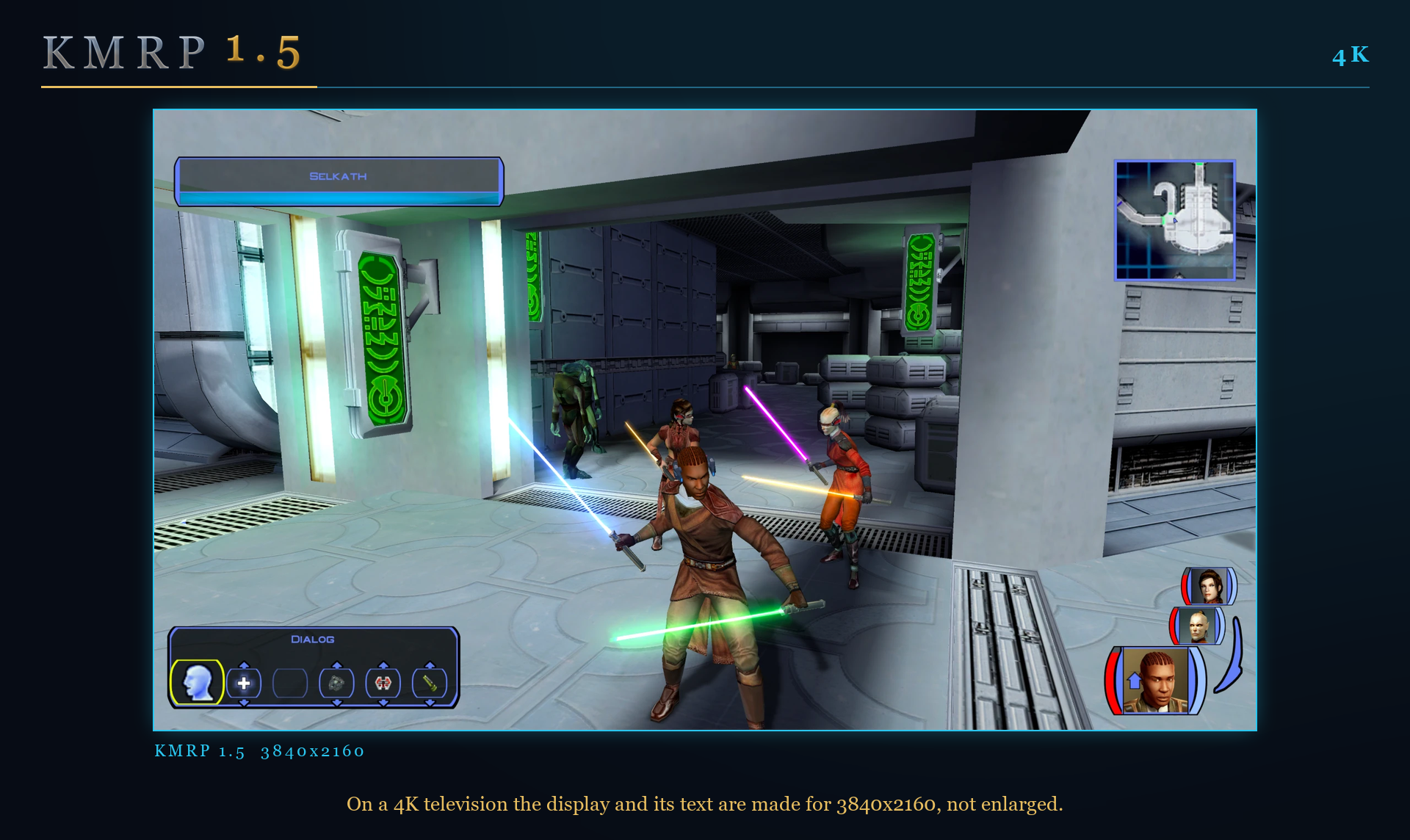
4K. Text, rows, icons, popups, the map and the movies are sized for the screen at 3840x2160 as at every other size.
macOS and Linux. A Mac version for the Steam game, tested on Intel and on Apple Silicon Macs. On Linux the Windows installer was tested on Ubuntu with Proton; no Steam Deck was tested.
Also new:
- The game's own file is no longer rewritten. KMRP's changes are applied in memory each time the game starts, through KOTOR Patch Manager's runtime, and the two patch files are placed where KOTOR Patch Manager lists them, so other patches can be added beside them.
- HD item icons are an option, on by default (JackInTheBox's icon pack and MadDerp's party portraits, with their authors' permission).
What KMRP changes, in full
- Everything a player gets, in plain words: docs/features.md
- How each item is done: docs/features-technical.md
- Every change since 1.0, as it was written on its day: CHANGELOG.md
- The press kit, twelve pages: releases/v1.5.0/press-kit
Tested, and not
- Windows: this installer was tested on the Steam game at 3440x1440 on the day of release, with and without the controller patch.
- macOS: on Apple Silicon and on Intel, the Steam game.
- Linux: Ubuntu with Proton (stable and Experimental). No Steam Deck.
Thanks
KMRP stands on other people's work, credited with its licences in THIRD_PARTY_NOTICES.md: KOTOR Patch Manager, High FPS Fixes (D3M0), K1 Modern Driver Compatibility (Synchro), KOTOR High Resolution Menus, K1 Area Map Fixes (Derslok), the KOTOR 1 HD Icon Pack (JackInTheBox), Party Portraits (MadDerp), Xelu's Free Controller & Key Prompts, and SDL3.