fix #330 ,the issue from v1.4.6 , fixed a potential problem that might not open the pdf annotate link ,
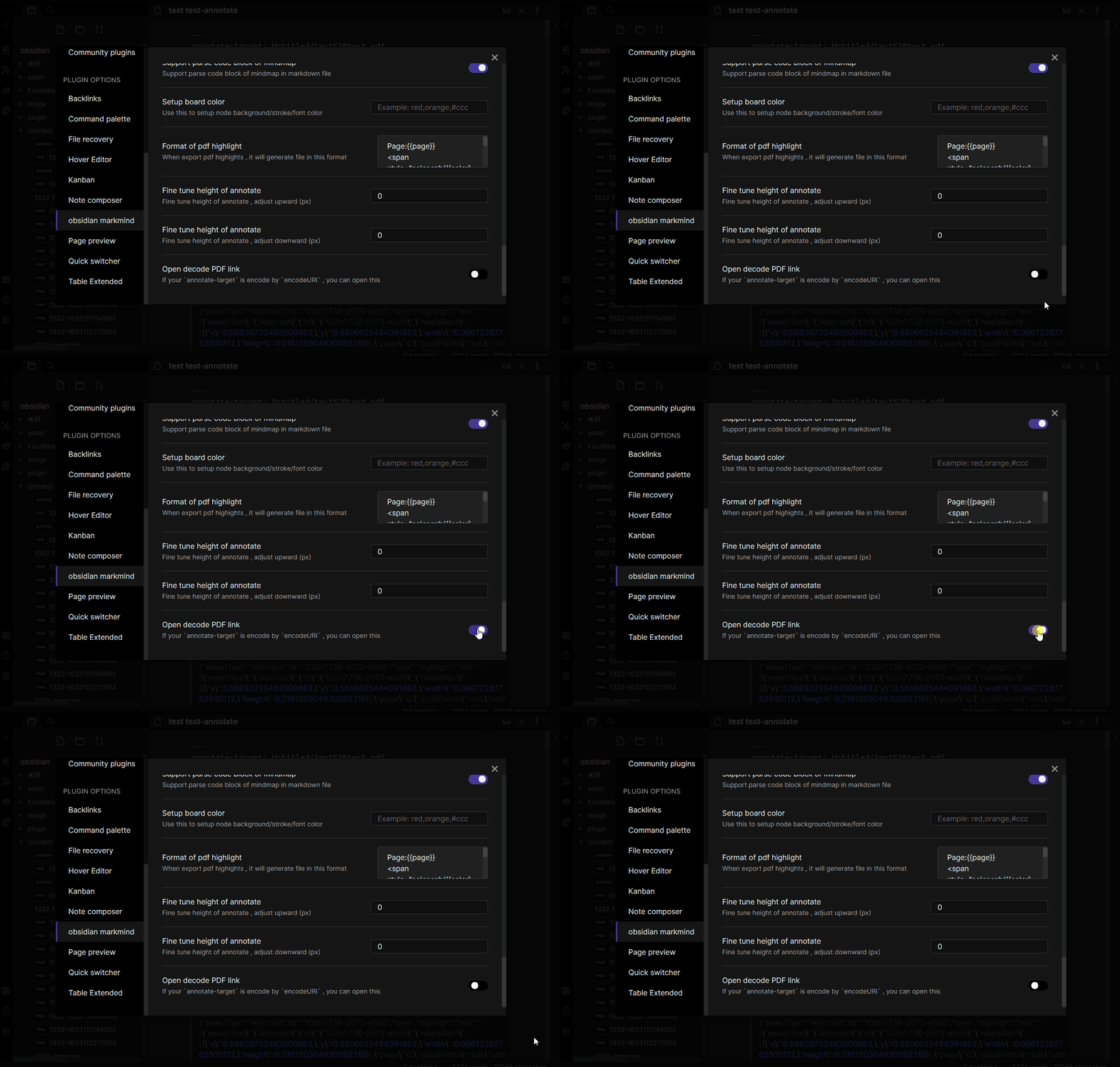
if your annotate-target is encode by encodeURI , you can open a item in setting tab , when open pdf annotate , it will decode pdf path by decodeURI , the default is not support decode pdf path
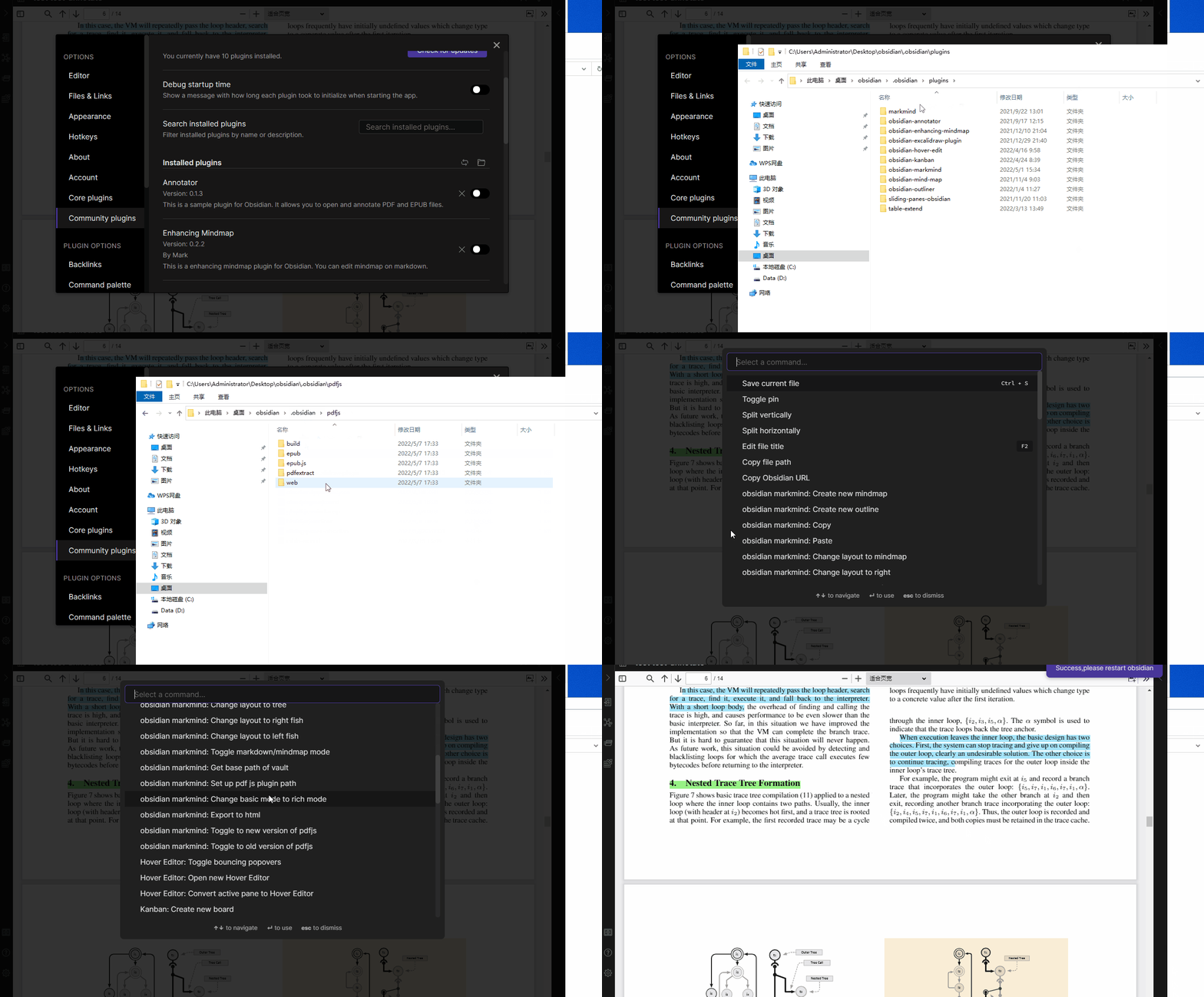
Simplify the installation of pdfjs plugins and support the default place to put pdfjs plugin
- in desktop (win,mac and linux),the default is
.obsidianfolder in your vault - in andriod , the default is
andriodfolder in your vault - in ios , the default is
iosfolder in your vault
set up pdfjs plugin path
- put
pdfjsfolder to the default folder , notice in maccommand+shift+.can show the hidden folder - keep your vault have a md file , then
ctrl + p, findsetup pdfjs plugin path, click it - restart obsidian
紧急修复
修复 #330 ,v1.4.6 增加了解码pdf 链接的功能,有可能导致以前的标注无法打开,目前增加了一个设置,如果你的annotate-target 被编码,你可以在设置页面打开选项,默认不支持解码
简化 pdfjs 插件设置,增加默认位置
- 桌面端 (win,mac 和 linux),默认放在库中的
.obsidian文件夹下 - 安卓 默认放在库
andriod文件夹下 - ios 苹果系统默认放在库
ios文件夹下
设置pdfjs插件方法
- 将
pdfjs方到默认的文件夹, 注意:mac 系统可以使用command+shift+.显示隐藏文件夹 - 保证库中至少存在一个md文件 , 使用
ctrl + p, 点击设置pdfjs插件路径命令即可 - 重启obsidian