update
- fix parse ![[mindmap md]] in
tablemode - fix parse ![[ table mode mindmap md]] to real table in node of mindmap/markdown file
- fix export table mode mindmap to html
- fix #157
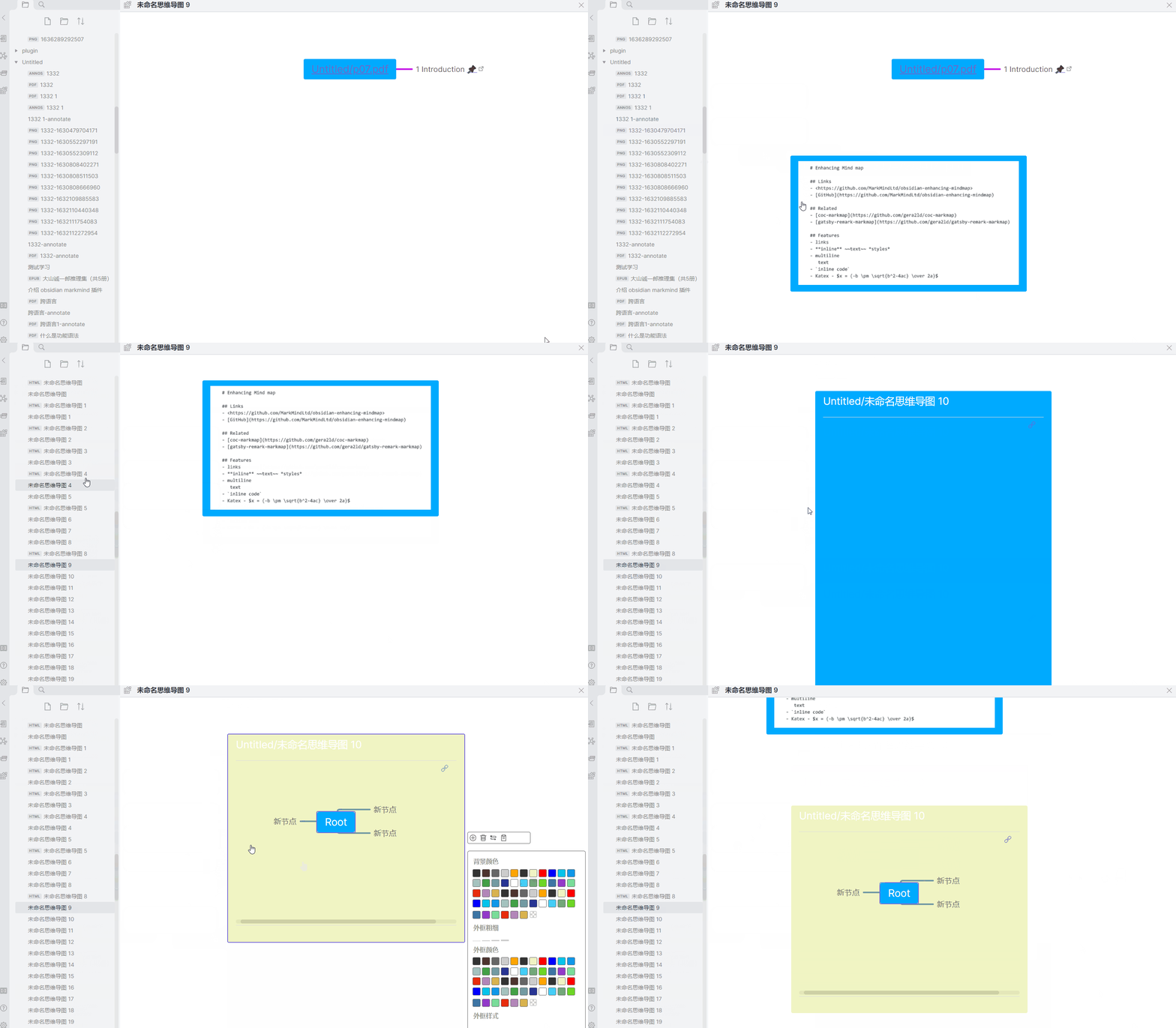
- support create free node , the text is
![[ file name]]when drag file of vault torichmode,the extension support md/png/gif/jpg get markdown tableadded inoptionswhen in table mode
Internal test function , software activation required
please update pc pdfjs download pdfjs and manual download obsidian markmind download internal markmind
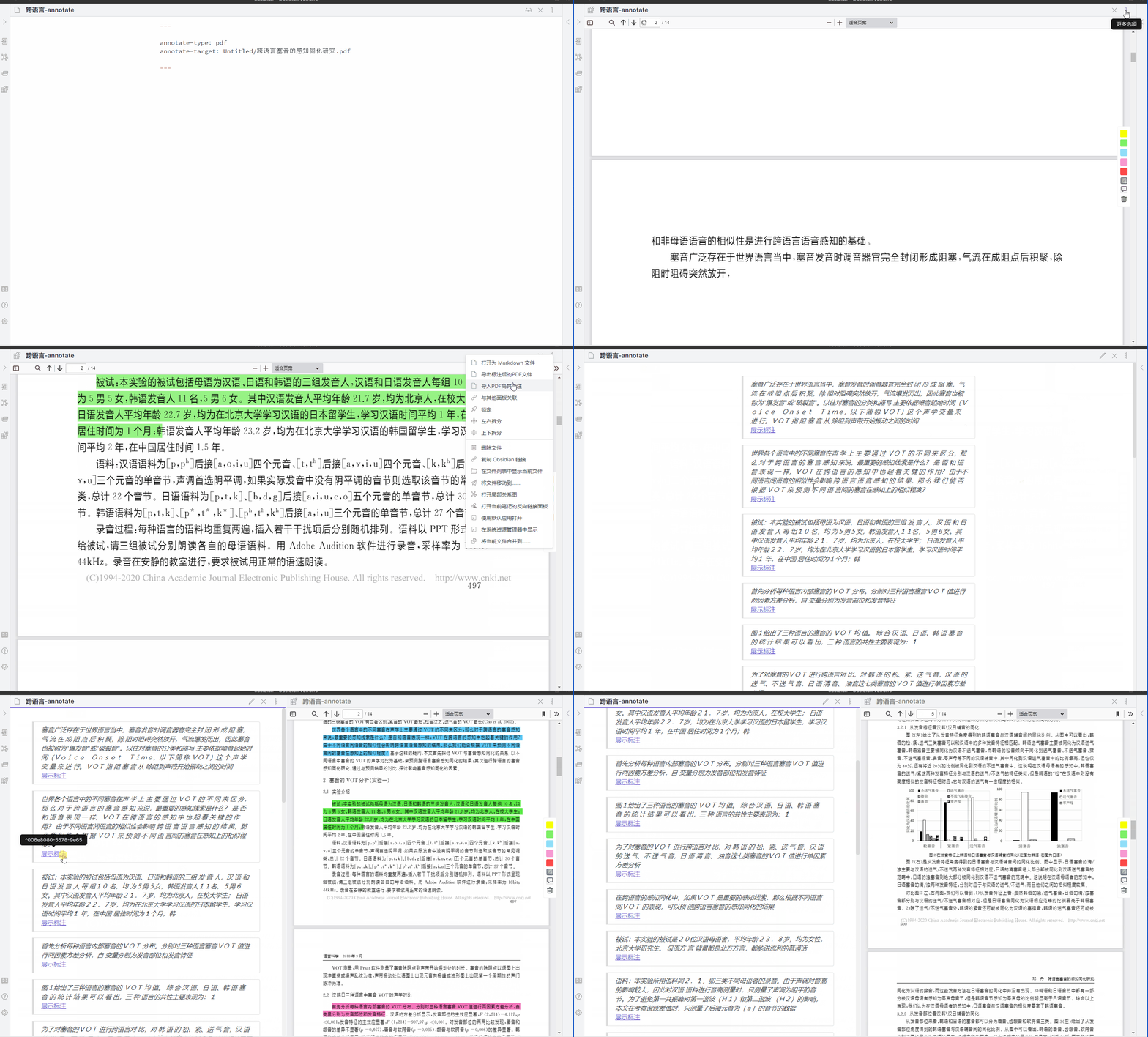
pc pdfjs support import existing PDF highlights ( in more options ), #99
更新
- 修复解析 表格模式中![[ mindmap md ]] 出现的问题
- 修复在节点或markdown文件中 解析 ![[ table mode mindmap md]] 为表格,而不是为思维导图
- 修复导出表格为html的问题
- 修复 #157
- 支持拖动库文件到 rich 模式 将自动创建一个以
![[file name]]为内容的自由节点 , 目前支持的扩展名md/png/jpg/gif - 在表格模式,当你的表格没有合并单元格时,在
更多菜单中可以使用获取表格的markdown
内测功能,面向已购买的用户,需激活软件
电脑版需要更新pdfjs 下载 pdfjs ,并且需要手动下载 obsidian markmind 下载 内测版 ob markmind
电脑版 支持导入在第三方软件中制作的高亮的标注(在更多菜单中有个选项) , #99
导入标注后,最好用没有标注的pdf 替换掉有标注的pdf , 要保持pdf名称一样
关于更新
本次更新可能是春节前最后一次,希望大家多多支持,下次更新将在春节后,在这提前预祝大家春节快乐!
入门视频https://www.bilibili.com/video/BV1da411B7U2/
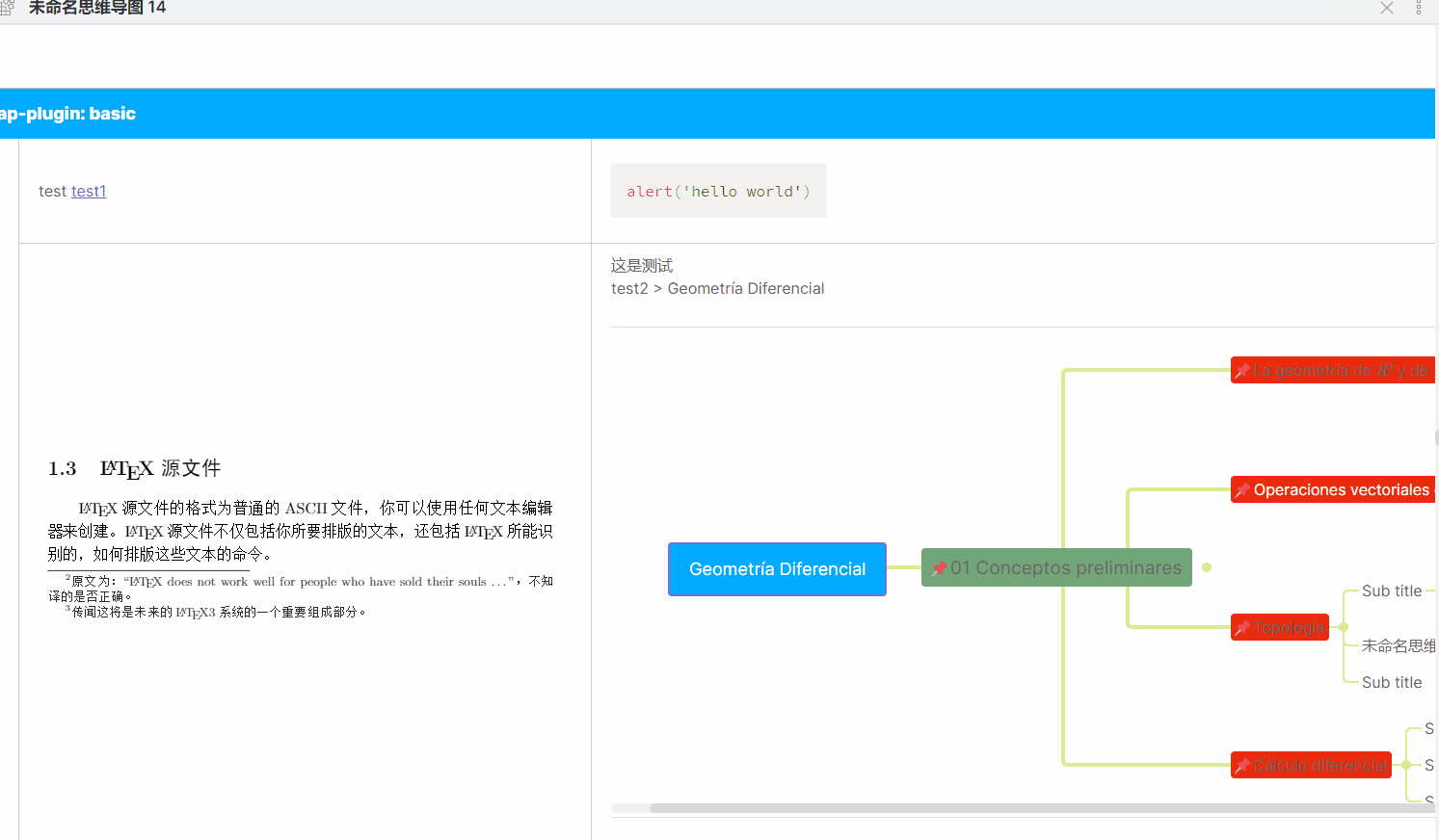
Internal test function 内测功能