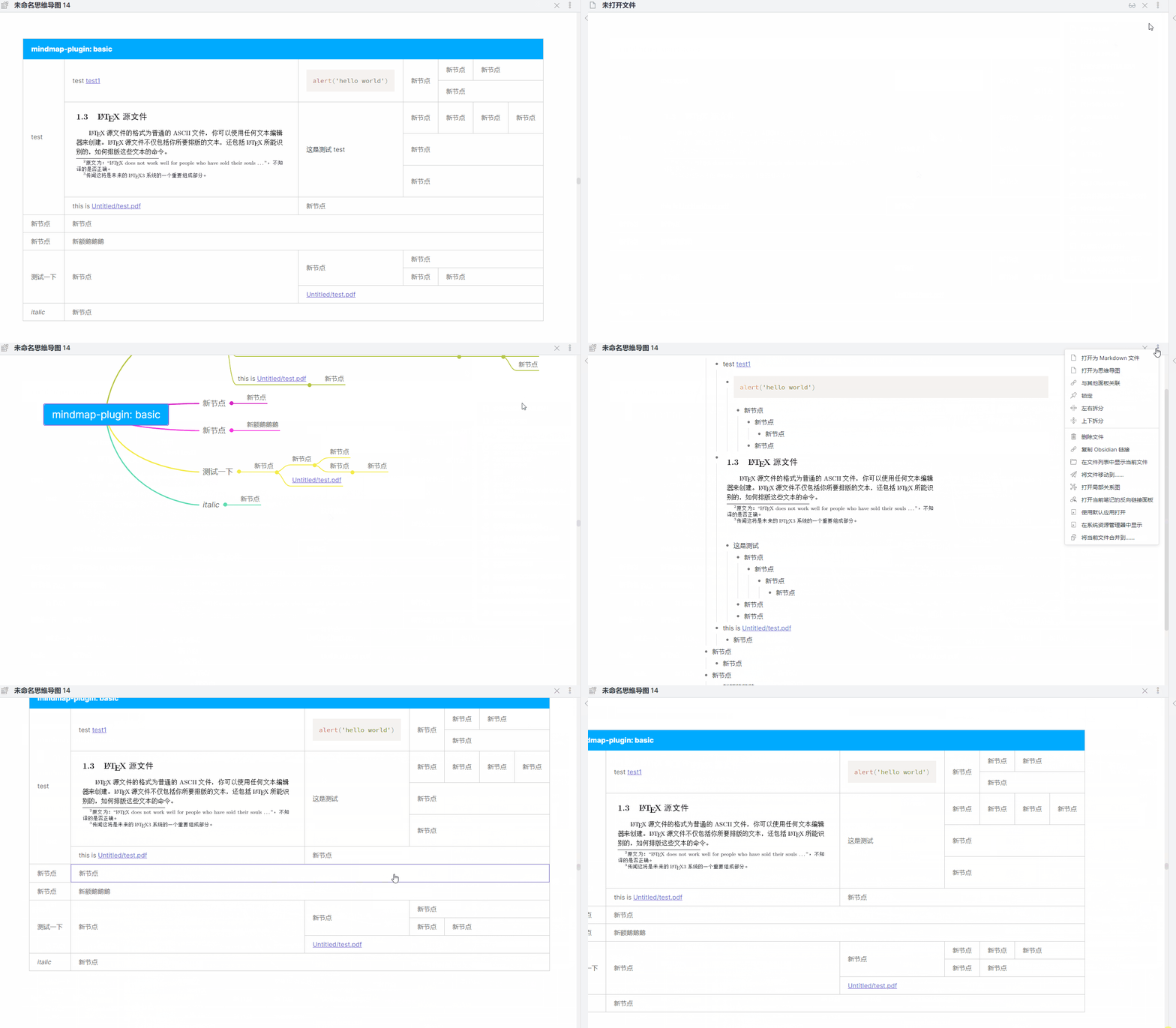
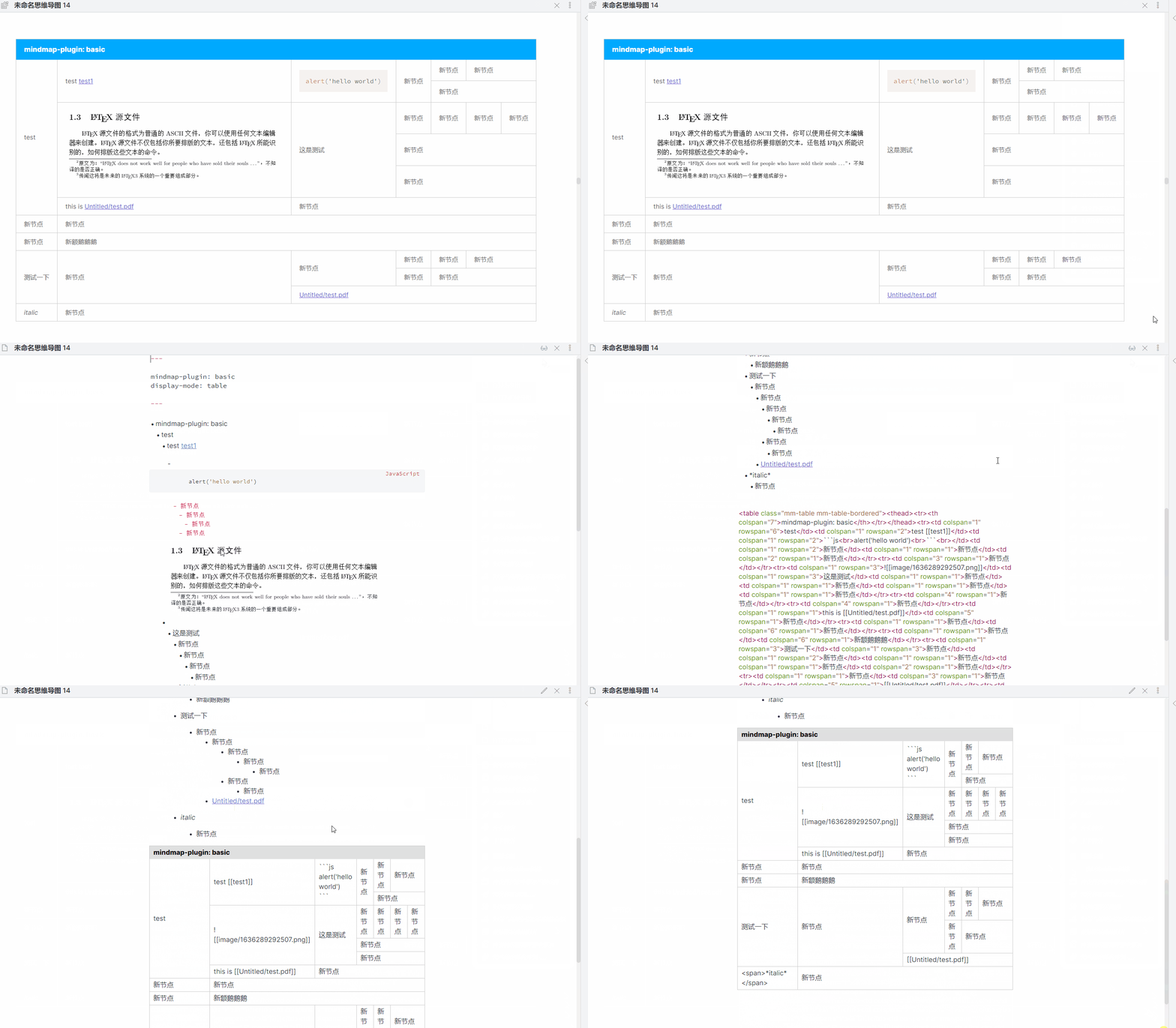
Making table in markdown is very troublesome, so table mode is added to basic mode for make table visually
- you can add
display-mode: tableinbasicmode yaml - or you can find
open as tableinmore options - support get table html code , you can find
get table htmlinmore optionswhen intablemode - support
enter/tabshort cut , support edit text by dblclick - not support drag and drop , you can change node position in
mindmapmode
---
mindmap-plugin: basic
display-mode: table
---
在basic 模式新增一个表格布局模式,在markdown 中制作表格很麻烦,因此增加了该模式,支持可视化的制作表格,并且可以获取表格源码
- 你可以在yaml中添加
display-mode: table来激活这个模式 - 或者当打开思维导图时,你可以在
更多菜单中找到打开为表格选项 - 支持获取表格的源码,在
更多菜单中,你可以发现一个获取表格html源码的选项 - 支持
enter/tab等快捷键,支持双击编辑 - 不支持拖动,调换位置可以在思维导图进行