- add more options of canvas size in setting tab
- optimize the logic of the pop-up node setting box
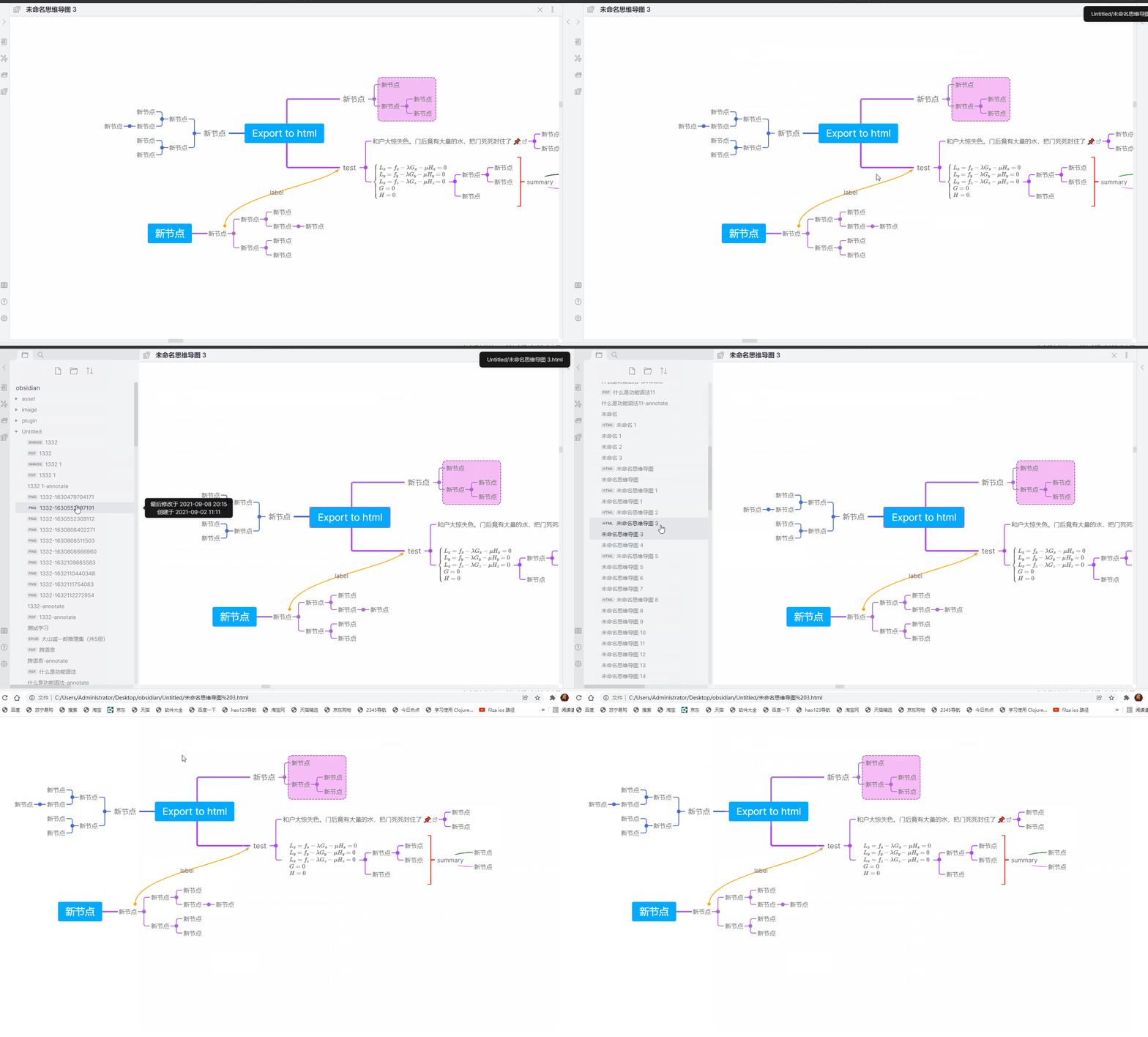
- support export mindmap to html , use
ctrl + p, then you can findexport to htmlcommand , notice :
- not support blank link
- not suport ![[svg/pdf/mp4]] , only support ![[png/jpg]] in node , image in mindmap must be local
- support export mathematical formul
- not support mobile
- If the map is too large, it cannot be exported , max size is 16384 * 16384 (px)
- 在设置页,对画布尺寸增加更多选项
- 优化编辑节点时 弹出节点设置的逻辑
- 支持导出思维导图为html , 其本质是一张图片 , 你可以使用
ctrl + p调出命令界面,在其中可以找到导出思维导图为html命令,注意有以下要求:
- 不支持空链接
- 节点中目前只支持 ![[png/jpg]] 等图片,图片要求是本地的,不支持其他的,比如 ![[pdf/svg]] 之类的
- 支持导出公式
- 对移动端支持不太好,最好在电脑端使用
- 如果导图过大,也无法导出,因为canvas 支持最大面积为 16384 * 16384 (px)