
this is a big version
- fix #4 , pdf annotate support all pdf files on disks by using
file://,this feature can only use to desktop app , if you usefile://, the annotatios will be save to this markdown file
annotate-target: file://pdf absolute path
annotate-type: pdf
-
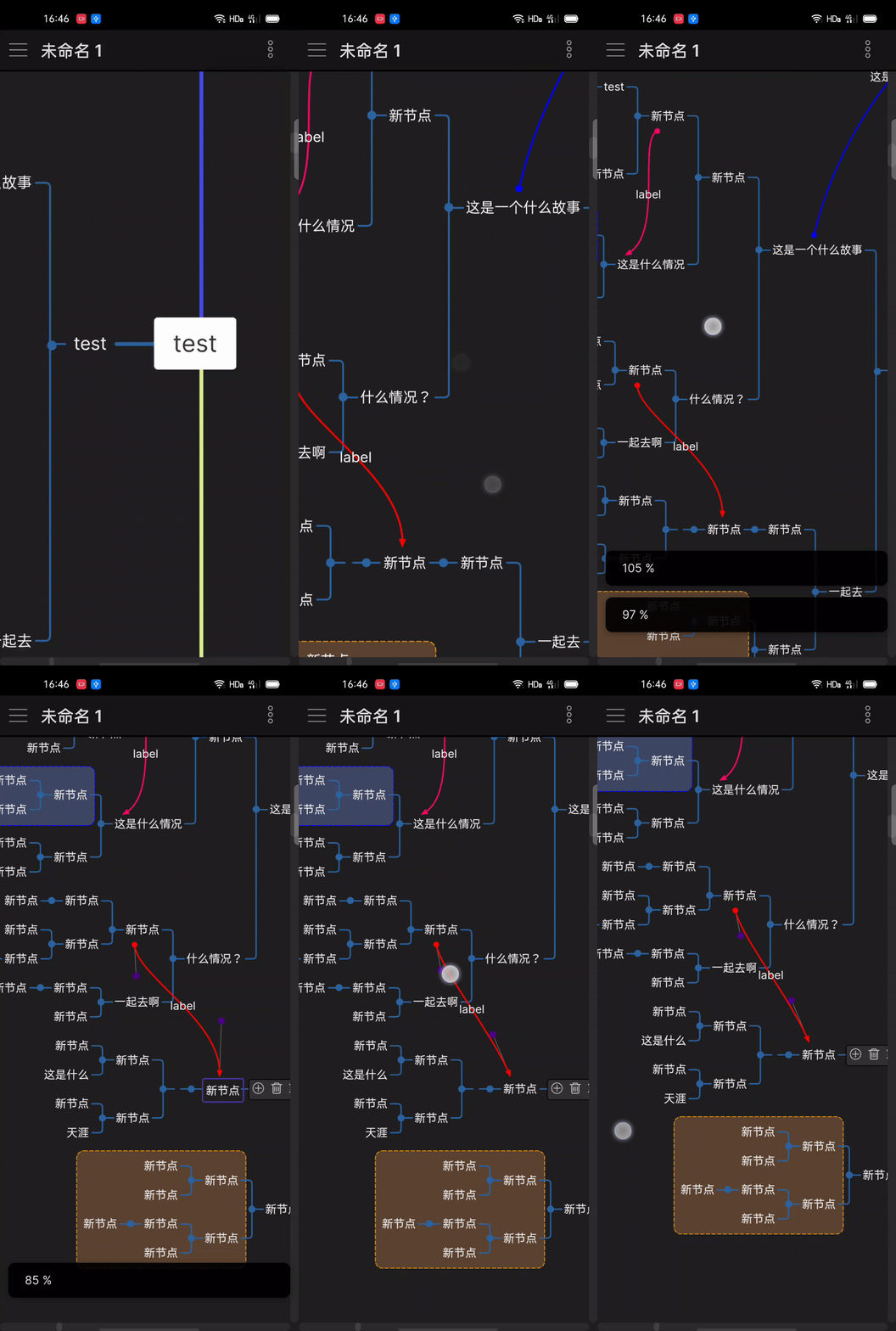
fix #29 , support mobile from this version, it has consistent experience with desktop version
-
add command :
- select node , change layout in
richmode of mindmap - toggle markdown and mindmap mode
- add some menus of
more optionsinrichmode of mindmap ,(copy text to clipboard automatic)- Copy node text as markdown (contains children),the text type like
basicmode - Copy node text (only this node)
- Copy node links , you can reference it in other md file
- Copy node text as markdown (contains children),the text type like
- support change summary/boundary/relate link color
- if you set up active code in setting tab of desktop version , it will create mobile active code in your plugin obsidian-markmind
data.jsonautomatic - support move root of mindmap in rich mode
- when mouse leave mindmap , mindmap will enter
read onlymode
这是一个大版本更新
- 修复 #4, pdf 标注支持使用
file://协议,目前只能在桌面版本中使用file://协议,并且这种方式标注会被保存在该markdown 文件中(即使您选择annos方式),使用方式如下:
annotate-target: file://pdf absolute path
annotate-type: pdf
- fix #29 , 从这个版本开始支持移动端,并且和桌面端拥有一致的体验
- 添加一些命令
- 选择思维导图节点,修改布局方式(rich 模式支持)
- 在markdown和思维导图之间切换
- rich 模式下,在
更多选项中添加一些菜单项,这些操作会将文本自动复制进剪贴板- 复制节点文本为markdown , 包含子节点,生成的文本类似 basic 模式
- 仅复制该节点文本
- 生成节点链接,可以在其他文件中引用
- 支持修改总结、外框、关联线的颜色
- 如果在桌面版本设置了激活码,在您的插件
data.json中,将会自动生成一个移动端的激活码,将data.json复制的移动端即可激活 - 支持移动rich模式下思维导图根节点
- 鼠标离开思维导图进入其他文件中,思维导图将进入只读模式,以防止误删除节点

关于免费功能
basic 模式下得所有功能以及rich模式下得大部分功能都是免费的,并永久保持