
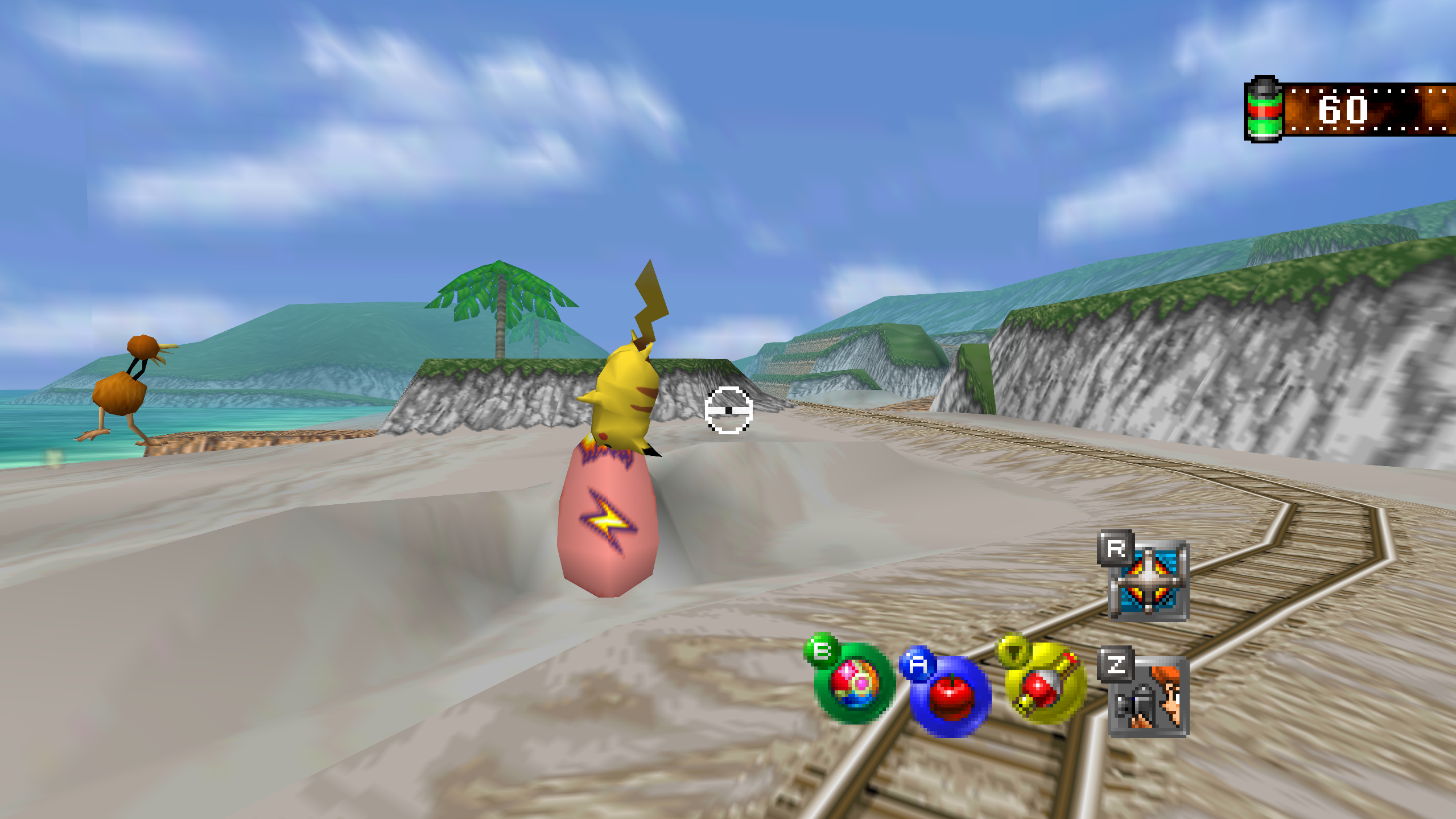
Snap64 Recomp is a native port of Pokémon Snap (Nintendo 64, US release) made by static recompilation: the game's own code runs on your PC, the port only hosts it, and everything about how it looks is off unless you turn it on. 1.1.6 brings the same port to Android as a beta, with touch controls and gyro aim for a phone with no pad, adds a Pad Preset row, and fixes the Switch Online N64 controller's R, the River intro's splash in Widescreen, the Steam Deck's Select, help lines and triggers in Desktop Mode, and a pad that was kept out by a device with no stick.
Downloads
| File | For |
|---|---|
Snap64Recomp-1.1.6-win64.zip
| Windows 10 (version 1809 or newer) or 11, 64-bit, with a GPU driver that provides Direct3D 12 and Shader Model 6.3: any driver since late 2018. Nothing else to install. |
Snap64Recomp-1.1.6-linux-x86_64.tar.gz
| Linux, experimental: needs the system's SDL2, GTK 3 and a Vulkan 1.2 driver. This release was played on a Steam Deck in Desktop Mode, earlier ones in Gaming Mode too. |
Snap64Recomp-1.1.6-linux-x86_64.flatpak
| The same Linux build with its own SDL2, GTK 3 and Vulkan loader; installs with one command on a Steam Deck or any desktop with Flatpak. Built and started on GitHub's machine, not yet played on real hardware. |
Snap64Recomp-1.1.6-linux-arm64.tar.gz
| Linux on ARM64 (a Raspberry Pi 5, an ARM laptop, a Linux virtual machine on a Mac). Built on GitHub's ARM machine, not yet played on real hardware. |
Snap64Recomp-1.1.6-macos-universal.zip
| macOS 14 or newer, Apple Silicon and Intel in one app. Built and run on GitHub's virtual Mac, not yet on a physical one. |
Snap64Recomp-1.1.6-android.apk
| Android 10 or newer on a 64-bit (arm64) phone or handheld, with a Vulkan 1.2 driver. A beta: run on one phone, a Galaxy S25 Ultra with a Snapdragon 8 Elite, and on Android's emulator; no real pad, no other GPU and no Android before 15 has run it yet. ANDROID.md has the steps. |
You need your own cartridge dump. No game data is included. Start the program and choose your pokemonsnap.z64 when it asks (US, SHA-1 edc7c49cc568c045fe48be0d18011c30f393cbaf), or put the file next to the executable yourself. START HERE.txt in each archive says the rest, in one page. On Android the file goes in Internal storage > Snap64, or the app asks for it with the system's file picker.
What's new
Android
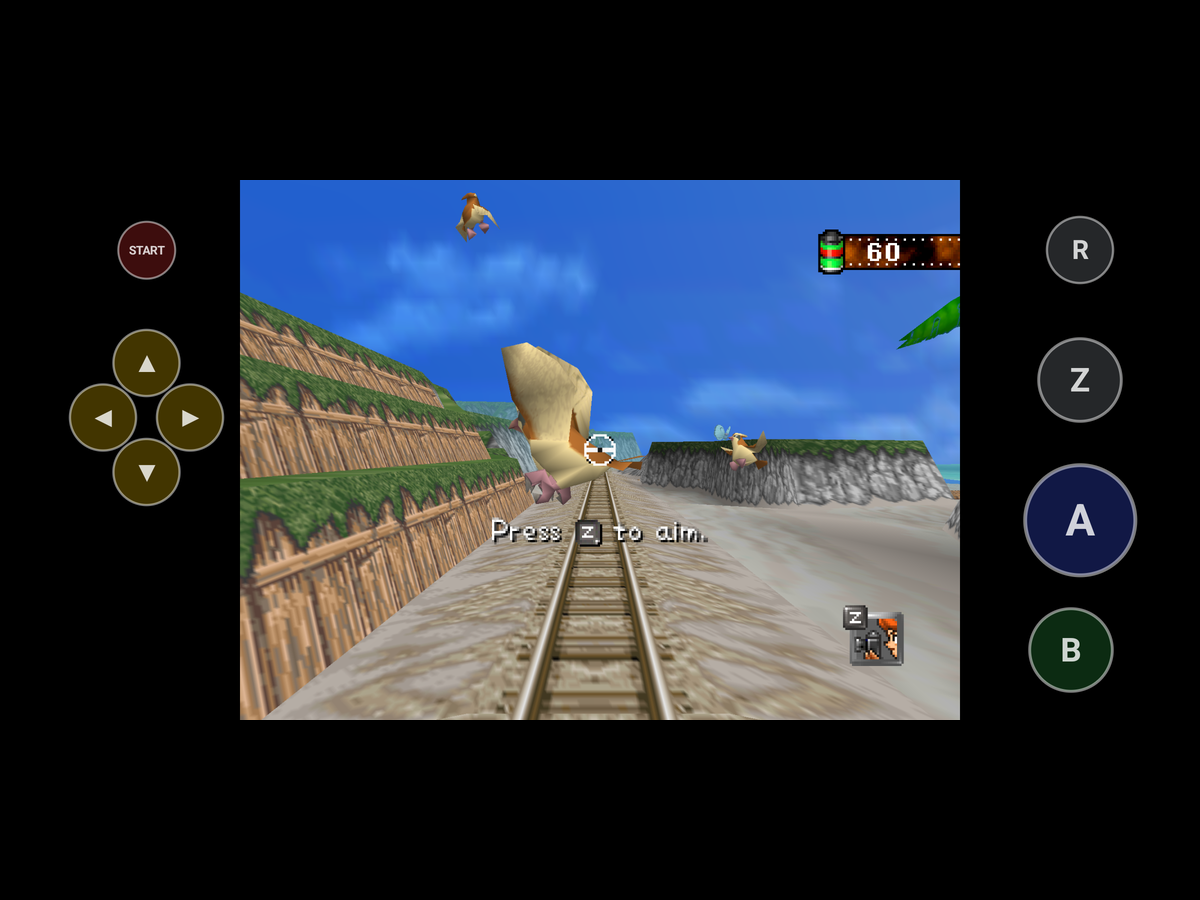
- Android, as a beta. The same port runs on Android 10 and newer as an app: the recompiled game drawn by RT64 through Vulkan, the same Options pages and the same mods. Its game folder is Internal storage > Snap64, where the ROM, the saves, the photos and the log live, and which stays when the app is uninstalled. For a phone with no pad the N64's buttons are drawn in the bars beside the picture: a drag aims, a tap chooses on the menus, and the buttons hide while a pad or a keyboard is used. A tap on Z holds the zoom and the next tap lets go, so one thumb can zoom and then take the photo; a hold zooms only while held, as on the N64, and with the game's own Z Button set to Switch, Z stays a plain tap. R, the dash, works the same way. The first finger that moves aims, so a thumb resting on the picture never turns the view. A press can be felt when the phone's touch feedback is on, and the moment a photo is taken is felt firmer. The first ride shows one line on how to aim, zoom and take a photo. Gyro Aim on the Controls page lets the phone itself aim; Zoomed is the one to try: raise the phone to aim. The game waits while the app is away (Home, the screen off, the recent apps) and its clock does not move. A device whose GPU offers less than Vulkan 1.2 is told so in a dialog. It has run on one phone, a Samsung Galaxy S25 Ultra in Samsung's Remote Test Lab, before the touch controls were added, and everything since on Android's emulator; no real pad has been tried, and the touch controls, the phone's gyro and the sound still want a person's hands and ears. ANDROID.md says how to install it and what was run where.
The Options pages
- A Pad Preset row on the Controls page, under Button Setup: Auto, Standard or N64, how the pad's shoulder buttons are read, in force at once. Auto now also knows the 8BitDo 64 and the M64 Pro by their ids: the list the port ships maps them as N64 pads, but neither name says N64. Added while fixing #26.
- Wide HUD starts off, as every enhancement does. A settings file that already has the row keeps its value.
Fixed
- The Switch Online N64 controller's R works again. In 1.1.5, R, the Dash, did nothing on that pad, as shipped and when bound again on the Button Setup page. Reported by Succulent-Puppet in #26.
- N64-shaped pads, where the layout missed them. A pad with no right stick to press in saves the photo with its Capture or Share button. The Switch Online N64 controller's ZR is the fast forward; it ran slow motion. A pad with a right trigger and no right shoulder reads its R from the trigger (the Mayflash N64 Adapter).
- A pad with sticks is used over a device that has none. The port opened the first pad it found and kept it, so on Android's emulator, whose keyboard SDL takes for a pad with no stick, a pad attached later was never used. A pad with no stick now gives way to one with sticks. Two pads with sticks behave as before. A joystick SDL cannot map is named in the log once, not at every poll.
- A fatal error at the start shows its box before the program ends. On Linux, macOS and Android the renderer's refusal was queued for a main loop that never came, and the program ended with no box.
- The River intro's splash reaches the wide picture's edges under Widescreen. Its drops were cut at the 4:3 picture's edges while the scene ran to the wide ones. Found while checking the wide picture.
- On a Steam Deck in Desktop Mode, Select no longer runs the fast forward as it opens the Options. Steam's desktop layout sends keyboard keys for some of the Deck's buttons; while the Deck's own controller is attached, the port ignores those and the pad's buttons do the jobs. Found on a Deck with the 1.1.5 Flatpak.
- On a Steam Deck in Desktop Mode, the Controls page's "Press A" no longer turns into "Press X" for an instant while the page scrolls. The same layout's keys made the help lines name the keyboard's buttons; while the Deck's own controller is attached, they keep naming the pad's. Found on a Deck with a 1.1.6 test build.
- On a Steam Deck in Desktop Mode, R2 and L2 no longer reach the game as A and Z. Steam's desktop layout clicks the mouse for the triggers, and the port read the clicks as A and Z; while the Deck's own controller is attached, a click that comes with its trigger held is ignored.
The log
- The log names the window system on Linux, and says whether presents are synced to the display, in every log. Added for reports like #30.
Nothing else changed since 1.1.5; its page says what 1.1.5 brought.
Every change, with its cause, is in CHANGELOG.md.
Note
Upgrading from 1.1.5 or any earlier release: unpack the new archive over the old folder or beside it. Your save is in saves/ and your settings in snapsettings.json, both untouched by the upgrade and both read by 1.1.6 as they are. If you keep the old folder, copy those two across, and pokemonsnap.z64 with them, or let the new one ask you for it.
Warning
The Windows executable is not signed, and the Mac app is signed by nobody. SmartScreen may say "Windows protected your PC" on the first start, macOS refuses a plain double-click, and an antivirus may flag a program it has never seen; the builds on this page are what the source produces, GitHub's provenance says so, and the .sha256 beside each archive lets you check what you downloaded. The APK is the exception to the provenance: it is signed with the project's key on the release machine, so it carries no GitHub build record, and its .sha256 is the check. The Android app is installed from the file, not from a store: Android asks once to let your browser or file manager install apps.
First start
- On Windows, past SmartScreen: choose More info, then Run anyway, once.
- On a Mac: right-click the app and choose Open, or on macOS 15 double-click, dismiss the message, and click Open Anyway in System Settings > Privacy & Security, once.
- On Android: open the APK, turn on "Install unknown apps" for the app you downloaded it with when Android asks, and install. The first start asks for "All files access" for the Snap64 folder; Not now keeps everything in the app's own folder instead.
- The box asks for your ROM; choose the file and the game starts. The first start also compiles the shipped shader list during the boot logos and takes longer.
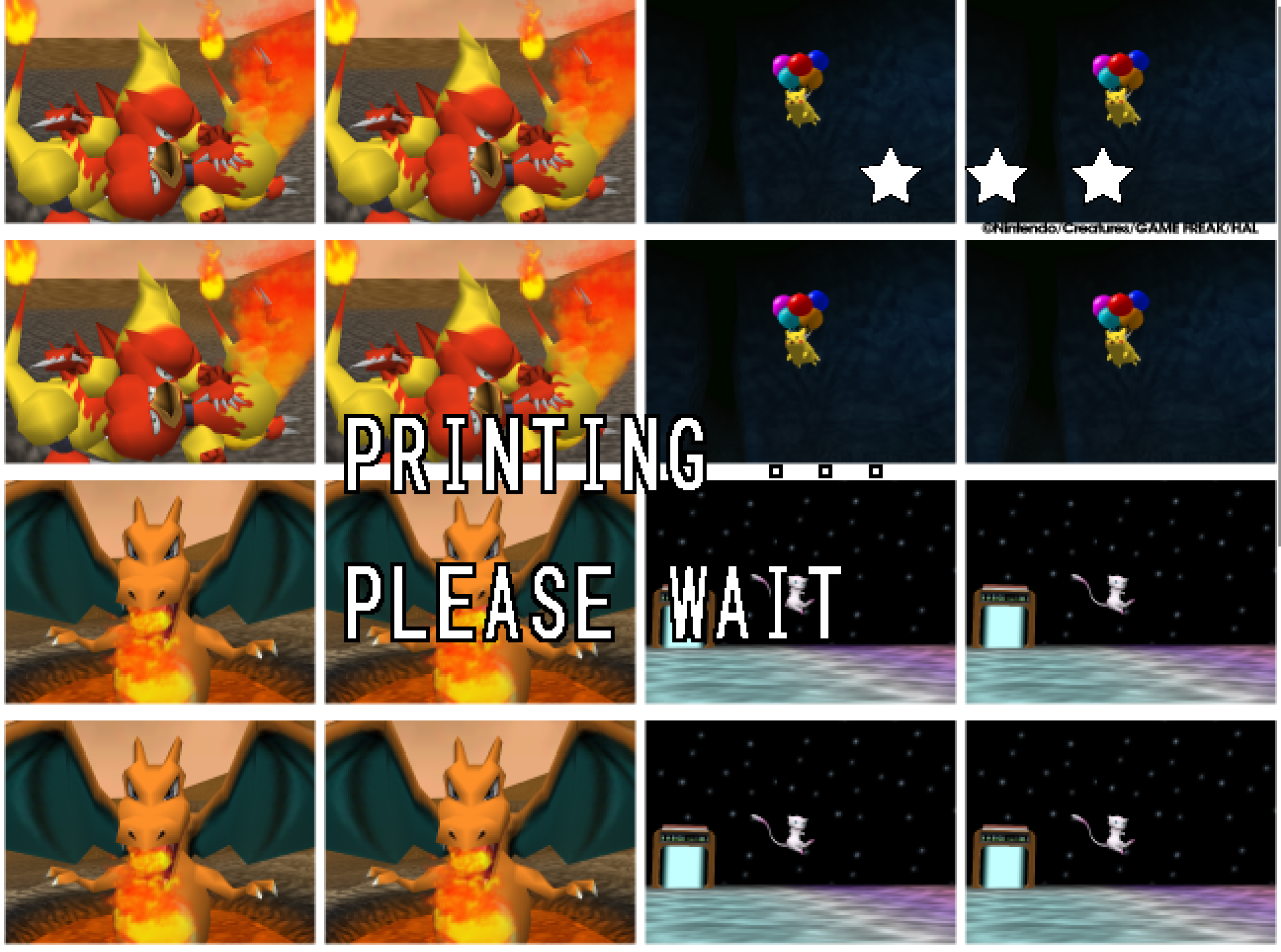
- The Snap Station's Print restarts the program twice, on purpose. It is not on Android.
- On a Deck, add the executable as a non-Steam game and run it in either mode, or install the Flatpak; the Deck page under
docs/has the shortcut and gyro settings.
Known limitations
- The Android app is a beta. It has run on one phone and on Android's emulator, not with a real pad, not on any GPU but the Adreno 830 and not on Android 10 to 14. Its touch controls and its gyro aim have run on the emulator only. Its touch controls have no Options rows yet; three keys in
snapsettings.jsonset them. - The Mac build has not run on a physical Mac; the ARM64 build and the Flatpak have not run on real hardware. Their sounds, pads and speed are unheard and unmeasured.
- A few 2D pictures still move at the game's rate when the frame rate is raised: one that slides past the side of a menu in a wide window, and one that jumps a long way in a single frame. Outside Oak's check, a slide that slows to a stop can still end a pixel at a time.
- A mod installed during play loads at the next start; the page says so.
- On an N64-shaped pad with neither a ZR nor a spare right trigger, such as the Mayflash N64 Adapter, fast forward has only its key until the file names another button.
- A Pokémon pops out of the picture before it has fully left it: the cartridge draws a Pokémon only while its collision point projects within 1.5 times the half-screen of the center. The port keeps the rule as the cartridge has it.
- Gyro has been confirmed on a Steam Deck and no other pad yet, and a phone's own gyro on Android's emulator only.
- Some of the fixes were made without the hardware they are for, from the drivers and the code: the Switch Online N64 controller's R, Capture and ZR, the other N64-shaped pads (the 8BitDo 64, the M64 Pro and the Mayflash N64 Adapter among them). The startup error box was seen on Android and is read from the code on Linux and macOS. A pad that arrives after a device with no stick has been tried on Android only. A report from any of them is welcome.
How this release was checked
- The release suite (
tools/release_check.py) on the Windows executable GitHub built: 33 of 33 checks (the speed check passed on a second run alone, after a first run's 45 photos at 3x had scored apart from the 1x run's 45), and the Snap Station's 5 of 5 in 488 s. VERIFICATION.md says what each check does. - On a Steam Deck in Desktop Mode, a Linux build of this release's code made here: Select opens the Options and the ride keeps its pace, the Controls page keeps "Press A" while it scrolls, and R2 and L2 press nothing but their own buttons, the three fixes the Deck asked for.
- The same suite on the build made here: 33 of 33 in 1227 s, and the Snap Station's 5 of 5 in 488 s.
- The APK on this page on Android's emulator (x86_64, Android 15): every stage of
tools/android_check.py, 107 of 107 checks in 1257 s, and the Android-only paths 5 of 5. It is GitHub's own build, signed here with the project's key: its contents are those of the unsigned build, whose provenance verifies. - The Mac workflow's checks on GitHub's virtual Mac: 15 of 15 natively and 10 of 10 through Rosetta 2, no crash reports, on a second run of the Rosetta checks after the first had ended with a crash in its mod check, with no crash report. The package checks passed on all six archives, and the build provenance of the five archives and of the unsigned APK the signed one was made from verifies.