
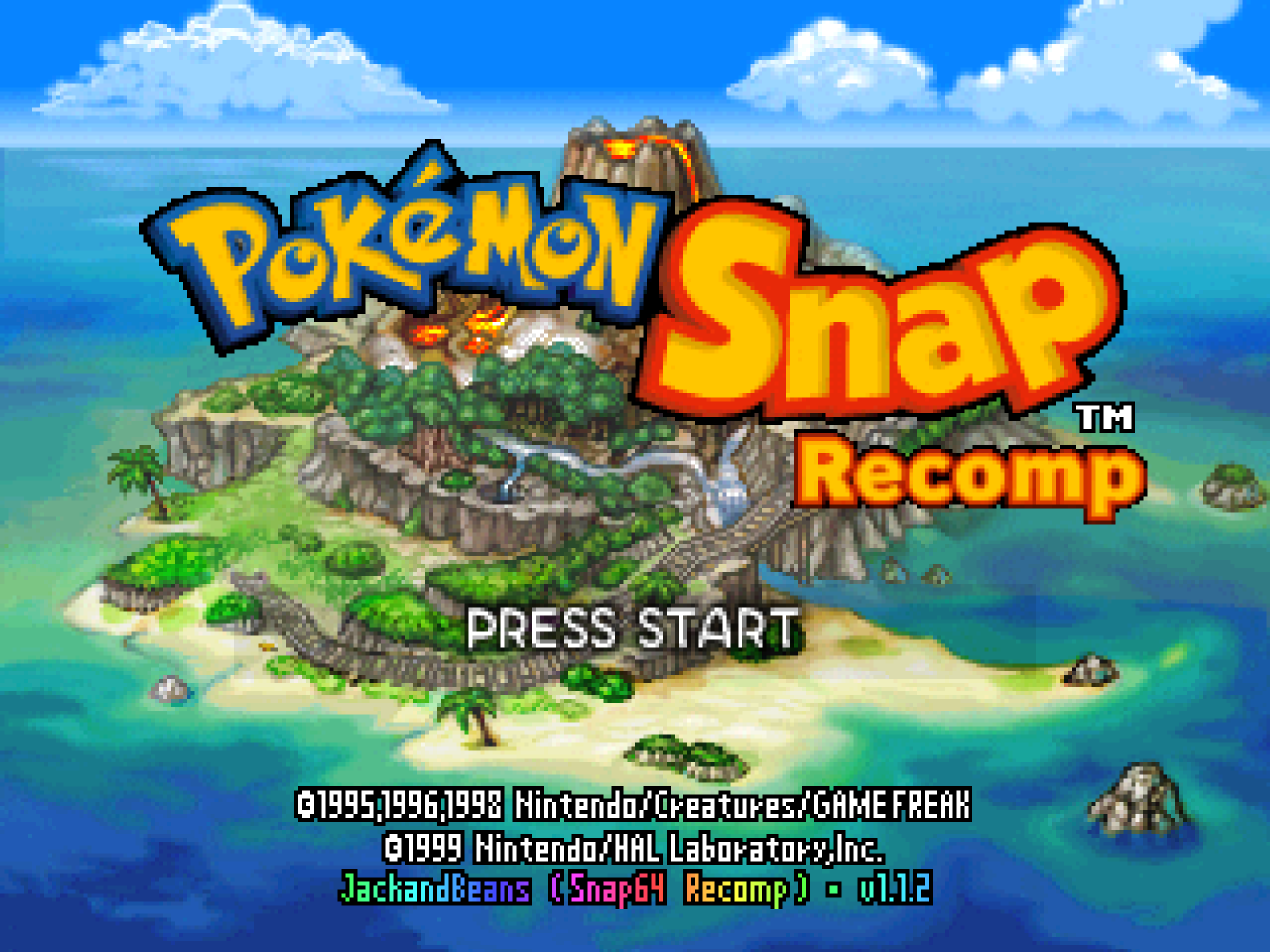
Snap64 Recomp is a native port of Pokémon Snap (Nintendo 64, US release) made by static recompilation: the game's own code runs on your PC, the port only hosts it, and everything about how it looks is off unless you turn it on. 1.1.2 smooths the game's 2D pictures when the frame rate is raised, brings the widescreen display out to the real edge of the screen, and tells you when a graphics driver is too old instead of closing without a word.
Downloads
| File | For |
|---|---|
Snap64Recomp-1.1.2-win64.zip
| Windows 10 (version 1809 or newer) or 11, 64-bit, with a GPU driver that provides Direct3D 12 and Shader Model 6.3: any driver since late 2018. Nothing else to install. |
Snap64Recomp-1.1.2-linux-x86_64.tar.gz
| Linux, experimental: needs the system's SDL2, GTK 3 and a Vulkan 1.2 driver. Earlier releases were played on a Steam Deck in Desktop Mode and in Gaming Mode. |
Snap64Recomp-1.1.2-linux-x86_64.flatpak
| The same Linux build with its own SDL2, GTK 3 and Vulkan loader; installs with one command on a Steam Deck or any desktop with Flatpak. Built and started on GitHub's machine, not yet played on real hardware. |
Snap64Recomp-1.1.2-linux-arm64.tar.gz
| Linux on ARM64 (a Raspberry Pi 5, an ARM laptop, a Linux virtual machine on a Mac). Built on GitHub's ARM machine, not yet played on real hardware. |
Snap64Recomp-1.1.2-macos-universal.zip
| macOS 14 or newer, Apple Silicon and Intel in one app. Built and run on GitHub's virtual Mac, not yet on a physical one. |
You need your own cartridge dump. No game data is included. Start the program and choose your pokemonsnap.z64 when it asks (US, SHA-1 edc7c49cc568c045fe48be0d18011c30f393cbaf), or put the file next to the executable yourself. START HERE.txt in each archive says the rest, in one page.
What's new
Fixed
- A graphics driver that is too old gets a message (#21, reported by tiago-a). On a driver from before late 2018 the port opened a black window and closed within three seconds, with nothing said. The renderer needs Shader Model 6.3 and the check before start asked for less. The port now names the adapter, its driver and what it offers, and says what to install.
snap64.loglists every adapter with its driver. This was seen here with a test switch that makes a current driver answer as an old one; the reporter's machine has not confirmed it yet.
Smoother 2D with the frame rate raised
The renderer draws frames in between the game's own thirty a second. These pictures used to move at the game's rate while everything around them moved at the display's.
- Pictures that come in or go out past the edge of the screen glide: the course monitor in the lab on its way down and up, the word PAUSE, and any other picture that crosses the screen's edge.
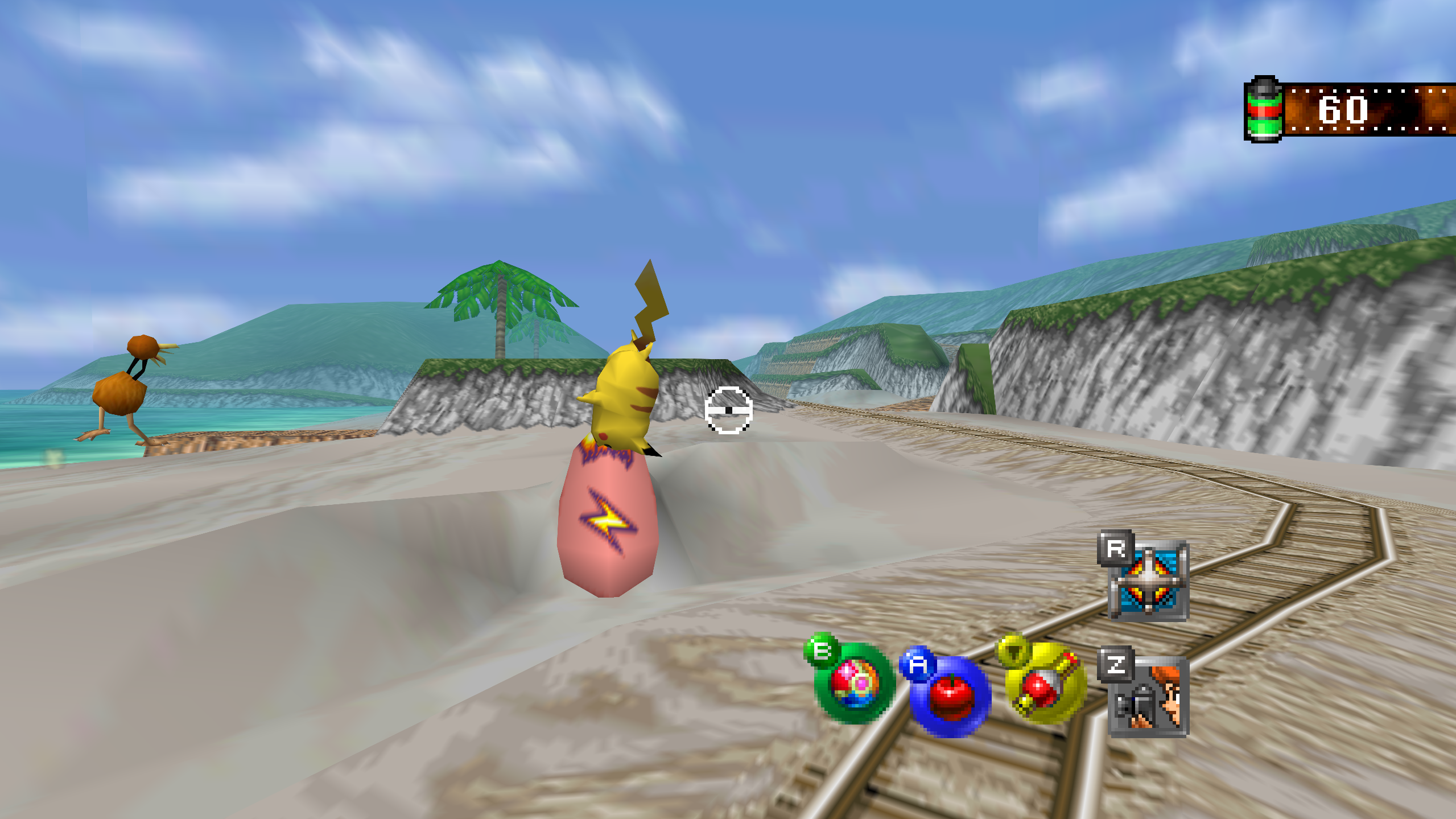
- The viewfinder's black frame opens and closes at the display's rate.
- The lab's monitor leaves at an even pace. Its first frame on the way up could hold half a step, so it started slowly, sped up and slowed again.
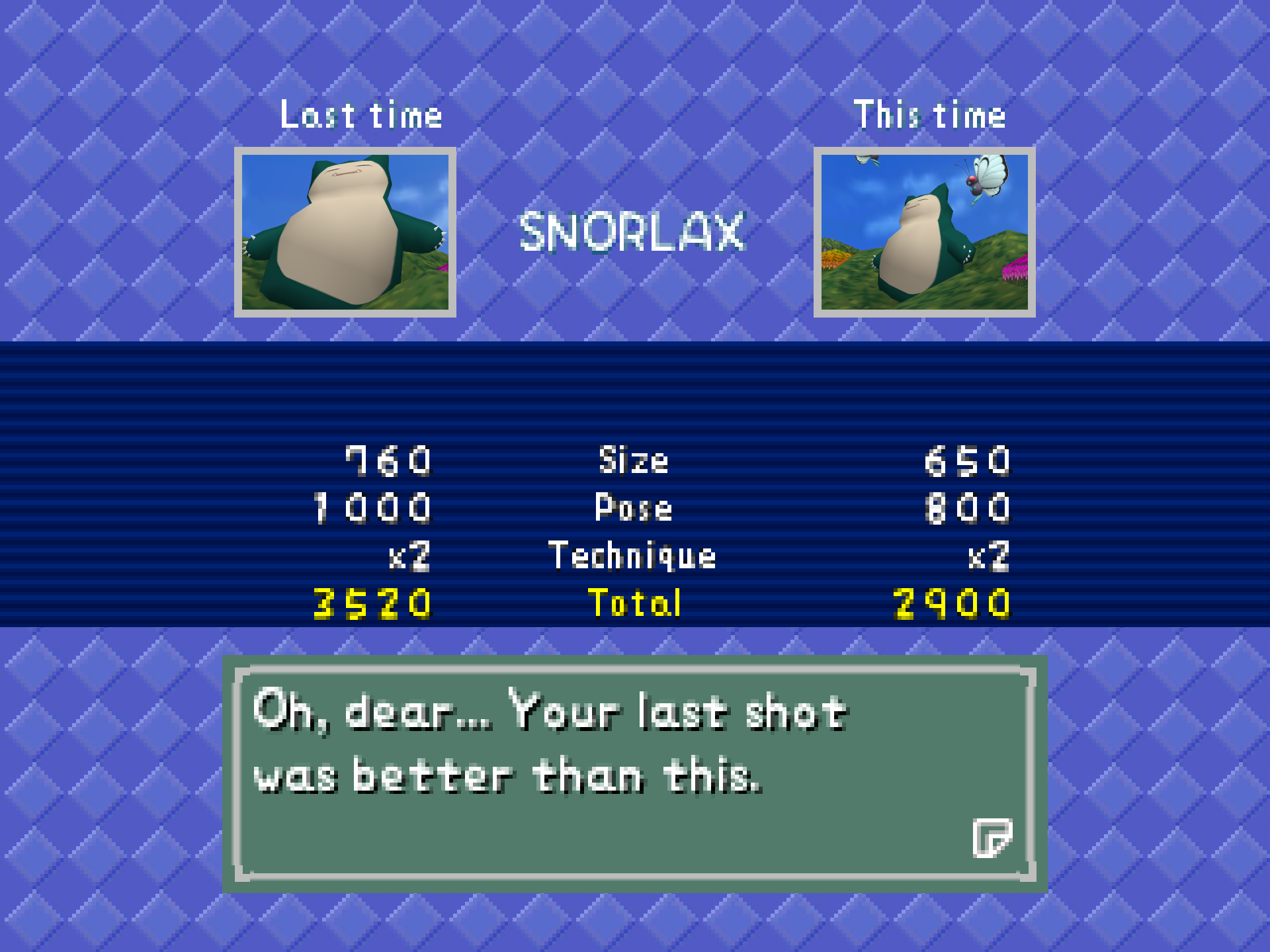
- Oak's check: the pictures slide to a stop without steps. The picture being judged and the one kept from last time came in smoothly and ended a pixel at a time.
- Flowing water moves at the display's rate. In the River and the Valley the water's texture shook as the view turned.
Widescreen
- The film counter sits against the screen's own edge, where its strip stopped in mid-air at the edge of the game's 4:3 screen. When the viewfinder comes up it moves in with the frame.
- The R and Z icons slide out to the screen's edge and back. They vanished short of the side.
- The word PAUSE comes in through the right margin and leaves through the left.
- The viewfinder's frame opens and closes without a jump. It leaped the width of the side margin on its first and last frames.
The title
- The capital S of "Snap Station" is redrawn to match the title's own lettering. The game's title words have no capital S, so the port draws one; the old one read as a 5.
Every change, with its cause, is in CHANGELOG.md.
Note
Upgrading from 1.1.1 or any earlier release: unpack the new archive over the old folder or beside it. Your save is in saves/ and your settings in snapsettings.json, both untouched by the upgrade and both read by 1.1.2 as they are. If you keep the old folder, copy those two across, and pokemonsnap.z64 with them, or let the new one ask you for it.
Warning
The Windows executable is not signed, and the Mac app is signed by nobody. SmartScreen may say "Windows protected your PC" on the first start, macOS refuses a plain double-click, and an antivirus may flag a program it has never seen; the builds on this page are what the source produces, GitHub's provenance says so, and the .sha256 beside each archive lets you check what you downloaded.
First start
- On Windows, past SmartScreen: choose More info, then Run anyway, once.
- On a Mac: right-click the app and choose Open, or on macOS 15 double-click, dismiss the message, and click Open Anyway in System Settings > Privacy & Security, once.
- The box asks for your ROM; choose the file and the game starts. The first start also compiles the shipped shader list during the boot logos and takes longer.
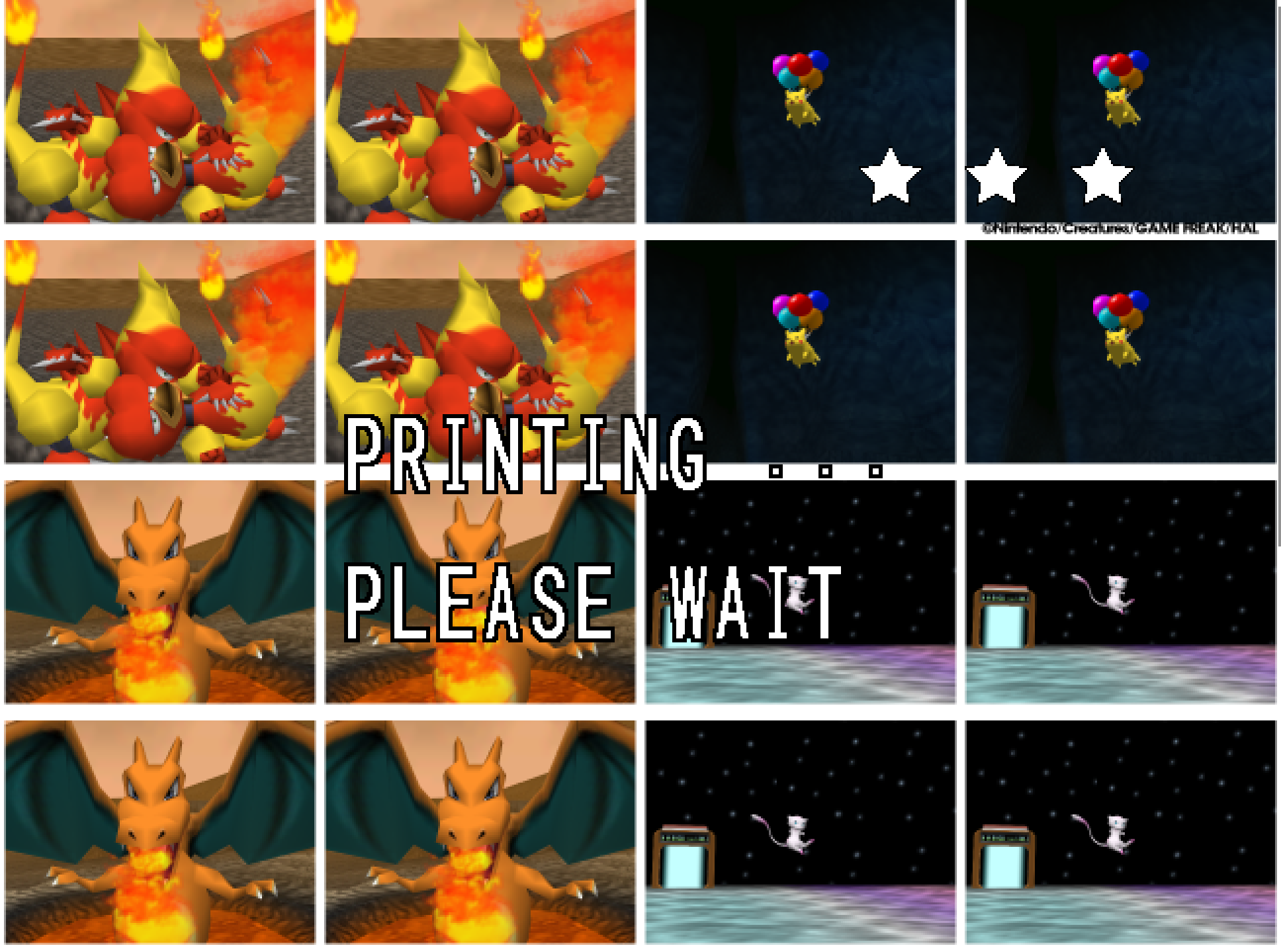
- The Snap Station's Print restarts the program twice, on purpose.
- On a Deck, add the executable as a non-Steam game and run it in either mode, or install the Flatpak; the Deck page under
docs/has the shortcut and gyro settings.
Known limitations
- The Mac build has not run on a physical Mac; the ARM64 build and the Flatpak have not run on real hardware. Their sounds, pads and speed are unheard and unmeasured.
- A few 2D pictures still move at the game's rate when the frame rate is raised: one that slides past the side of a menu in a wide window, and one that jumps a long way in a single frame. Outside Oak's check, a slide that slows to a stop can still end a pixel at a time.
- A mod installed during play loads at the next start; the page says so.
- On an N64-shaped pad, which has no right shoulder button, fast forward has only its key until the file names another button.
- A Pokémon pops out of the picture before it has fully left it: the cartridge draws a Pokémon only while its collision point projects within 1.5 times the half-screen of the center. The port keeps the rule as the cartridge has it.
- Gyro has been confirmed on a Steam Deck and no other pad yet.
How this release was checked
- The release suite (
tools/release_check.py) on the Windows executable GitHub built: 29 of 29 checks in 1150 s, and the Snap Station's 5 of 5 in 488 s. The same suite on the build made here: 29 of 29, and 5 of 5. VERIFICATION.md says what each check does. - The 2D and widescreen changes were measured on a recorded run, with captured frames or the renderer's own counts, and played by hand at 2560 by 1440 fullscreen with the frame rate raised. The recorded run's 45 photo scores are the same as before the changes. The River and the Valley are reached by no recording and were played by hand.
- The Mac workflow's checks on GitHub's virtual Mac: 15 of 15 natively and 10 of 10 through Rosetta 2, no crash reports. The package checks passed on all five archives, and each archive's build provenance verifies.