
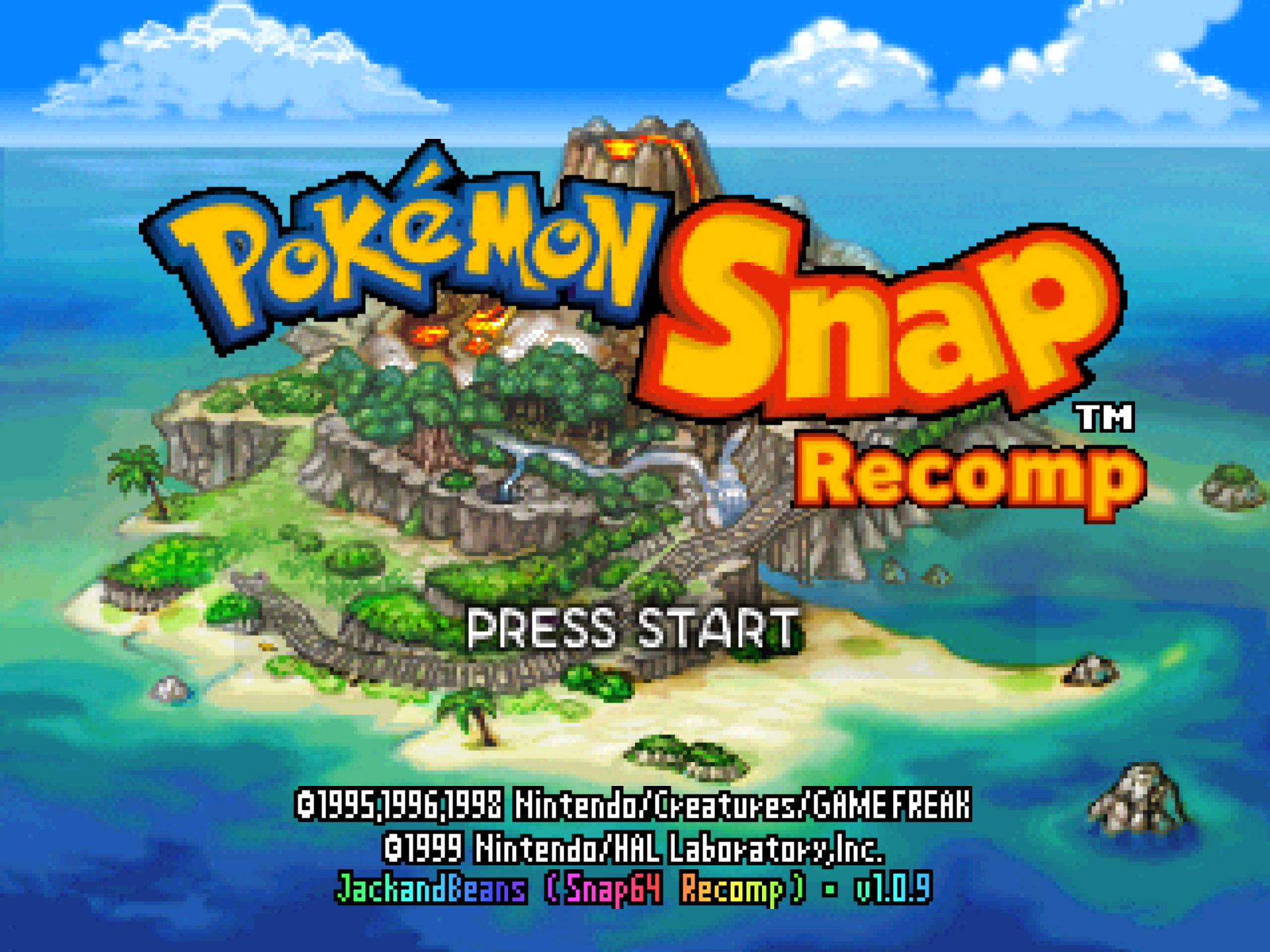
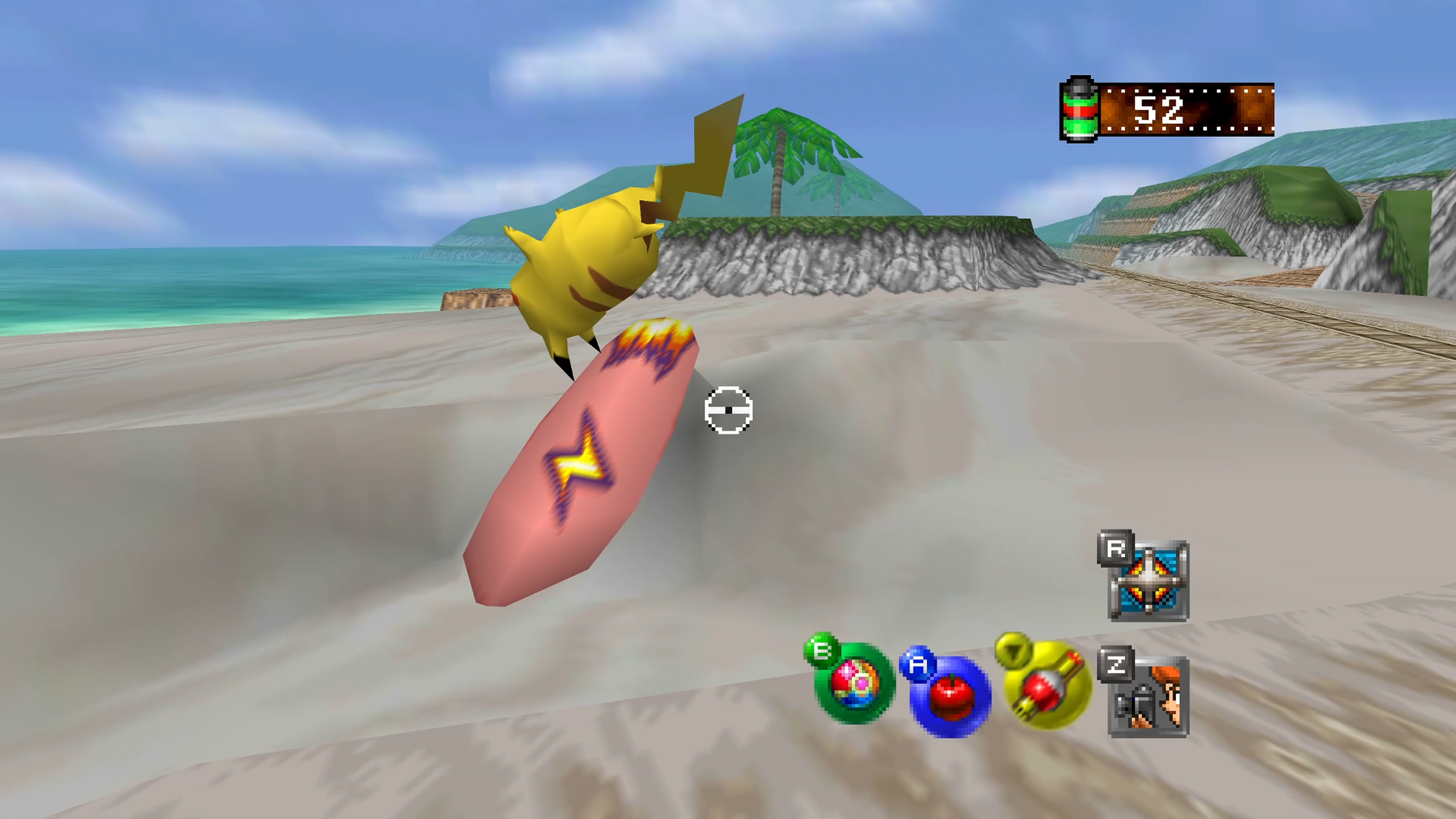
Snap64 Recomp is a native port of Pokémon Snap (Nintendo 64, US release) made by static recompilation: the game's own code runs on your PC, the port only hosts it, and everything about how it looks is off unless you turn it on. 1.0.9 is the release for the Options pages: Esc, or Select on a pad, opens Graphics, Sound, Controls and Mods on any screen, the pause menu has an Options button of its own, and the game has a Mods page.
Downloads
| File | For |
|---|---|
Snap64Recomp-1.0.9-win64.zip
| Windows 10 or 11, 64-bit, with a GPU driver that provides Direct3D 12. Nothing else to install. |
Snap64Recomp-1.0.9-linux-x86_64.tar.gz
| Linux, experimental: needs the system's SDL2, GTK 3 and a Vulkan 1.2 driver. Earlier releases were played on a Steam Deck in Desktop Mode and in Gaming Mode; this one has not been yet. |
You need your own cartridge dump. No game data is included. Start the program and choose your pokemonsnap.z64 when it asks (US, SHA-1 edc7c49cc568c045fe48be0d18011c30f393cbaf), or put the file next to the executable yourself. START HERE.txt in either archive says the rest, in one page.
What's new
The Options pages, anywhere
- Esc, or Select on a pad, opens the port's pages on any screen: the title, the lab, the course map, the evaluation, a ride. The screen underneath is held still and dimmed, the way the game's own pause holds a ride, and Esc, Select or Start closes the pages and the screen carries on from where it stood. Until now the pages lived only in the title's Options screen, so a frame-rate or button change in the middle of a ride meant quitting the course.
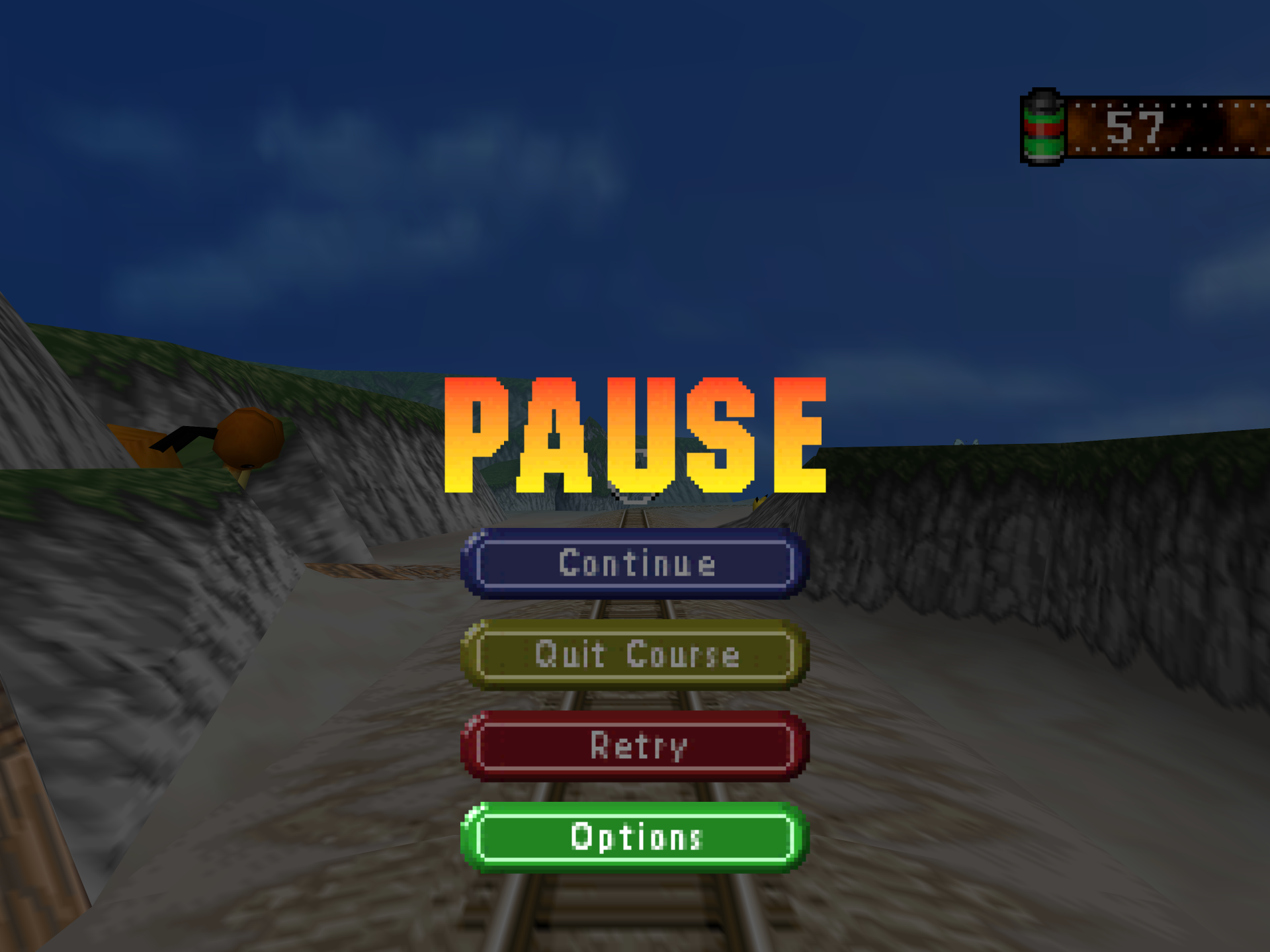
- The pause menu has a fourth button, Options, in green, the one colour of the set the menu did not use. It is made from the game's own button artwork and lettering, and it opens the same pages over the paused ride: B goes back to the pause menu, and Start resumes the ride at once. In a course Esc does both steps in one press: it pauses the ride and opens the pages.
- The pages wear the Options screen's own dress wherever they open: the rules above and below the heading, the A OK and B Cancel legend, the help box. Exit Game is on the list in a course too.
- The key stays out of what a held screen would break. It is dropped during the attract demo and the credits, which are scripted to their music. It waits out a fade and a screen's first two seconds. And it does not open the pages on the photo check after a ride, whose screen fills its display list on its own and has no room for them;
snap64.logsays so when it happens. - Enter is the game's Start, and Esc no longer is. On a pad the photo save moved from Select to the right stick pressed in.
Mods
- A Mods page in the game's Options screen, on the list's fifth row. One row per mod in the
mods/folder, with its version and On or Off beside it, and the author and the mod's own description in the help box. Z opens a mod's own options, L and R move it up or down the load order, two rows under the mods open the folder and restart the game, and a.nrmdropped on the window is installed. A change takes effect at the next start, and the page says so. - The port is ready for mods to be written for it. It provides what a mod imports (
recomp_printf, and the hashmaps, hashsets and slotmaps of the other recompilations'recompdata.h), and its symbol generator writes what N64Recomp's mod tool needs. The template and the symbol files are two repositories of their own and are not public yet; MODS.md describes them.
Under the hood
- The runtime and the renderer are their upstreams' current ones, N64ModernRuntime
cdf5abband RT644337374, with the port's changes carried as one patch file each, so an upstream fix can be taken rather than ported by hand. The scoring replay scores the same 45 photos it always has. - macOS is in the tree and has not run. The community's Apple Silicon build of 1.0.0 (pull request #2, by appleforever11) is ported onto today's tree. I have no Mac, so nothing here offers it until it has run on one;
BUILDING.md, step 15, is the whole account. - The documentation is a front page and a manual now: the README says what the port is and how to run it, and
docs/holds the manual, the Snap Station, Linux and the Steam Deck, what has been verified, mods, the game's history and the screenshots.
Every change, with its cause, is in CHANGELOG.md.
Note
Upgrading from any 1.0.x: unpack the new archive over the old folder or beside it. Your save is in saves/ and your settings in snapsettings.json, both untouched by the upgrade and both read by 1.0.9 as they are. If you keep the old folder, copy those two across, and pokemonsnap.z64 with them, or let the new one ask you for it.
Warning
The Windows executable is not signed. SmartScreen may say "Windows protected your PC" on the first start, and an antivirus may flag a program it has never seen; the builds on this page are what the source produces, and the .sha256 beside each archive lets you check what you downloaded.
First start
- On Windows, past SmartScreen: choose More info, then Run anyway, once.
- The box asks for your ROM; choose the file and the game starts. The first start also compiles the shipped shader list during the boot logos and takes longer.
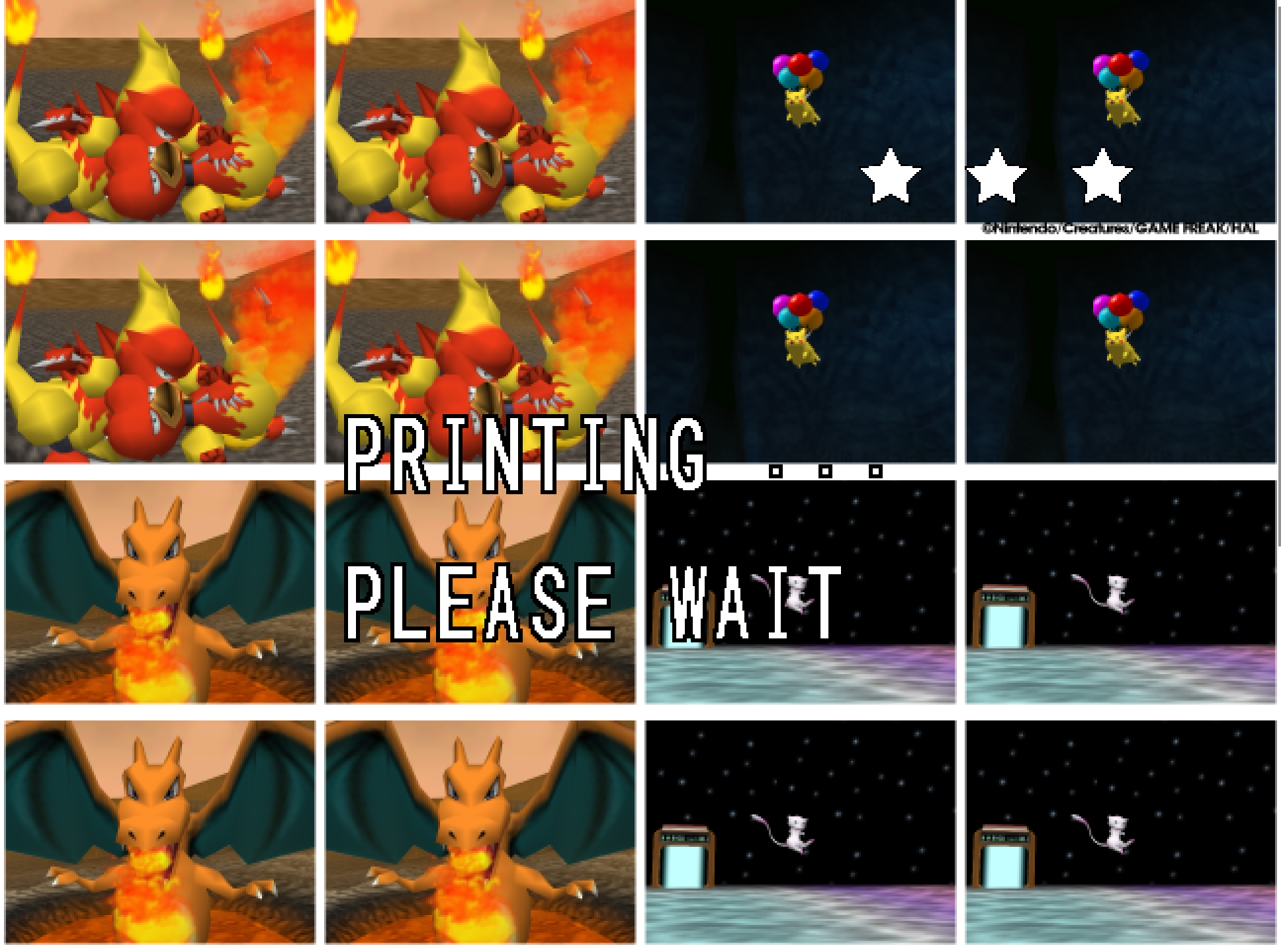
- The Snap Station's Print restarts the program twice, on purpose.
- On a Deck, add the executable as a non-Steam game and run it in either mode; the Deck page under
docs/has the shortcut and gyro settings, and the log tells which mode it saw.
Known limitations
- The key has been pressed, and the pages photographed, on the title, the New Game question, the lab, the course map, the evaluation and a ride. The PKMN Report, the Album and the Gallery run the same code and have not been photographed, and the key has not been pressed on a Deck yet.
- The pages do not open on the photo check after a ride; that screen leaves no room for them. A press during a fade or in a screen's first two seconds waits; one during the attract demo or the credits is dropped.
- The speed keys have been played on my PC and not on a Deck yet. On an N64-shaped pad, which has no right shoulder button, fast forward has only its key until the file names another button.
- A Pokémon pops out of the picture before it has fully left it: the cartridge draws a Pokémon only while its collision point projects within 1.5 times the half-screen of the centre, so a big, close one, Snorlax on the Beach with the camera pitched up to the limit, vanishes with part of its body still in frame and returns as the camera comes down. The console does the same; the port keeps the rule as the cartridge has it.
- Gyro has been confirmed on a Steam Deck and no other pad yet.
- A Nintendo pad over Bluetooth is put by SDL's driver in the report mode that only speaks when a button moves, and declared gone after three seconds of silence; the port takes it back at the next touch, on its own thread, so the first press after a pause may arrive a moment late. Read from SDL's code, not seen on such a pad here.
- The Linux build has no crash reporter.
- The two sticks can be swapped but not bound to anything else, and Select and the right stick's press keep their jobs: the pages, and saving the photo on screen.
How this release was checked
The key was pressed by tapes, screen by screen, with the presented frames captured, and the first tapes found three faults that are fixed in this release: pages opened under the title's fade showed a white screen until they closed; on the evaluation and in the lab the pages came out as static, because a camera of the game's fade system was drawing them with whatever state the screen had left; and on the photo check the list overran the screen's display list and the game stopped. The pages now have a camera and memory of their own, wait out a fade, and stay shut where a screen has no room. The release suite, now with a check that presses the key over the title and reads the log, passed on the shipped executable: 28 of 28 checks in 1154 seconds (SHA-256 beginning e7fc4627), and the Snap Station's 5 of 5 in 488. The numbers, and every release's before it, are in docs/VERIFICATION.md.
Reporting a problem
Open an issue here and attach snap64.log from the folder with the executable (and Snap64Recomp.map if the log has [SNAP-AV] lines), your snapsettings.json, and what you were doing.
Verify the download
Each archive's .sha256 holds its SHA-256: certutil -hashfile Snap64Recomp-1.0.9-win64.zip SHA256 on Windows, or sha256sum -c Snap64Recomp-1.0.9-linux-x86_64.tar.gz.sha256 on Linux, prints or checks yours.
Licensed under the GPLv3; third-party notices are in NOTICE.md and licenses/. This project is not affiliated with, endorsed by or connected to Nintendo, Creatures Inc., GAME FREAK inc., HAL Laboratory or The Pokémon Company. Pokémon and Pokémon Snap are their trademarks.