
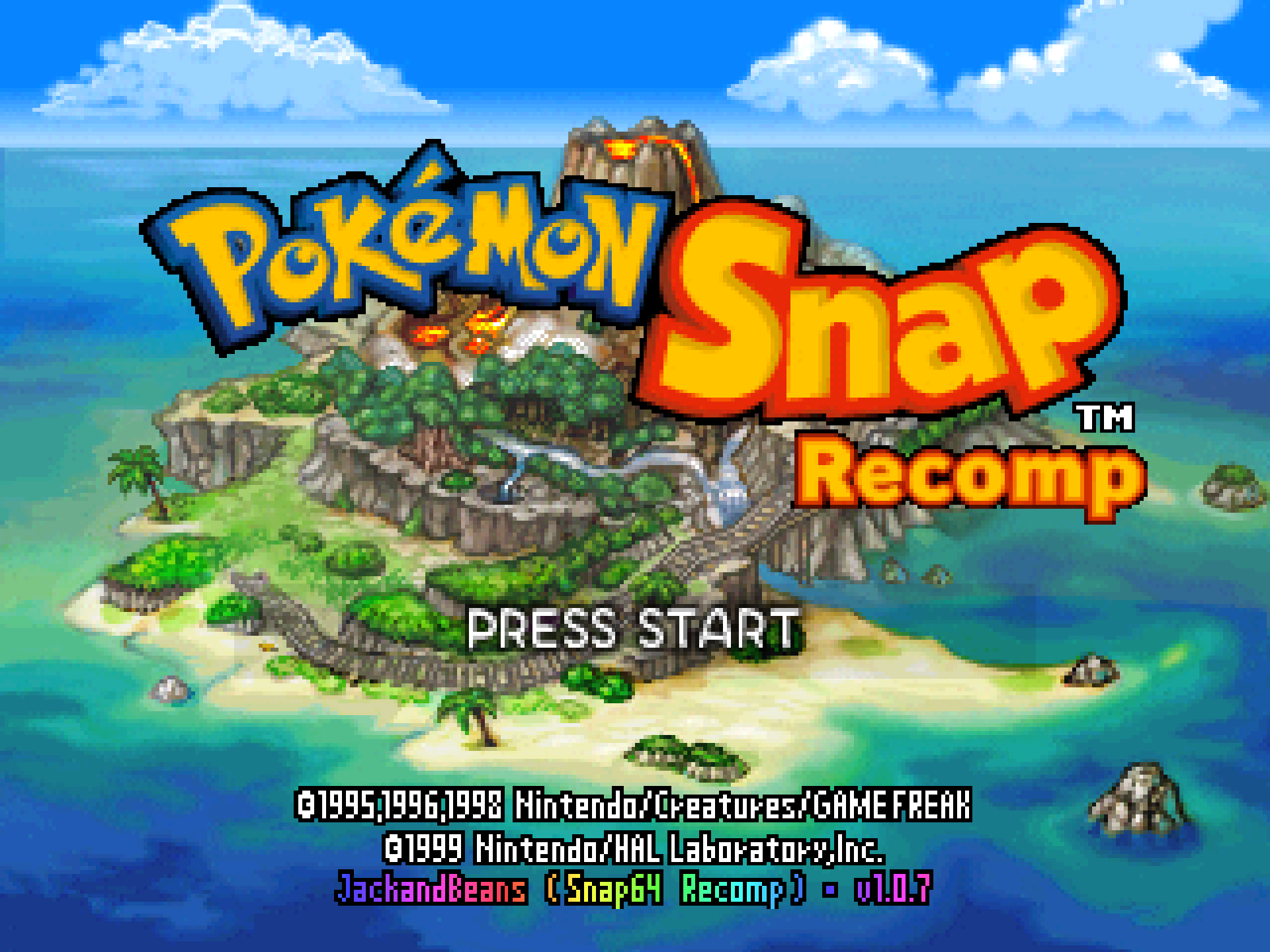
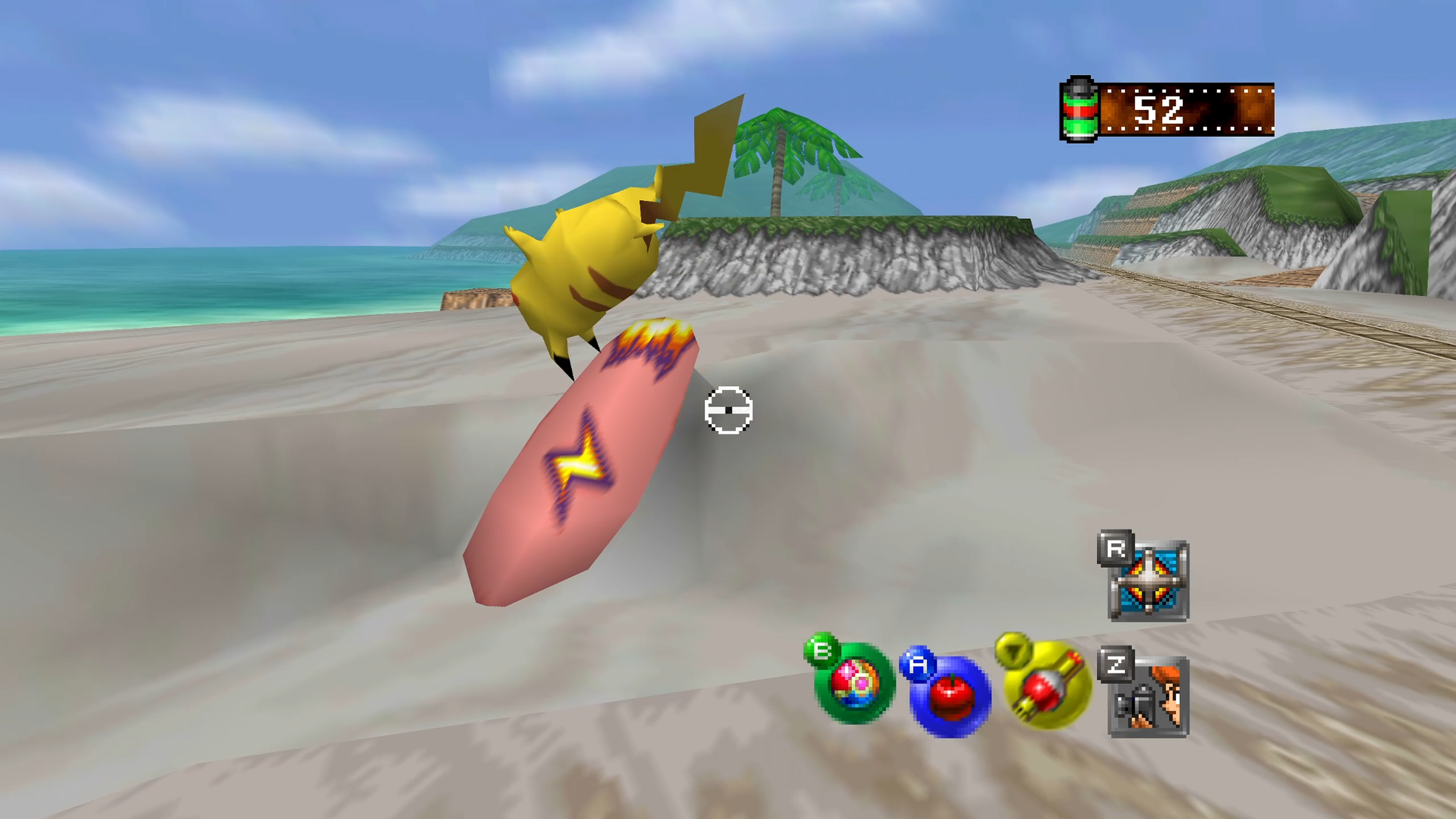
Snap64 Recomp is a native port of Pokémon Snap (Nintendo 64, US release) made by static recompilation: the game's own code runs on your PC, the port only hosts it, and everything about how it looks is off unless you turn it on. 1.0.7 is the release for the first start: with no ROM beside the program, it asks you for the file and puts it where it belongs. Nothing else to name, rename or move.
Downloads
| File | For |
|---|---|
Snap64Recomp-1.0.7-win64.zip
| Windows 10 or 11, 64-bit, with a GPU driver that provides Direct3D 12. Nothing else to install. |
Snap64Recomp-1.0.7-linux-x86_64.tar.gz
| Linux, experimental: needs the system's SDL2, GTK 3 and a Vulkan 1.2 driver. Played on a Steam Deck in Desktop Mode and in Gaming Mode. |
You need your own cartridge dump. No game data is included. Start the program and choose your pokemonsnap.z64 when it asks (US, SHA-1 edc7c49cc568c045fe48be0d18011c30f393cbaf), or put the file next to the executable yourself, as before. START HERE.txt in either archive says the rest, in one page.
What's new
The first start
- The port asks for the ROM. Start it with no
pokemonsnap.z64beside it and a box says what it needs, the system's own file chooser opens, and the file you pick is checked the way the game checks it: the byte order from its header, the hash of the image against the game's. A right one is copied into the port's folder aspokemonsnap.z64, in the order the game wants whatever order your dump was saved in, and you are never asked again. A wrong one is refused with both hashes shown and the chooser comes back. Cancel means no game and a clean exit. On a Linux install that cannot be written, the copy goes to the config home, where the port already kept its files.
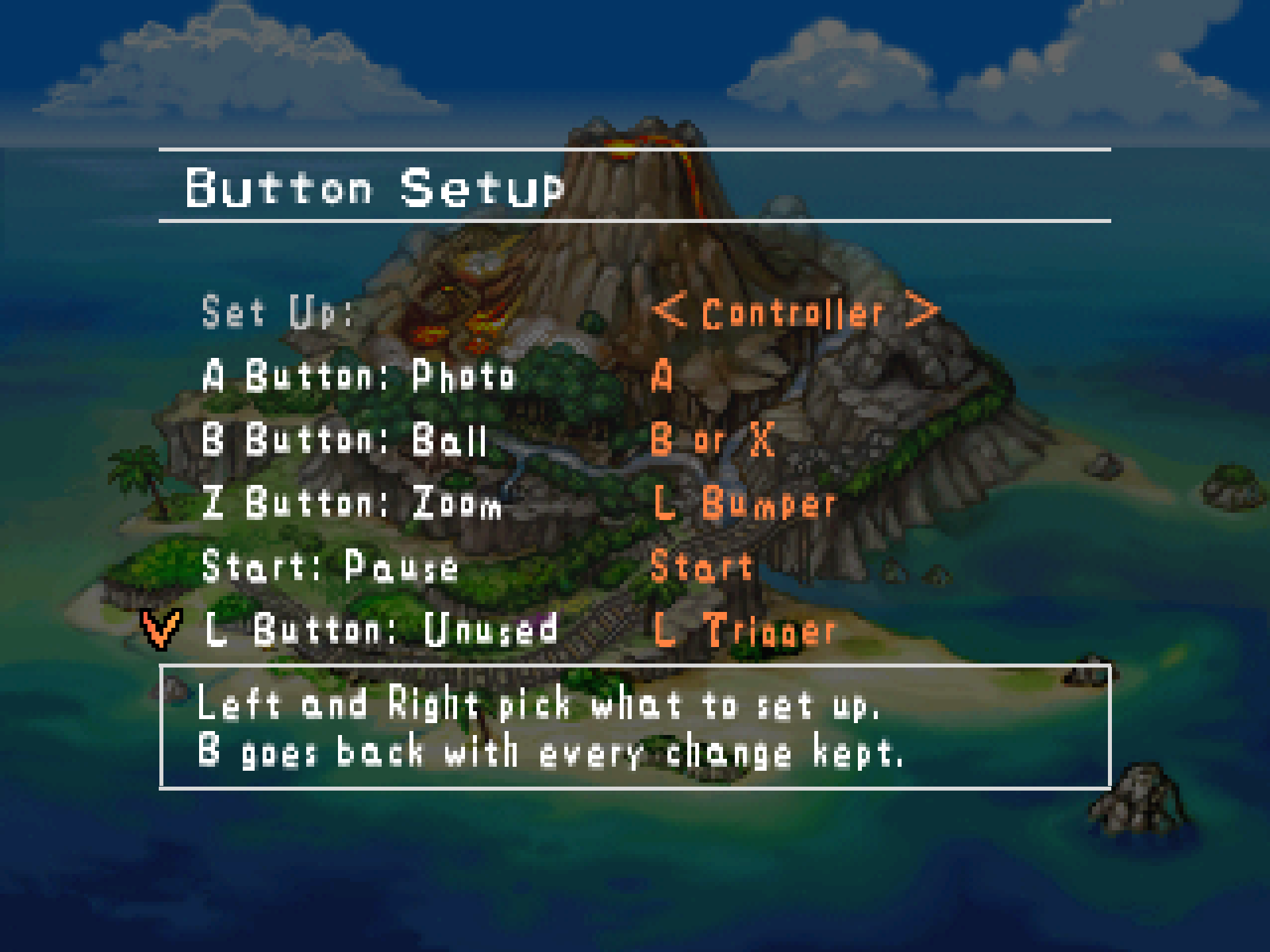
Button Setup
- Restore Defaults is the last row, after Stick Right, where 1.0.6 had it second. The page opens on Set Up and five inputs, and the list ends the way every such list ends, with its reset after what it resets. Up from the top row wraps to it, as before; the second A it asks for is unchanged.
The documents
- The README no longer calls the port a Windows port: the Linux build has shipped since 1.0.1 and now says so on the first line and the badge. Widescreen is no longer listed as untested beyond the Beach: I have played every course with it on and seen nothing wrong, which the README says as play, not proof. And the documents speak in one voice now, mine.
Every change, with its cause, is in CHANGELOG.md.
Note
Upgrading from any 1.0.x: unpack the new archive over the old folder or beside it. Your save is in saves/ and your settings in snapsettings.json, both untouched by the upgrade and both read by 1.0.7 as they are. If you keep the old folder, copy those two across, and pokemonsnap.z64 with them, or let the new one ask you for it.
Warning
The Windows executable is not signed. SmartScreen may say "Windows protected your PC" on the first start, and an antivirus may flag a program it has never seen; the builds on this page are what the source produces, and the .sha256 beside each archive lets you check what you downloaded.
First start
- On Windows, past SmartScreen: choose More info, then Run anyway, once.
- The box asks for your ROM; choose the file and the game starts. The first start also compiles the shipped shader list during the boot logos and takes longer.
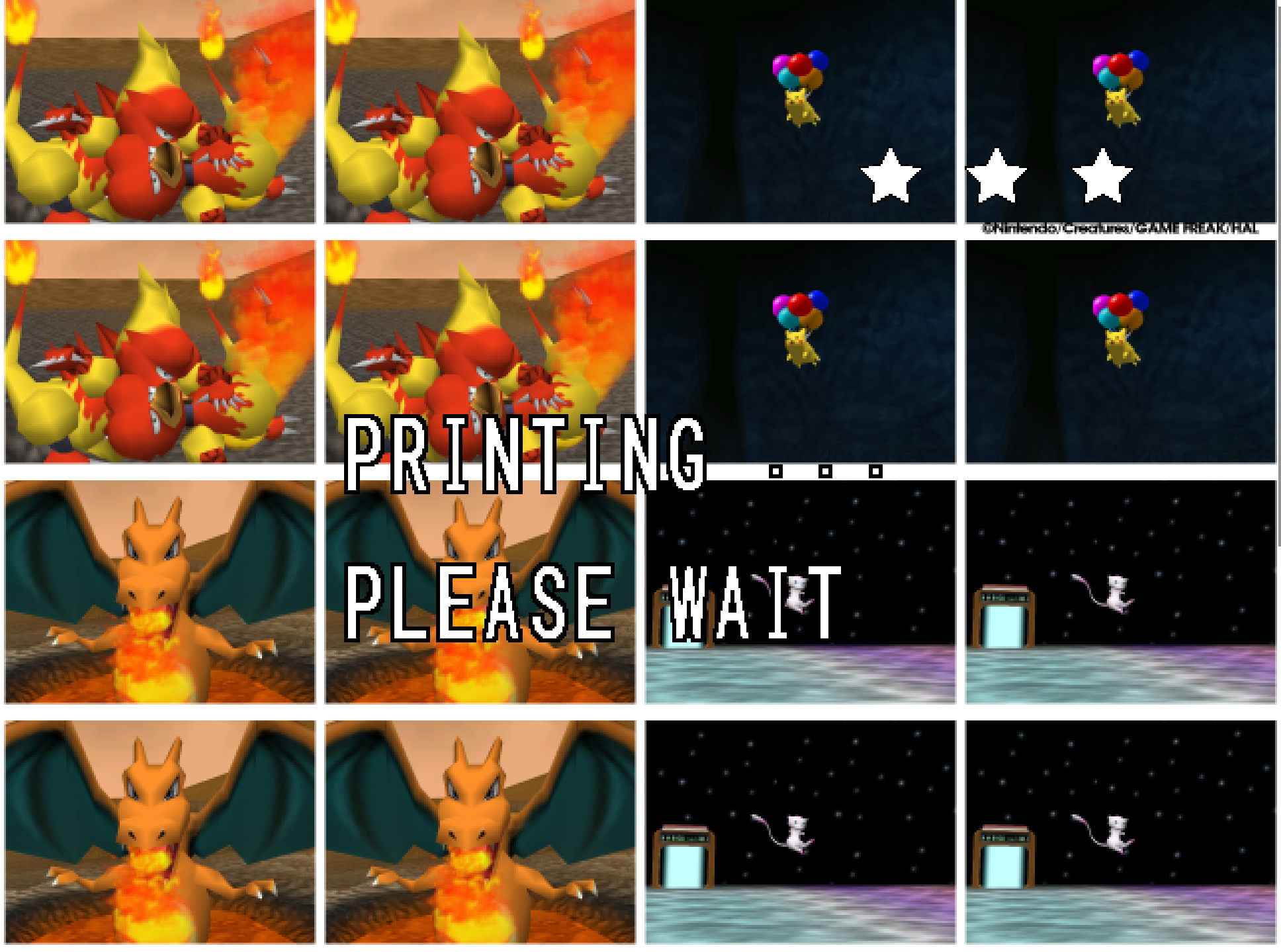
- The Snap Station's Print restarts the program twice, on purpose.
- On a Deck, add the executable as a non-Steam game and run it in either mode; the README's Deck section has the shortcut and gyro settings, and the log tells which mode it saw.
Known limitations
- A Pokémon pops out of the picture before it has fully left it: the cartridge draws a Pokémon only while its collision point projects within 1.5 times the half-screen of the centre, so a big, close one, Snorlax on the Beach with the camera pitched up to the limit, vanishes with part of its body still in frame and returns as the camera comes down. The console does the same; the port keeps the rule as the cartridge has it.
- Gyro has been confirmed on a Steam Deck and no other pad yet.
- A Nintendo pad over Bluetooth is put by SDL's driver in the report mode that only speaks when a button moves, and declared gone after three seconds of silence; the port takes it back at the next touch, on its own thread, so the first press after a pause may arrive a moment late. Read from SDL's code, not seen on such a pad here.
- The Linux build has no crash reporter.
- The two sticks can be swapped but not bound to anything else, and the pad's Back button keeps its job of saving the photo on screen.
How this release was checked
The ROM chooser was proved on my PC five ways headlessly, each in a fresh folder with no ROM: a .z64 copied byte-identical and the game booting, the same dump saved byte-swapped copied out in the right order and booting, and Cancel, a text file and a dump with one byte changed each ending the program at once with the reason in the log. Then for real: the question answered and the Windows chooser given the path by keystrokes, the copy identical, the game up. The Linux build was made in WSL and its chooser's hook run there. The release suite, now with a check for the chooser, passed on the shipped executable: the numbers are in the README.
Reporting a problem
Open an issue here and attach snap64.log from the folder with the executable (and Snap64Recomp.map if the log has [SNAP-AV] lines), your snapsettings.json, and what you were doing.
Verify the download
Each archive's .sha256 holds its SHA-256: certutil -hashfile Snap64Recomp-1.0.7-win64.zip SHA256 on Windows, or sha256sum -c Snap64Recomp-1.0.7-linux-x86_64.tar.gz.sha256 on Linux, prints or checks yours.
Licensed under the GPLv3; third-party notices are in NOTICE.md and licenses/. This project is not affiliated with, endorsed by or connected to Nintendo, Creatures Inc., GAME FREAK inc., HAL Laboratory or The Pokémon Company. Pokémon and Pokémon Snap are their trademarks.