
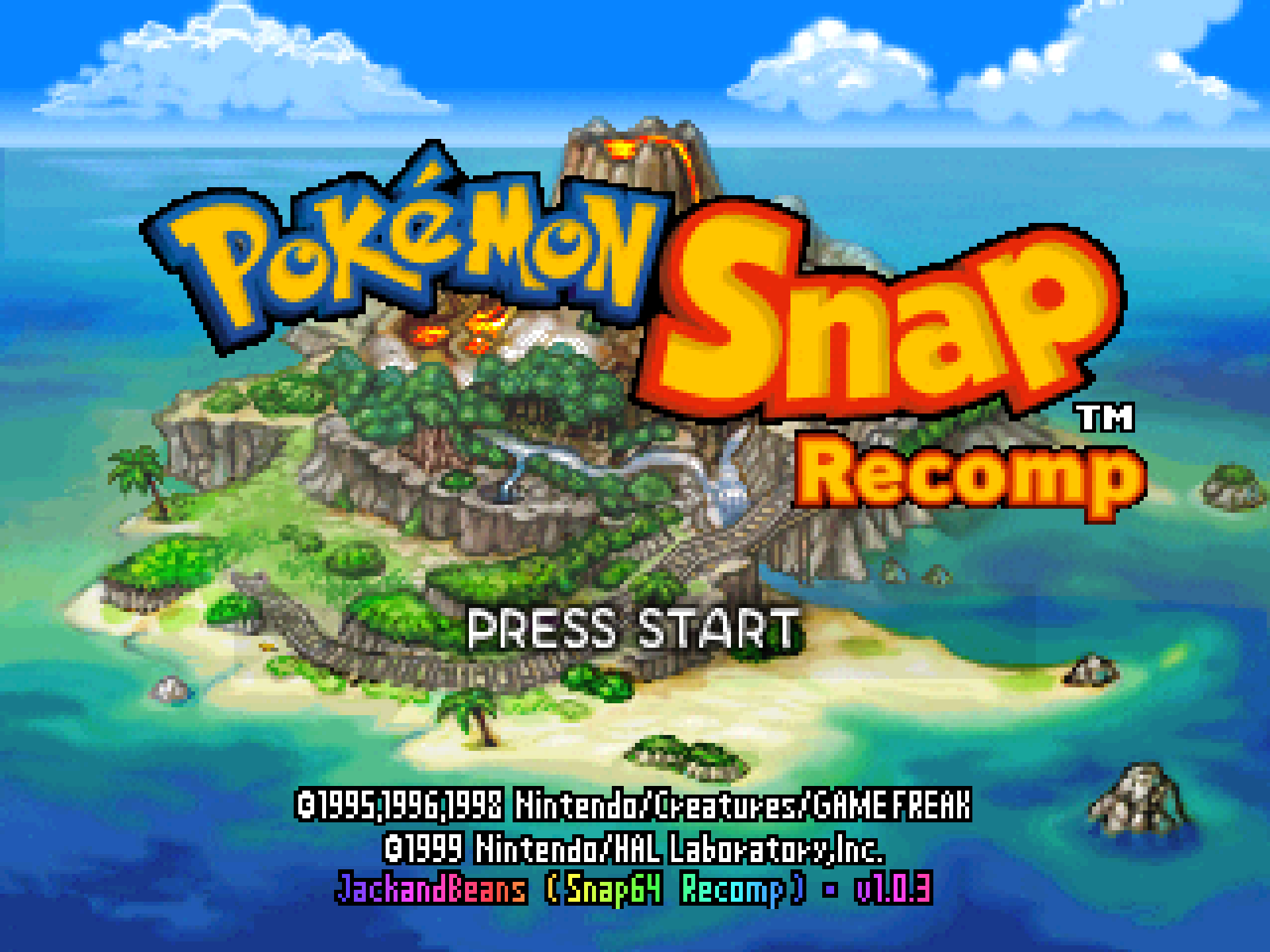
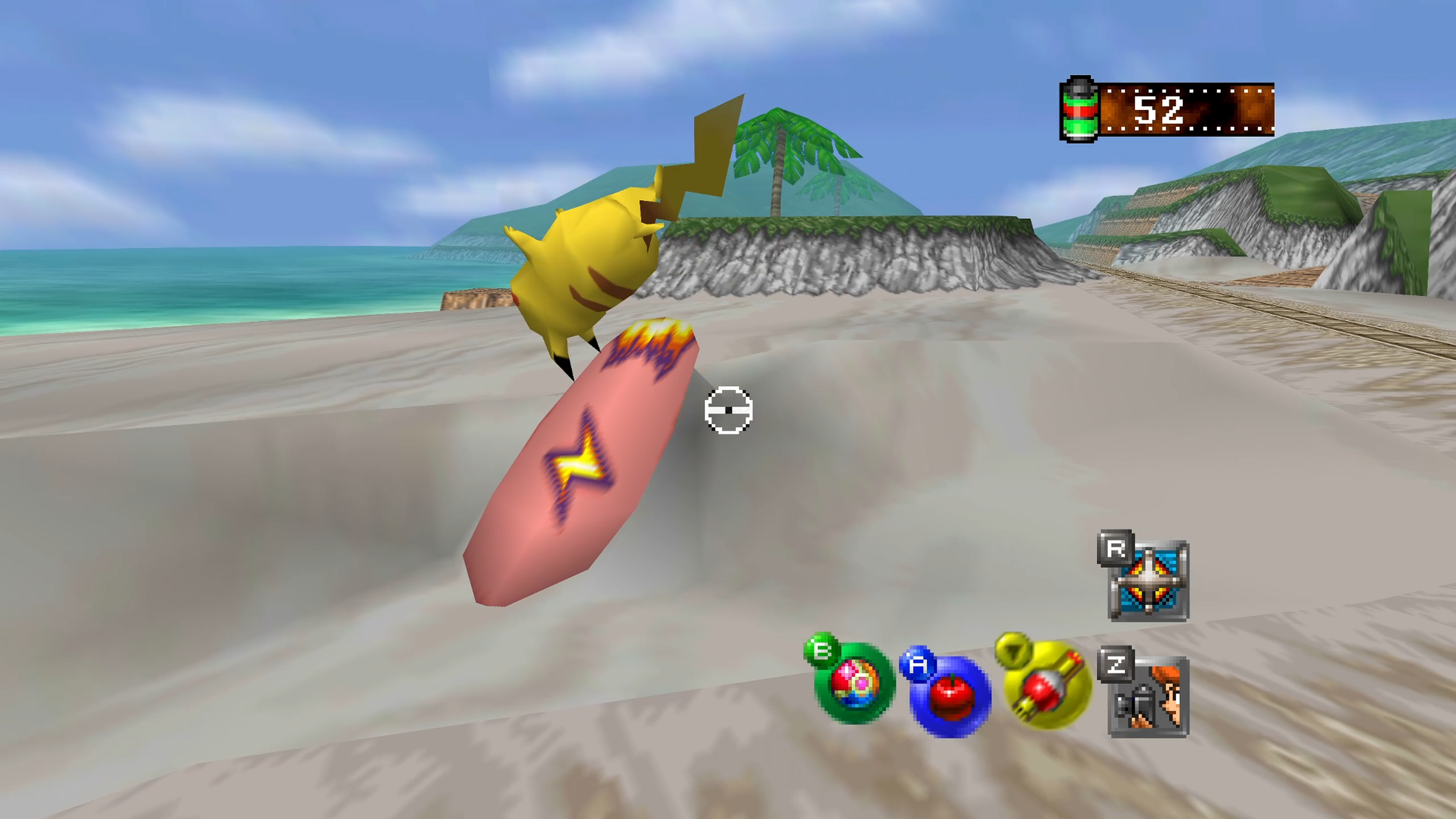
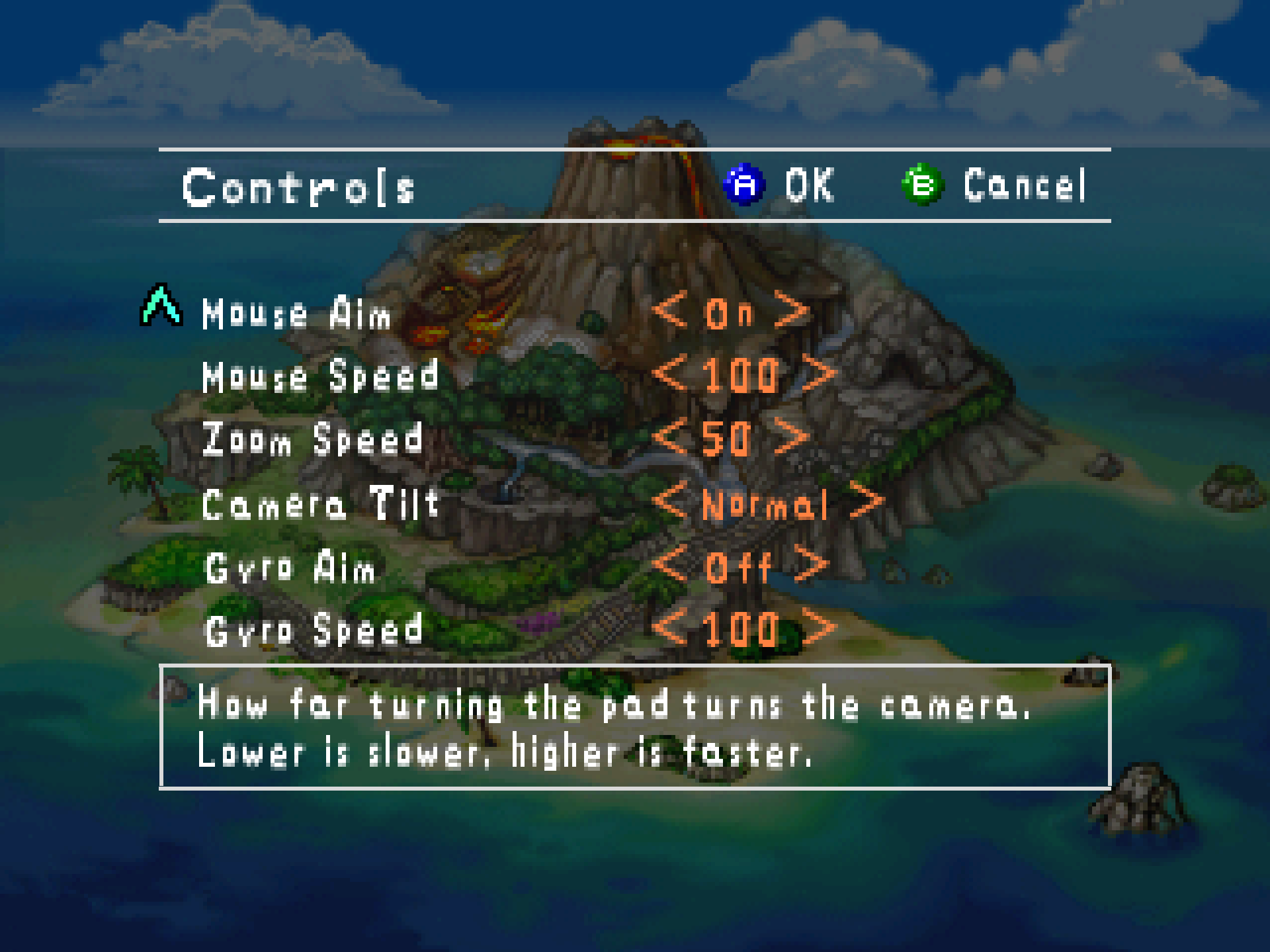
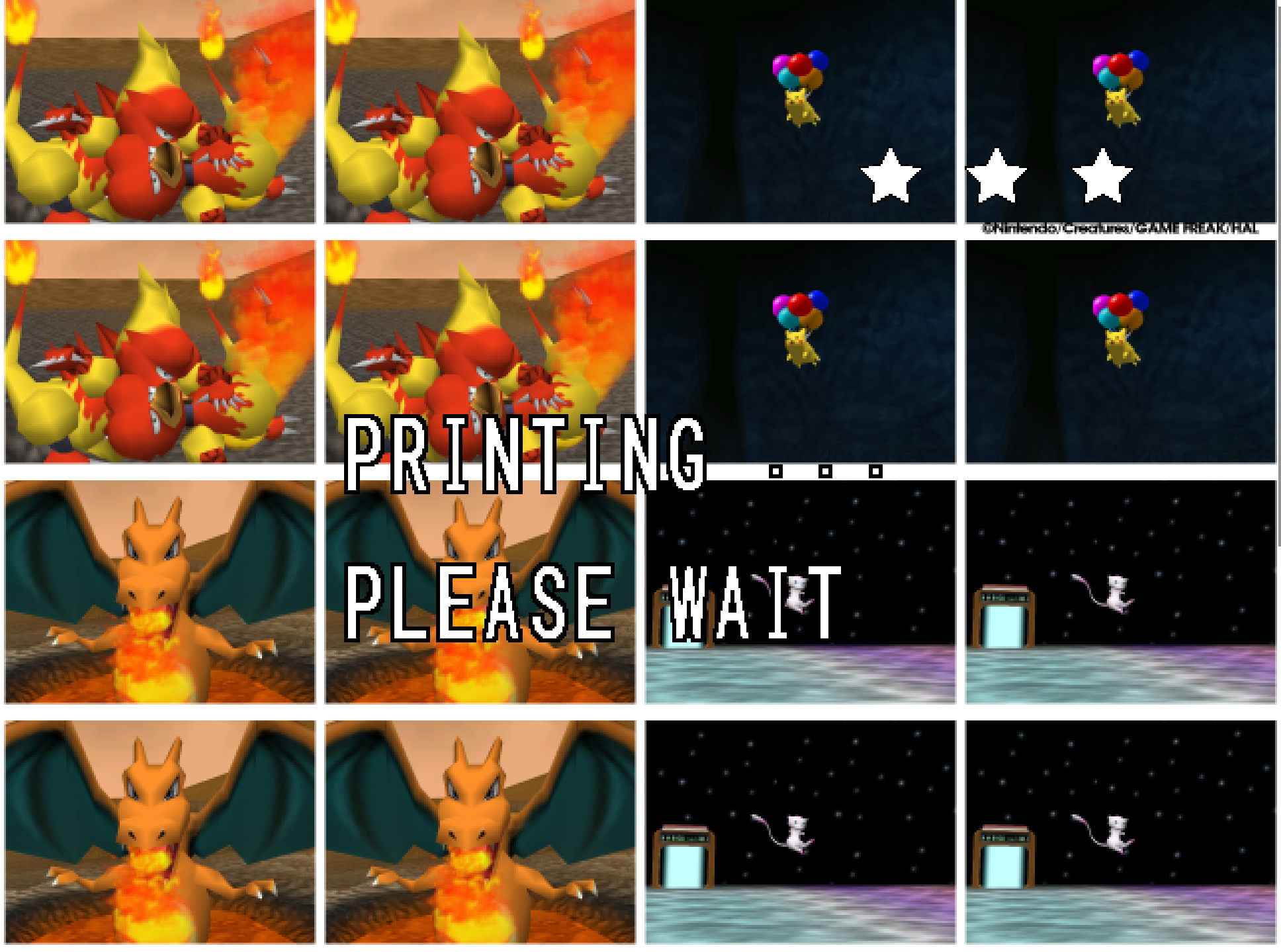
Snap64 Recomp is a native port of Pokémon Snap (Nintendo 64, US release) made by static recompilation: the game's own code runs on your PC, the port only hosts it, and everything about how it looks is off unless you turn it on. 1.0.3 is one file: the pads the port did not know.
Downloads
| File | For |
|---|---|
Snap64Recomp-1.0.3-win64.zip
| Windows 10 or 11, 64-bit, with a GPU driver that provides Direct3D 12. Nothing else to install. |
Snap64Recomp-1.0.3-linux-x86_64.tar.gz
| Linux, experimental: needs the system's SDL2, GTK 3 and a Vulkan driver. Played on a Steam Deck in Desktop Mode and nowhere else yet. |
You need your own cartridge dump. No game data is included. Put your pokemonsnap.z64 (US, SHA-1 edc7c49cc568c045fe48be0d18011c30f393cbaf) next to the executable and start it. START HERE.txt in either archive says the rest, in one page.
What's new
Controllers
- Pads SDL does not know on its own now work. The port uses only a pad SDL has a button mapping for, and SDL's own list, a few thousand pads long, has no 8BitDo N64 Mod Kit: that pad was seen at start-up and ignored, as the log said, while the recompilations that ship the community's mapping list took it. The archive now carries that list,
gamecontrollerdb.txt(SDL_GameControllerDB, zlib licence), beside the executable, read at start-up. Three lines are appended for 8BitDo's three N64 pad ids over Bluetooth on Windows, where SDL tags a pad with the bus it arrived on and the list's lines for them are USB lines: the same buttons, the Bluetooth bus byte, derived rather than read from a pad -- if yours disagrees, the[SNAP-Input]line insnap64.logthat names it is what an issue needs. A newer copy of the file, dropped over the shipped one, is read the same way. - The log says when
gamecontrollerdb.txtis not beside the executable, since it is expected to be.
Nothing else changed. Every change, with its cause, is in CHANGELOG.md.
Note
Upgrading from 1.0.2, 1.0.1 or 1.0.0: unpack the new archive over the old folder or beside it. Your save is in saves/ and your settings in snapsettings.json, both untouched by the upgrade and both read by 1.0.3 as they are. If you keep the old folder, copy those two across.
Warning
The Windows executable is not signed. SmartScreen may say "Windows protected your PC" on the first start, and an antivirus may flag a program it has never seen; the builds on this page are what the source produces, and the .sha256 beside each archive lets you check what you downloaded.
First start
- On Windows, past SmartScreen: choose More info, then Run anyway, once.
- The first start compiles the shipped shader list during the boot logos and takes longer.
- The Snap Station's Print restarts the program twice, on purpose.
- On a Deck, run it from Desktop Mode, which is where it has been tested; the README's Deck section has the shortcut and gyro settings.
Known limitations
- Widescreen is untested beyond the Beach, and three reports from a Steam Deck are under investigation for 1.0.4: a flicker in the top-left corner during the Beach tutorial with the camera raised, a few pixelated frames in the Cave, and thumbnails at Oak's check that show the wrong picture after a full roll.
- A Pokémon pops out of the picture before it has fully left it: the cartridge draws a Pokémon only while its collision point projects within 1.5 times the half-screen of the centre, so a big, close one — Snorlax on the Beach with the camera pitched up to the limit — vanishes with part of its body still in frame and returns as the camera comes down. The console does the same; the port keeps the rule as the cartridge has it.
- Gyro has been confirmed on a Steam Deck and no other pad yet.
- A Nintendo pad over Bluetooth is put by SDL's driver in the report mode that only speaks when a button moves, and declared gone after three seconds of silence; the port takes it back at the next touch, on its own thread, so the first press after a pause may arrive a moment late. Read from SDL's code, not seen on such a pad here.
- The Linux build has no crash reporter.
- Rebinding is the settings file until the in-game page arrives; the sticks themselves cannot be rebound.
Thanks
To alefsousa017, who tried the pad on every recomp there is, said which ones took it, and came back after the update that did not: that comparison is what turned "my controller doesn't work" into a fault with one cause. To the maintainers and contributors of SDL_GameControllerDB, whose list is the file this release adds. And to everyone who has played it so far and written back: this is a port of a game people love, kept as the cartridge had it, and your reports are how it gets there.
Reporting a problem
Open an issue here and attach snap64.log from the folder with the executable (and Snap64Recomp.map if the log has [SNAP-AV] lines), your snapsettings.json, and what you were doing.
Verify the download
Each archive's .sha256 holds its SHA-256: certutil -hashfile Snap64Recomp-1.0.3-win64.zip SHA256 on Windows, or sha256sum -c Snap64Recomp-1.0.3-linux-x86_64.tar.gz.sha256 on Linux, prints or checks yours.
Licensed under the GPLv3; third-party notices are in NOTICE.md and licenses/. This project is not affiliated with, endorsed by or connected to Nintendo, Creatures Inc., GAME FREAK inc., HAL Laboratory or The Pokémon Company. Pokémon and Pokémon Snap are their trademarks.