
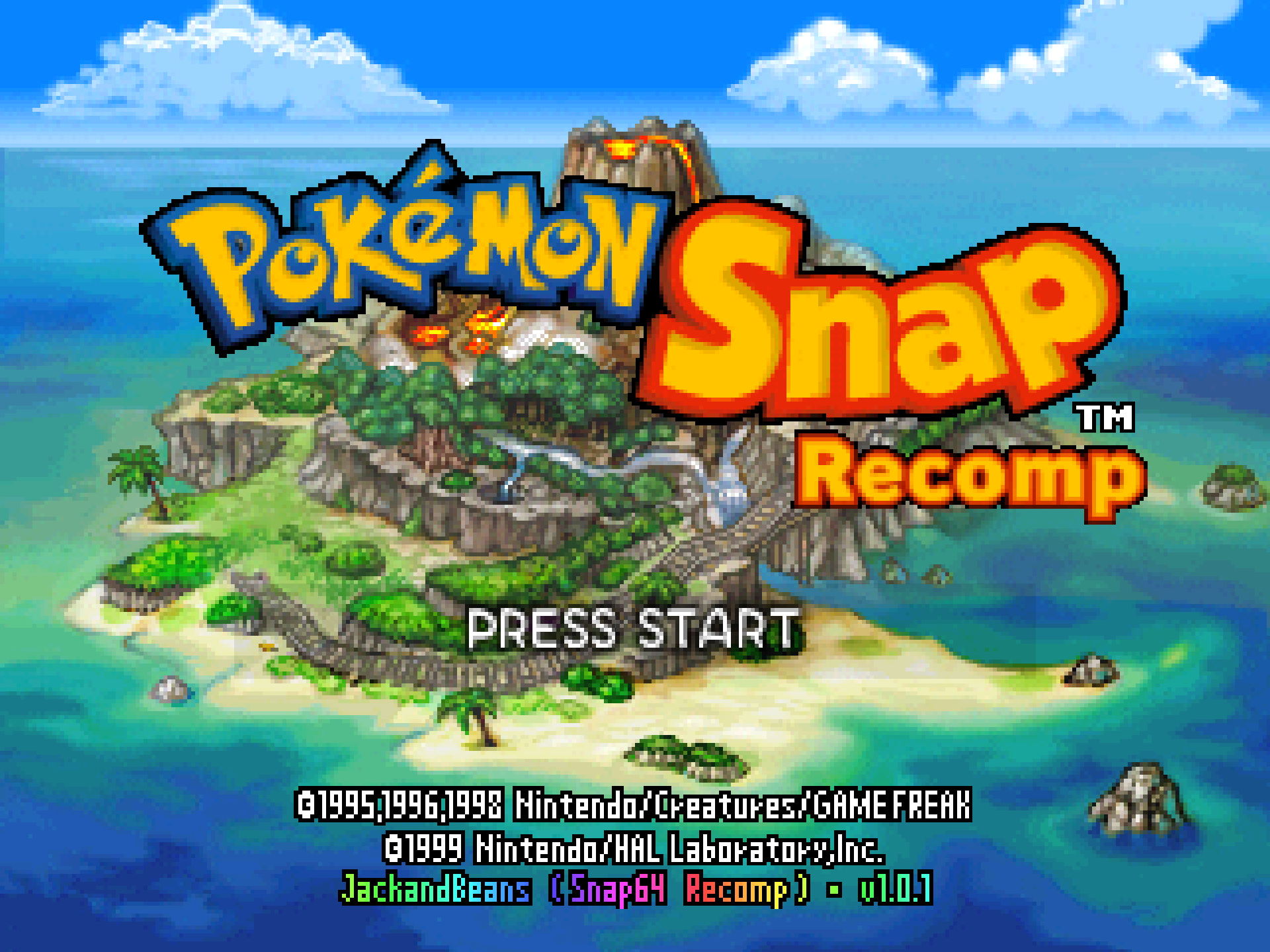
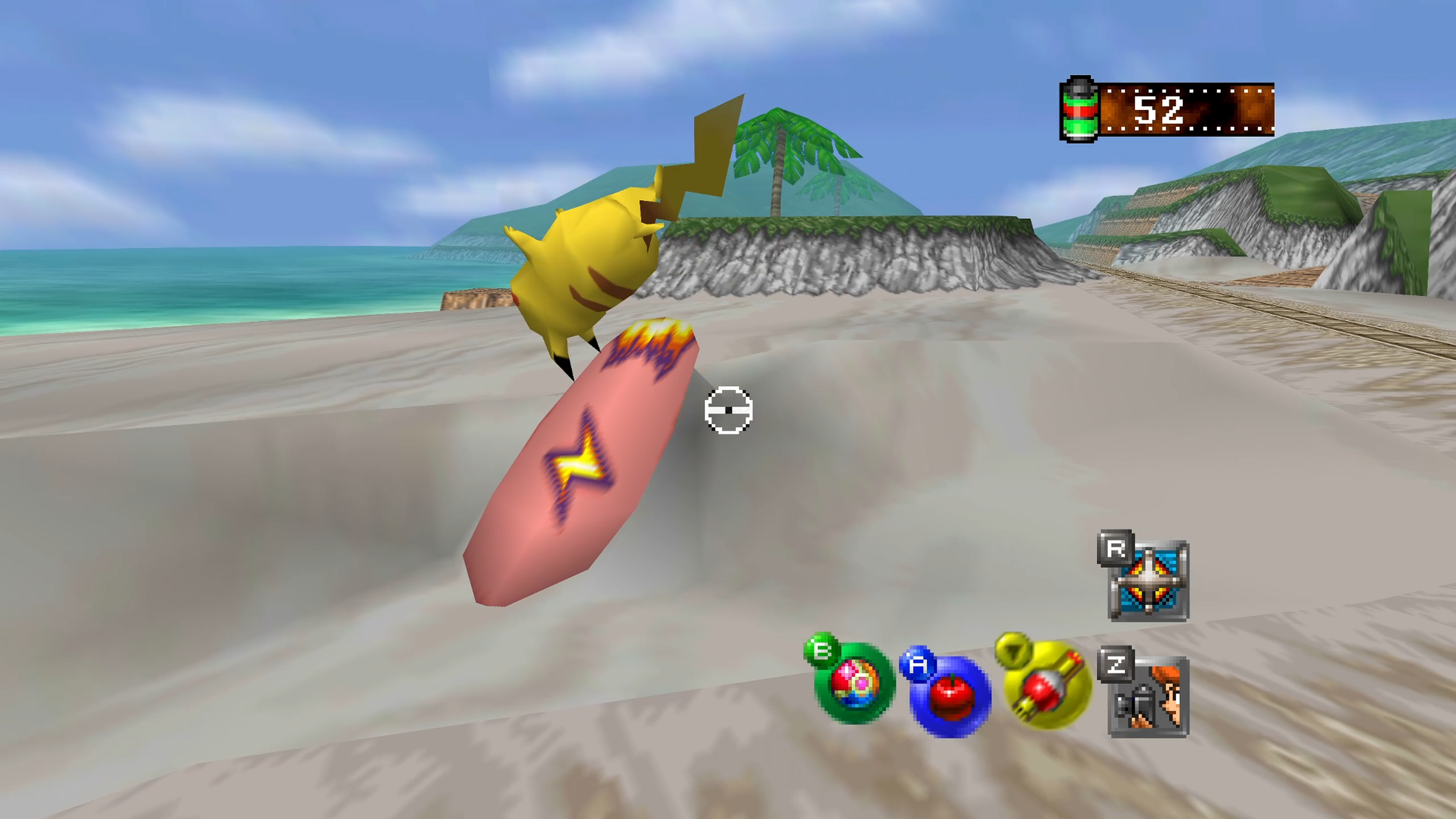
Snap64 Recomp is a native port of Pokémon Snap (Nintendo 64, US release) made by static recompilation: the game's own code runs on your PC, the port only hosts it, and everything about how it looks is off unless you turn it on. 1.0.1 is the first update, made of the reports that came in after the release, a day on a Steam Deck, and a review of the whole port.
Downloads
| File | For |
|---|---|
Snap64Recomp-1.0.1-win64.zip
| Windows 10 or 11, 64-bit, with a GPU driver that provides Direct3D 12. Nothing else to install. |
Snap64Recomp-1.0.1-linux-x86_64.tar.gz
| Linux, experimental: needs the system's SDL2, GTK 3 and a Vulkan driver. Played on a Steam Deck in Desktop Mode and nowhere else yet. |
You need your own cartridge dump. No game data is included. Put your pokemonsnap.z64 (US, SHA-1 edc7c49cc568c045fe48be0d18011c30f393cbaf) next to the executable and start it. START HERE.txt in either archive says the rest, in one page.
What's new
Controls
-
Keyboard and mouse. The mouse aims the camera in a course, each pixel an angle, with the game's own scheme on its buttons: click to shoot, right-click to zoom, wheel for the flute.
-
Rebinding. Every key, mouse button and controller button, in the settings file, which lists the names it accepts. The sticks stay as they are; the page for this in the game comes in the next release.
-
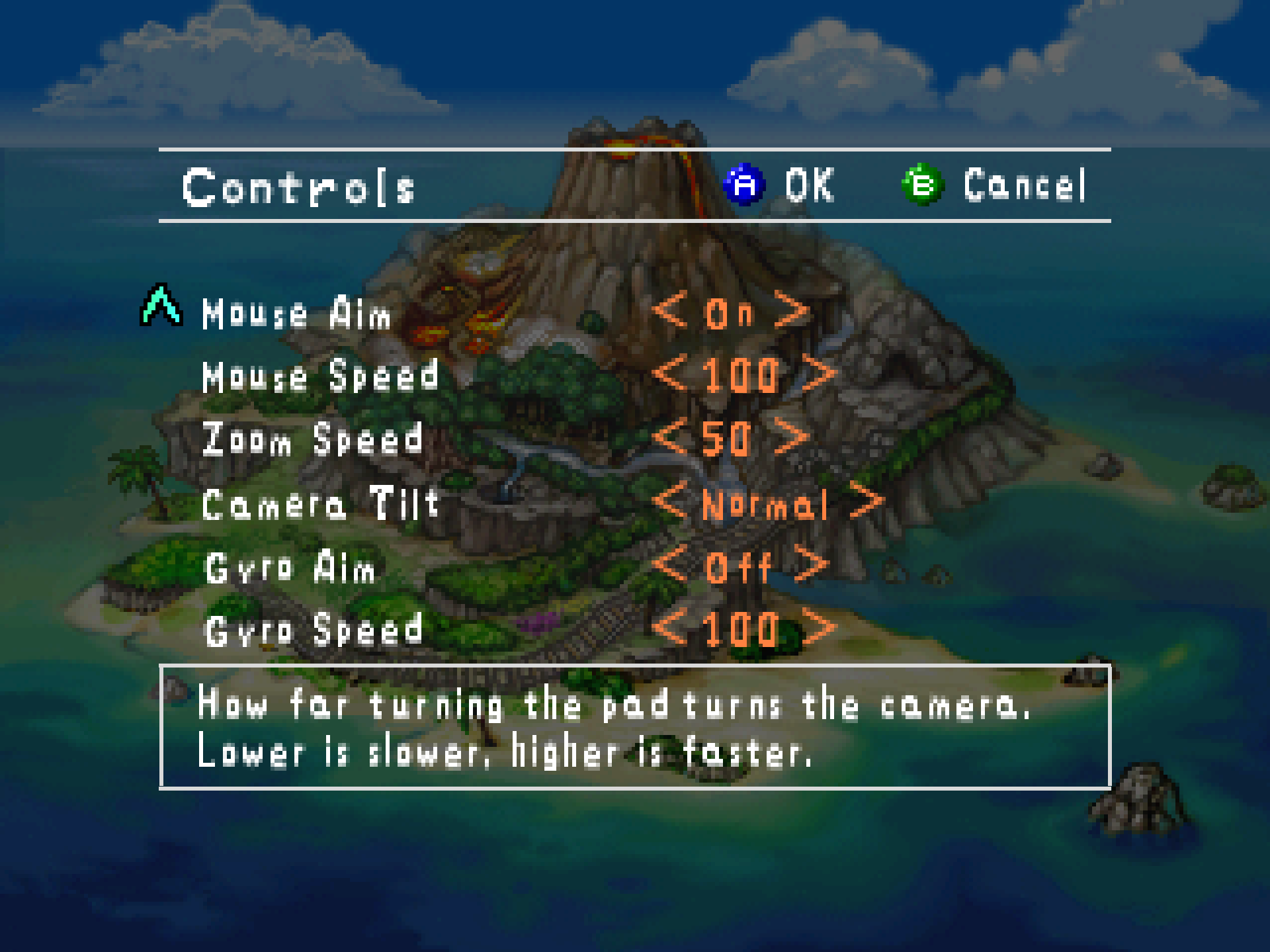
A Controls page on the game's own Options screen, beside Graphics and Sound: the Z button, the control stick, mouse aim and speed, zoom speed, camera tilt, gyro aim.
-
Gyro aim on a pad with a motion sensor — DualSense, DualShock 4, Switch Pro, or the Steam Deck's own controls — turning the view as the pad turns, at natural scale. Off unless you turn it on.
A note from me: on the Deck, gyro aim is the way to play this. Turn it on and try it.
-
Rumble runs for as long as the game says instead of a tenth of a second, and
rumble_strengthturns it down or off. -
Pads. One SDL does not know is taught by
gamecontrollerdb.txtbeside the executable. The Switch Online N64 controller's L, R and Z land where they belong. The D-pad walks every menu. The Options pages no longer change a value on a sideways drift of the stick. -
Esc is the pause menu, and quits only when held and released, with Keep playing as the default. It used to quit on the spot.
Widescreen
- Pokémon no longer vanish at the 4:3 edge. The renderer dropped a Pokémon whose whole pass lay past it (found by mstan in #5), and the game's own on-screen test culled at a fixed 4:3 bound. Both are fixed, and the leaves and sparkles with them.
- The menus keep their shape. The title, Oak's lab, the album and the reports are 4:3 screens and sit in black bars, instead of keeping the last frame of a course in their margins.
- The viewfinder keeps its letterbox where the console puts it, and a course's fade to black covers the margins.
- Still untested beyond the Beach.
Steam Deck and Linux
- A native Linux build, experimental: the same source through Clang and Vulkan, played on a Steam Deck in Desktop Mode.
- The port knows a Deck. Fullscreen at the panel, Steam's keyboard kept down, the motion sensor switched on when Steam has left it off, mouse aim off where there is no mouse, and the Enter and Escape that Steam's desktop layout sends for A and B ignored.
- The icons. Beside the Linux binary: the film canister for the window, the logo tile for a Steam shortcut, and a launcher with the logo written on the first start.
Under the hood
- Shaders. Every shader the game is known to ask for is compiled during the boot logos, from a list that now ships, instead of the first time it appears in play — the likely cause of the slowdown a Proton player saw in the later courses.
- Saves. The save file was published part-way through the game's own rewrite and could be rejected on the next boot; fixed, with two smaller faults on the same path.
- The Options screen, opened enough times, walked the game's heap off its end and froze the game with no message; gone.
- A stalled audio device cannot crash the game, and a single instance is kept properly on Linux.
Every change, with its cause, is in CHANGELOG.md.
Note
Upgrading from 1.0.0: unpack the new archive over the old folder or beside it. Your save is in saves/ and your settings in snapsettings.json, both untouched by the upgrade and both read by 1.0.1 as they are. If you keep the old folder, copy those two across.
Warning
The Windows executable is not signed. SmartScreen may say "Windows protected your PC" on the first start, and an antivirus may flag a program it has never seen; the builds on this page are what the source produces, and the .sha256 beside each archive lets you check what you downloaded.
First start
- On Windows, past SmartScreen: choose More info, then Run anyway, once.
- The first start compiles the shipped shader list during the boot logos and takes longer.
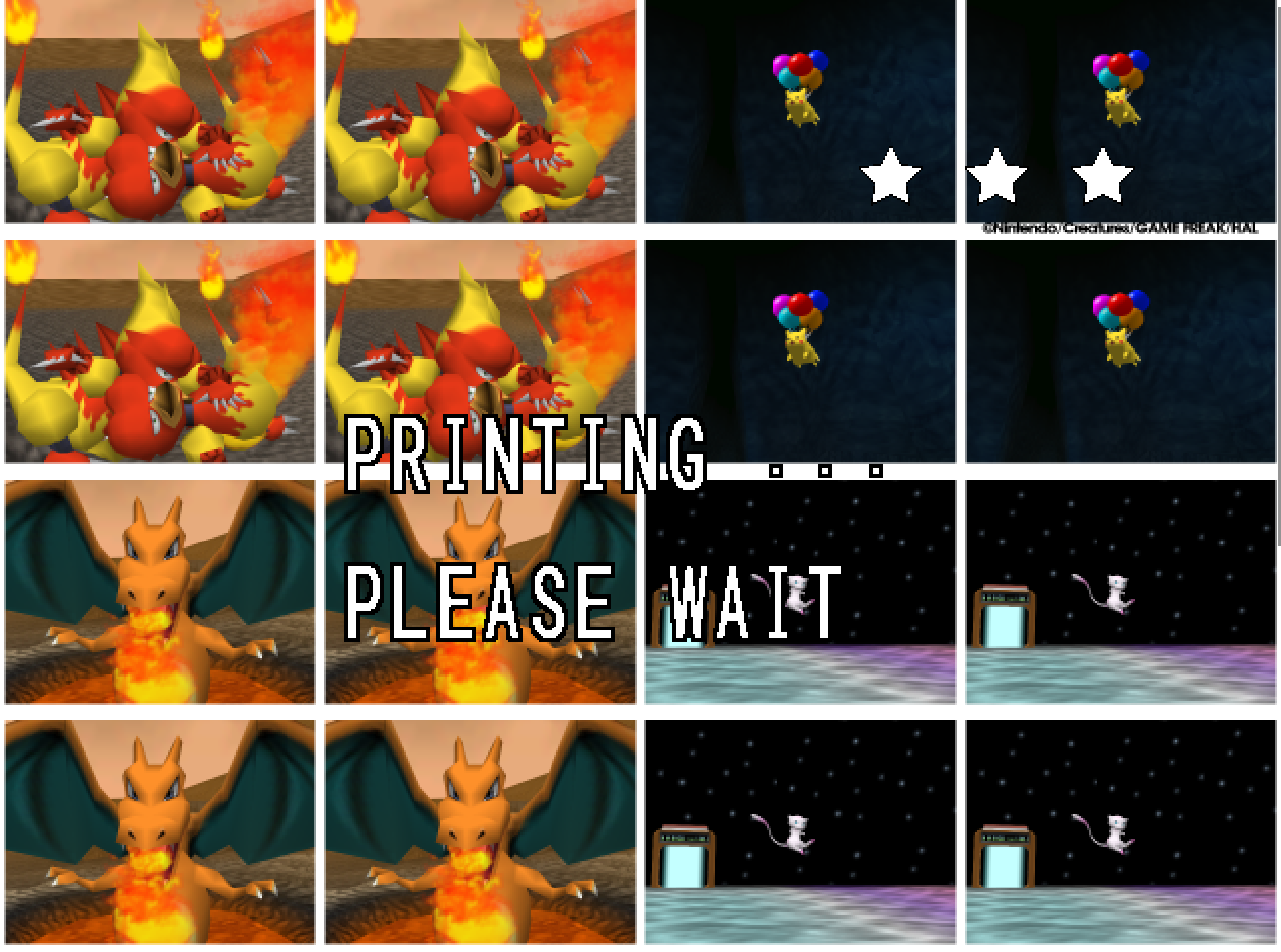
- The Snap Station's Print restarts the program twice, on purpose.
- On a Deck, run it from Desktop Mode, which is where it has been tested; the README's Deck section has the shortcut and gyro settings.
Known limitations
- Widescreen is untested beyond the Beach.
- Gyro has been confirmed on a Steam Deck and no other pad yet; the Switch Online N64 controller's layout rests on SDL's mapping, not a pad in hand.
- On the Deck, at the start of the Beach, something flickers in the top-left corner when the camera is first raised and lowered; not understood yet, on the list.
- The Linux build has no crash reporter.
- Rebinding is the settings file until the in-game page arrives; the sticks themselves cannot be rebound.
Thanks
1.0.1 exists because people played 1.0.0 and said what they saw. To everyone who ran it on a machine other than mine and wrote back — the slowdown under Proton, the Pokémon at the edges, the D-pad that would not walk a menu, the N64 controller with its buttons in the wrong places, the Options pages that changed a value at a touch, the Deck's own quirks — thank you: every one of those is a line above, and the ones that could not be reproduced here were found by your descriptions.
To fizzlepicklepop, for asking for pad remapping in Discussions. To mstan, for pull requests #4 and #5; the second found the renderer dropping whole Pokémon passes at the 4:3 edge, fixed here with that credit. To appleforever11, whose macOS port in #2 gave the Linux build two of its portability fixes. And to everyone who has played it so far: this is a port of a game people love, kept as the cartridge had it, and your reports are how it gets there. 1.0.2 will be made of them, as this release was.
Reporting a problem
Open an issue here and attach snap64.log from the folder with the executable (and Snap64Recomp.map if the log has [SNAP-AV] lines), your snapsettings.json, and what you were doing.
Verify the download
Each archive's .sha256 holds its SHA-256: certutil -hashfile Snap64Recomp-1.0.1-win64.zip SHA256 on Windows, or sha256sum -c Snap64Recomp-1.0.1-linux-x86_64.tar.gz.sha256 on Linux, prints or checks yours.
Licensed under the GPLv3; third-party notices are in NOTICE.md and licenses/. This project is not affiliated with, endorsed by or connected to Nintendo, Creatures Inc., GAME FREAK inc., HAL Laboratory or The Pokémon Company. Pokémon and Pokémon Snap are their trademarks.