
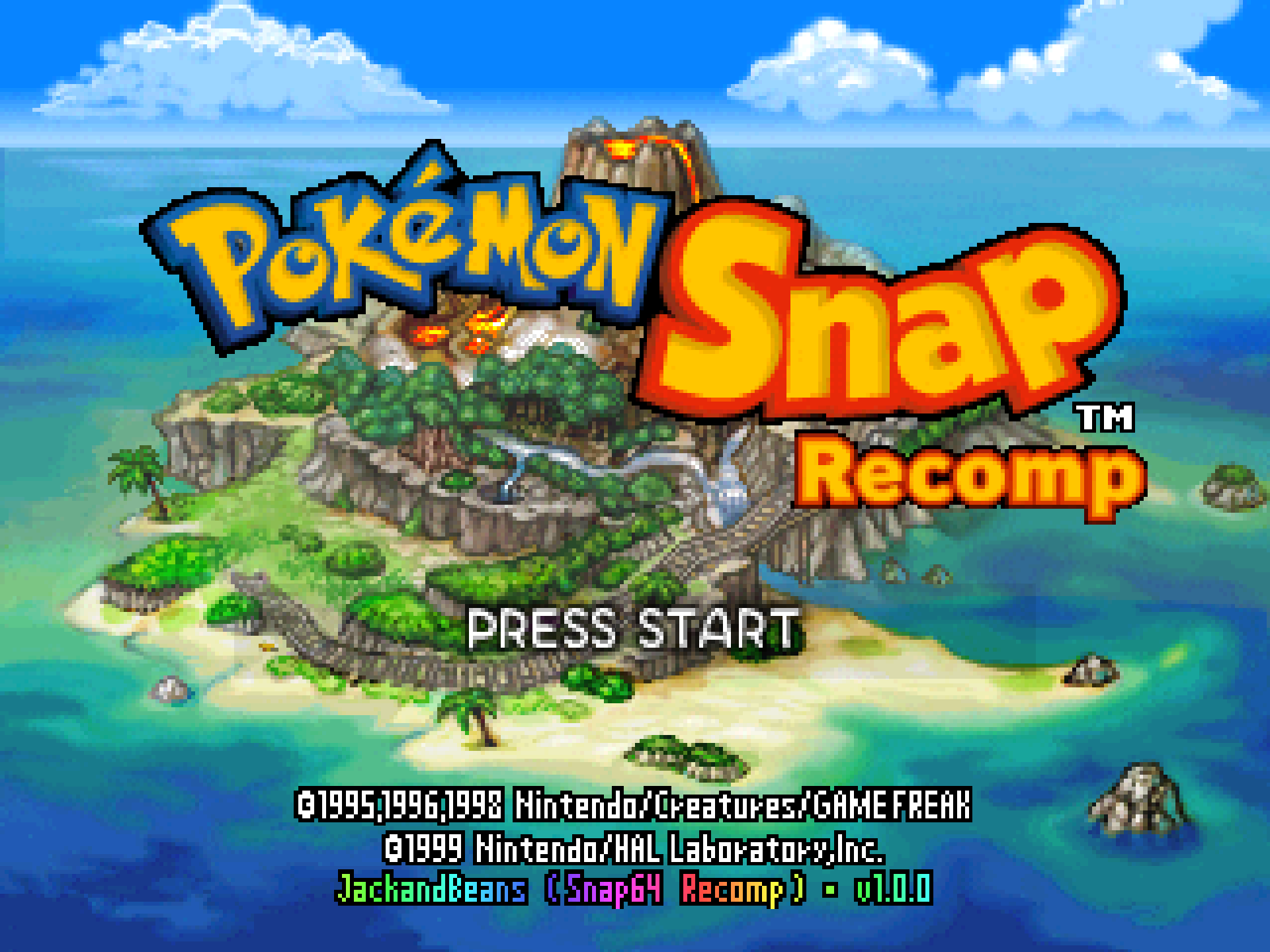
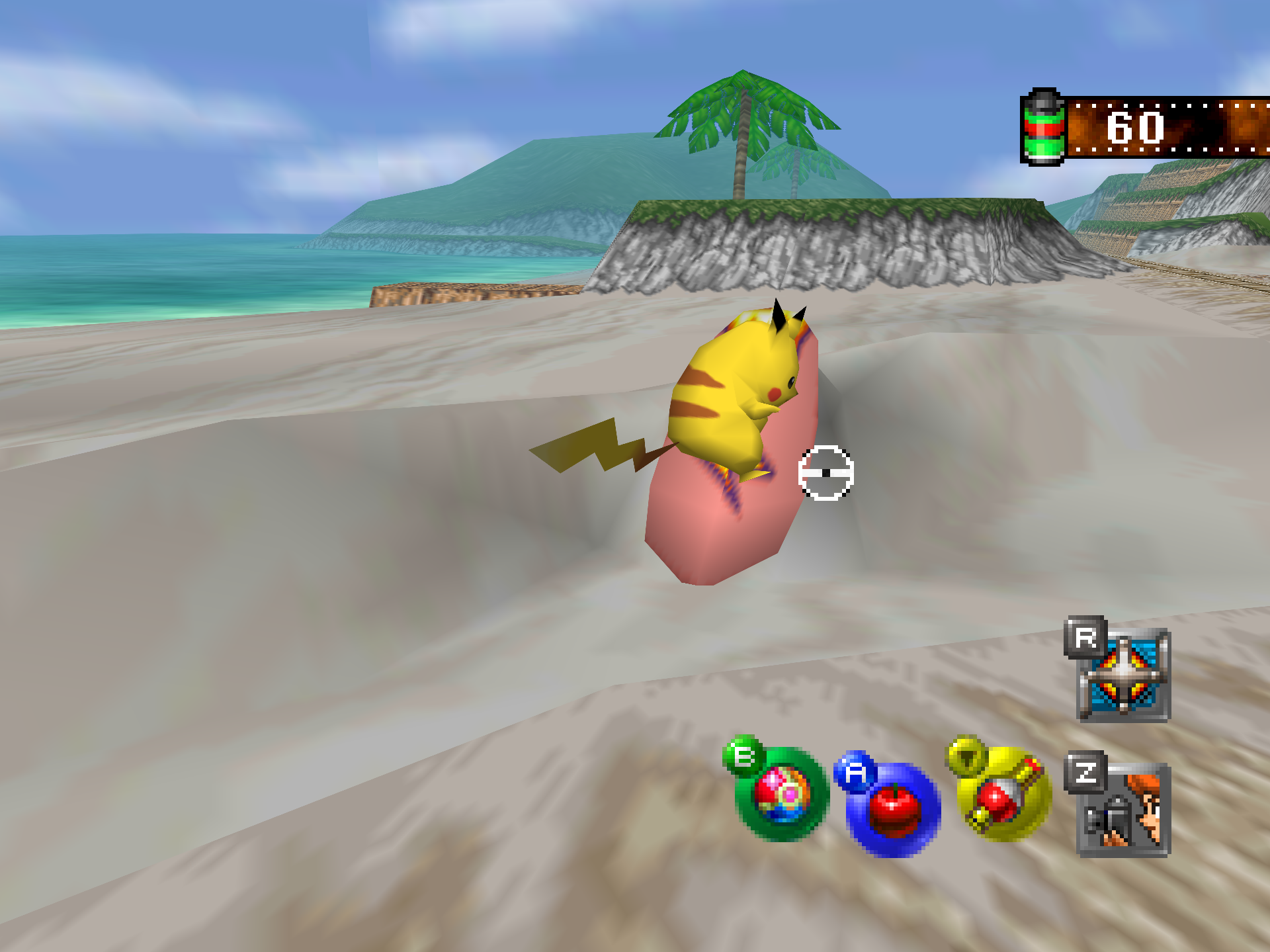
Snap64 Recomp is a native Windows port of Pokémon Snap (Nintendo 64,
US release) made by static recompilation. The game's own code runs on your
PC; the port changes how it is hosted, and everything about how it looks
is off unless you turn it on.
You need your own cartridge dump. No game data is included.
Put your pokemonsnap.z64 (US, SHA-1 edc7c49cc568c045fe48be0d18011c30f393cbaf)
next to Snap64Recomp.exe and start it. Windows 10 or 11, 64-bit, with a
GPU driver that provides Direct3D 12. Nothing else has to be installed.
What is in the box:
- The game as the console ran it, at the console's rate by default, with
its saves insaves/next to the executable. - Frame interpolation to your display's refresh rate, covering the world,
the camera, the game's sprites and menus, and the fades. - Widescreen with a true wider field of view, anti-aliasing, super
sampling, render scale, texture filter and dither choices, overscan
crop, and in-game Graphics and Sound pages on the game's own Options
screen. - Photo Detail: Oak's photos, the album and the report at the renderer's
full resolution. - Jynx Recolor: the purple of the re-releases, opt-in.
- Photo export to PNG with P or the controller's Back button.
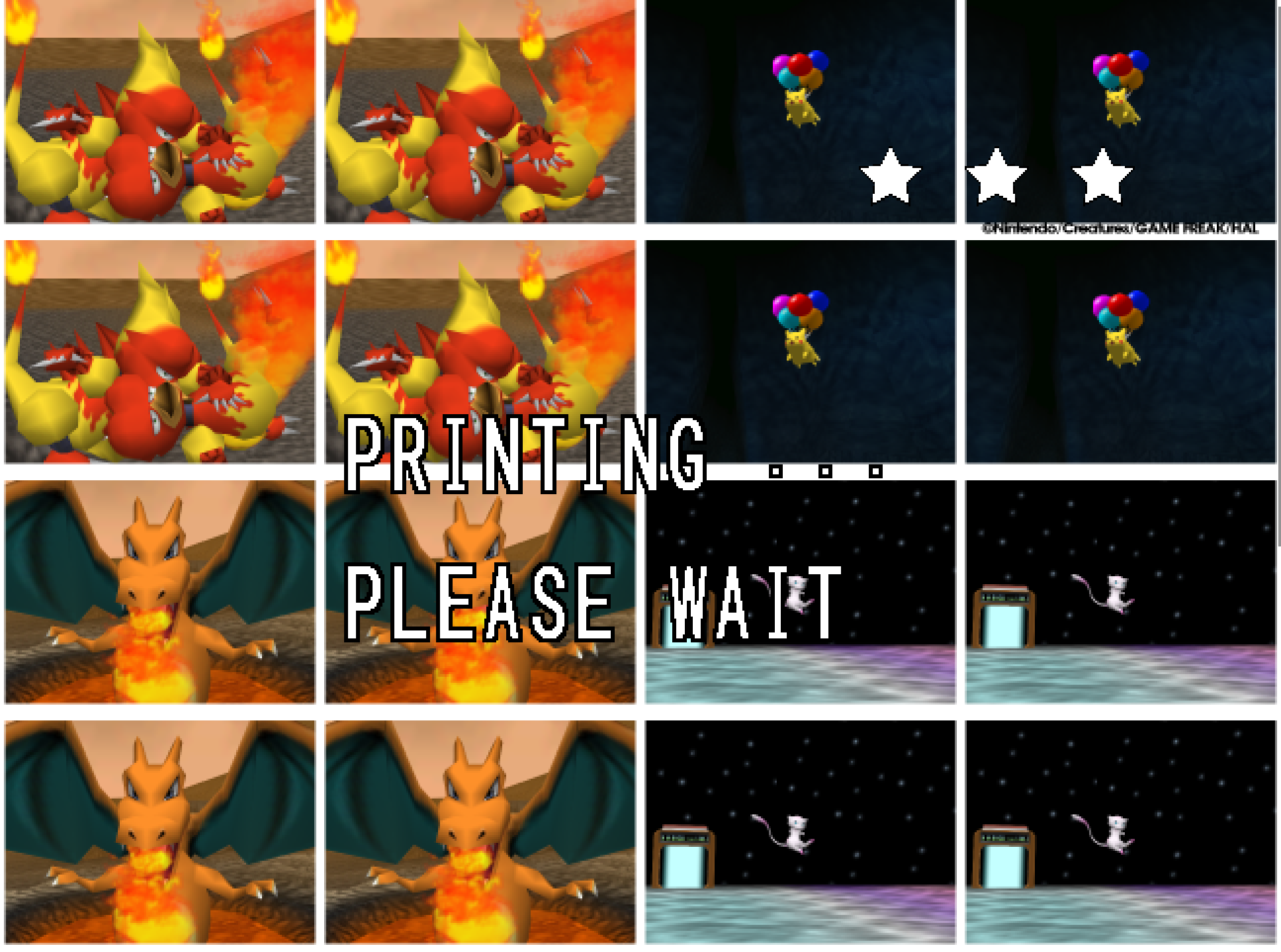
- The Snap Station: the Blockbuster kiosk's sticker printer, emulated on
controller port 4 and reached from a fifth title-menu entry. A print
gives you the sixteen-sticker sheet and the printer's own display.
First start. The executable is not signed, so Windows SmartScreen may
say "Windows protected your PC": choose "More info", then "Run anyway",
once. The first start compiles shaders and takes longer. The Snap Station's
Print restarts the program twice on purpose.
Known limitations. Some 2D content (photo panels and full-screen
backgrounds while they slide) still moves at the game's rate under
interpolation; the printer's lettering is set from a typeface of the same
construction as the original's, which no source records; keyboard bindings
are fixed; the port has been built and played on one machine only, so the
first reports from other GPUs are welcome.
Reporting a problem. Open an issue here and attach snap64.log from
the folder with the executable (and Snap64Recomp.map if the log has
[SNAP-AV] lines), your snapsettings.json, and what you were doing.
Verify the download. Snap64Recomp-1.0.0-win64.zip.sha256 holds the
archive's SHA-256; certutil -hashfile Snap64Recomp-1.0.0-win64.zip SHA256
prints yours.
Licensed under the GPLv3; third-party notices are in NOTICE.md and
licenses/. This project is not affiliated with, endorsed by or connected
to Nintendo, Creatures Inc., GAME FREAK inc., HAL Laboratory or The Pokémon
Company. Pokémon and Pokémon Snap are their trademarks.